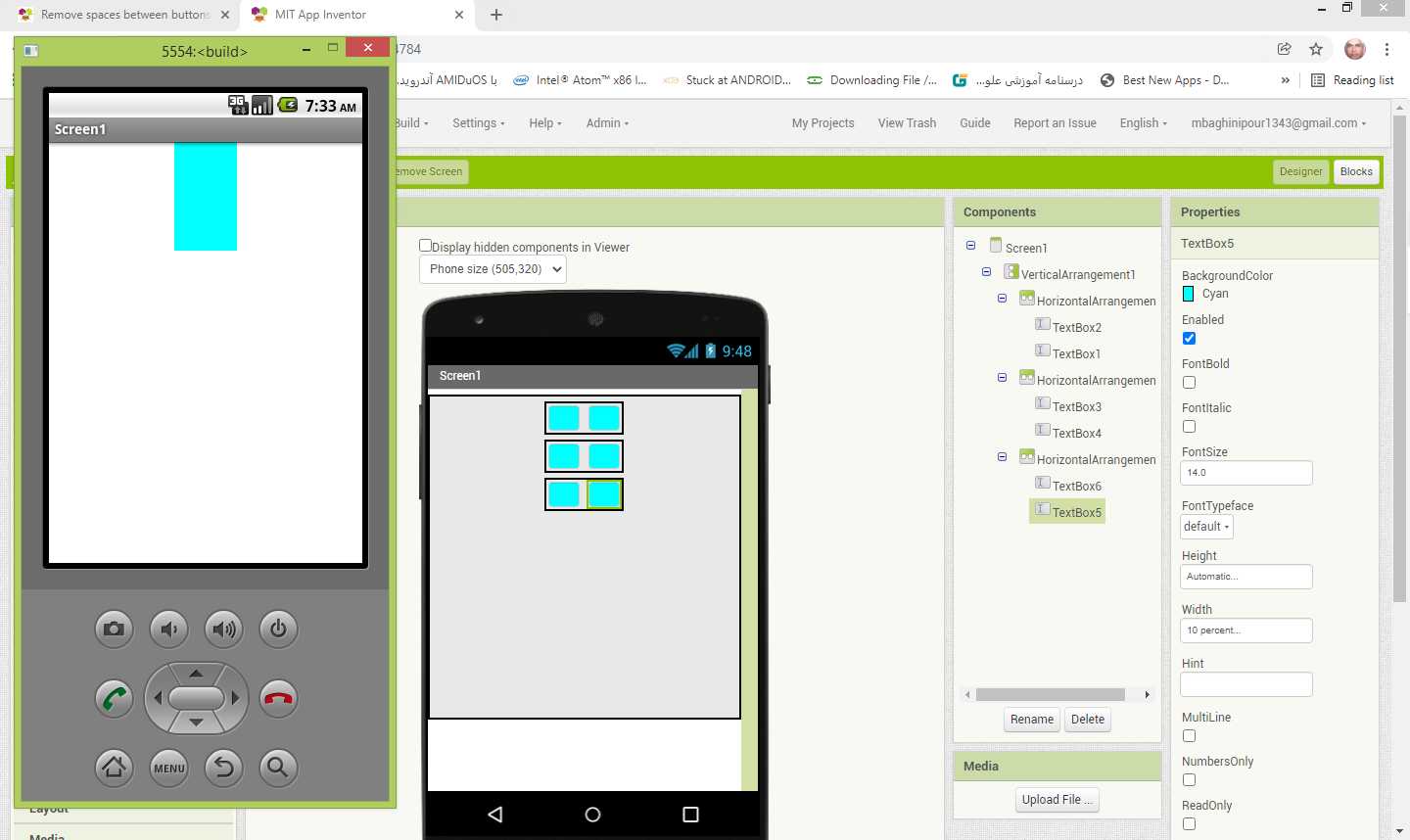
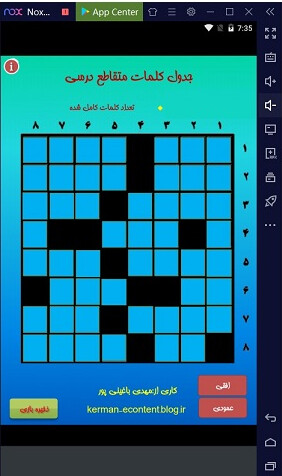
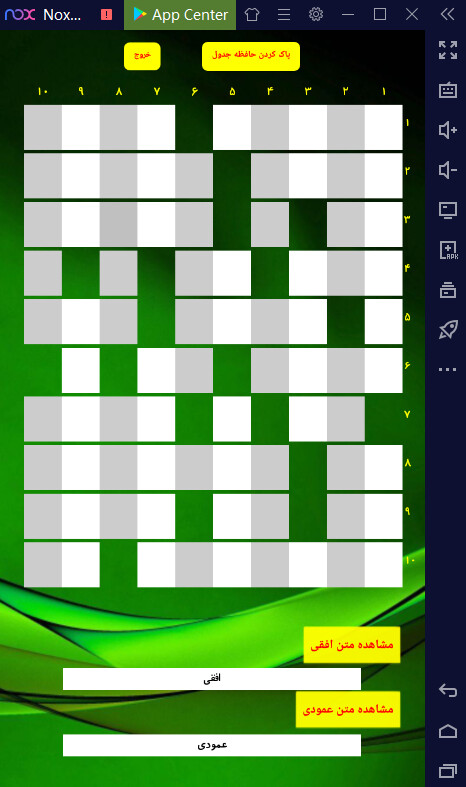
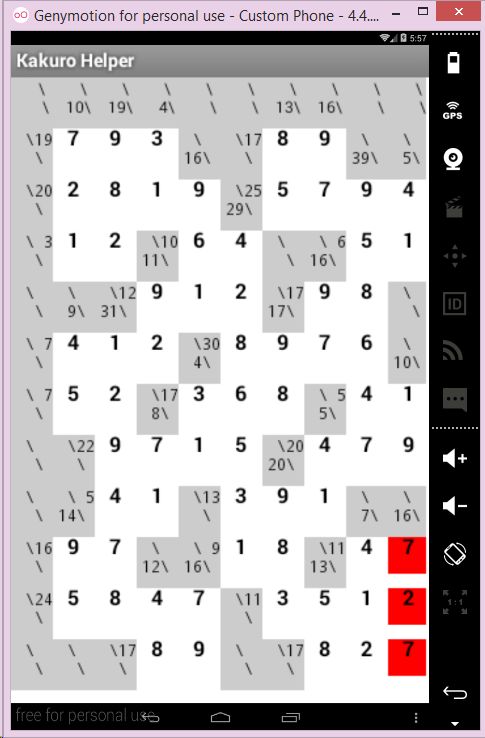
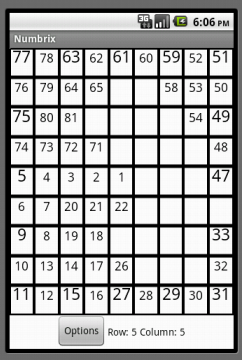
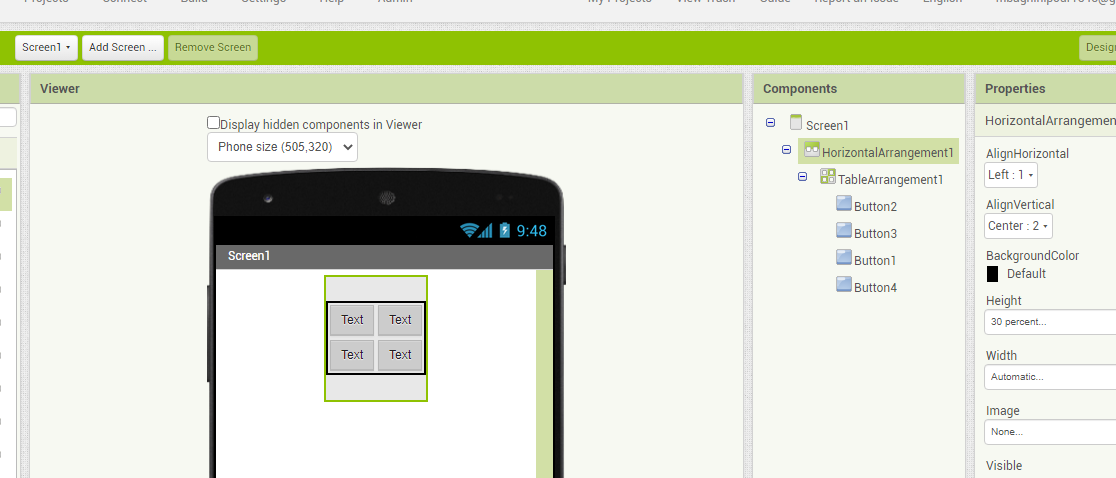
Hi ,I have many buttons on screen in horizontal or table arrangement ,but there are space between them. I want remove any space between them and any button be connect with adjacent buttons. thanks
فارسی
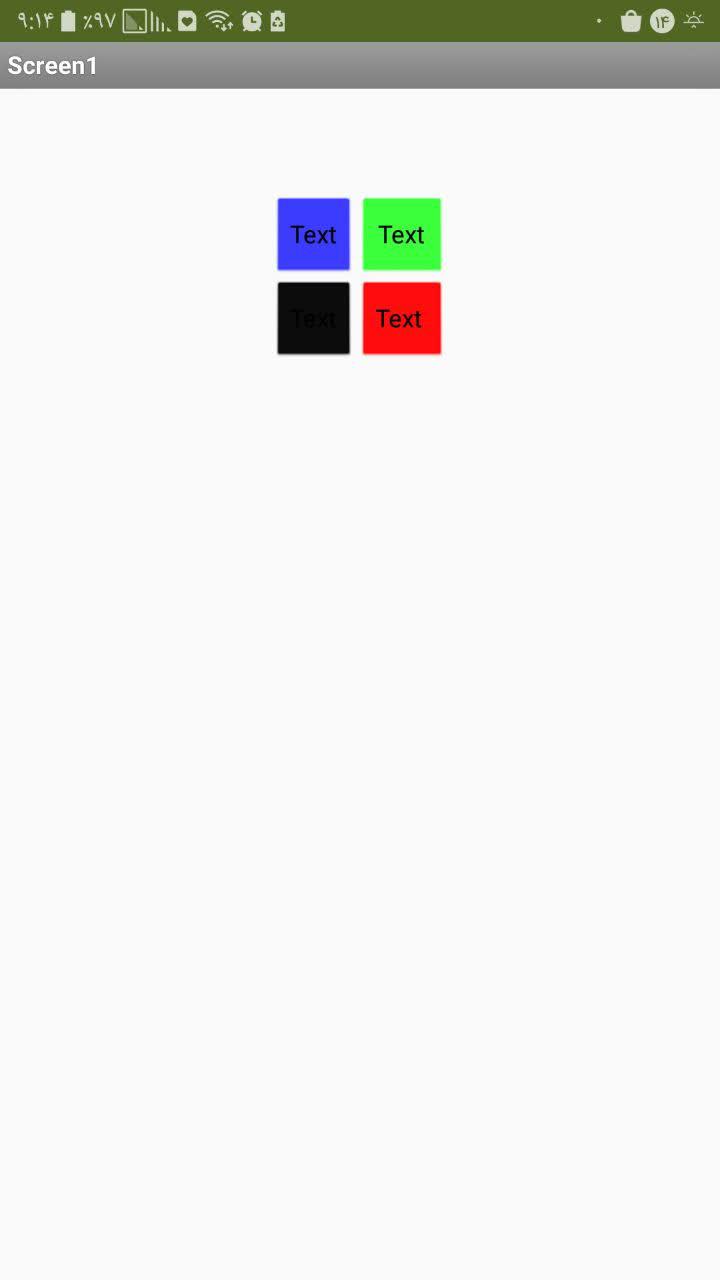
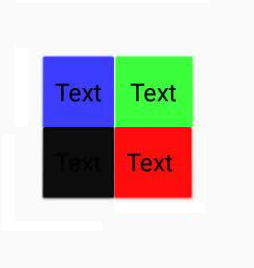
.را نگاه کنید هنوز فاصله ها وجود دارند ولی اگر برنامه را بسازید یا پیش نمایش آن را در موبایل نگاه کنید، فاصله ندارند viewer اگر همان
.هستند rectangular ها، به صورتbutton این را هم مطمئن باشید که همه ی
.کنید، می توانید از این آموزش استفاده کنید rectangular ها را یکجاbutton برای اینکه همه ی English
in the viewer part in app inventor, they still have the spaces. but if you build the app or see the preview in the companion, they don't have spaces.
also make sure all of them are rectangular.
to make all of them rectangular together, you can use this tutorial.
Hi,thanks .i want 4 TextBox in a table arrangement (2x2) and background colour are default.in this state spaces are between textBoxes but if background colour is not default ,spaces remove between Text boxes.
I'm not sure that the issue here is with the table arrangement. I think that the issue is that the default drawable for text boxes includes a padding outside of the border. When we replace the default drawable with the solid background color, this perceived spacing is lost because the invisible area is now replaced by a solid opaque color.
There's probably a way to solve this at the code level but it will take some time to think about and code a solution.
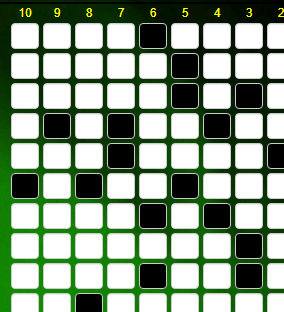
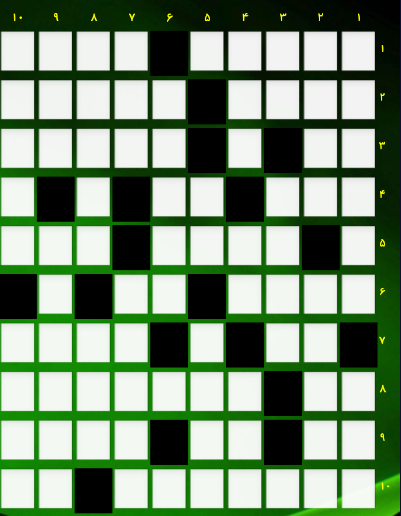
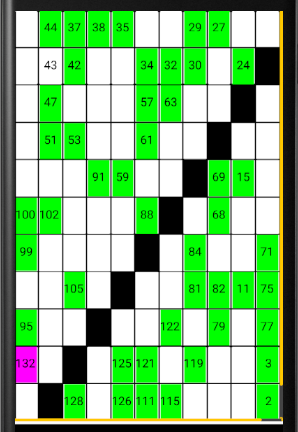
i made with app inventor and all textboxes have no default background(cross word).i want all TextBoxes same background colour but in app imventor if textboxes have default background colour them completely saperate with betweens spaces(margin ) and if have no default background colour them complete stick to each others.
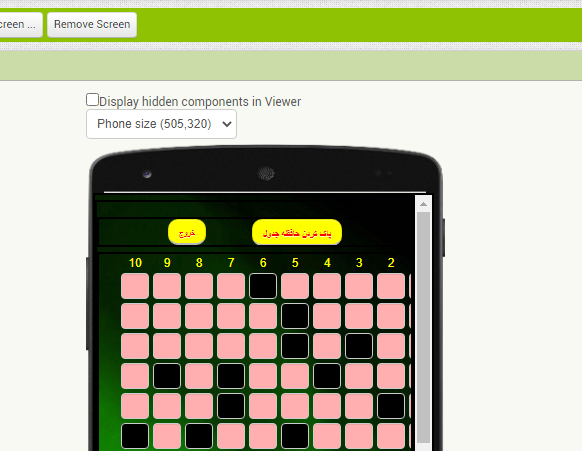
Hi thanks.I am very beginner.app inventor simmplify programming and create more rows and coloumns text boxes with code for me difficulty.The best way is to create a crossword puzzle(UI section) with a number of rows and columns without code.The construction of the crossword puzzle (Ui section)should be in the design section, not in the code(block) section.
 فارسی
فارسی 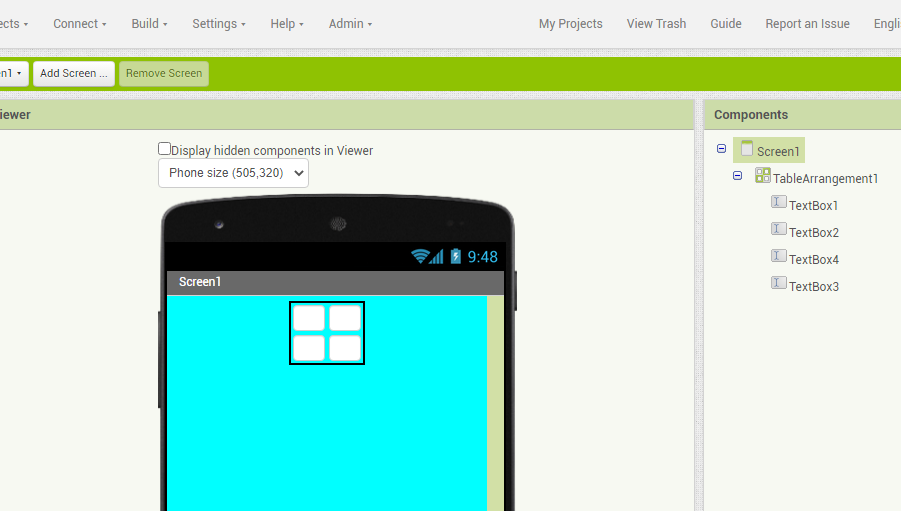
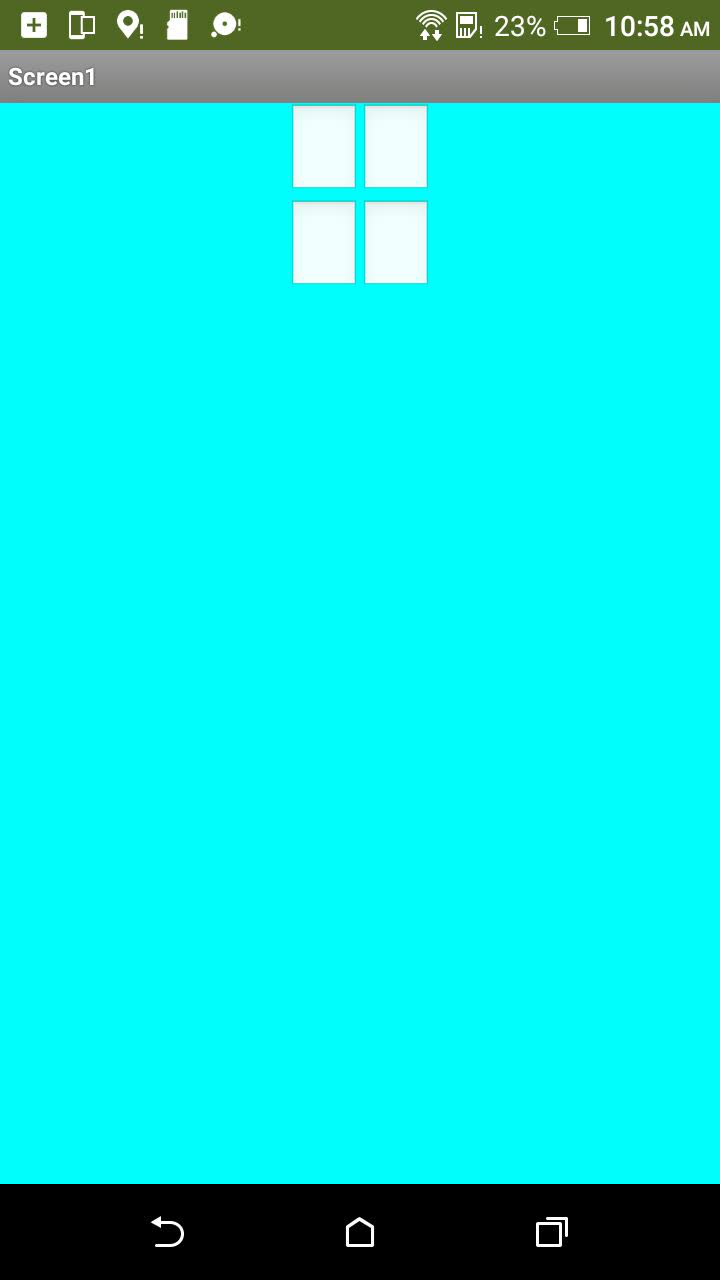
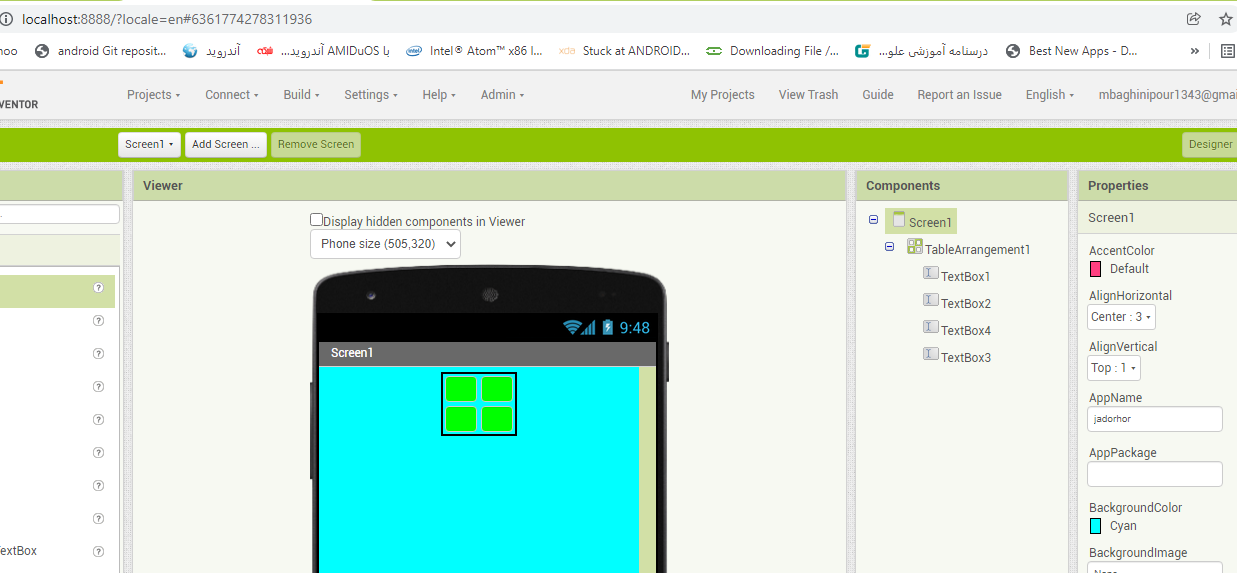
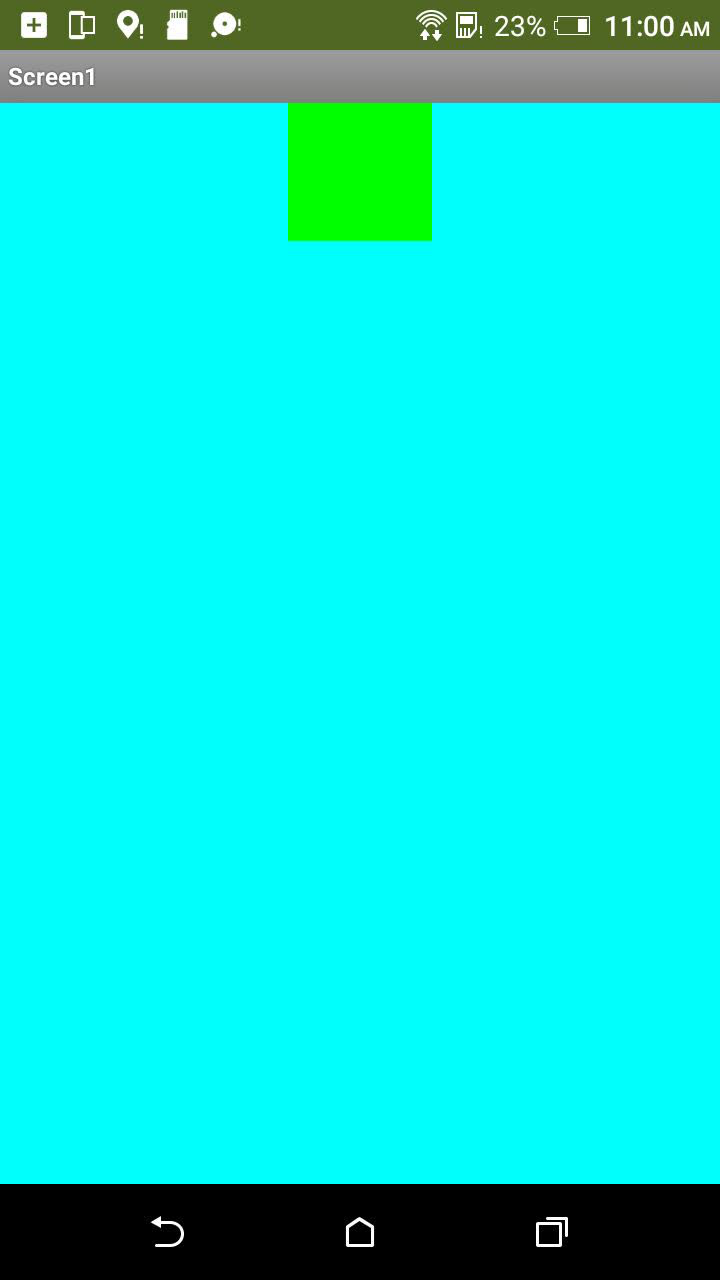
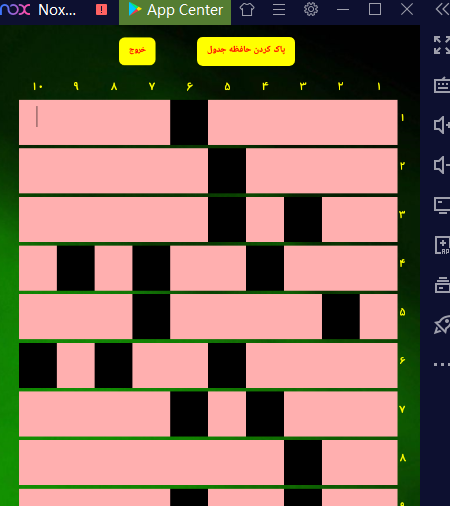
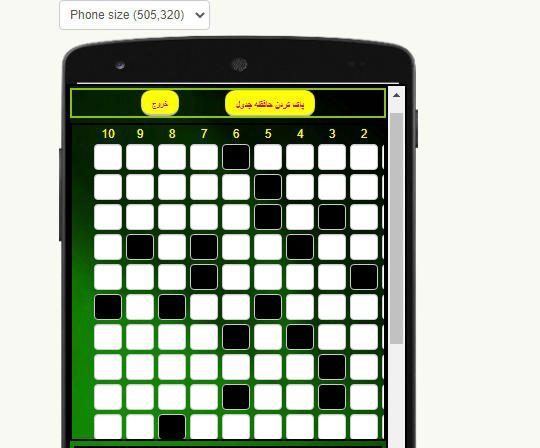
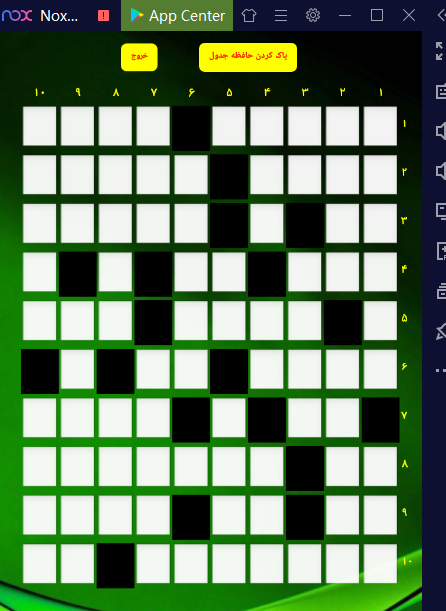
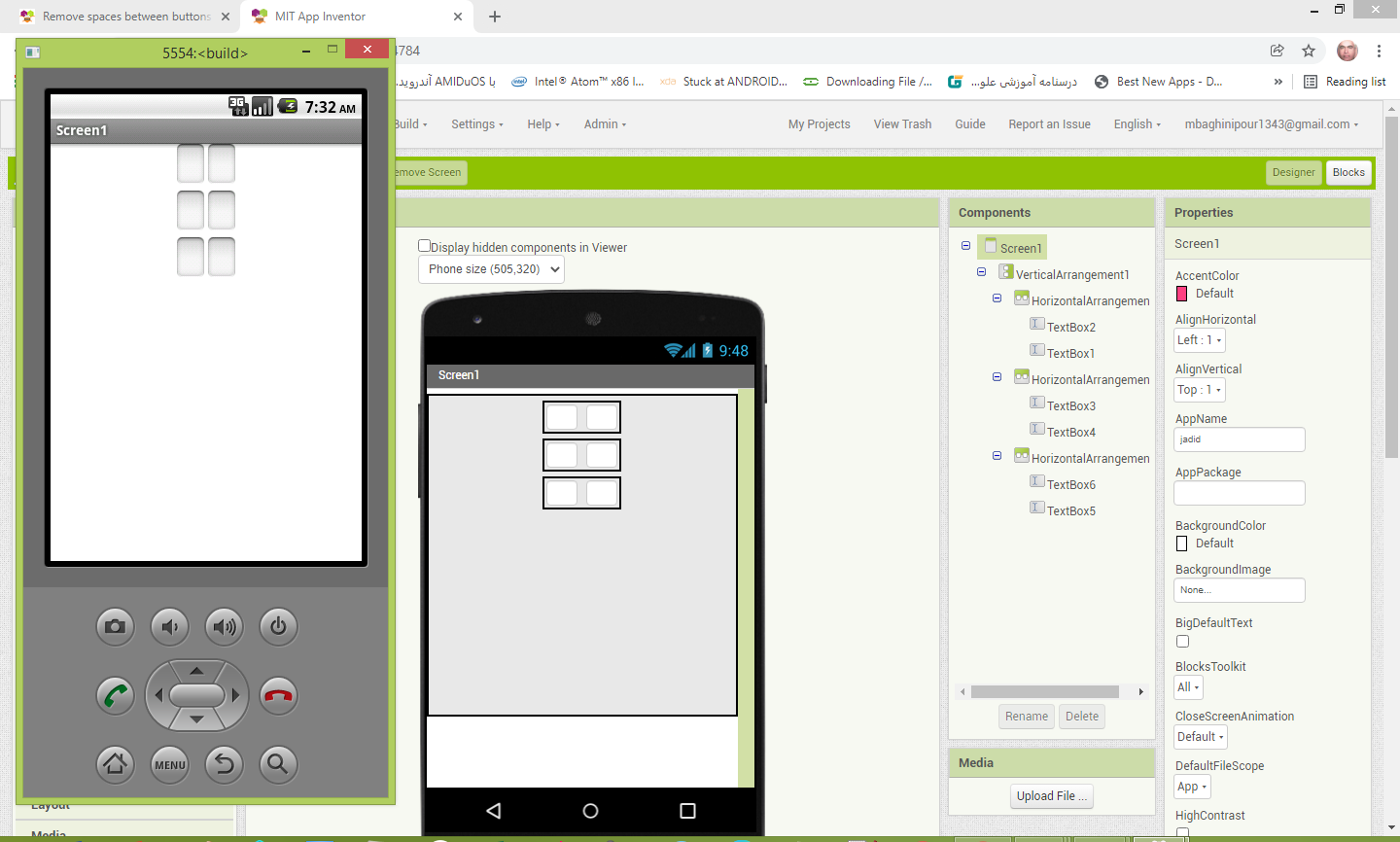
 default background colour