Yes, I trashed my blocks and I pasted the Ken's blocks
Are you using companion?
If yes, then go to Connect menu and click 'Refresh companion screen'
Wait what? you said that you were using @Ken's blocks and that has /n. You should change it to \n. Please
Yes, now I have seen that in the original block is: /n
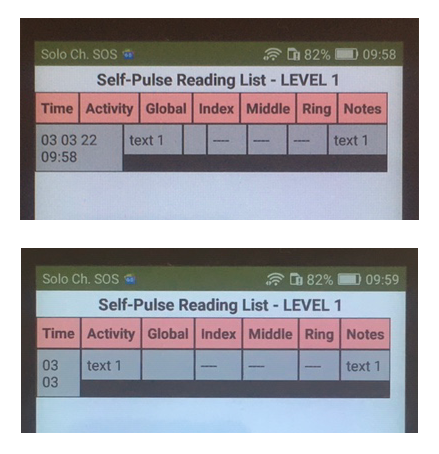
I changed all, I checked RowDelimiteer, refreshed companion, but I still have the table like in the last photo


I get the result as in the first photo
Send us the AIA file so we can analyze the problem for you
The project is in Italian, but on Screen2 where I'm trying to make the table, I changed the language to English for you. Yesterday I was all day investigating where the problem is, replacing and checking 
Nadi.aia (373.3 KB)
1 Like
Your row delimiter is empty for TableView1
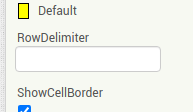
make it like this like I suggested several posts above
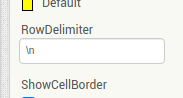
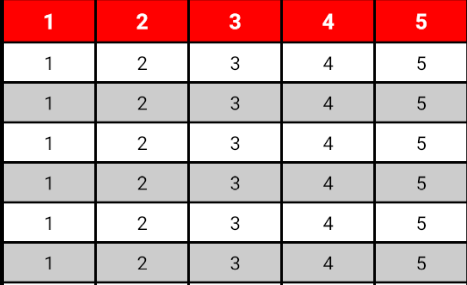
2 Likes

Alleluia! i added \n in TableView1 and everything is ok, thank you
1 Like
What's this?
...ah, it's a religious exultation, ..it's like "thanks God"
1 Like
Hi, I keep working on TableView
I need to load the data I stored on Screen1 into the table on Screen2. The problem is that the previous data is replaced instead of being added to the list. I am attaching the blocks I have done so far. What should I correct?
(...I had to use ";" as the RowDelimiter because "\n" is inside the item, so I can't use this symbol. That's ok.)
Then there is also a problem with the alignment of both the cells in the row and the columns.
Thanks for your help
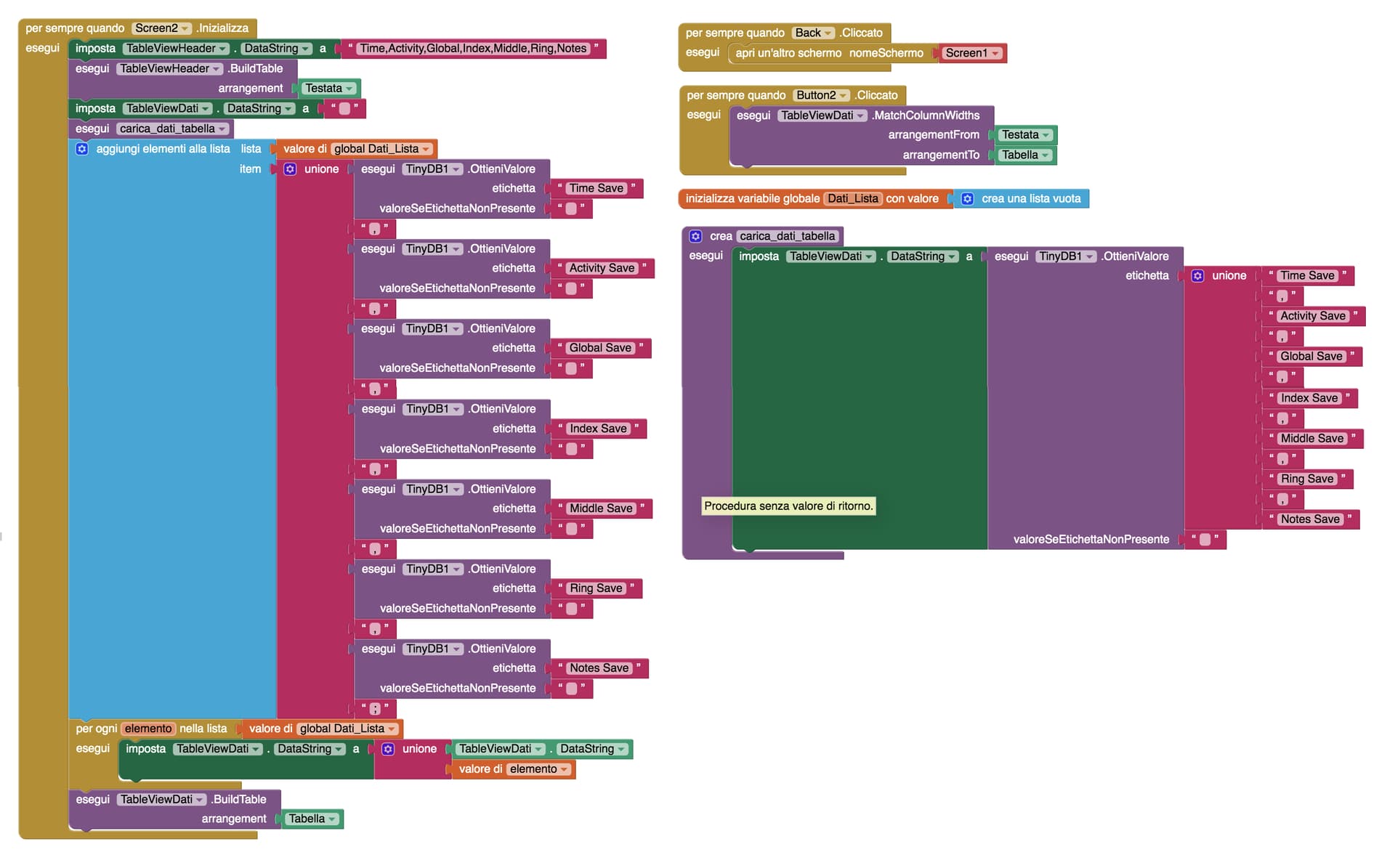
You appear to be only setting one set of data to the listview each time (the last one)
Why set the dataString three time? You only need to set it once, with all the data in your list.
Thanks, I deleted one of the dataString settings, but the other two seem indispensable. I keep changing blocks but not able to add items to the list. Maybe it will be easier if I send you my project .aia.
For alignment, this time I added a clock2 (there was conflict with the clock1 already used) and it no longer gives me the error, but still the row cells have different heights and the table column shrinks instead to make the head column widen to fit it.
Nadi.aia (343.5 KB)
I will take a look when I get a moment - later today.
Something odd going on with the tableview, working on it.
Yes, when I built TableView in screen1 (on the same page as the "save" button) it was adding items to the list without problems, with that setting of blocks you see. Instead, switching from one screen to another no longer does so.
OK, here is the best i can do with what you have, The tableview problem was with the colours - Default = BLACK, not Grey.
I have made quite a few changes, switching from text to lists, and removing components and blocks you did not need.
Nadi_revised.aia (341.1 KB)
Thanks a lot, I'll have a good look at it tomorrow
I'll also need to fix the width of the two columns: "Activity" and "Notes", because the text that goes there can vary in length, so the table doesn't get too wide. It's possible?