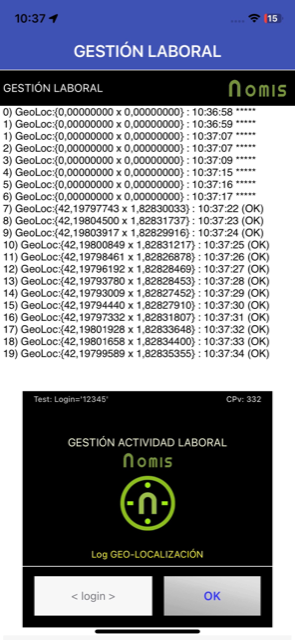
I have detected that the LocationSensor in iOS always returns inmediatly at begin the app the “last “cache” coordenades* and I can not know if they are the right new coordenades or other old coordenates of the iOS cache sensor. At the end, I have not found any parameter when we can know that we have the right new coordenades and not the wrong cache coordenades. I have tested all the location sensor parameters without success.
Anybody know can I manage this situation?
@ewpatton Would be possible to receive the TimeStamp iOS Location or the CoreLocation? Or clean the “cache” coordenades when the App starts or better when we active the SensorAvailable=true?
@ewpatton My questions to identify and help this issue are:
Does the iOS component forward the first CLLocation it receives from Core Location without filtering it?
Is the CLLocation timestamp available internally but not exposed in AI2?
Would it be possible to add a LocationTimestamp or LocationAge property to the LocationSensor?
Is there a reason why requestLocation() or some filter isn't used to discard old positions when the app starts? (if the current implementation allows it).
So long as the first CLLocation received is valid, we pass it along yes. At that point, we store it internally and check future CLLocation updates against it in time and distance per how the corresponding properties are set on the component.
Yes.
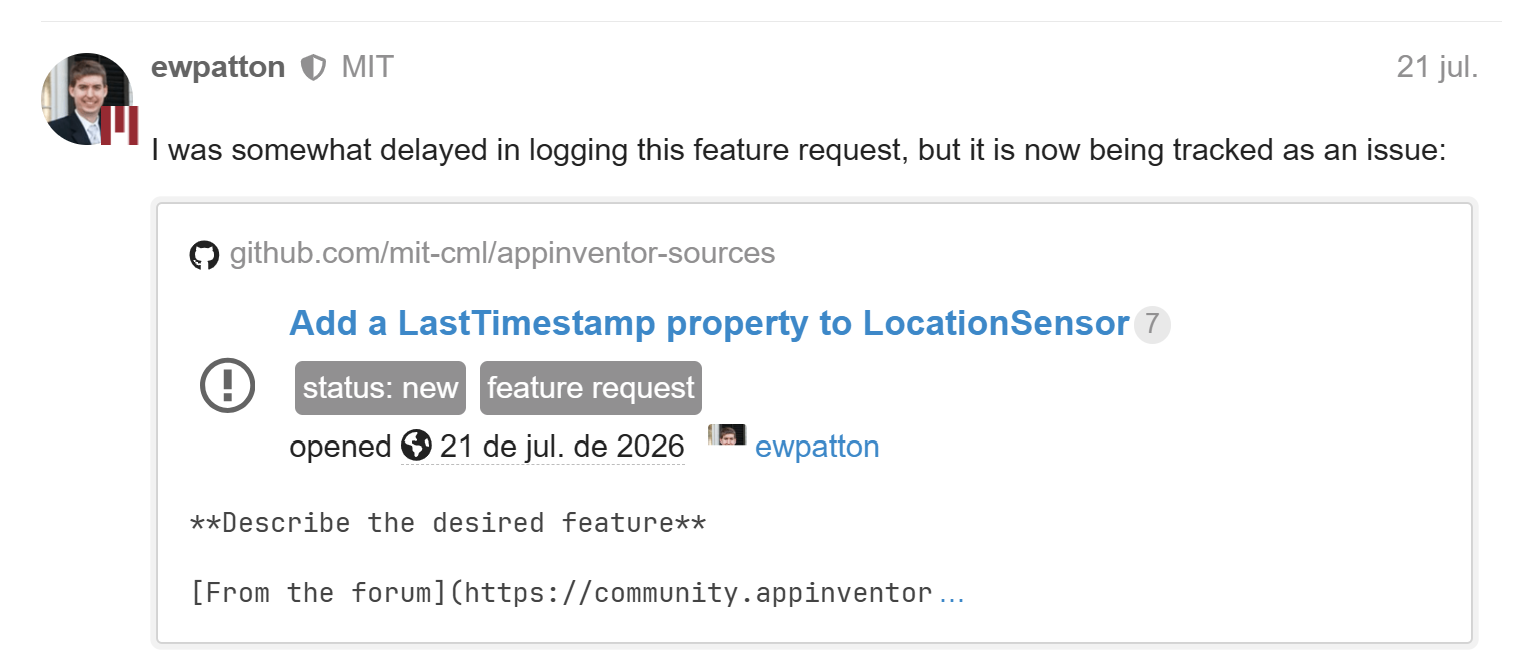
It's something we could probably consider. I will log a feature request for it.
If the OS is reporting it as valid, I don't see a reason to not pass it through. For example, when I come into the office, my location doesn't really change from 9am to 5pm, so a location sample take just before I walk into the office is still valid and it saves battery life not having to listen to GPS all the time. Whether a sample is stale will depend a lot on user behavior and the needs of the application.
The problem is that we are out of the office whith the app closed when we open other time the app in other place than we receive directly as location the prior office location (and this prior location is not right now).
In the LocationSensor designer, you can set the TimeInterval parameter to "on change (0 ms)," but the help documentation doesn't explain how the LocationSensor operates in this mode. Does anyone know how this "on change" setting works?
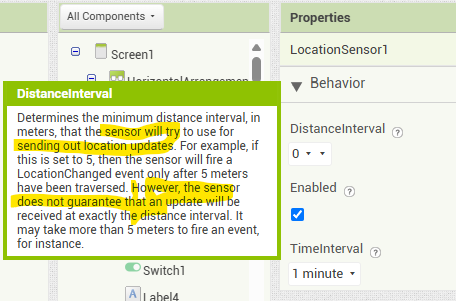
DistanceInterval
Determines the minimum distance interval, in meters, that the sensor will try to use for sending out location updates. For example, if this is set to 50, then the sensor will fire a LocationChanged event only after 50 meters have been traversed. However, the sensor does not guarantee that an update will be received at exactly the distance interval. It may take more than 5 meters to fire an event, for instance.
It is also useful to check against Accuracy when using this property. When your device is moving, the accuracy of the detected location is constantly changing.
The LocationChanged event triggers automatically when an Android device's location sensor detects a new GPS or network reading or when the device moves past a set distance interval
How LocationChanged Works
Triggers: It fires when the sensor gets its first fix or when coordinates change based on your configuration.
Time Interval: Sets the minimum time (in milliseconds) between checks.
Distance Interval: Sets the minimum distance (in meters) the device must move before firing the event.
Limitations: Indoor use or weak satellite reception can delay or stop the event from firing.
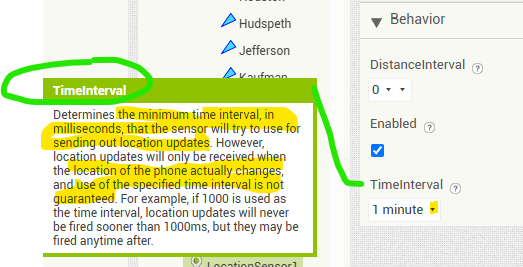
TimeInterval
Determines the minimum time interval, in milliseconds, that the sensor will try to use for sending out location updates. However, location updates will only be received when the location of the phone actually changes, and use of the specified time interval is not guaranteed. For example, if 30000 is used as the time interval, location updates will never be fired sooner than 30000ms, but they may be fired anytime after.
Values smaller than 30000ms (30 seconds) are not practical for most devices. Small values may drain battery and overwork the GPS.
Don't remember but think setting 0 seconds fires whenever Android will let it but don't remember; it has been a long time since I experimented with that. battery and Android gps receiver will get HOT soon.
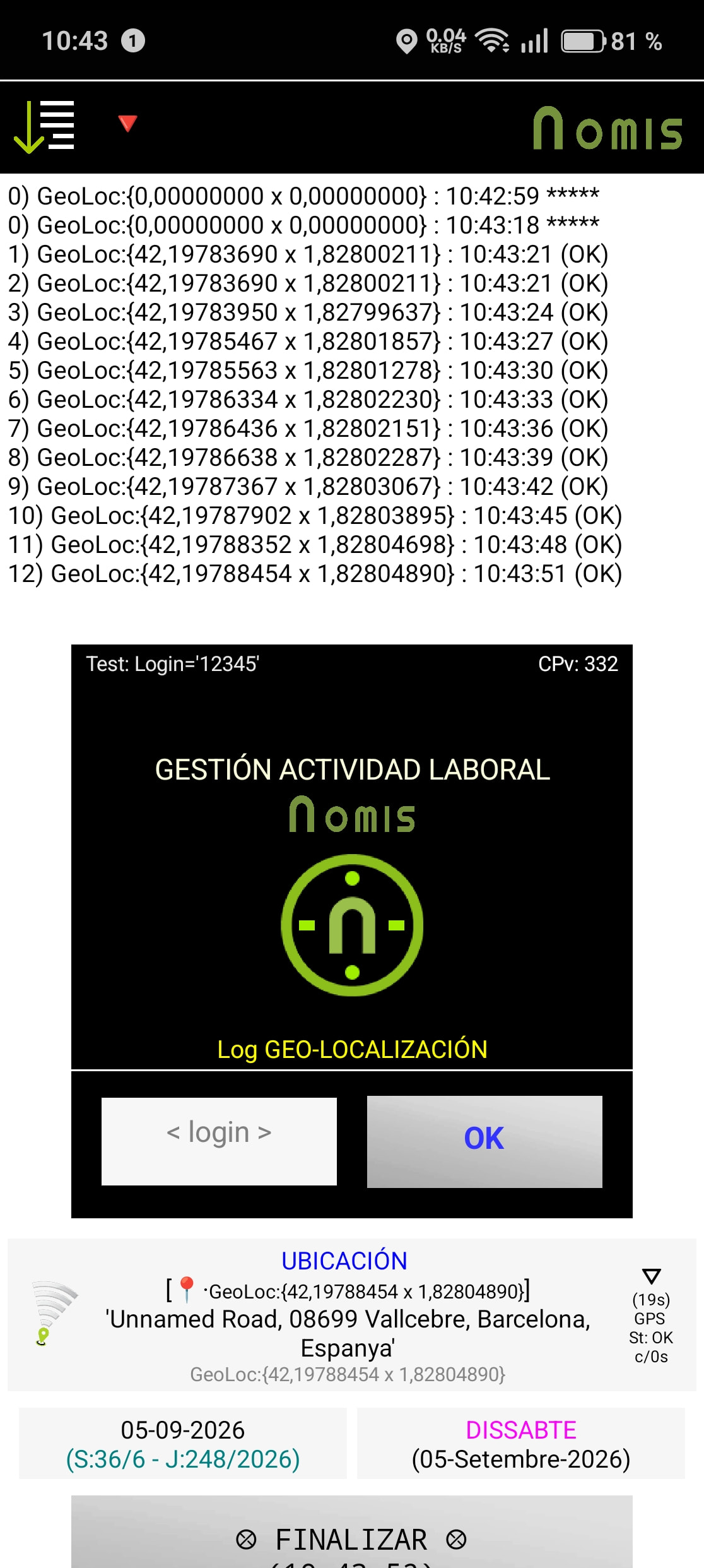
I am testing (iOS and Android devices) the Location Sensor with the TimerInterval set to 1 s = 1000 ms, and so far, everything is working well. I even managed to implement a workaround on iOS to handle the initial coordinate caching. The sensor performs well in all scenarios, and battery life isn't affected because this process takes less than two minutes in total within my app.
I have do more test. I report here my experience only to help. My app needs only a few minutes to use the LocationsSensor (for this reason the batery live is not a problem for me)
The best parameters for my App (android and iOS) are:
1-Sensor TimerInterval = 0 ms
2-Sensor Location Distance = 0 m
3-Only Android: Provider Name = ‘GPS’ and ProviederLocked = true
4-The trace show that the iOS returns always Coordenates (included (0,0))). Android only return (0,0) coordenates in the start sensor and only when it have coordenates not null.
5-The first coordenates not NULL are ‘cache’ (better to ingnore it)