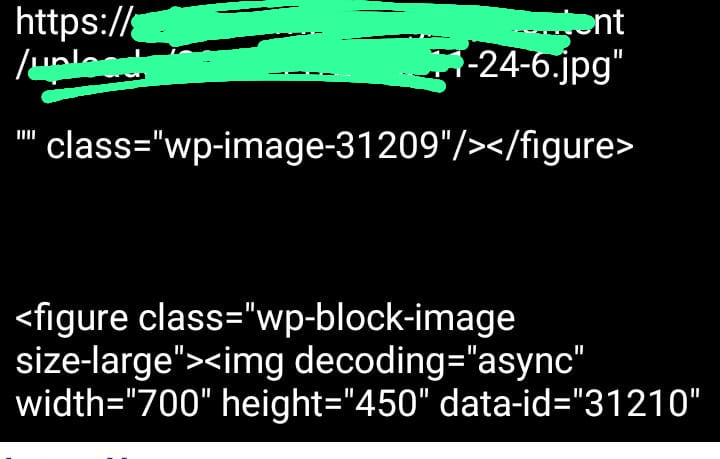
i am succeded to put a html content in a list view elements -- all i want is to get apiece of string starting with src and ending with " ----- <h2> </h2> and <h3></h3> and finally ending with <figure src=" " ></figure > is ended and the second element like first element starting with h2 and ending with figure all i wanted is to get src in figure in each element to be shown in a new list view
i want to view a list of src from this list view elements
TIMAI2
January 2, 2026, 3:39pm
2
From what you show it seems to be working. What are you expecting ? To see the actual image, to see the rendered html ?
first element in list view elements
<h2>first </h2>
<h3>second</h3>
<figure class="" ><img srcsrc="https://website1.com "> </figure>
and second element
<h2>third</h2>
<h3>fourth</h3>
<figure class="" ><img src="https://website2.com "> </figure>
all i want is to extract the src from this element
https://website1.com https://website2.com
note that i have more than 10 elements i cuted first two elements only
TIMAI2
January 2, 2026, 3:47pm
4
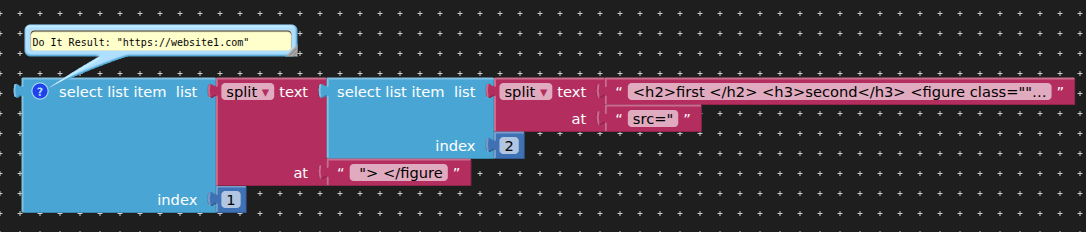
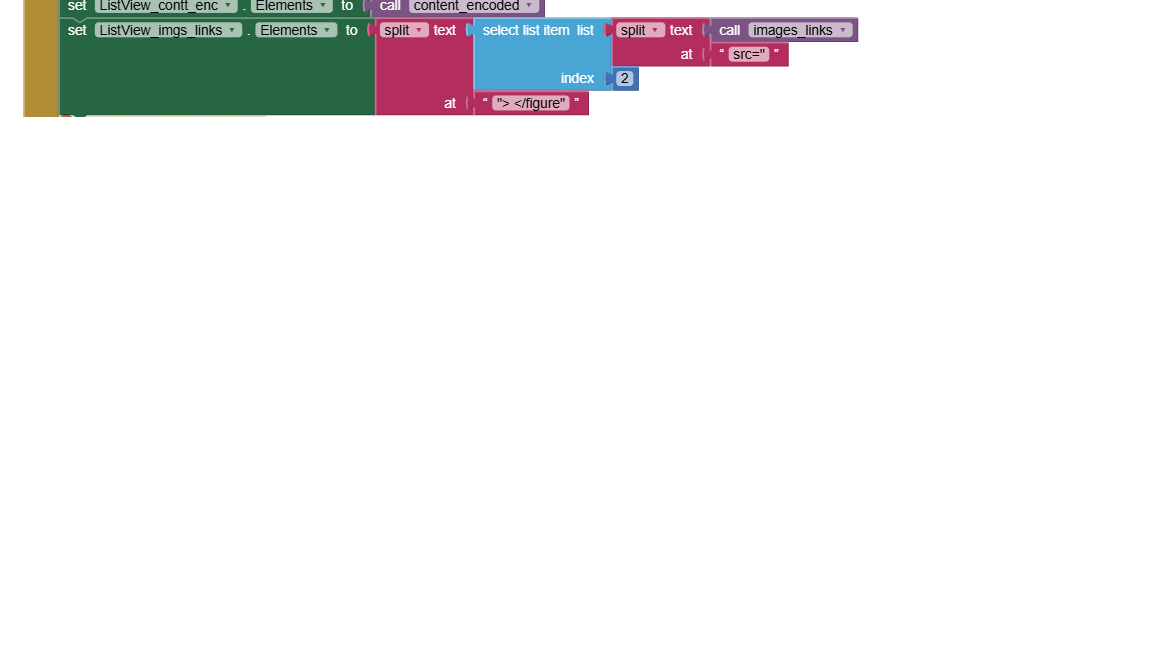
Use the split at block.
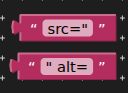
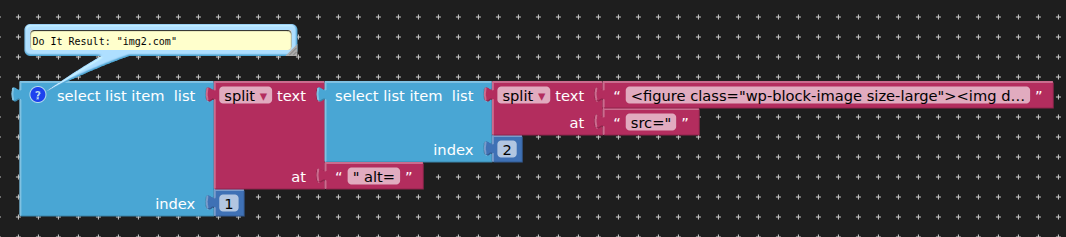
1st split at scr=", then select 2nd element from the output list
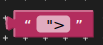
2nd split on that 2nd element "> </figure, then select the 1st element from the output list
when i used split at ... all tags shown excepting src
TIMAI2
January 2, 2026, 3:52pm
6
This might enough for the second split:
1 Like
Naannncccyy:
srcsrc
thank you but sorry my figure code is that i missed some things :
<figure class="wp-block-gallery has-nested-images columns-default is-cropped wp-block-gallery-2 is-layout-flex wp-block-gallery-is-layout-flex">
<figure class="wp-block-image size-large">
<img decoding="async" width="700" height="450" data-id="31206" src="https://img1.com"
alt="" class="wp-image-31206"/></figure>


<figure class="wp-block-image size-large"><img decoding="async" width="700" height="450" data-id="31205" src="img2.com" alt="" class="wp-image-31205"/></figure>


<figure class="wp-block-image size-large"><img decoding="async" width="700" height="450" data-id="31204" src="img3.com" alt="" class="wp-image-31204"/></figure>


<figure class="wp-block-image size-large"><img decoding="async" width="700" height="450" data-id="31203" src="img4.com" alt="" class="wp-image-31203"/></figure>


<figure class="wp-block-image size-large"><img decoding="async" width="700" height="450" data-id="31202" src="img5.com" alt="" class="wp-image-31202"/></figure>


<figure class="wp-block-image size-large"><img decoding="async" width="755" height="425" data-id="31194" src="img6.com" alt="" class="wp-image-31194"/></figure>
</figure>
or that :
<figure class="wp-block-gallery has-nested-images columns-default is-cropped wp-block-gallery-1 is-layout-flex wp-block-gallery-is-layout-flex">
<figure class="wp-block-image size-large"><img fetchpriority="high" decoding="async" width="700" height="450" data-id="31209" src="img1.com" alt="" class="wp-image-31209"/></figure>


<figure class="wp-block-image size-large"><img decoding="async" width="700" height="450" data-id="31210" src="img2.com" alt="" class="wp-image-31210"/></figure>
</figure>
output:img1.com img2.com
i made that but it didn`t success can you give me all blocks plz ?
TIMAI2
January 2, 2026, 4:14pm
11
Here is one of your examples
<figure class="wp-block-image size-large"><img decoding="async" width="700" height="450" data-id="31210" src="img2.com" alt="" class="wp-image-31210"/></figure>
Blocks
no it shows at the begging the link but it ends with data id
i want to make code to get all elements of src
TIMAI2
January 2, 2026, 5:01pm
15
You show a different "html code" each time. You need to be consistent, and ensure that the text elements you want to split by are unique and at the beginning and end of the url. The first split does seem to be consistent - src=", but if the required text split at the end of the url is not always the same - "> alt or "> class, then you will need to test the html code for a unique text before applying the required splits to it.
okay sorry for that conflict ,, but my idea doesn`t enouph ,, so i will explain it written then with code i have and the wanted out put
the listview first element :
<h2>first </h2>
<h3>second</h3>

<figure class="wp-block-gallery has-nested-images columns-default is-cropped wp-block-gallery-1 is-layout-flex wp-block-gallery-is-layout-flex">
<figure class="wp-block-image size-large"><img fetchpriority="high" decoding="async" width="700" height="450" data-id="31209" **src**="img1.com" alt="" class="wp-image-31209"/></figure>

<figure class="wp-block-image size-large"><img decoding="async" width="700" height="450" data-id="31210" **src**="img2.com" alt="" class="wp-image-31210"/></figure>
</figure>
the second element is like first element and i have 10 elements in listview
the output i want is to be in list view seperating imgs by , :
img1.com ,img2.com -- in element 1img3.com ,img4.com --- in element 2
i am sorry but this code i have exam and you really help me
i wanted to make that bold text but it doesn`t appear bold
TIMAI2
January 2, 2026, 5:49pm
19
The asterisks are not part of your html code then ?
yes the src is only src without any asterisks
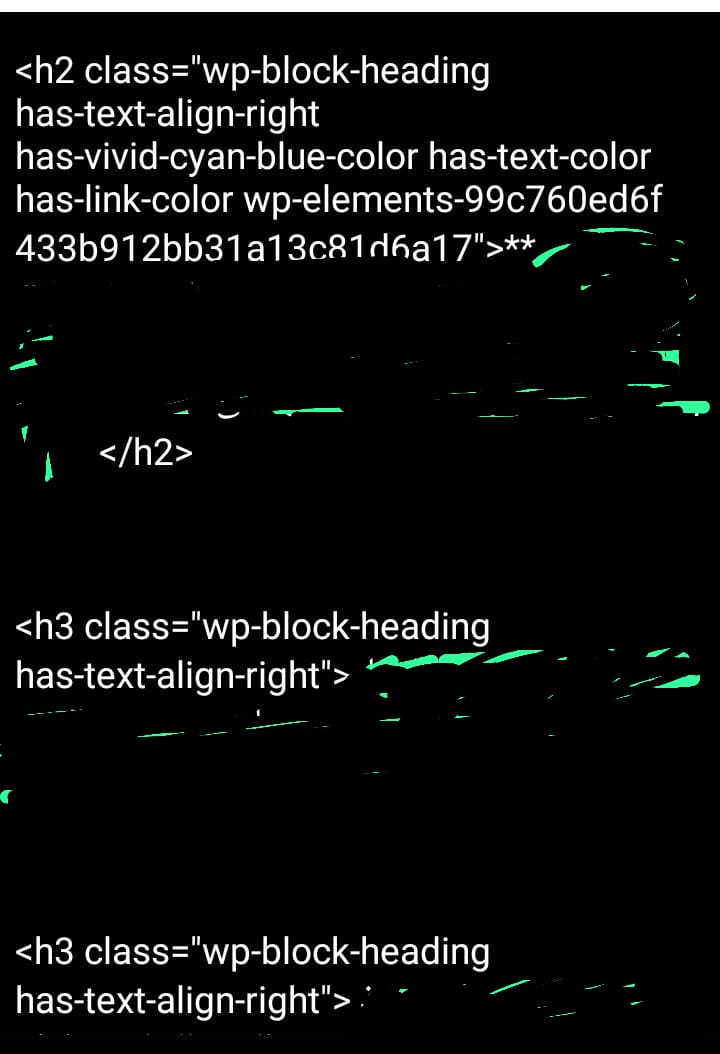
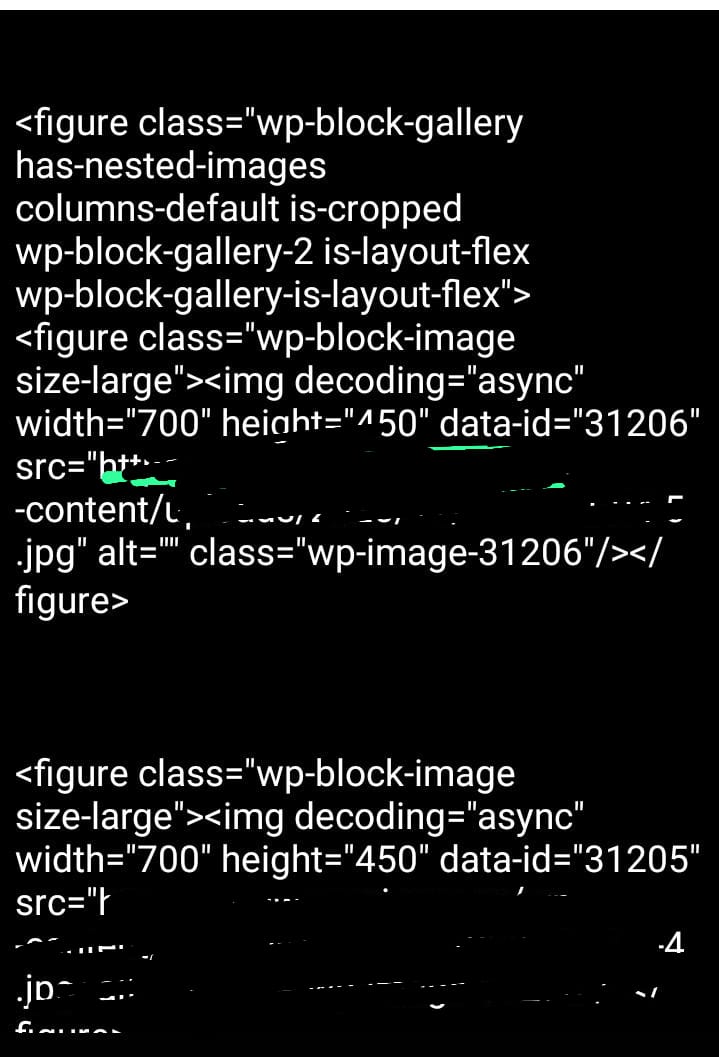

 i only want src