🧩 XYTouchView
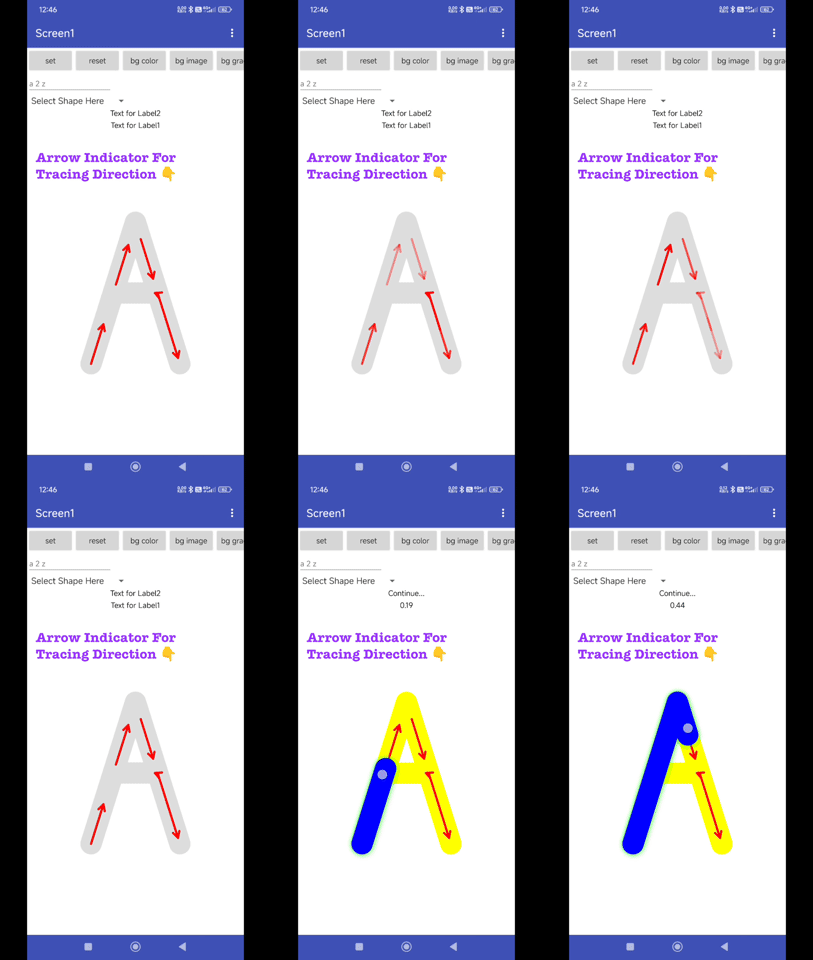
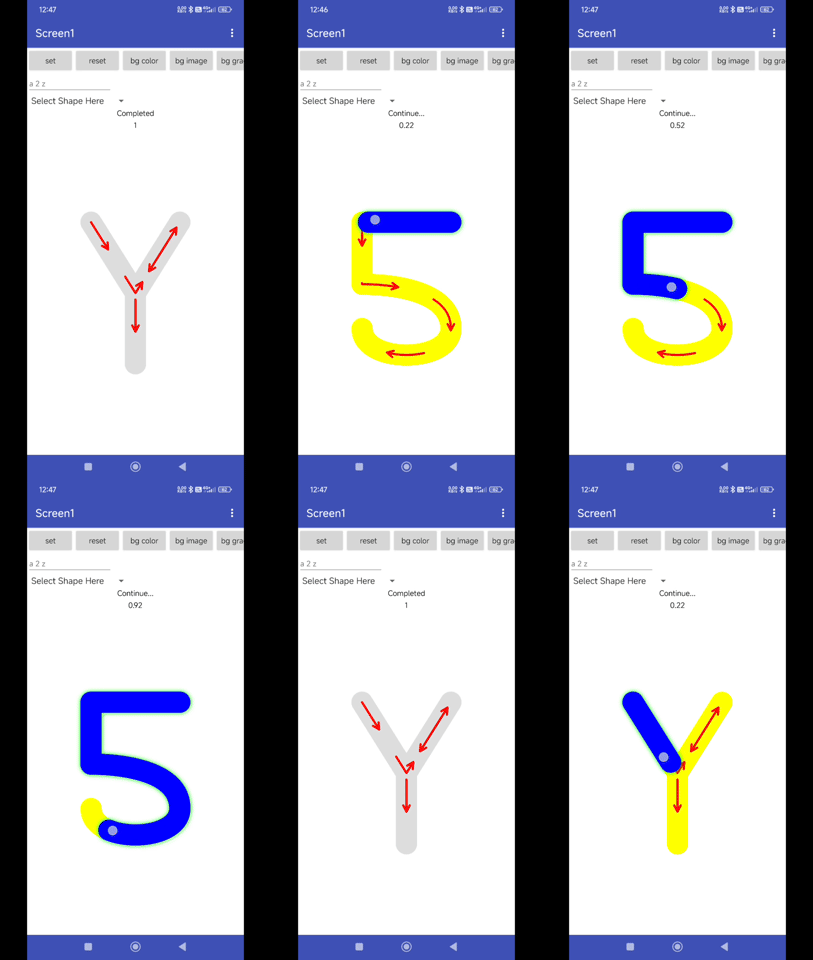
An extension for MIT App Inventor 2.Allows you to create interactive, traceable path animations. It supports SVG paths, built-in shapes, character tracing (A-Z, 0-9), and advanced visual effects like neon glows and arrow hints. Developed by TechHamara using Fast.
Find More Extension
Terms & Conditions
Find More On BuyMeCoffee Page
 Specifications
 Package: io.th.xytouchview
 Size: 43.40 KB
 Version: 1.0
 Minimum API Level: 21
 Updated On: 2026-01-24T18:30:00Z
 Built & documented using: FAST v2.8.4
 Library Used Thanks you Aghajari for your TouchView library.
 Price 4USD Buy here BuyMeCoffee
Find More info on GitHub
Demo
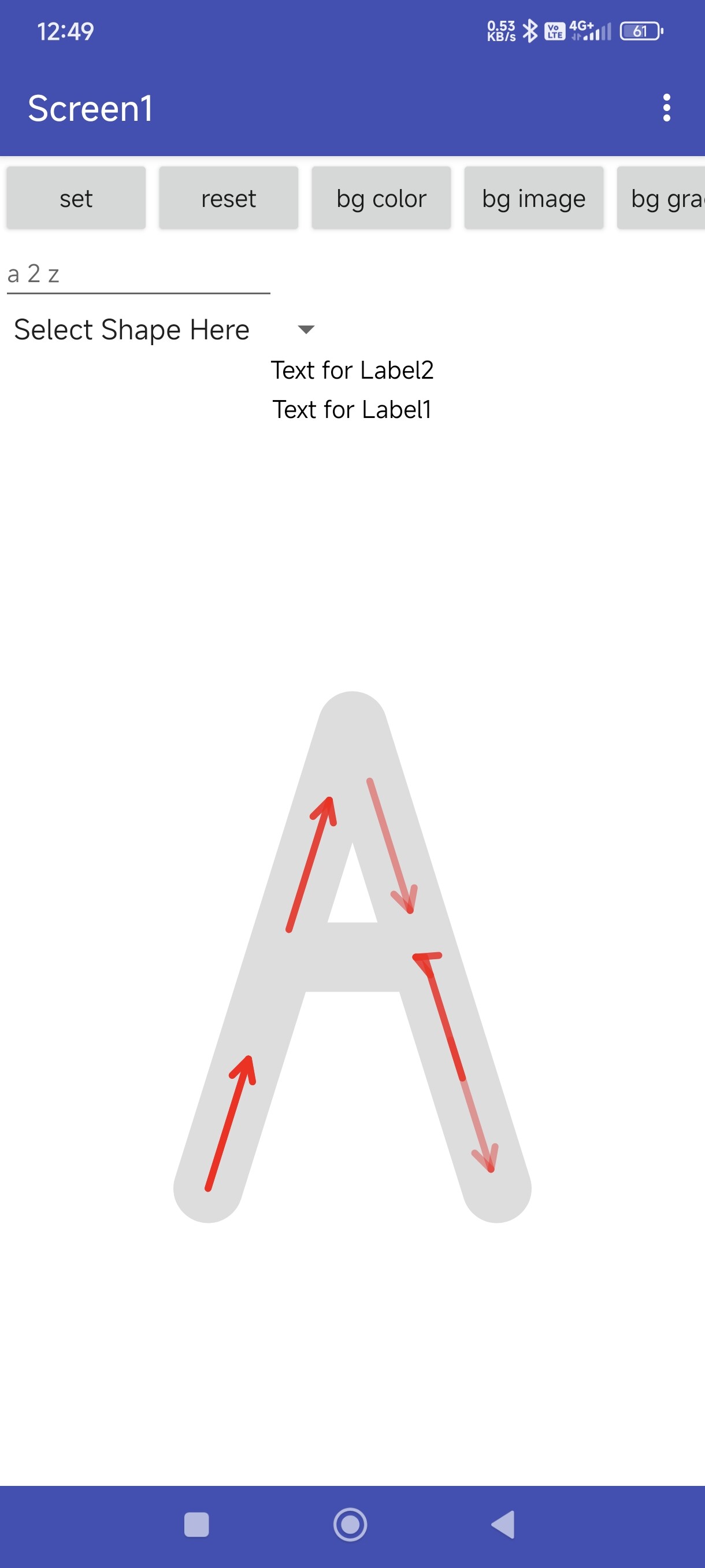
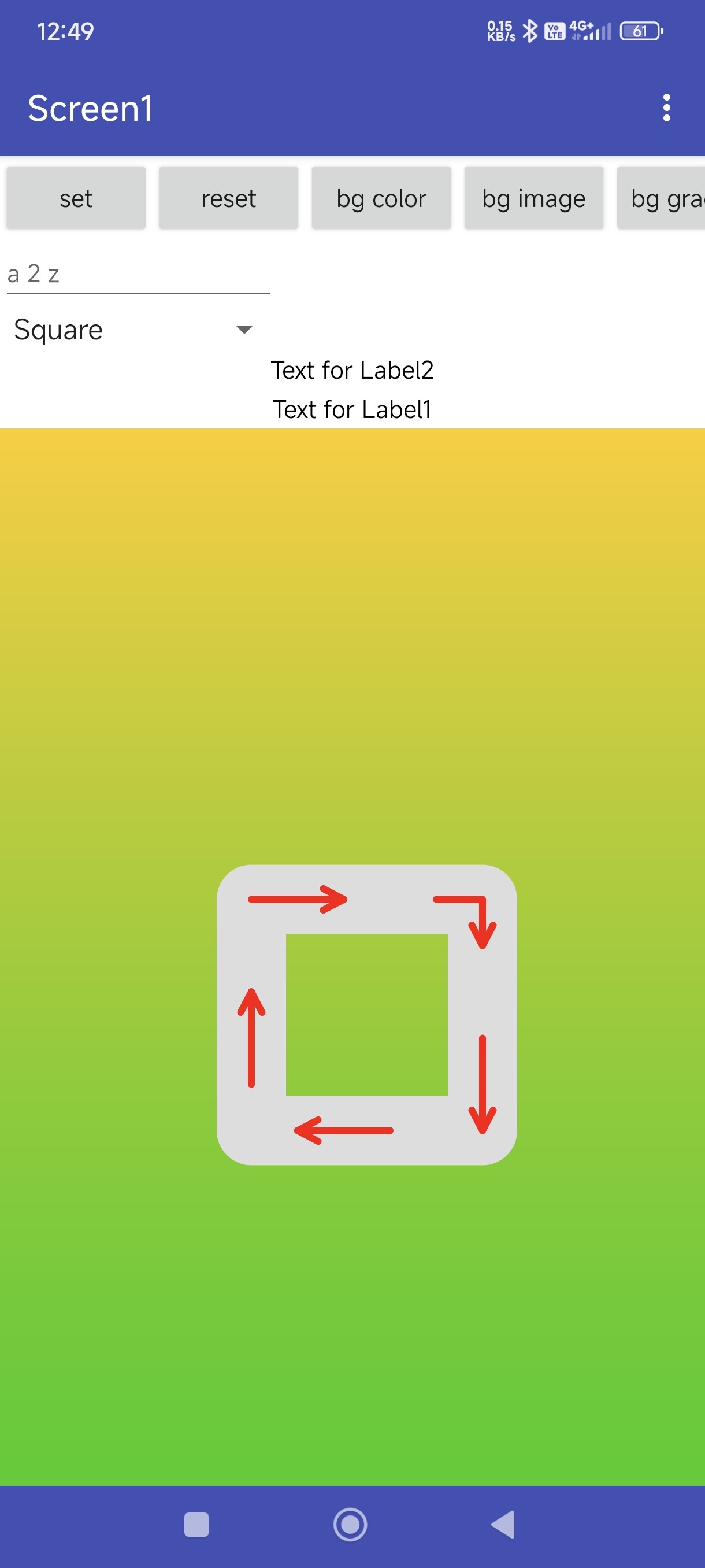
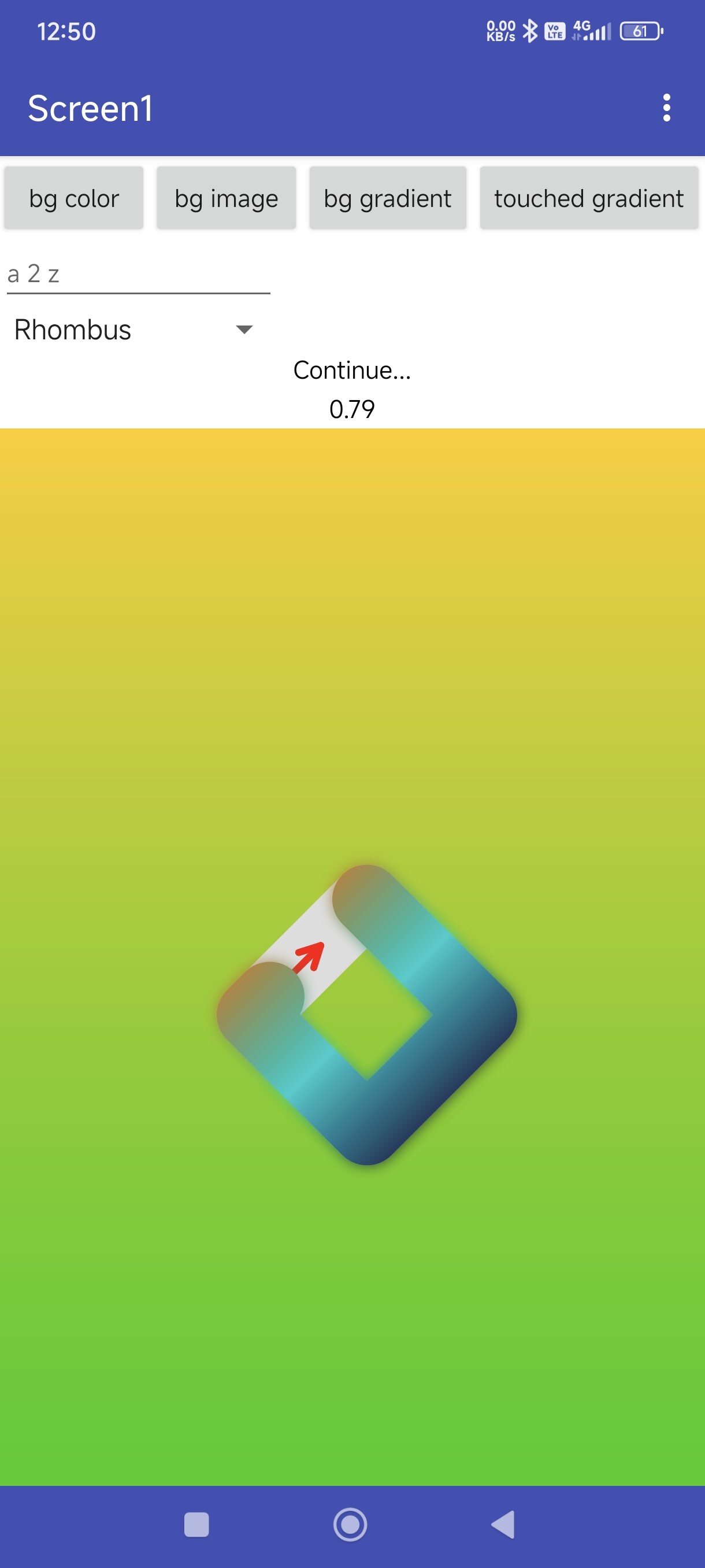
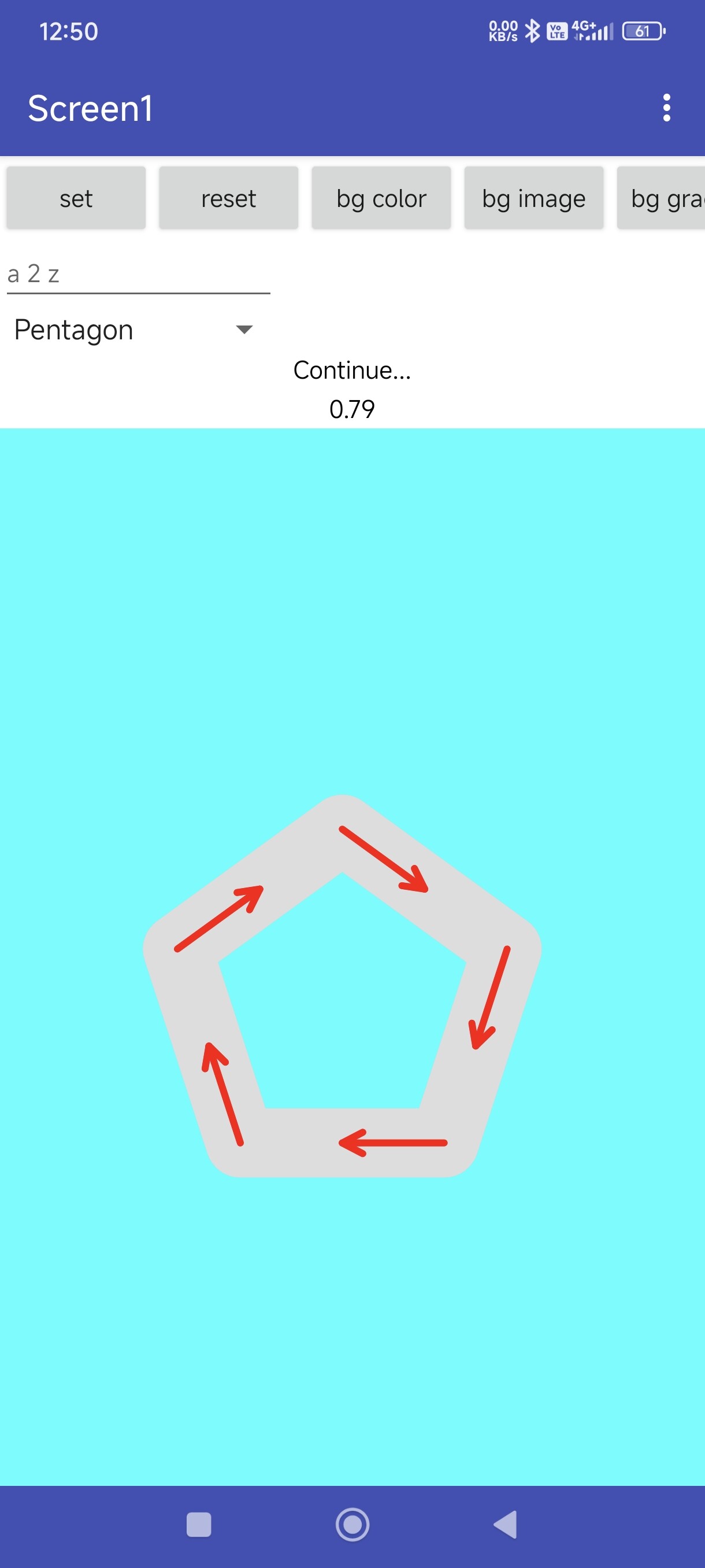
Arrow Indicator
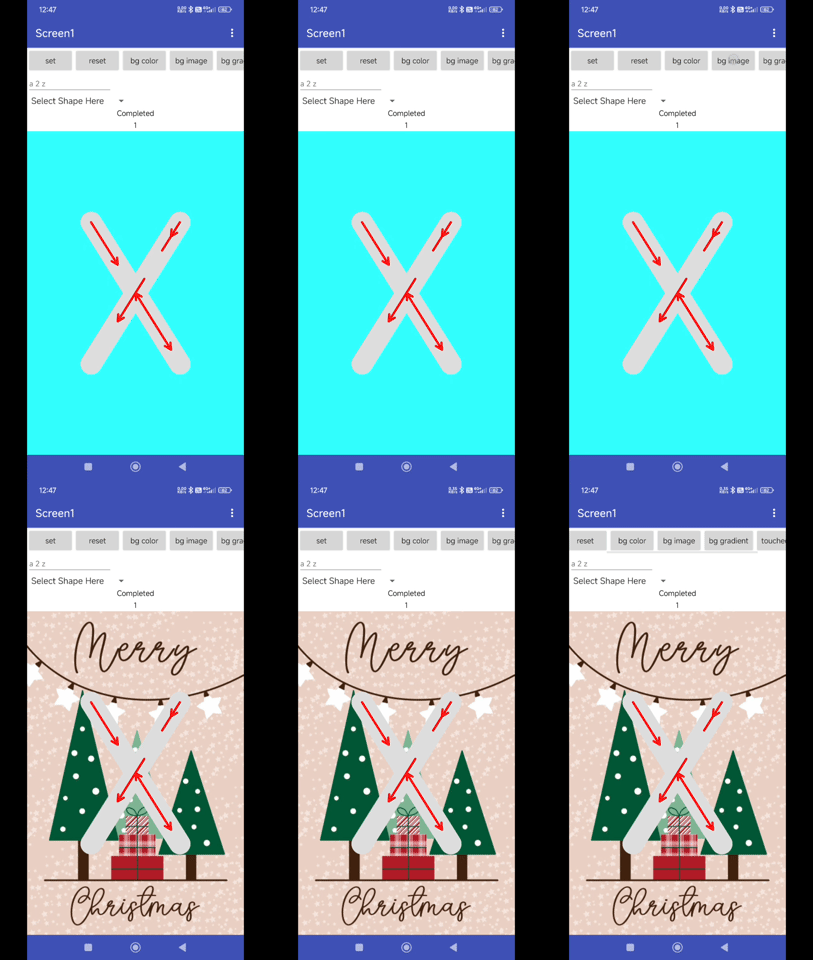
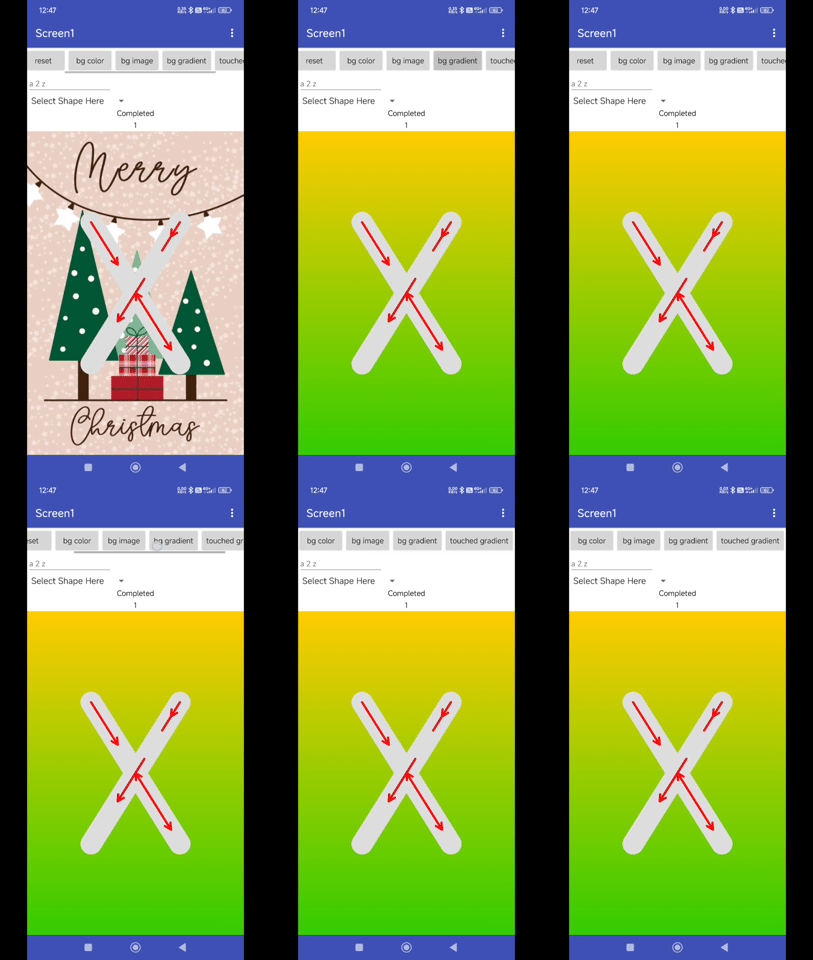
Background Customisation
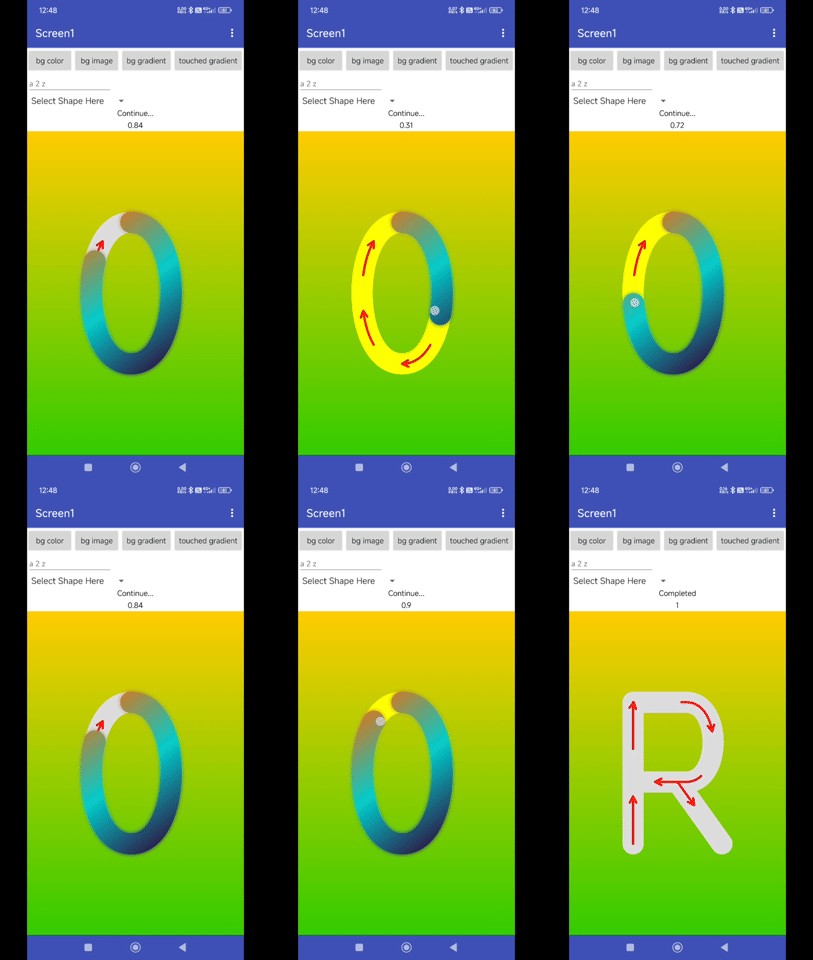
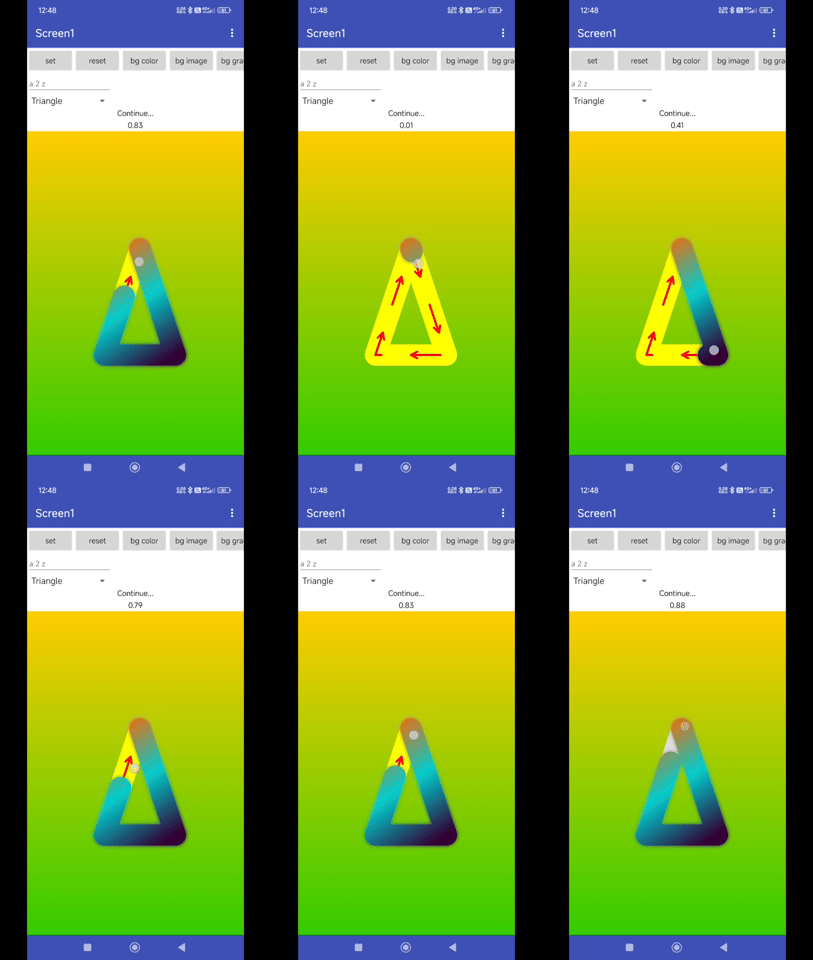
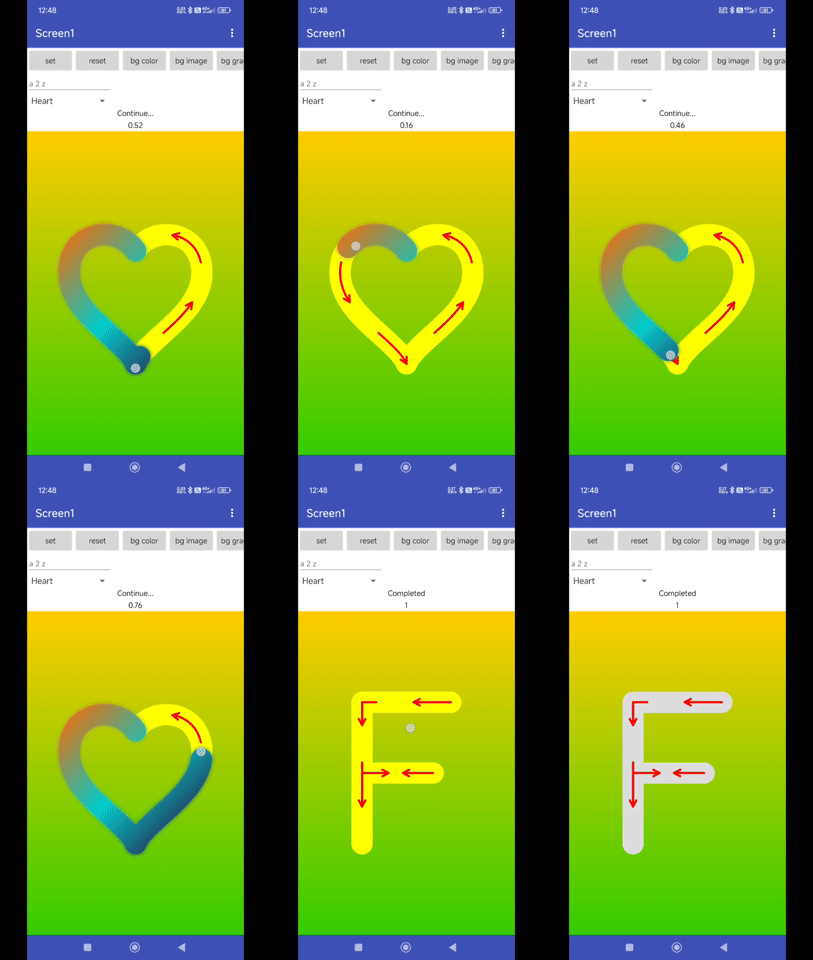
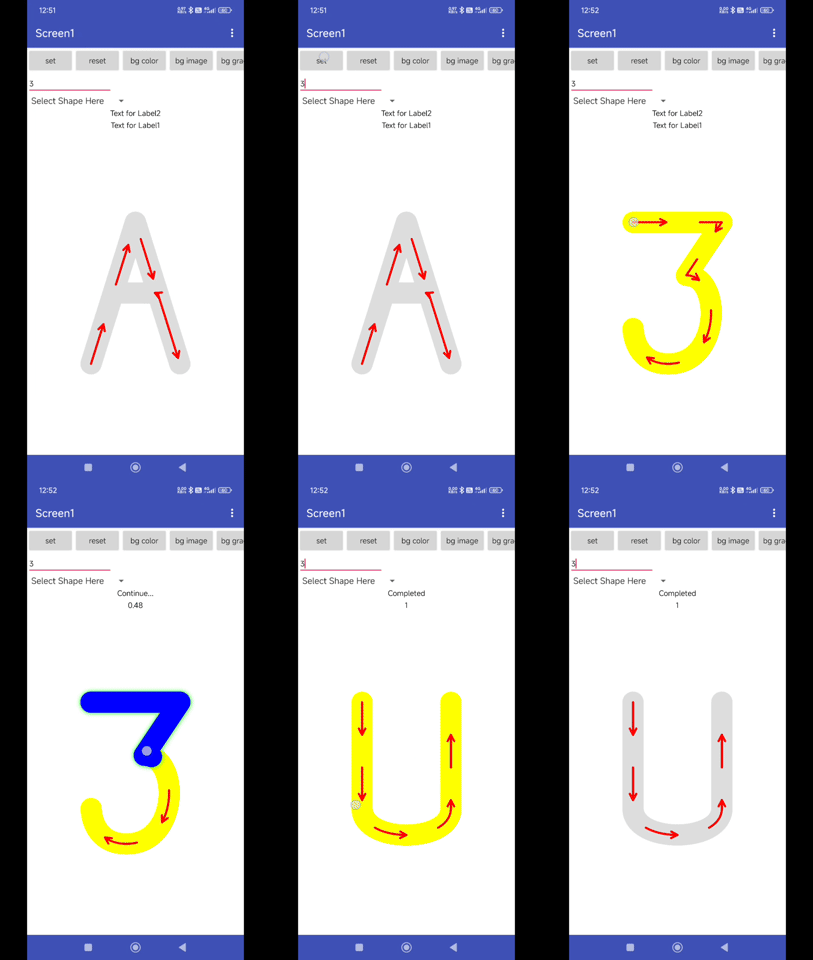
Blocks
Documentations
Events:
XYTouchView has total 5 events.
OnProgressChanged
Triggered when progress changes.
| Parameter | Type |
|---|---|
| progress | number |
OnStartTrackingTouch
Triggered when tracking starts.
OnStopTrackingTouch
Triggered when tracking stops.
OnAnimationStart
Triggered when animation starts.
OnAnimationEnd
Triggered when animation ends.
Methods:
XYTouchView has total 7 methods.
Initialize
Initialize inside an arrangement.
| Parameter | Type |
|---|---|
| arrangement | component |
Animate
Animate the path drawing with duration and start delay.
| Parameter | Type |
|---|---|
| duration | number |
| startDelay | number |
PathFromDataAndCenter
Set the path from an SVG path data string with option to center.
| Parameter | Type |
|---|---|
| pathData | text |
| toCenter | boolean |
HelperArrowsByParams
Set helper arrows by length and gap.
| Parameter | Type |
|---|---|
| len | number |
| gap | number |
AnimateArrowFlow
Animate helper arrows in a wave flow pattern.
| Parameter | Type |
|---|---|
| duration | number |
| repeatCount | number |
Reset
Reset the view.
GetCurrentPosition
Get current touch position as a list [x, y].
- Return type:
list
Designer:
XYTouchView has total 8 designer properties.
HoverColor
- Input type:
color - Default value:
&HFFDDDDDD
TouchingHoverColor
- Input type:
color - Default value:
&HFFD3D3D3
TouchedColor
- Input type:
color - Default value:
&HFF0000FF
StrokeWidth
- Input type:
non_negative_float - Default value:
40.0
Step
- Input type:
float - Default value:
0.01
HelperArrowsEnabled
- Input type:
boolean - Default value:
True
BackgroundColor
- Input type:
color - Default value:
&H00FFFFFF
BackgroundImage
- Input type:
asset
Setters:
XYTouchView has total 22 setter properties.
HoverColor
Get the hover color.
- Input type:
number
TouchingHoverColor
Get the hover color when touching.
- Input type:
number
TouchedColor
Get the touched color.
- Input type:
number
StrokeWidth
Get stroke width.
- Input type:
number
Step
Get step size.
- Input type:
number
Progress
Get current progress (0.0 to 1.0).
- Input type:
number
HelperArrowsEnabled
Check if checking helper arrows are enabled.
- Input type:
boolean
HelperArrowsColor
Set helper arrows color.
- Input type:
number
HelperArrowsStrokeWidth
Set helper arrows stroke width.
- Input type:
number
BackgroundColor
Set background color.
- Input type:
number
BackgroundGradientColor
Set background gradient colors (List of colors).
- Input type:
list
BackgroundImage
Set background image.
- Input type:
text
TouchedGradientColor
Set touched path gradient colors (List of colors).
- Input type:
list
TouchedNeonColor
Set touched neon color.
- Input type:
number
TouchedNeonEnabled
Enable touched neon effect.
- Input type:
boolean
TouchedRandomMixedShape
Enable random mixed shapes effect on touched path.
- Input type:
boolean
PathFromData
Set the path from an SVG path data string Example: M10 10 L100 10 L100 100 L10 100 Z.
- Input type:
text
PathFromBuiltIn
Set path from built-in PathData by index (0-based).
- Input type:
number
Character
Set path for a specific character (A-Z, 0-9).
- Input type:
text - Helper type:
Type - Helper enums:
A,B,C,D,E,F,G,H,I,J,K,L,M,N,O,P,Q,R,S,T,U,V,W,X,Y,Z,Zero,One,Two,Three,Four,Five,Six,Seven,Eight,Nine
Shape
Set a specific shape by name. Options: Plus, Minus, Multiply, Divide, Equal, Circle, Square, Triangle, Pentagon, Star, Eclipse, Rectangle etc.
- Input type:
text - Helper type:
ShapeType - Helper enums:
Plus,Minus,Multiply,Divide,Equal,Circle,Square,Triangle,Pentagon,Star,Ellipse,Rectangle,Trapezium,Parallelogram,Capsule,Leaf,Rhombus,Drop,Diamond,Hexagon,Cloud,Heart
HelperArrows
Set helper arrows positions. List of lists [start, end].
- Input type:
list
AnimateArrowHint
Animate a hint to show starting direction.
- Input type:
number
Getters:
XYTouchView has total 11 getter properties.
HoverColor
Get the hover color.
- Return type:
number
TouchingHoverColor
Get the hover color when touching.
- Return type:
number
TouchedColor
Get the touched color.
- Return type:
number
StrokeWidth
Get stroke width.
- Return type:
number
Step
Get step size.
- Return type:
number
Progress
Get current progress (0.0 to 1.0).
- Return type:
number
HelperArrowsEnabled
Check if checking helper arrows are enabled.
- Return type:
boolean
HelperArrowsColor
Set helper arrows color.
- Return type:
number
HelperArrowsStrokeWidth
Set helper arrows stroke width.
- Return type:
number
IsTouching
Check if currently touching.
- Return type:
boolean
PathLength
Get the total path length.
- Return type:
number
Thanks
Feel free to contact us any quarry or suggestions.