🧩 ResideMenuView
An extension for MIT App Inventor 2.ResideMenuView provides a beautiful sliding menu with 3D paper folding animation. You can add menus on both left and right sides, customize the appearance with images, colors, and gradients, and control the animation behavior. Developed by TechHamara using Fast.
Find More Extension
Terms & Conditions
Find More On BuyMeCoffee Page
 Specifications
 Package: io.th.residemenuview
 Size: 29.16 KB
 Version: 2.0
 Minimum API Level: 7
 Updated On: 2026-01-08T18:30:00Z
 Built & documented using: FAST v2.8.4
 Library Used Thanks you dkmeteor for your Folder-ResideMenu library.
 Buy aix here 2USD on BuyMeCoffee
Demo
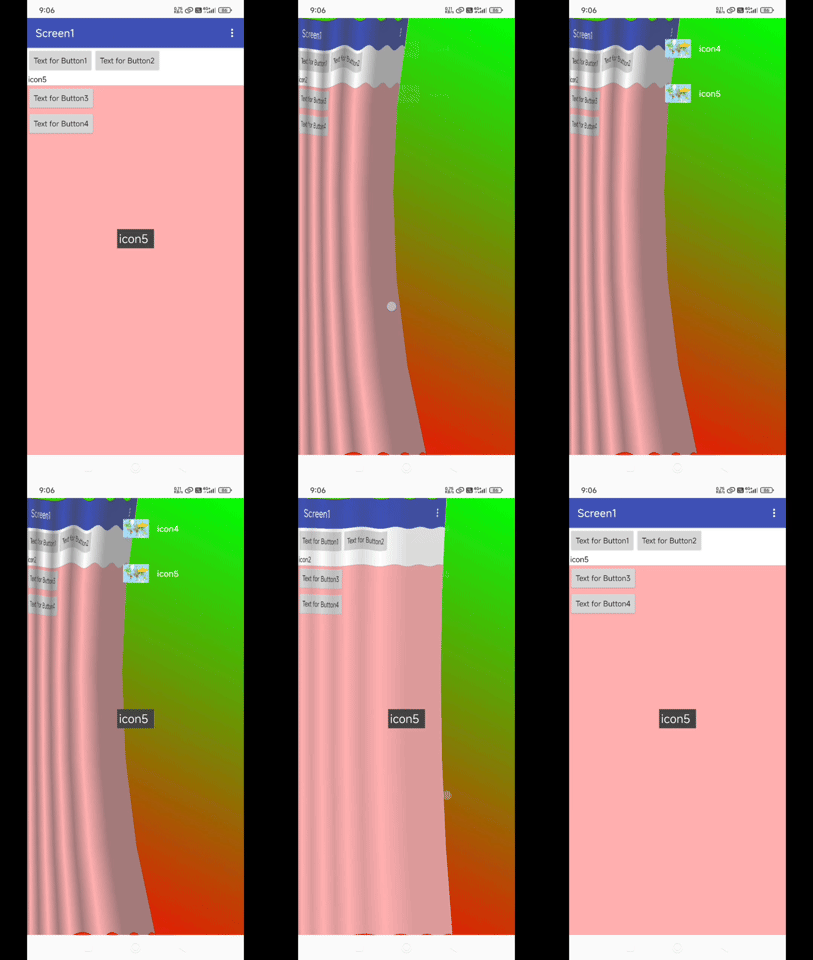
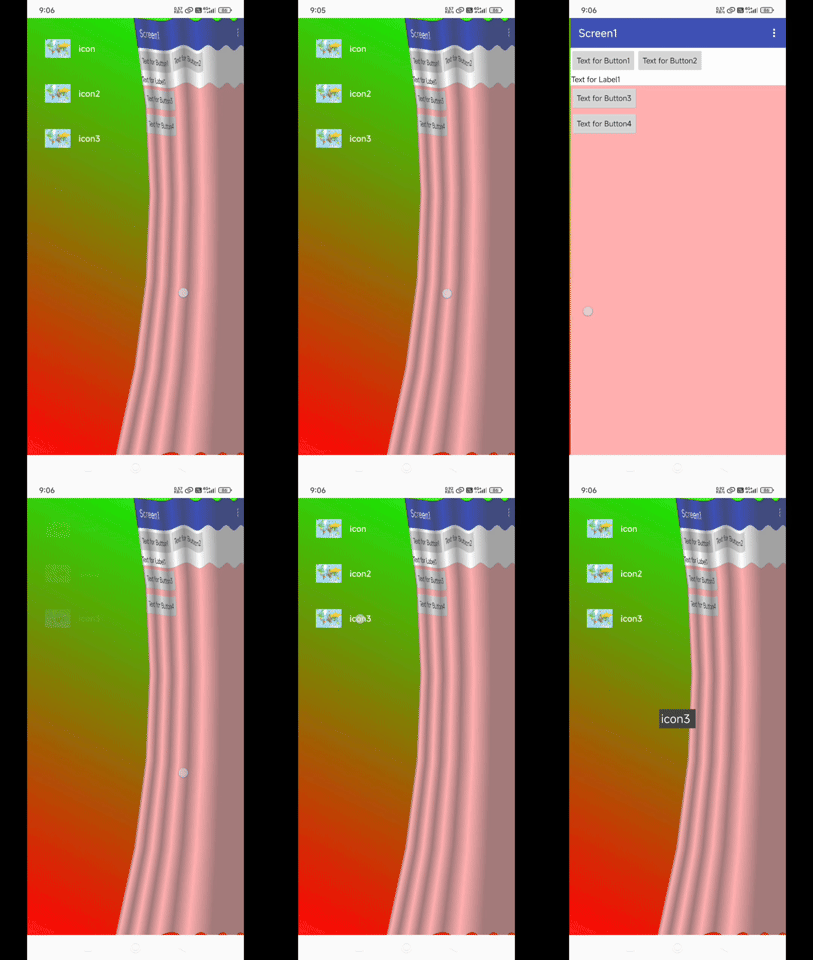
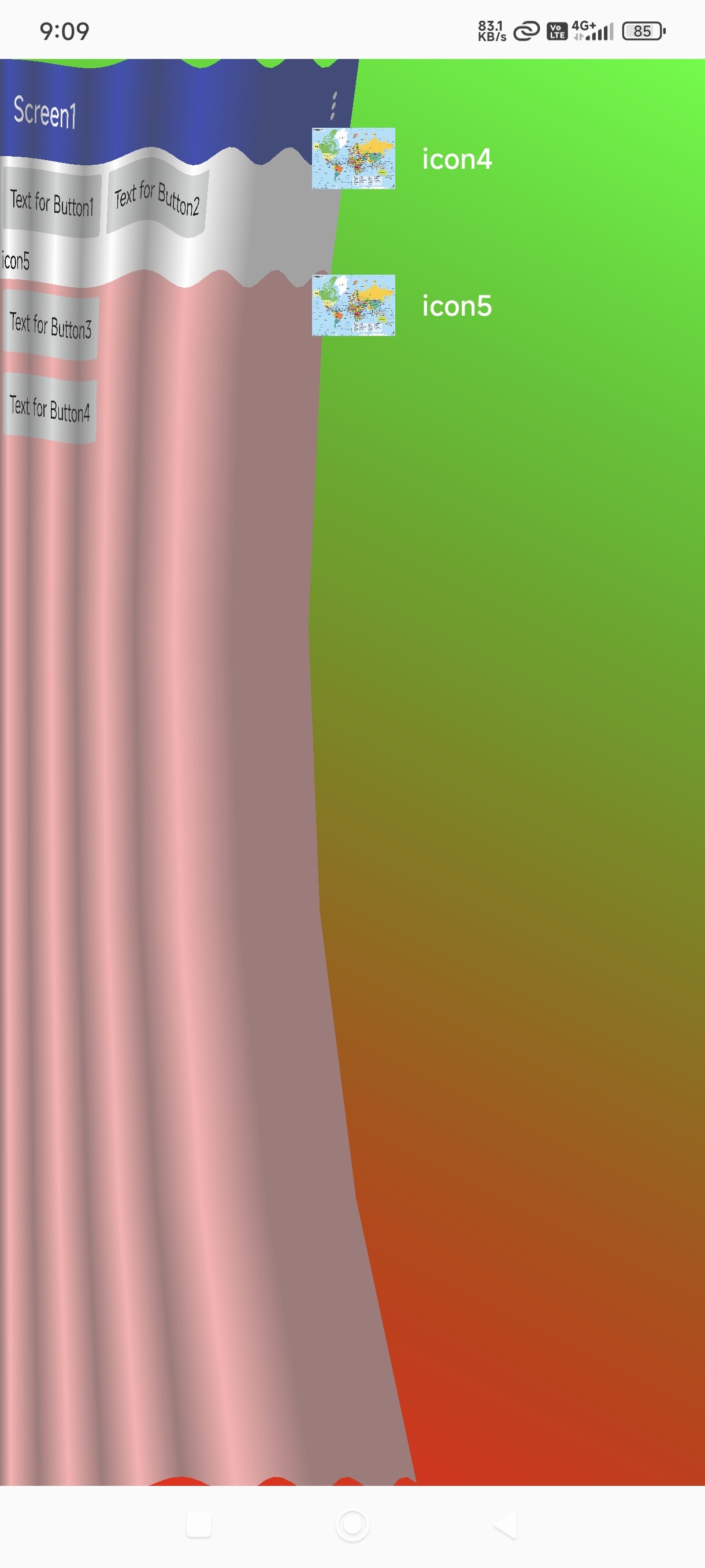
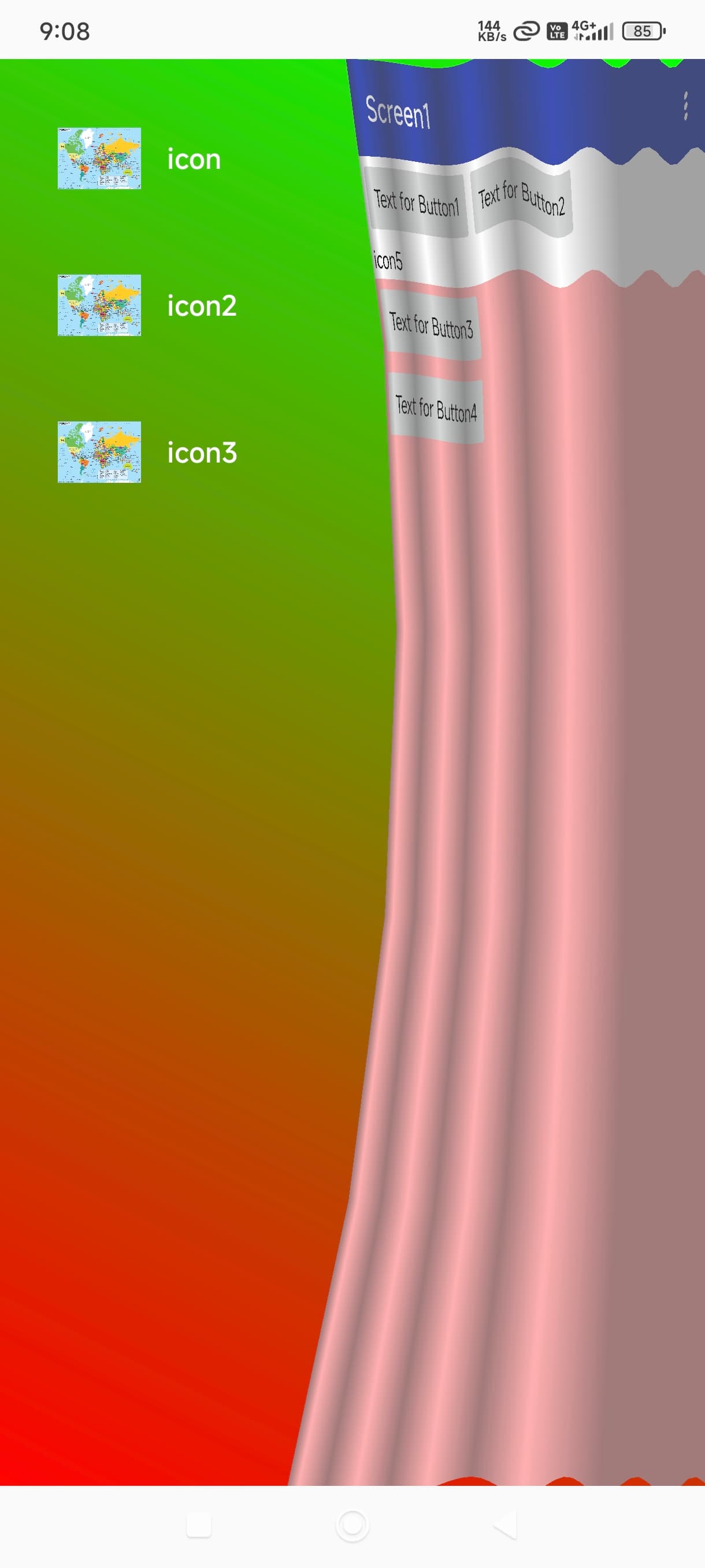
Blocks
Events:
ResideMenuView has total 3 events.
MenuItemClicked
Event raised when a menu item is clicked. Returns the title of clicked item.
| Parameter | Type |
|---|---|
| title | text |
MenuOpened
Event raised when the menu is opened.
MenuClosed
Event raised when the menu is closed.
Methods:
ResideMenuView has total 13 methods.
AttachToActivity
Attach ResideMenu to the current activity. Call this after initializing the component.
AddMenuItem
Add a menu item with title and icon from assets. Direction: 0 for left, 1 for right.
| Parameter | Type |
|---|---|
| title | text |
| iconPath | text |
| direction | number |
AddMenuItemTextOnly
Add a menu item with title only, no icon. Direction: 0 for left, 1 for right.
| Parameter | Type |
|---|---|
| title | text |
| direction | number |
CloseMenu
Close the currently open menu.
BackgroundGradient
Set background gradient for the menu. Orientation: 0=horizontal, 1=vertical, 2=diagonal TL-BR, 3=diagonal TR-BL
| Parameter | Type |
|---|---|
| startColor | number |
| endColor | number |
| orientation | number |
ClearIgnoredViews
Clear all ignored views.
IsMenuOpened
Check if the menu is currently opened.
- Return type:
boolean
MenuItemTitleStyle
Apply title style to a specific menu item by index. Direction: 0=left, 1=right
| Parameter | Type |
|---|---|
| direction | number |
| index | number |
| color | number |
| sizeSp | number |
| bold | boolean |
| position | number |
AllTitlesColor
Apply title color to all existing menu items in given direction. 0=left, 1=right
| Parameter | Type |
|---|---|
| direction | number |
| color | number |
AllTitlesSize
Apply title size to all existing menu items in given direction. 0=left, 1=right
| Parameter | Type |
|---|---|
| direction | number |
| sizeSp | number |
DefaultTitlePadding
Set default top and bottom padding for new menu item titles. Values in pixels.
| Parameter | Type |
|---|---|
| top | number |
| bottom | number |
MenuItemTextPadding
Set text padding for a specific menu item. Direction: 0=left, 1=right
| Parameter | Type |
|---|---|
| direction | number |
| index | number |
| top | number |
| bottom | number |
AllItemsTextPadding
Set text padding for all existing menu items in a direction. 0=left, 1=right
| Parameter | Type |
|---|---|
| direction | number |
| top | number |
| bottom | number |
Setters:
ResideMenuView has total 14 setter properties.
OpenMenu
Open the menu in specified direction. 0 for left, 1 for right.
- Input type:
number
BackgroundImage
Set background image for the menu from assets path.
- Input type:
text
BackgroundColor
Set background color for the menu. Use color integer value.
- Input type:
number
DisableSwipeDirection
Disable swipe gesture for specified direction. 0 for left, 1 for right.
- Input type:
number
AddIgnoredView
Add a view component to ignored views list. Ignored views won't trigger menu swipe.
- Input type:
component
RemoveIgnoredView
Remove a view component from ignored views list.
- Input type:
component
ScaleValue
Set the scale value for menu animation. Value between 0.0 and 1.0.
- Input type:
number
AnimationDuration
Set the animation duration in milliseconds. Default is 500ms.
- Input type:
number
DefaultTitleColor
Set default title color for new menu items. Use color integer value.
- Input type:
number
DefaultTitleSize
Set default title size in SP for new menu items.
- Input type:
number
DefaultTitleBold
Set default title bold for new menu items.
- Input type:
boolean
DefaultTitlePosition
Set default title position for new menu items. 0=left, 1=center, 2=right
- Input type:
number
GetMenuItemTitles
Get list of all menu item titles for given direction. 0 for left, 1 for right.
- Input type:
number
GetMenuItemCount
Get the number of menu items for given direction. 0 for left, 1 for right.
- Input type:
number
Getters:
ResideMenuView has total 3 getter properties.
ScaleValue
Set the scale value for menu animation. Value between 0.0 and 1.0.
- Return type:
number
DirectionLeft
Constant for left menu direction (0)
- Return type:
number
DirectionRight
Constant for right menu direction (1)
- Return type:
number
Thank
TechHamara