Manage alarms with custom sounds, repeats, graduated volume, post-reset persistence, and more...
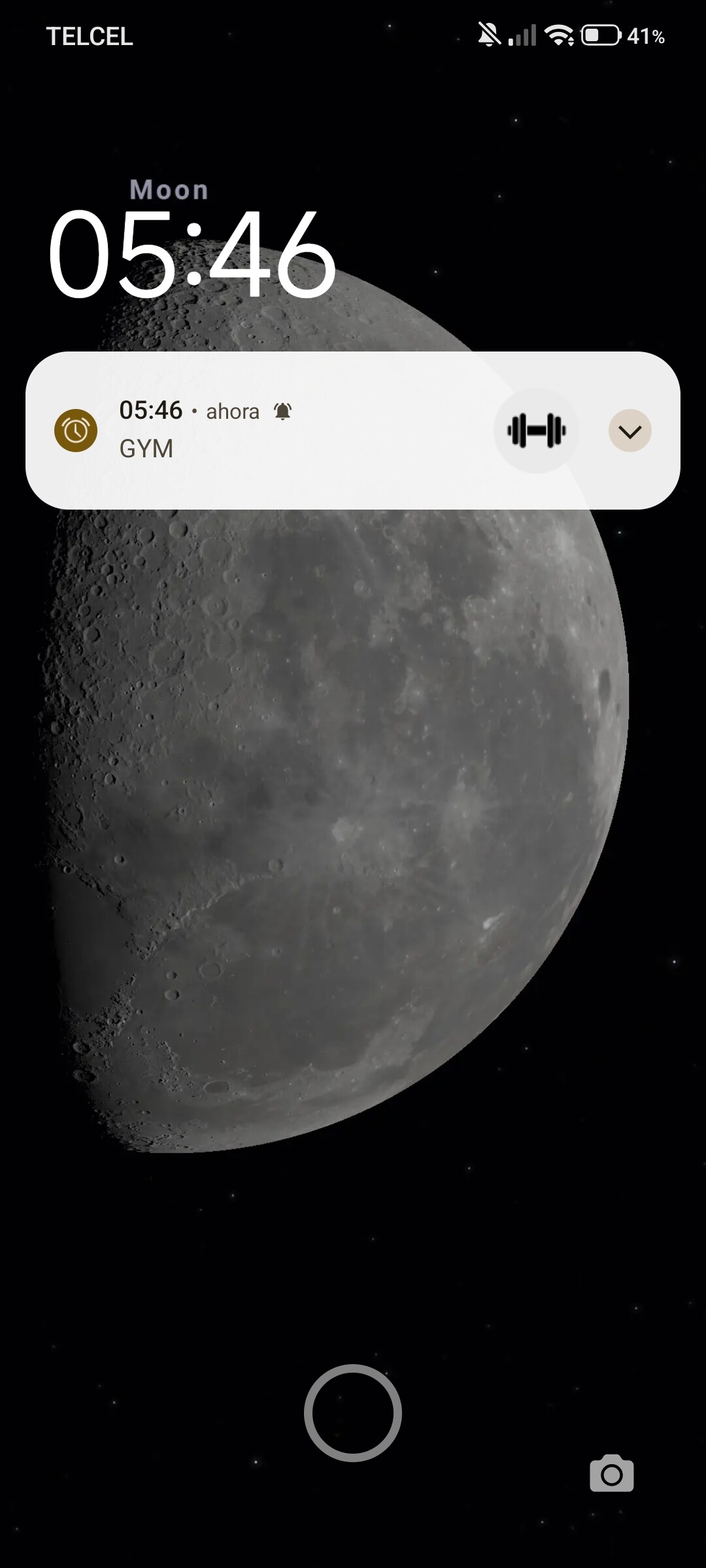
Main Features:
-
Multiple Repeat Modes: Once, Daily, Weekly, Monthly, Yearly, Every X Hours, or Every X Minutes.
-
Customizable Days: Choose which days of the week each alarm activates.
-
Custom Sounds: Use any sound (URI) or the system alarm tone.
-
Gradual Volume: The alarm gradually increases in volume (avoids sudden alarms).
-
Large Notification Icon: Customize the notification with images from assets.
-
Open on Lock Screen: The app opens automatically even when the phone is locked.
-
Automatic Reset on Device Restart: Alarms persist after a restart.
-
Foreground Service: Alarms continue to function even when the app is closed.
-
Snooze: Postpone the alarm for X minutes.
-
Disable/Reactivate Alarms: No need to delete them.
-
Full Editing: Modify the title, message, time, repeat time, or sound of existing alarms.
-
Manage specific alarm permissions.
Start
Schedule an alarm. Formats: 'HH:mm:ss', 'MM/dd/yyyy HH:mm:ss', '+30m', 'Monday 15:30'. RepeatMode: Once, Daily, Weekly, Monthly, Yearly, EveryHours:X, EveryMinutes:X.

IsAlarmDisabled
Check if an alarm is disabled.

GetDisabledAlarms
Get all disabled alarm IDs.

GetAlarmTriggerTime
Get alarm trigger time (timestamp in milliseconds).

GetAlarmRepeatMode
Get alarm repeat mode.

GetAlarmMessage
Get alarm message.

GetAlarmTitle
Get alarm title.

CancelAlarm
Cancel an alarm.

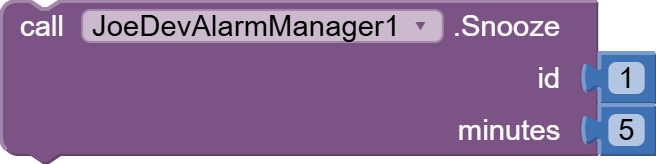
Snooze
Snooze alarm for X minutes.
StopAlarmSound
Stop the currently playing alarm sound.

SetAlarmDays
Set which days of the week the alarm should repeat. Use this BEFORE Start. Pass empty list for default Weekly mode.

- Days:
- Sunday
- Monday
- Tuesday
- Wednesday
- Thursday
- Friday
- Saturday
ClearAlarmDays
Clear custom days for an alarm (will use default Weekly mode).

GetAlarmDays
Get the selected days for an alarm.

HasCustomDays
Check if an alarm has custom days configured.

AlarmLargeIcon
Set a large icon for the alarm notification. The icon file must be in the assets folder. Pass empty string to clear.

GetLargeIcon
Get the large icon file name for an alarm.

ClearLargeIcon
Clear the large icon for an alarm.

HasLargeIcon
Check if an alarm has a large icon set.

StopService
Stop the alarm service (alarms won't work when app is closed).

OpenAlarmPermissionSettings
Open exact alarm permission settings (Android 12+).

HasExactAlarmPermission
Check if exact alarm permission is granted.

OpenNotificationSettings
Open notification settings.

SetAlarmSound
Set custom alarm sound for a specific alarm (URI or 'default' for system alarm).

- You can set a different sound for each alarm.
GetAlarmSound
Get the custom alarm sound for a specific alarm.

DisableAlarm
Disable an alarm without deleting it (can be enabled later).

EnableAlarm
Enable a previously disabled alarm.

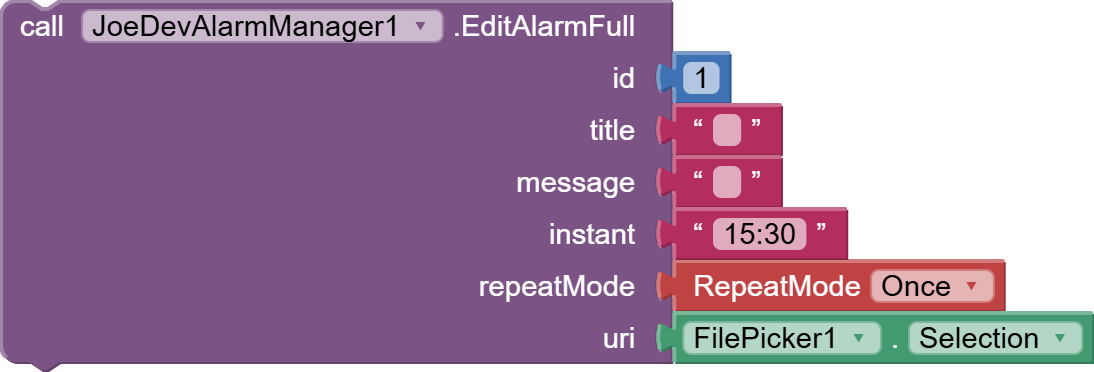
EditAlarmFull
Edit an alarm completely with all parameters.
IsAlarmScheduled
Check if alarm is scheduled.

IsAlarmFired
Check if alarm has fired.

IsAlarmPlaying
Check if alarm sound is currently playing.

GetCurrentPlayingAlarmId
Get currently playing alarm ID.

GetScheduledAlarms
Get list of scheduled alarm IDs.

OpenOnLockScreen
If true, the app will open on lock screen when alarm sounds. If false, works as default.

GradualVolume
If true, alarm volume will increase gradually over 10 seconds. If false, alarm starts at full volume immediately.

FadeDuration
Set the duration (in milliseconds) for volume fade-in. Default is 10000ms (10 seconds).

PermissionNeeded
Triggered when permission is needed.

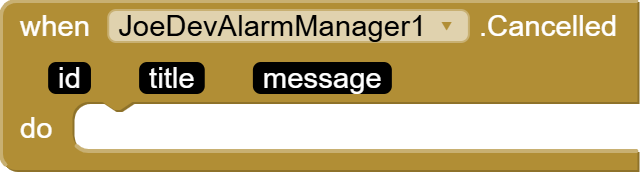
Cancelled
Event triggered when an alarm is cancelled (by user or automatically).
v1.0 June 07, 2026.
JDK: 11
Minimum API Level: 21
Updated On: 2026-06-07T07:00:00Z
Built using: FAST-CLI v5.7.1-premium
Thanks.
- Try the app with some of its features.
- Buy the extension.
$15 USD