(OpenStreetMap's )Overpass API Not Returning All Categories (when searching certain location keys)

Could someone help me with the coding for this? I’m still new to the Map component and Overpass API.

My goal is: when the user selects a category from my ListPicker (junkshop, charity, school, hospital, church), the app should show nearby locations on the map using OpenStreetMap and Overpass.

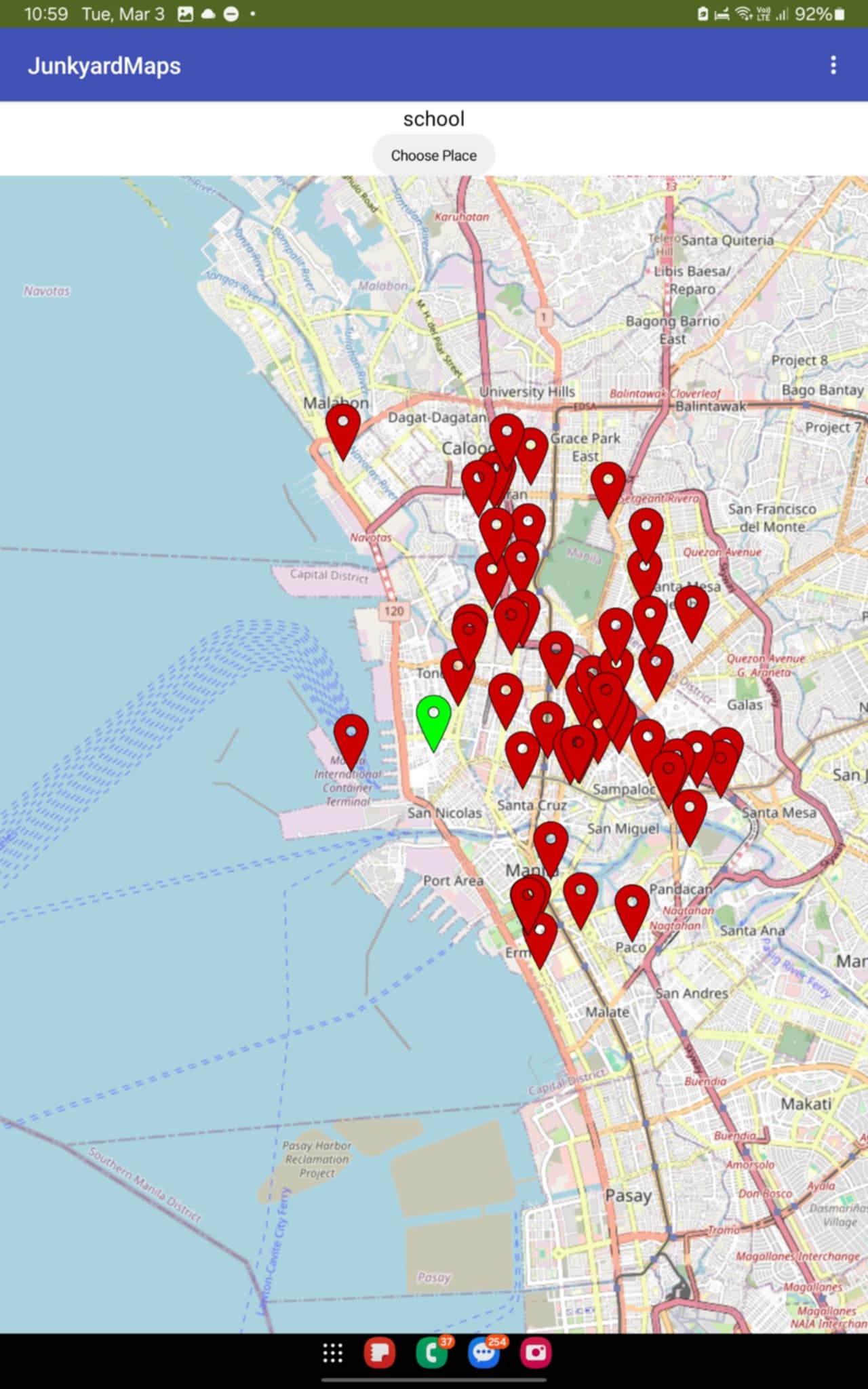
Right now, only “school” and “hospital” consistently show results. The other categories (junkshop, charity, church) usually return nothing. Also, the app sometimes doesn’t load markers on the first try. I have to press “Choose Place” again for it to work.

What I need help with:

  1. How should I correctly build the Overpass query so that all categories return nearby results, especially junkshop and donation or charity places?
  2. How can I make the app more reliable so it loads results on the first press, like properly checking GPS, clearing old markers, and handling the Overpass response?

If needed, I can share screenshots of my blocks and the exact URL or query string my app generates.
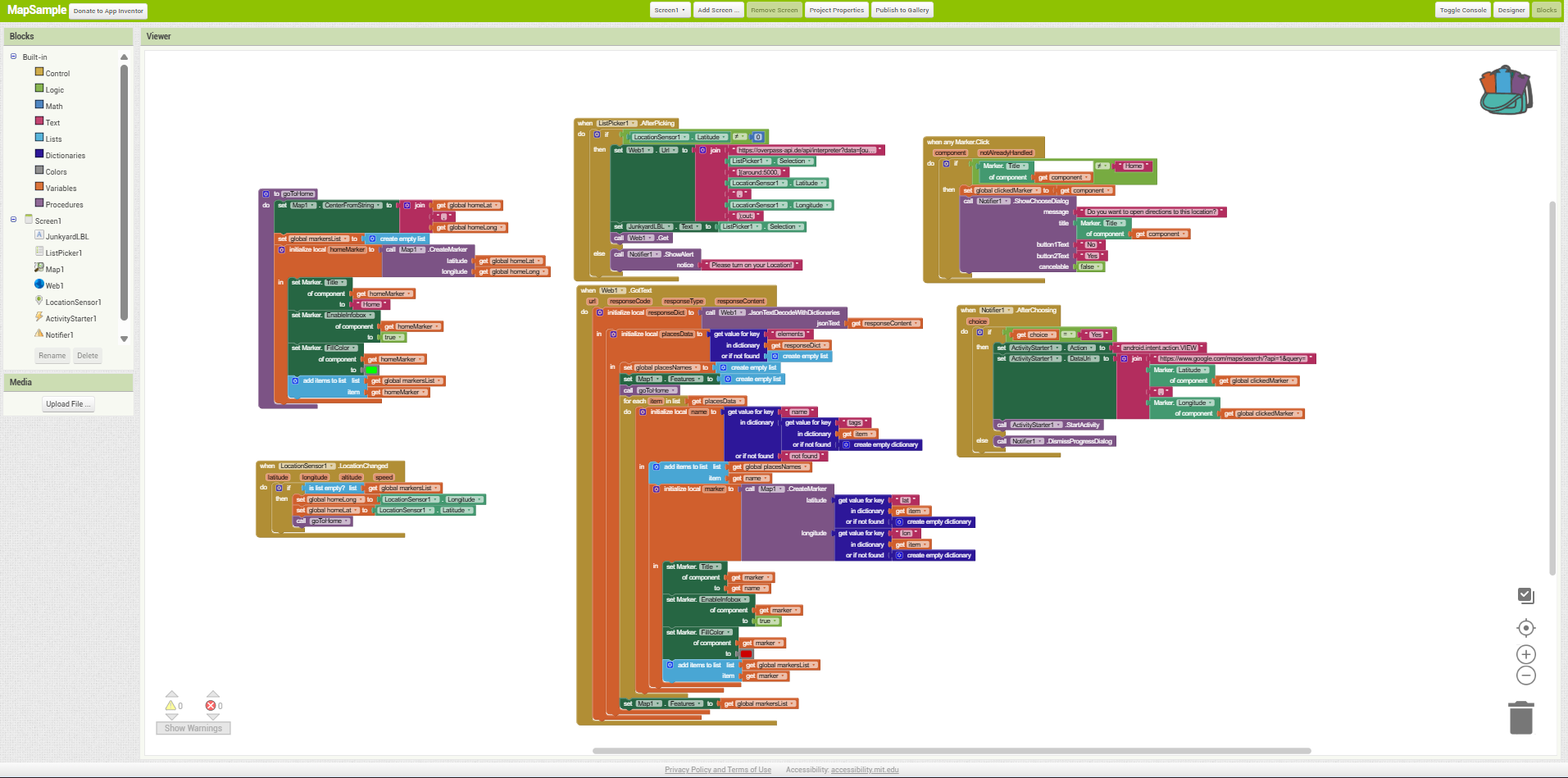
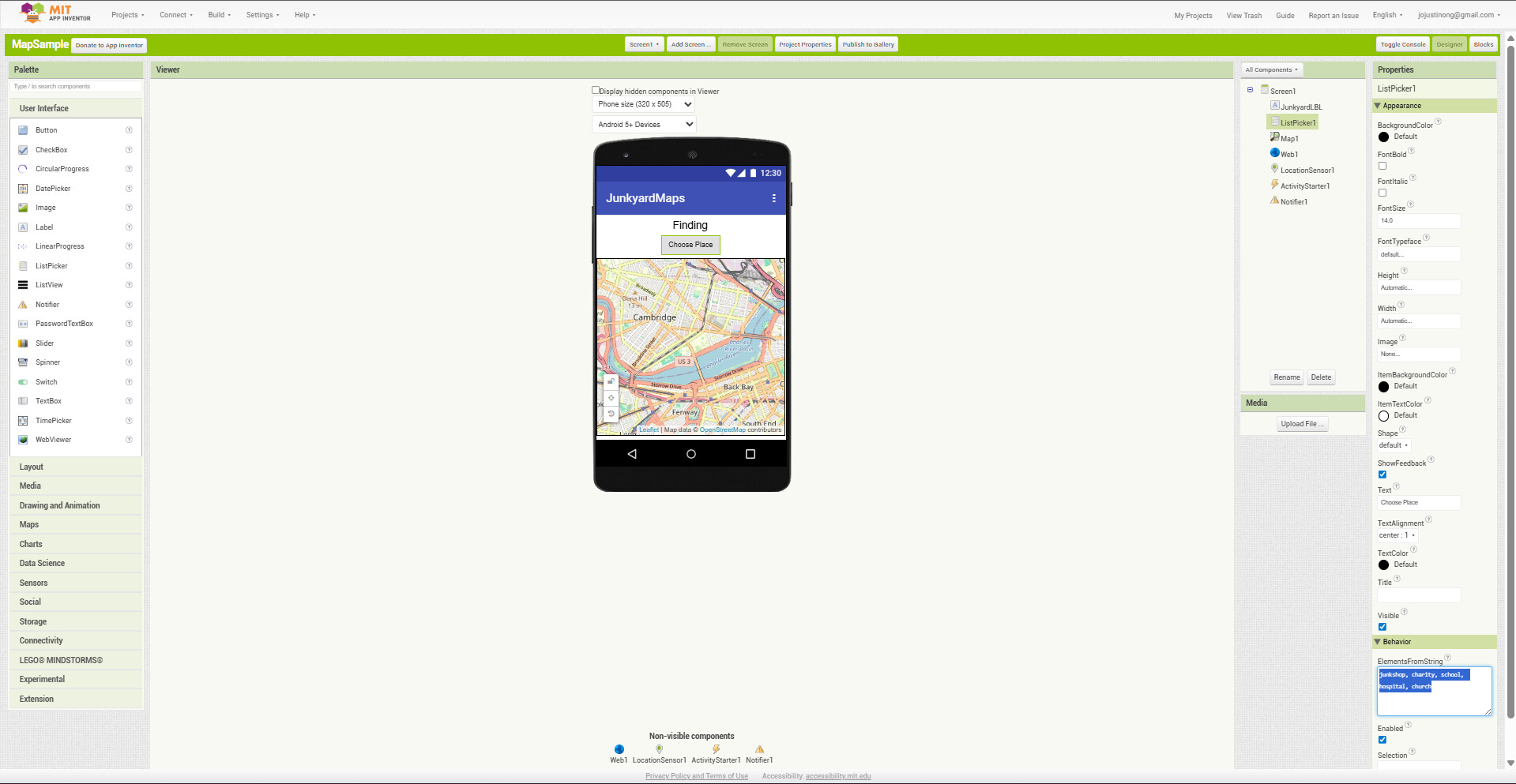
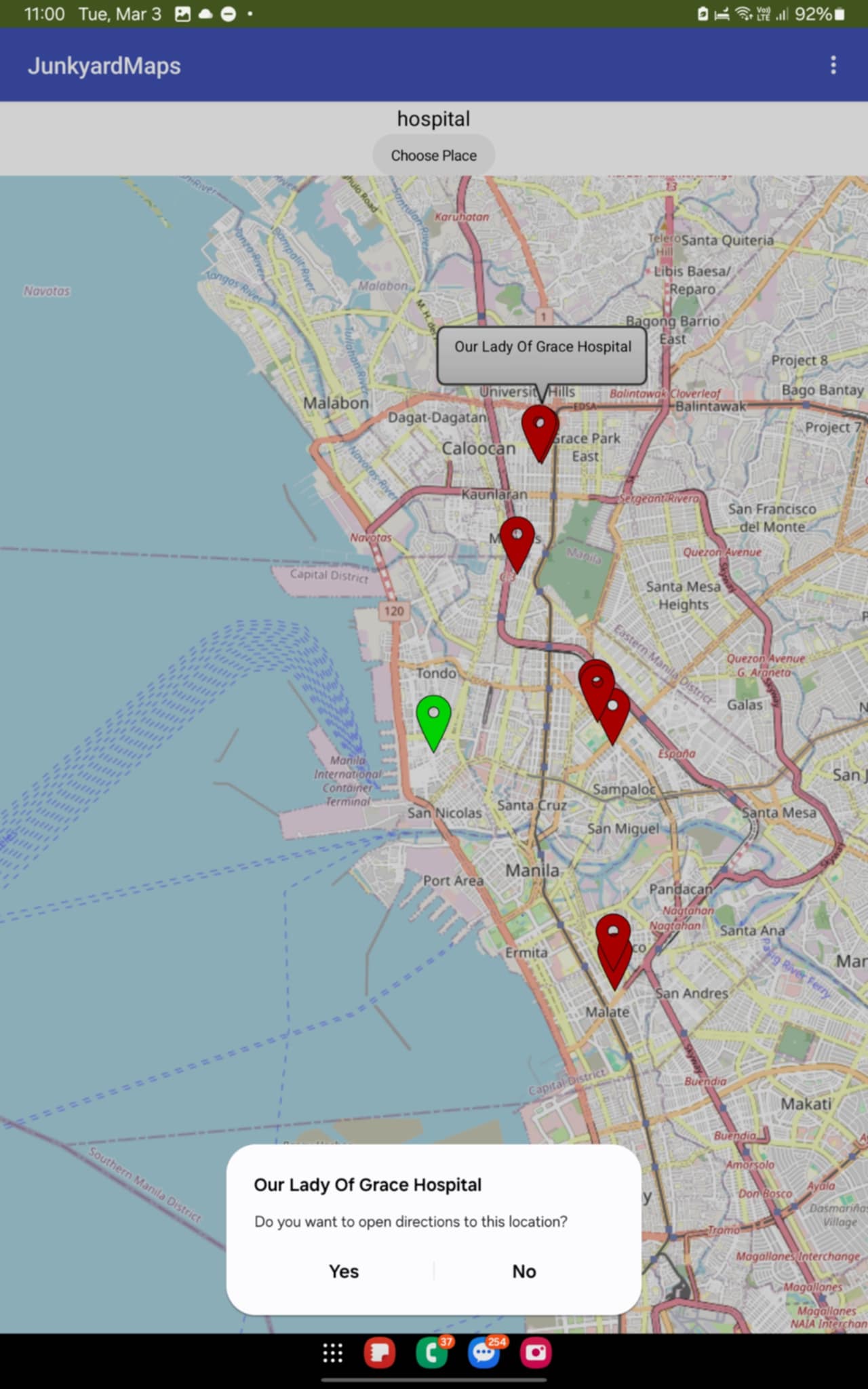
Please post a link to the API of this facility.

It's new to us.

Also, your blocks are fuzzy.

Please export and upload an aia for better analysis.

1 Like

https://wiki.openstreetmap.org/wiki/Overpass_API/Overpass_QL

perhaps

Your timeout setting might not be high enough

timeout:

The timeout: setting has one parameter, a non-negative integer. Default value is 180.

This parameter indicates the maximum allowed runtime for the query in seconds, as expected by the user. If the query runs longer than this time, the server may abort the query with a timeout. The second effect is, the higher this value, the more probably the server rejects the query before executing it.

So, if you send a really complex big query, prefix it with a higher value; e.g., "3600" for an hour. And ensure that your client is patient enough to not abort due to a timeout in itself.

Example:

[timeout:180]

or maxsize is being exceeded

Element limit (maxsize:)

The maxsize: setting has one parameter, a non-negative integer. Default value is 536870912 (512 MB).

This parameter indicates the maximum allowed memory for the query in bytes RAM on the server, as expected by the user. If the query needs more RAM than this value, the server may abort the query with a memory exhaustion. The second effect is, the higher this value, the more probably the server rejects the query before executing it.

So, if you send a really complex big query, prefix it with a higher value; e.g., "1073741824" for a gigabyte. The maximum value highly depends on the current server load, e.g. requests for 2GB will likely be rejected during peak hours, as they don't fit into the overall resource management. Technically speaking, maxsize is treated as a 64bit signed number.

You are using a complex tool and most users here are not familiar with the OSM Overpass api so why not share? :thinking:

perhaps the gps might not have a satellite fix when you initially query.

1 Like

Sorry I forgot to upload the AIA File.
Here's the AIA File:
MapSample.aia (6.4 KB)

1 Like

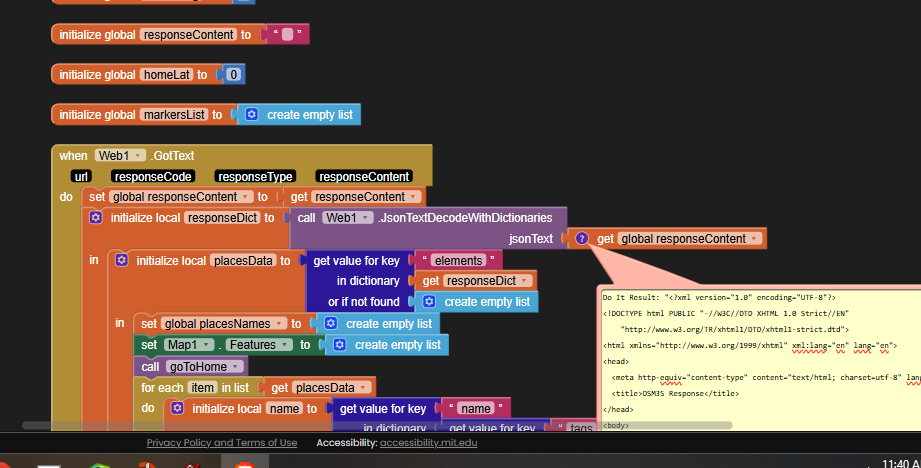
This was my response content for hospitals:

Do It Result: "<?xml version="1.0" encoding="UTF-8"?>
<!DOCTYPE html PUBLIC "-//W3C//DTD XHTML 1.0 Strict//EN"
    "http://www.w3.org/TR/xhtml1/DTD/xhtml1-strict.dtd">
<html xmlns="http://www.w3.org/1999/xhtml" xml:lang="en" lang="en">
<head>
  <meta http-equiv="content-type" content="text/html; charset=utf-8" lang="en"/>
  <title>OSM3S Response</title>
</head>
<body>

<p>The data included in this document is from www.openstreetmap.org. The data is made available under ODbL.</p>
<p><strong style="color:#FF0000">Error</strong>: runtime error: open64: 0 Success /osm3s_osm_base Dispatcher_Client::request_read_and_idx::timeout. The server is probably too busy to handle your request. </p>

</body>
</html>
"
---

(I am within map distance of a hospital.)

This is how to see errors in your responses using Do It and the Companion:

Add a global variable to catch the responseContent for later examination.