OCR Images and PDFs without extensions (ocr.space)
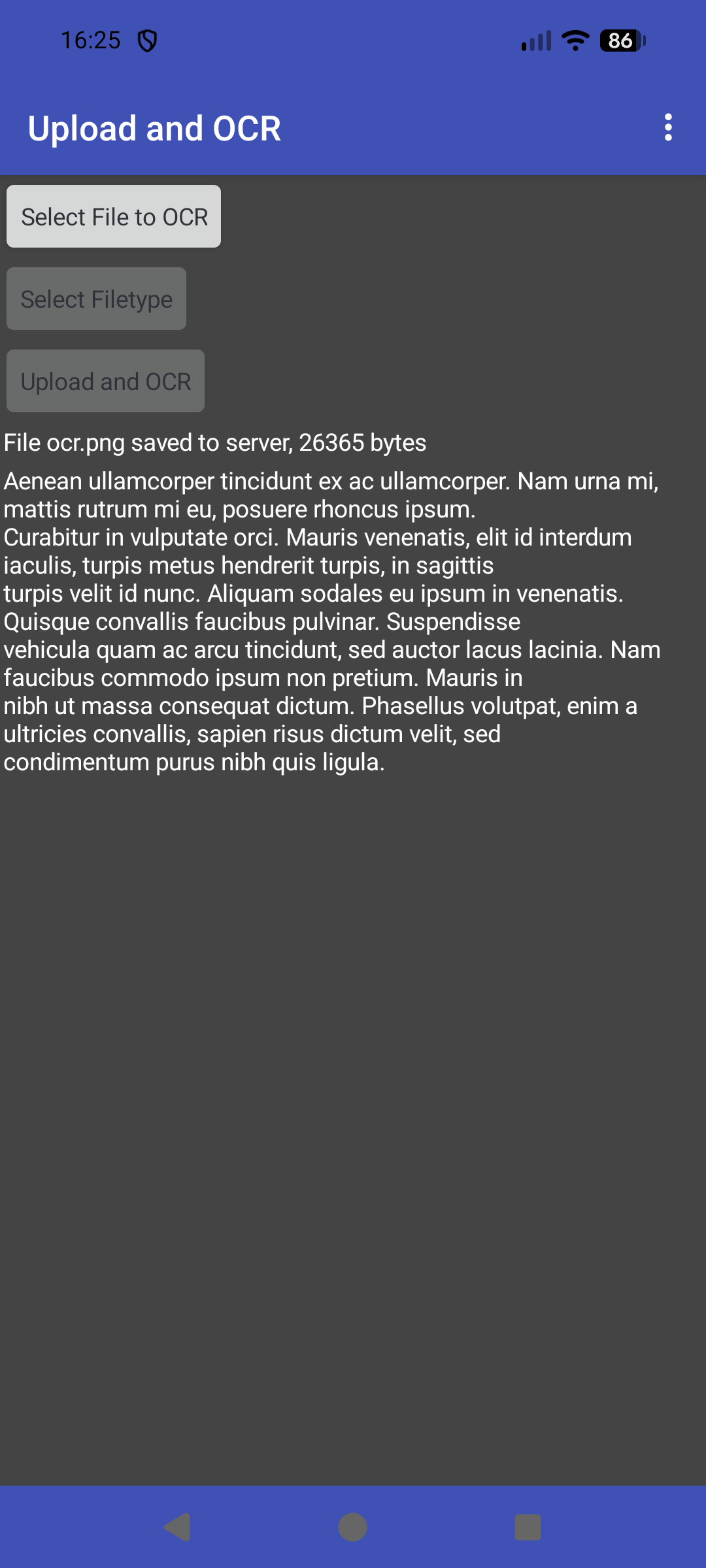
An image file with text:
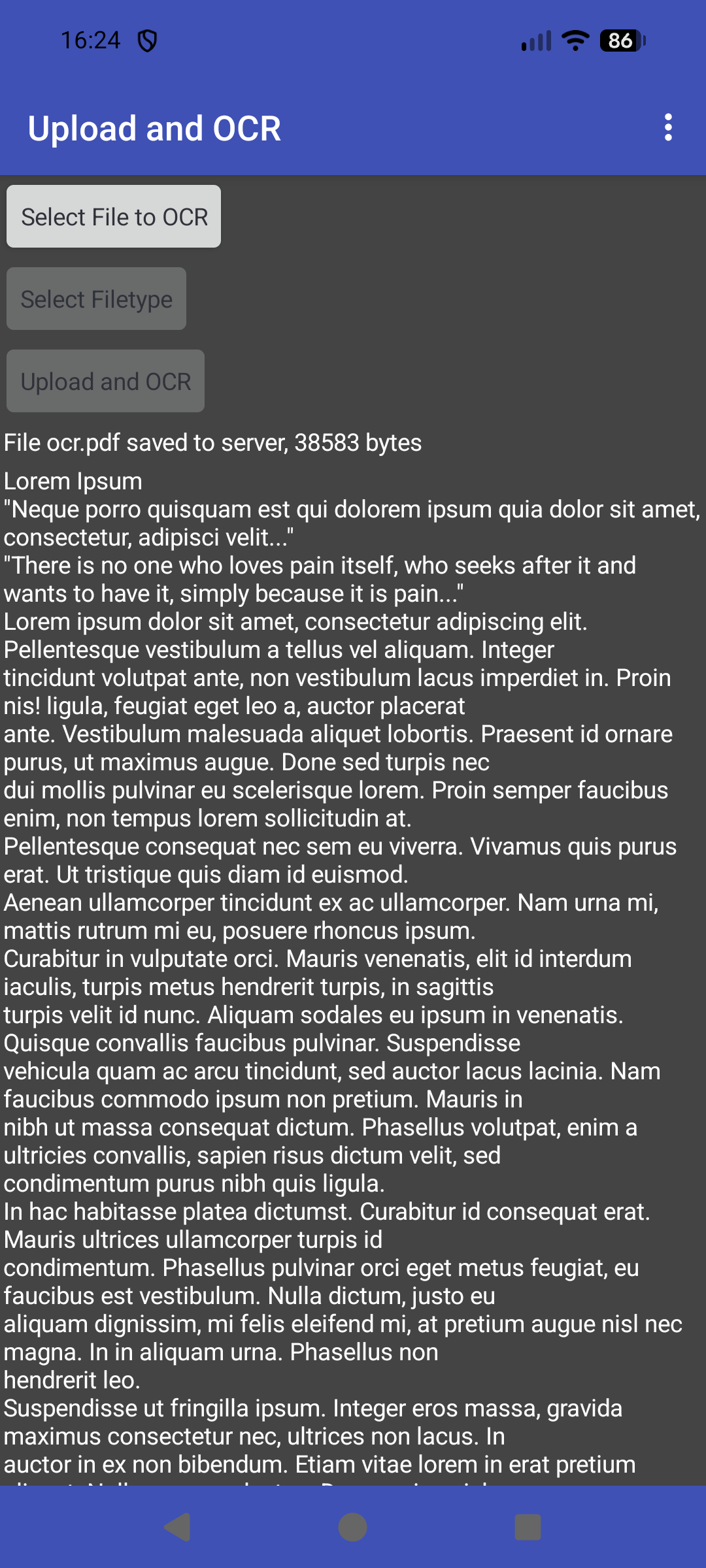
A 3 page pdf:
You can use @Marco Perrone's excellent OCR extension with ocr.space, but if you cannot or will not use extensions, here is a method to use ocr.space using only native components.
Requirements:
- An online http / php server with storage space for file uploads.
- A php file to handle file uploads.
- Get a free ocr.space API key (Free OCR API).
Restrictions:
- You will need to use a GET request (ocr.space uses multi-part for POST, so not possible with the Web component).
- You can only upload images and PDFs, images no more than 1mb in size, PDFs no more than three pages.
- Not all features for ocr.space are available using GET.
Workflow:
- Upload your image/pdf to be ocr'd to your online server.
- Send a GET request to ocr.space with the url of your uploaded file.
- Receive the parsed results as text.
BLOCKS
- Some variables to hold file names, the apikey, and urls:

- Spinner to select a file to OCR:

- Spinner to select the filetype for the uploaded filename ( I use the same filename for each filetype, the previous file with the same name is overwritten on the server. This stops the server from filling up with unneeded files)

- Button click to upload the selected file with the selected filename to the server

- In the Gottext event then send the request to ocr.space using the url of the uploaded file

- When the ocr text is returned, get the parsed text and display in a label

EXAMPLE PHP FILE
(note that not all shared hosting servers may accept file_get_contents and file_put_contents)
<?php
$ocrDir = "ocr/";
$fileName = $_REQUEST['fname'];
$data = file_get_contents('php://input');
$store = file_put_contents($ocrDir.$fileName, $data);
if  ($store !== false ) {
echo "File $fileName saved to server, $store bytes\n";
} else {
echo "File $fileName not saved\n";
}
?>
AIA
WebOcrSpace_blank.aia (118.5 KB)