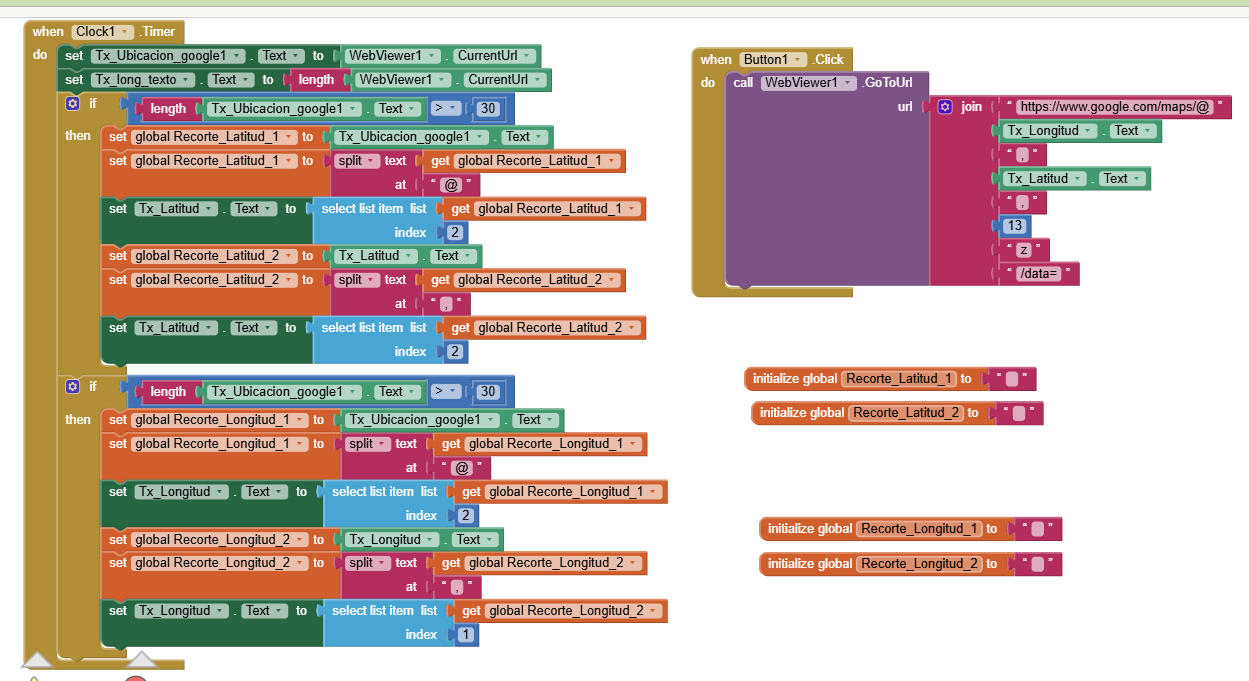
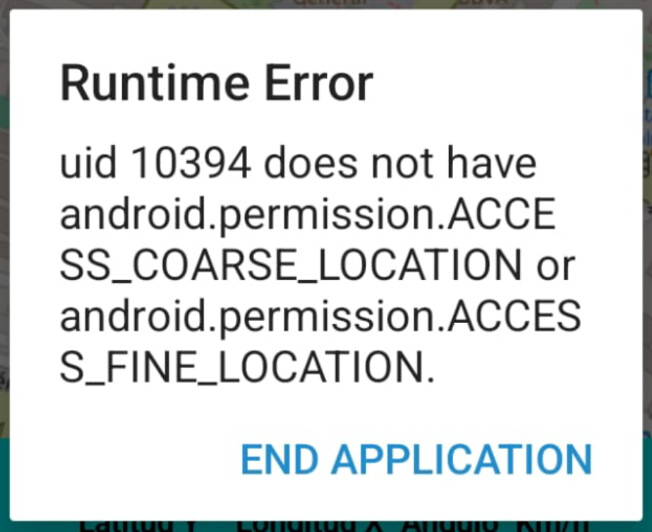
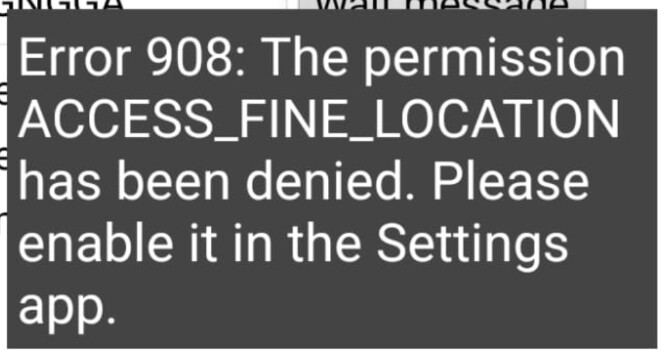
I've noticed that getting coordinates with (LocationSensor) is very slow (30 seconds). I'd like to reduce this time by using Google Maps coordinates, as it seems more accurate.
That's why I need to retrieve these coordinates in real time in two labels.
I tried using (CurrentUrl), but these aren't my actual location coordinates; they're the coordinates of the center of the screen where it's located.
You can try the nmea extension of @Juan_Antonio ( search on this forum or on puravida ), it “spits out” nmea sentences from your phone’s gps ( but you have to decode them ).
If you read about how it works you might wish to review:
Accuracy -a calculated estimate of the reliability of the precision of the currently reported coordinates. One reason the coordinates you see getting them from GM to your app determined x, y coordinates may be a large Accuecy value and all the reasons you may get one. The gps receiver in you phone can only resolve under the best of conditions about 2 meters.
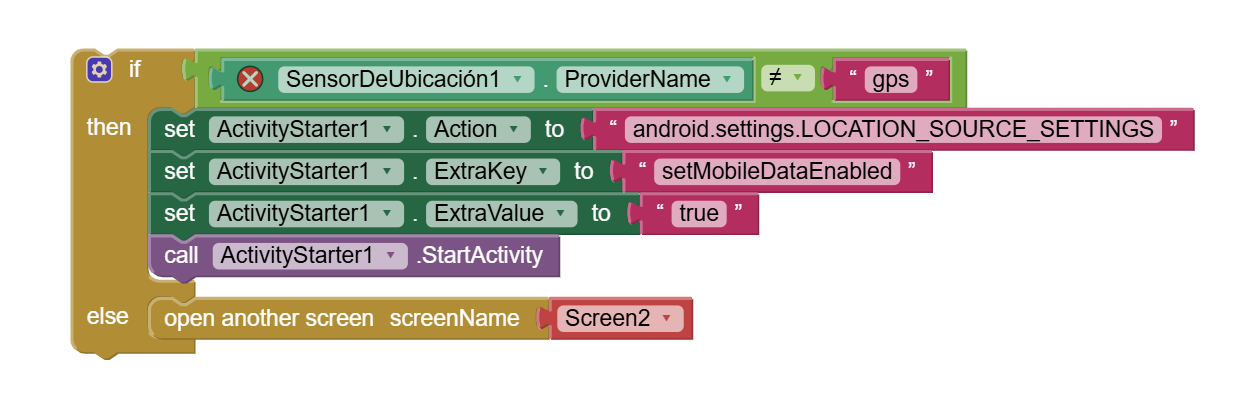
Provider - the coordinates displayed depend on what Provider is in use by your app (gps, fused, network etc.)
and by looking for forum topics that include gps, Maps, fused provider, etc.
This will give you an idea about why there is a difference between the coordinates Google Map provides for something and what your app determines. The reasons for differences is much more complex. :