🧩SwipeBackView
An extension for MIT App Inventor 2.SwipeBackView component allows activities to be dismissed and exit app with a swipe gesture. Developed by TechHamara using Fast.
Find More Extension
Terms & Conditions
Find More On BuyMeCoffee Page
 Specifications
 Package: io.th.swipebackview
 Size: 46.92 KB
 Version: 1.0
 Minimum API Level: 7
 Updated On: 2025-12-20T18:30:00Z
 Built & documented using: FAST v2.8.4
 Library used here Thank you ikew0ng for your awesome SwipeBackLayout library.
 Get aix
io.th.swipebackview.aix (46.9 KB)
Get aia
swipe_back.aia (49.4 KB)
Source Code and apk on GitHub
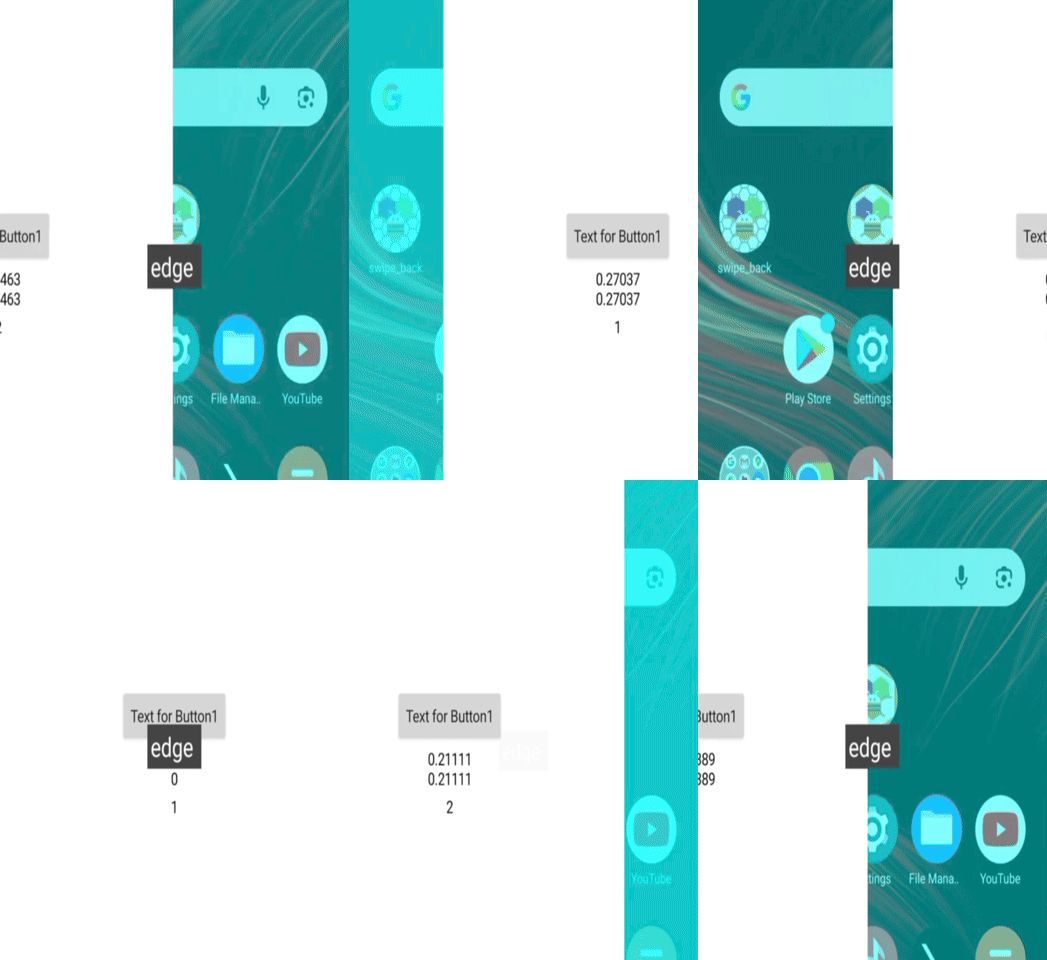
Demo
Android 15
Android 11 Demo
Blocks
Documentations
Events:
SwipeBackView has total 3 events.
SwipeScrollStateChanged
Event triggered when scroll state changes
| Parameter | Type |
|---|---|
| state | number |
| scrollPercent | number |
EdgeTouched
Event triggered when an edge is touched
| Parameter | Type |
|---|---|
| edgeFlag | number |
ScrollOverThreshold
Event triggered when scroll passes the threshold
Methods:
SwipeBackView has total 2 methods.
ScrollToFinish
Scrolls the content view to finish/close the activity
SetEdgeSize
Sets the edge size in pixels
| Parameter | Type |
|---|---|
| pixels | number |
Designer:
SwipeBackView has total 6 designer properties.
EnableGesture
- Input type:
boolean - Default value:
True
EdgeFlag
- Input type:
integer - Default value:
1
Sensitivity
- Input type:
float - Default value:
1.0
ScrollThreshold
- Input type:
float - Default value:
0.3
ScrimColor
- Input type:
color - Default value:
-1728053248
WindowTranslucent
- Input type:
boolean - Default value:
False
Setters:
SwipeBackView has total 6 setter properties.
EnableGesture
Sets whether swipe gesture is enabled
- Input type:
boolean
EdgeFlag
Sets the edge flag for swipe detection
- Input type:
number
Sensitivity
Sets the sensitivity of swipe detection (0.0-1.0)
- Input type:
number
ScrollThreshold
Sets the scroll threshold (0.0-1.0)
- Input type:
number
ScrimColor
Sets the scrim (overlay) color
- Input type:
number
WindowTranslucent
Enable or disable window translucency. This affects the window background transparency.
- Input type:
boolean
Getters:
SwipeBackView has total 13 getter properties.
EnableGesture
Sets whether swipe gesture is enabled
- Return type:
boolean
EdgeFlag
Sets the edge flag for swipe detection
- Return type:
number
Sensitivity
Sets the sensitivity of swipe detection (0.0-1.0)
- Return type:
number
ScrollThreshold
Sets the scroll threshold (0.0-1.0)
- Return type:
number
ScrimColor
Sets the scrim (overlay) color
- Return type:
number
EdgeLeft
Left edge flag constant
- Return type:
number
EdgeRight
Right edge flag constant
- Return type:
number
EdgeBottom
Bottom edge flag constant
- Return type:
number
EdgeAll
All edges flag constant
- Return type:
number
StateIdle
Idle state constant
- Return type:
number
StateDragging
Dragging state constant
- Return type:
number
StateSettling
Settling state constant
- Return type:
number
WindowTranslucent
Enable or disable window translucency. This affects the window background transparency.
- Return type:
boolean
Thanks
- This Community and Platform to Create awesome app on Blocks based.
- Feel free to contact us any quarry or suggestions.
 @TechHamara