Is it possible to have a drop-down/pop-up window for writing project notes while in the editor?
I have a few projects I’ve been working on for several years. Sometimes I may not have time to work on one for several months and when coming back to the project I usually forget what I was working on the previous time. I know I could jot down my notes on paper or on the computer, but I may not always be on the same computer, or even the same location. I also know I can add comments to blocks and I do do that, but something that I can go back and look at a history of what was written for that project is very useful.
I don't know how many screens are you using in your apps, but a trick could be to use a "unused" screen with a multi-line label where you can write the history of the project and notes on it. In this way you'll have for every app a screen with its relevant notes. This screen will not be accessible at runtime but only at design time and, by using a label, obviously only text and not schemes nor drawings, but probably it's better than nothing.
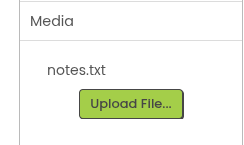
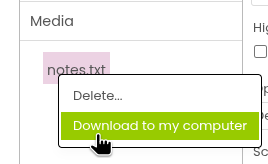
Why not work on the notes in a text file and add it to the assets before you close your work. Next time export the text file on your other computer, work there and upload it again before you close your work.
Dear @Peter, sure what you suggest is a more powerful and flexible solution, but it will oblige the developer to maintain linked to every app its own descriptor file, while it seems to me that he wants to "embed" the description within each app. Anyway I believe that we just gave him a couple of hints and more solutions can still arise...
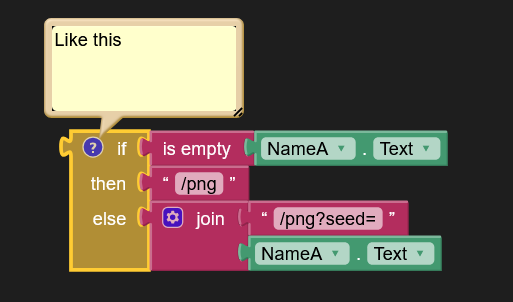
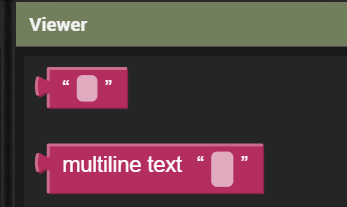
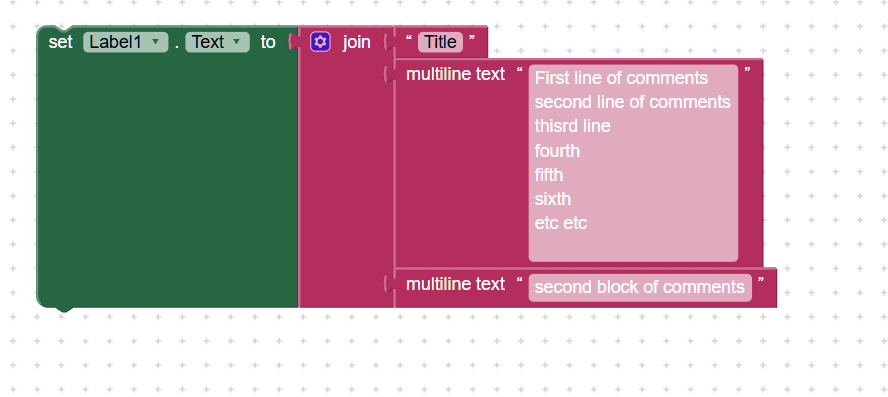
I was doing something like this but adding comments on an unused block on the screen I was currently working in. A multiline text block would be a good way if an actual note taking feature can’t be added to the editor.
I just discovered it the other day while I was make some changes. I had been using join blocks and text strings. The only thing I don’t like about it no paragraphs - at least not that I’ve been able to find a way.
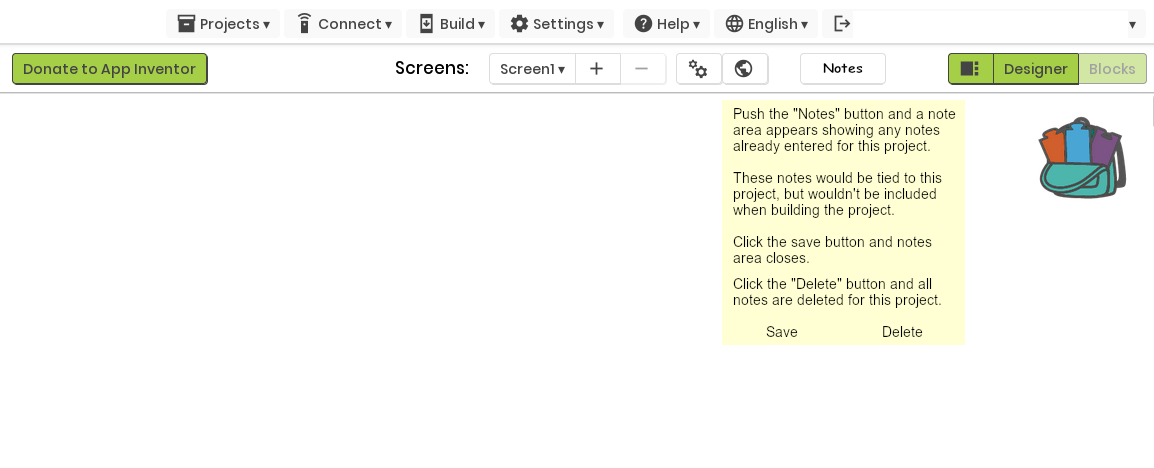
Each of the suggestions work, but has it’s own drawbacks. If working on a screen, you would have to drag the block being used for notes/comment along with you as you move up or down (or side ways). After being away from a project for several months, you’d have to hunt through each screen to see the notes you wrote before. My particular project uses 5 screens (yes, I know) that I would have to go through to read the notes. Whereas a note function built into the editor would be a lot simpler. No matter what screen I’m on, I click the button and my notes pop up to read or add to. Once I’ve fixed a bug I can erase those particular notes. Once I no longer need the project notes, I click “Delete” and notes are deleted.
I’m hoping Evan would be able to chime in to say if this is something that could be of value being added to the editor or not.
Thanks! I never thought I could do something like that. That would definitely ensure I’d always have my notes available - unless I’d forget to upload them.
Are all the items in the media included in the build when building the app? Or just those items that are actually used in blocks?
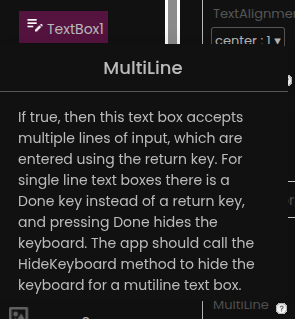

 , but by reading
  ....
....