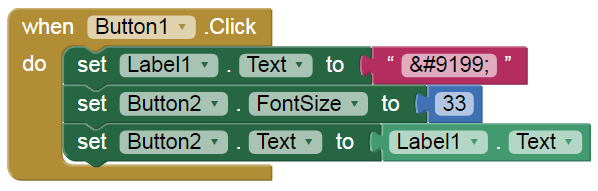
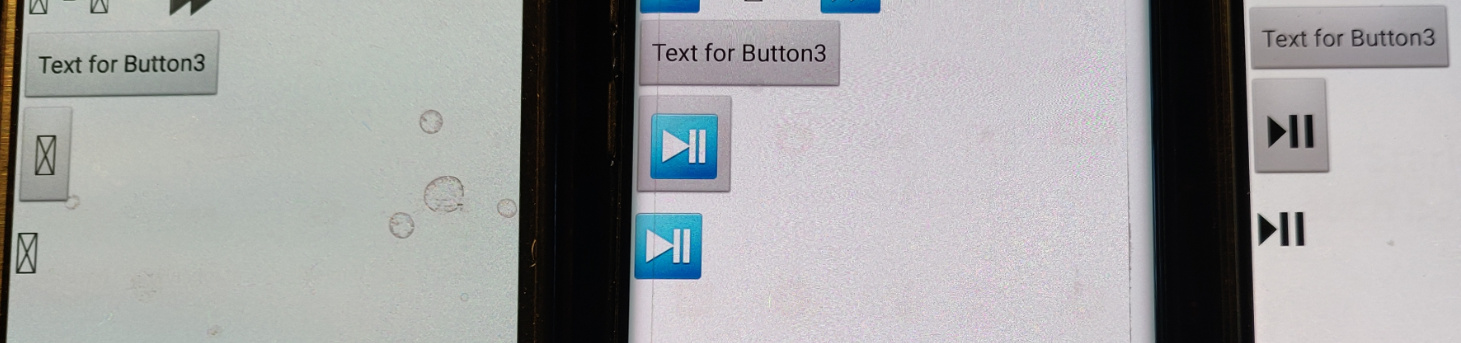
I use unicode for some characteres...for exemple " " (some have orange backgroung some not !)

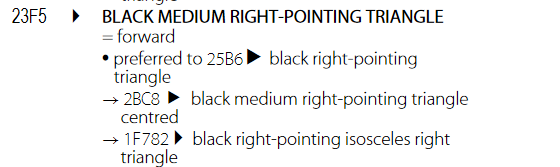
but this one "⏵"is not displayed on my phone even if it is well displayed in my code

I use unicode for some characteres...for exemple "" (some have orange backgroung some not !)
I'm not sure that this is anything related specifically to App Inventor. It just passes through the Unicode characters to the underlying system. More than likely the issue is that the default fonts on the device do not have glyphs for the given code points. I think it will also be a function of Android versions as newer versions support more up-to-date versions of Unicode compared with earlier versions. You may want to try changing the font face, or use one of the existing extensions that can let you specify custom font faces so you can include a font face that has the glyphs you need.
ok thanks, i will try it...
It depends on the manufacturer / OS / device.
On some older phones / Android versions (e.g. Android 5) some symbols are not displayed (correctly).
yes i understand this but my phone is not so old !
i didn't succed to change font on it.
but i found other code in unicode table
ok so i i well understand, it's a standard, but not really standard ! 
It's an aspirational standard, like hoping your sons will be doctors or lawyers.
Not every phone or son lives up to it.
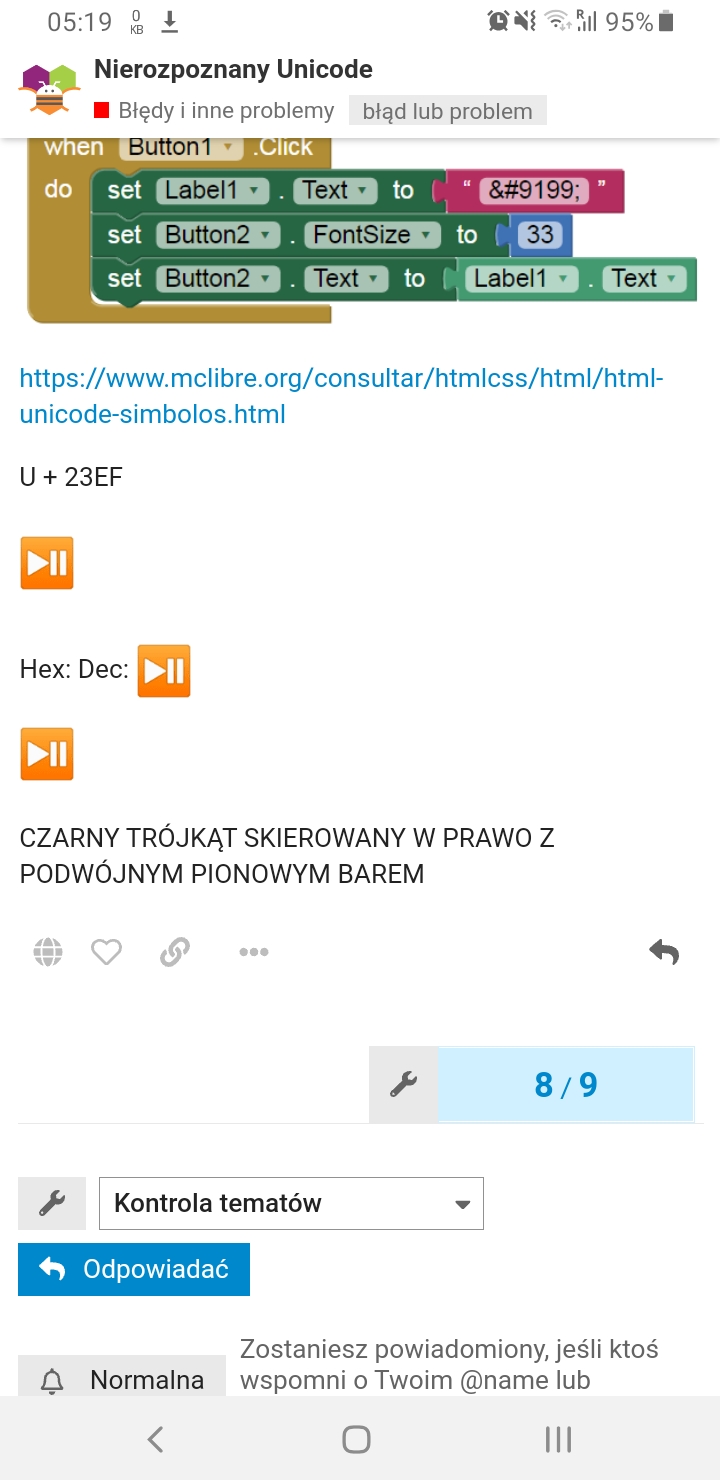
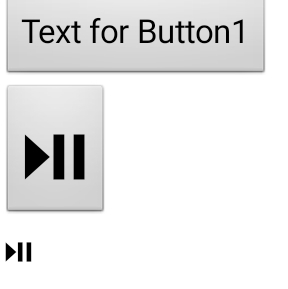
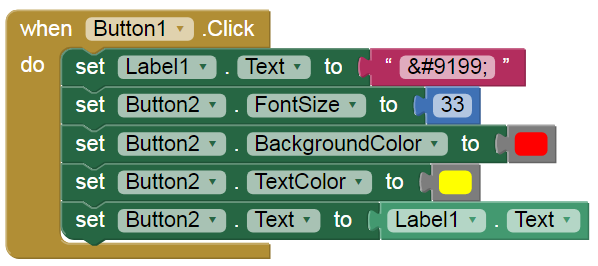
This works?
@Anke can you try it, please.
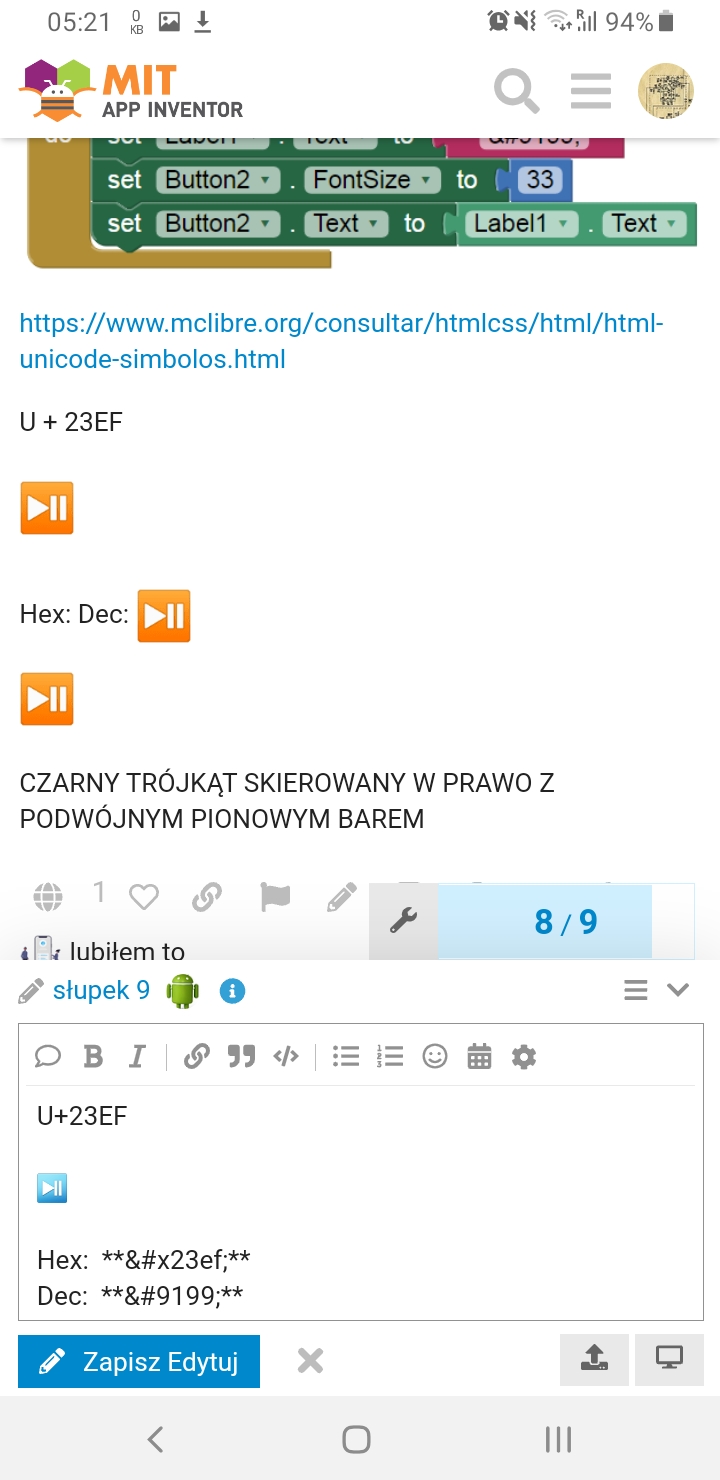
Label1 in checked HTMLFormat property in Designer.
U+23EF
Hex:
Dec:
BLACK RIGHT-POINTING TRIANGLE WITH DOUBLE VERTICAL BAR