New App Inventor User Interface in Open Beta!

While you're doing Windows scroll bars, take a look at this continuing annoyance.

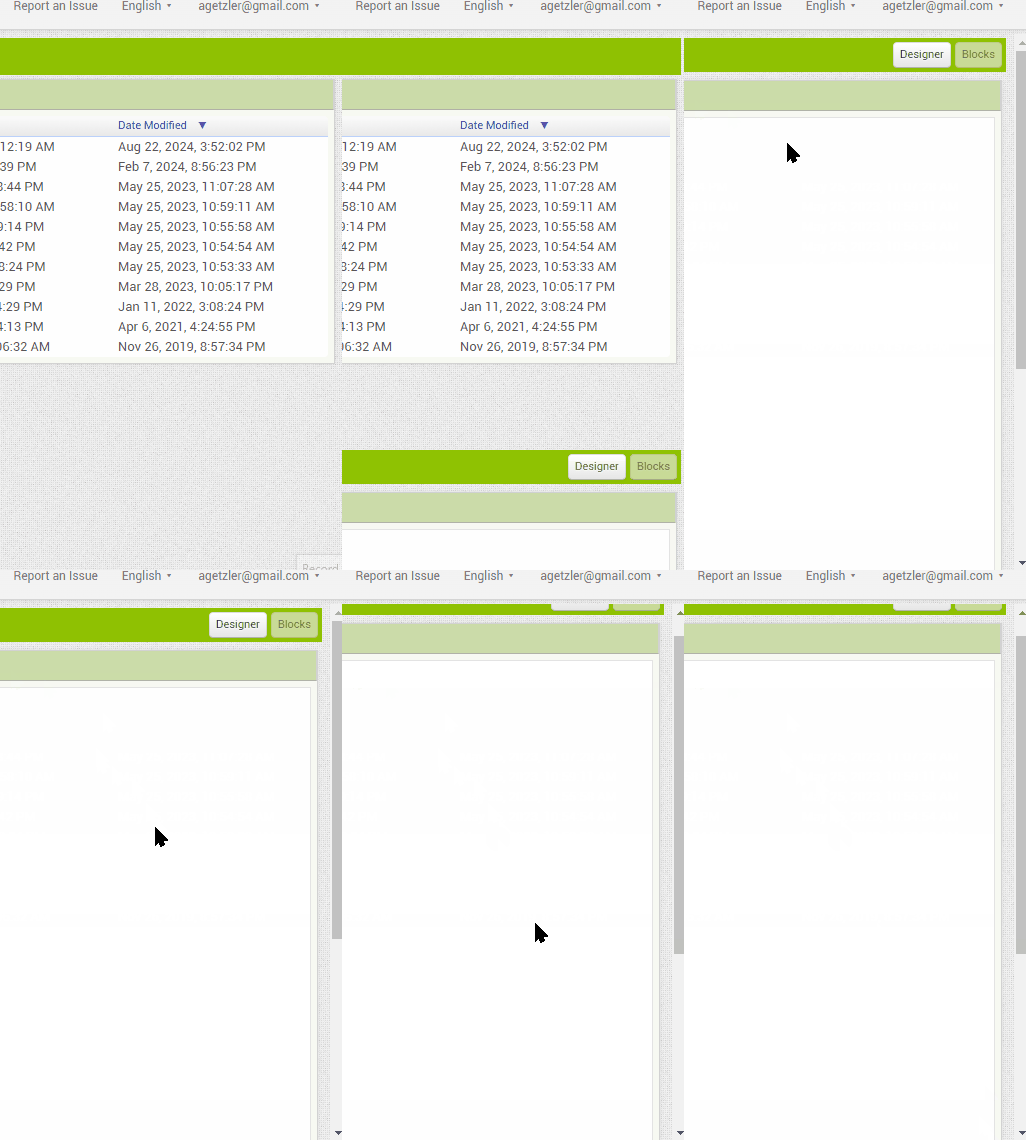
The first click in the Blocks Workspace nudges the outer scroll bar enough to obscure half of the bar that has the Designer/Blocks Editor buttons.
First click on Blocks workspace nudges outer scroll bar

(I checked the Privacy Policy bar on my laptop. It's down to a quarter inch high, less intrusive on my desktop PC monitor.)

Huh. I think I understand what's happening on your video, but I don't reproduce it on Edge on my VMWare Windows 11 virtual machine. This will take some digging.

I'm using Brave on Windows 10.
It also happens on Chrome,
but not on Firefox.
It happens on Edge.

1 Like

I can't scroll the blocks when a project is reopened in block view after switching from another project. Neither by the mouse nor by the scroll bars (scroll bar remains hidden).

I switch to Designer view and back to the Blocks view, then scrolling is enabled. I tried this several times.

Best regards,
Osmany

1 Like

Hey MIT! This Is Team Anissa Project Here.
I want to discuss a few issues with the palette scheme of the app builder.

Issues:

  1. It is a bit too bright, and users are unable to properly view the sections, due to everything being white.

  2. Basically, Just The Ribbon can Be The Signature Green MIT App Inventor Colour.

  3. Also, many MIT App Inventor Users have told me that the icons for the components are mostly indistinguishable.

  4. It just doesn't feel that organised, and all too confusing due to everything being white.

Hope this Helps. Thank You for your Time.

Regards,
Team Anissa Project.

1 Like

Then it's a Chromium issue I believe. Brave, Chrome, and Edge are all based on Chromium, but not Firefox.

Oh, Okay.

I’ve been mentioning for a while now that the internal scroll in the blocks section, both in all Firefox forks and in Firefox itself, skips and doesn’t provide smooth scrolling, which is frustrating. This forces users to rely only on browsers with Chromium engine or use a Chromium User Agent on Gecko engines. Since a new UI is still being implemented, I thought it might be worth checking if this is an issue with the builder or with the Gecko engines.

Sample video

I use Firefox as my primary browser on MacOS. For me, the scroll on the blocks flyout does not skip, but it does scroll much faster than it does on Chrome.

i am also using firefox but it directly scrolled to either top or bottom

Ah that's what I mean, it scrolls too fast or skips content, so you have to scroll and scroll, otherwise it skips most of the blocks.

I too have same issue a while ago,
I use Mac Mouse Fix app which solved this issue.
Give it a try it's free

The new UI is beautiful and I enjoy using it. Thank you for all your hard work!

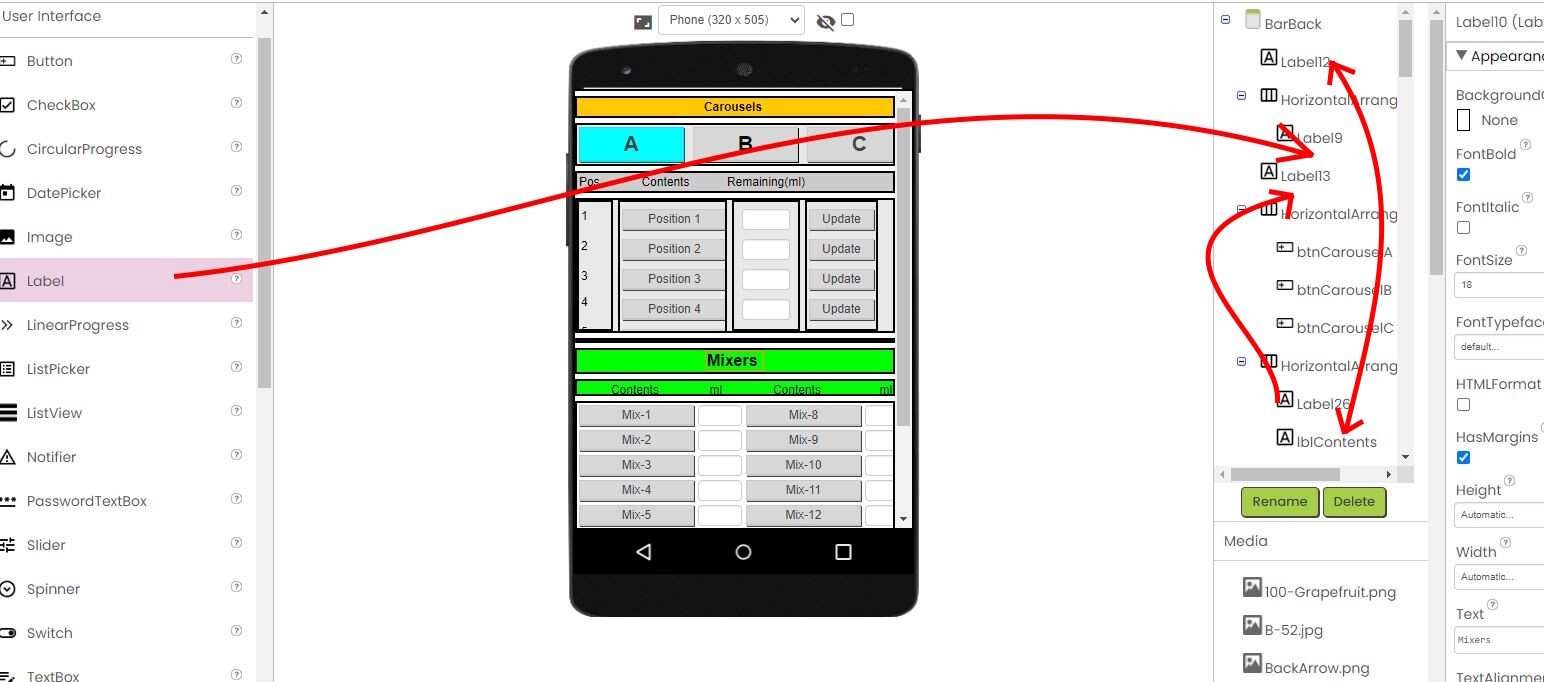
I have a suggestion that isn't so much about esthetics as it is about the nuts and bolts. When working on a dense design, it becomes increasingly difficult to insert and move components around in the designer. I would love to be able to drag/drop/move components in the component tree itself. You could see exactly where you're placing your component even when the designer becomes cramped.

Would this be possible without a ton of work? Would others find it useful?

Thanks,
Bryon

4 Likes

Believe it or not, we have some keyboard shortcuts in the work from this summer's Google Summer of Code projects that adds this functionality from the keyboard. This is @Venky 's work. We are not the fastest at getting new features into production due to our small staff, but this is on my priority list.
3 Likes

Wow! This is great news and kudos to @Venky! I am in no rush for this feature but looking forward to it!

Thank you!
-Bryon

2 Likes

The search textbox could be much bigger to suit the new UI :sweat_smile:

2 Likes

The width in the new UI isnt fixed and it changes depending on the component title.

2 Likes

I have a fix in the works for that.

1 Like

Are suggestions for the Block Editor welcome in this topic?

@>-->---

Yes, You can!