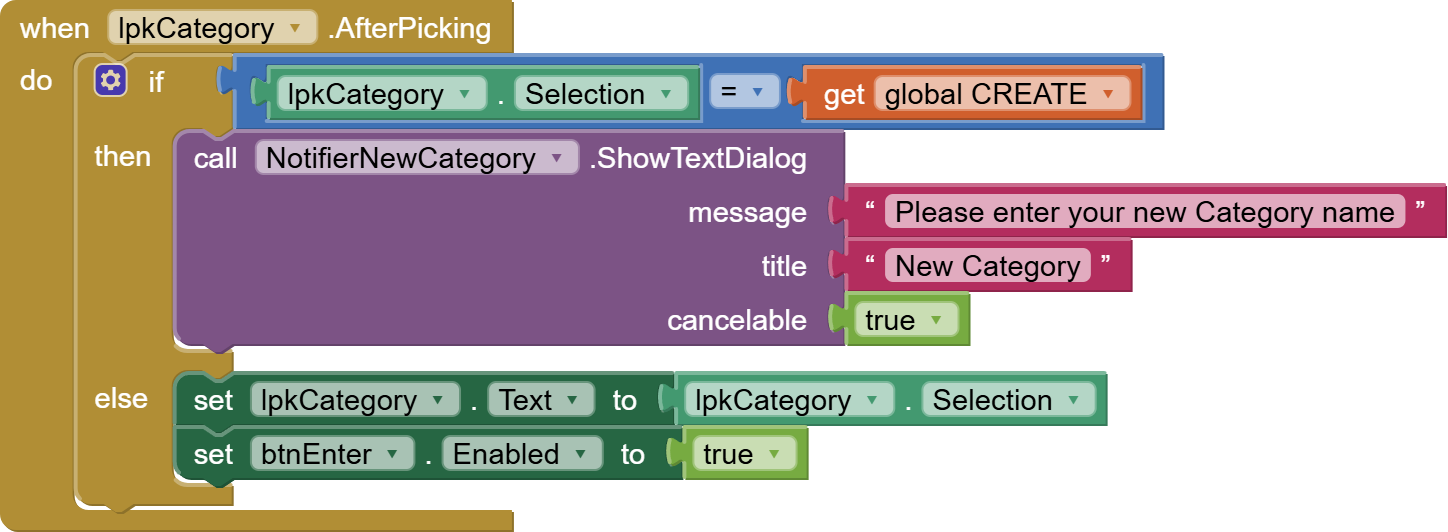
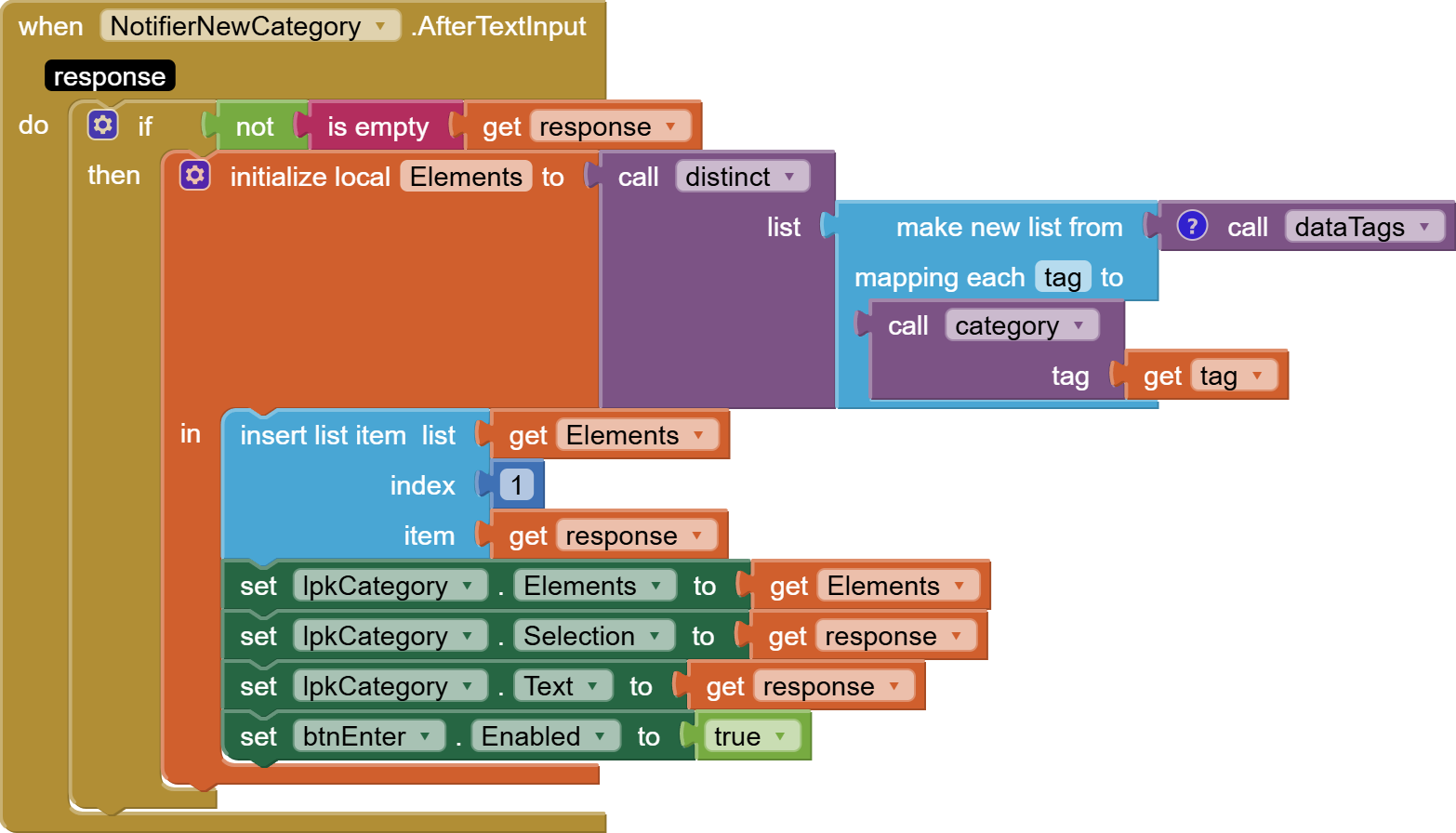
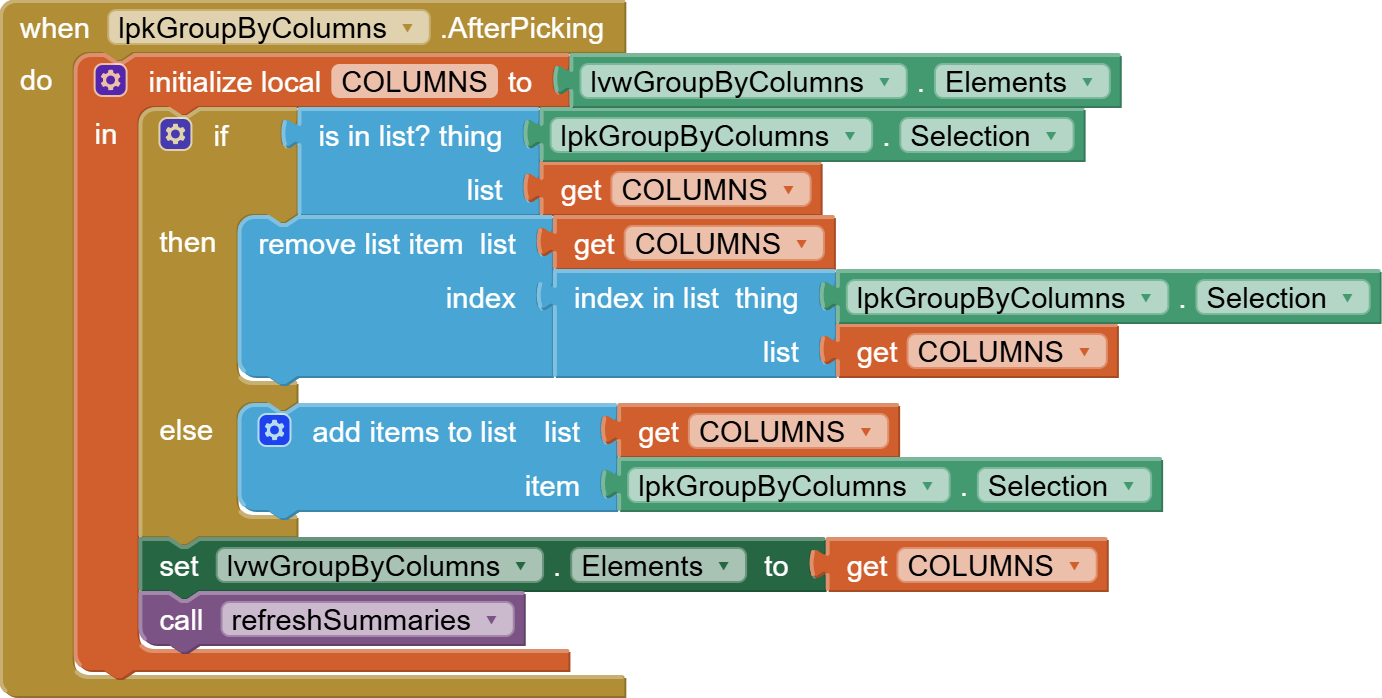
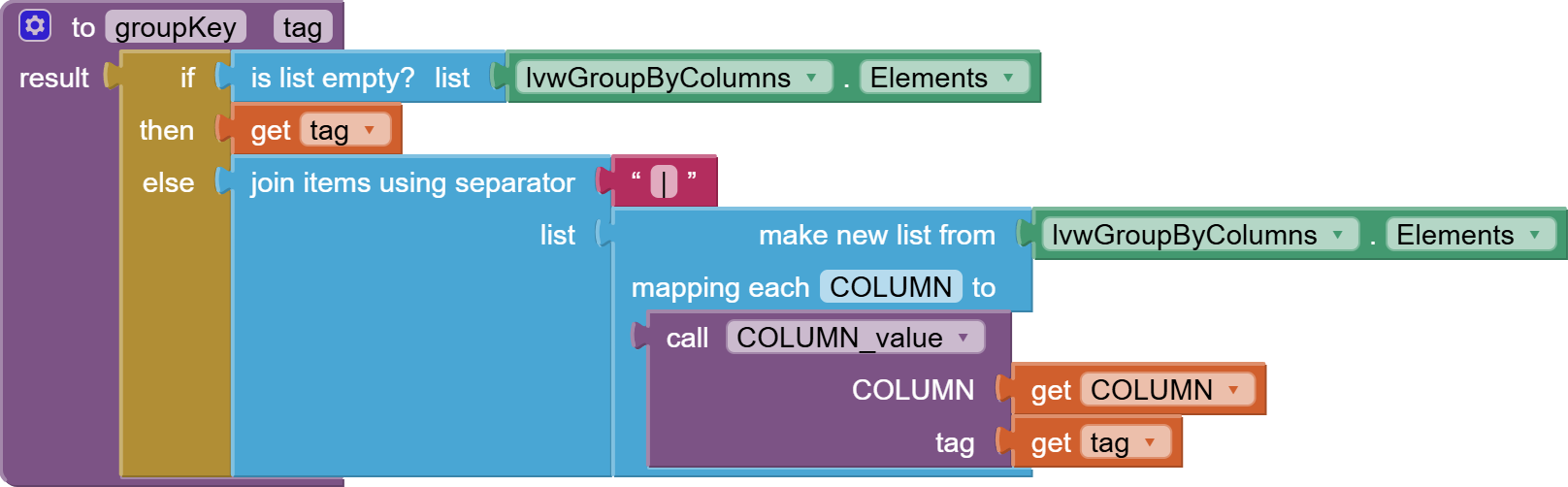
Filters are kept as a dictionary, with column names ("Category", "Year", "Month", "Year.Month") as keys. The value under each key is the list of acceptable filter values for that column. If the disctionary is empty, everything is acceptable. If there are multiple column filters, each tag must satisfy all filters.
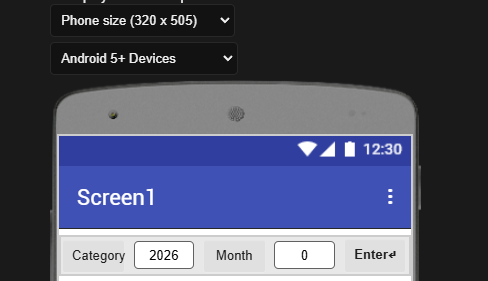
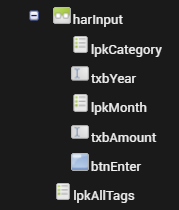
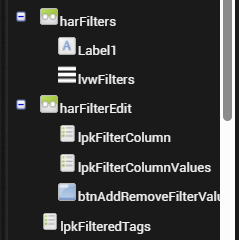
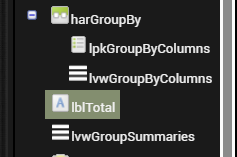
Designer:
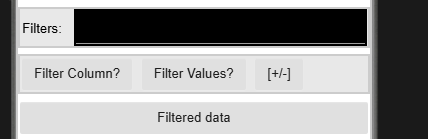
Filters are presented in a ListView lvwFilters.
They can be added and removed (one filter column and value at a time) using two List Pickers and a Button.
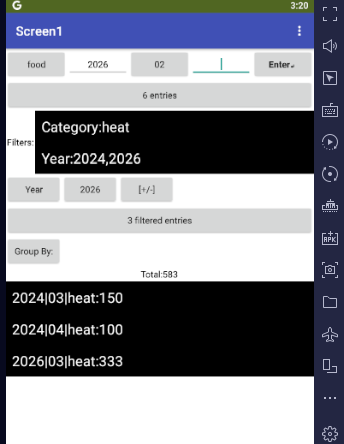
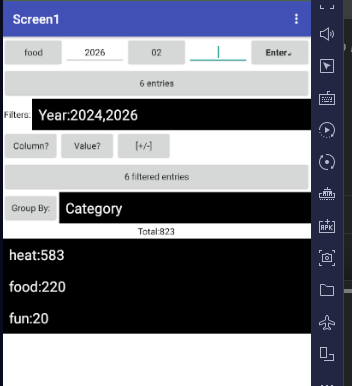
Sample filter choices:
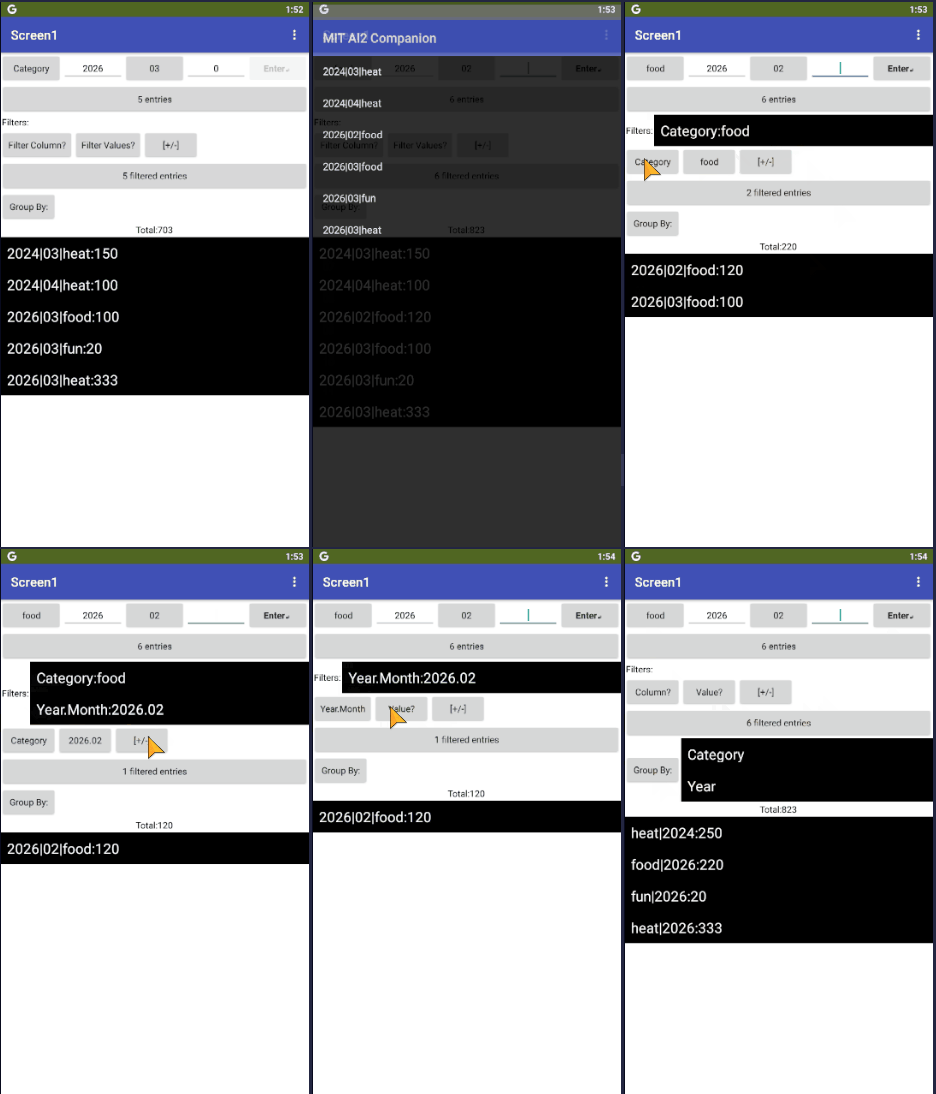
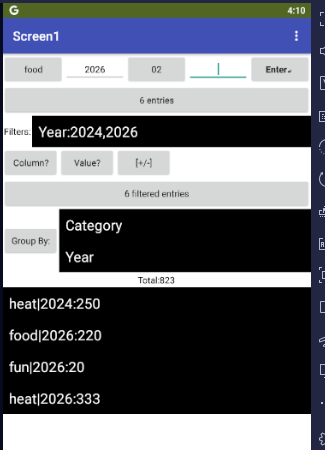
Here we are asking to see only the heat expenses for the years 2024 and 2026. (I did not add any data for 2025, so it does not appear as a choice.)
The nb204 Anonymous Procedures, at work:
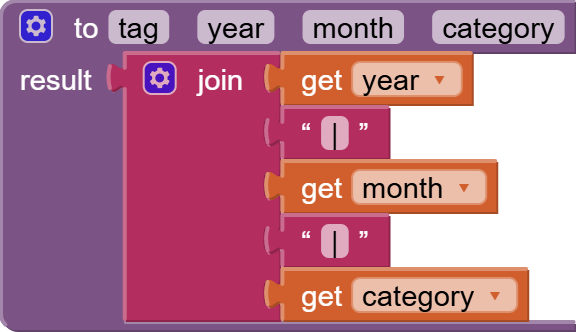
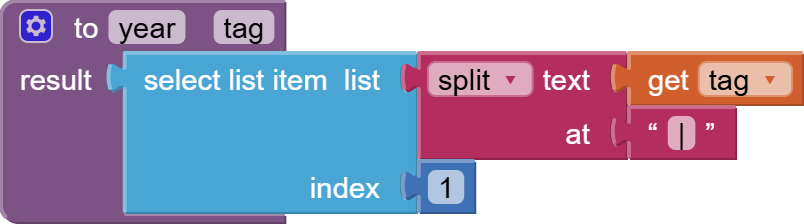
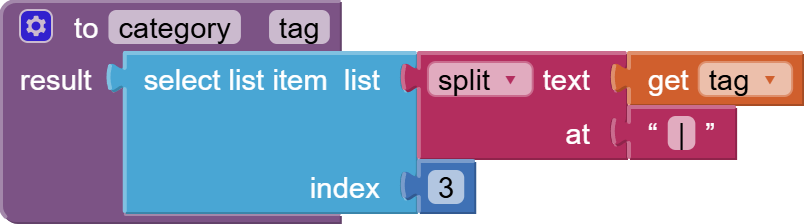
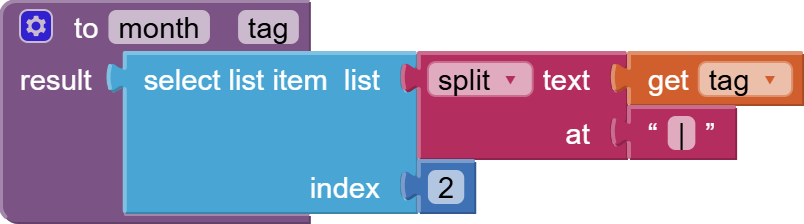
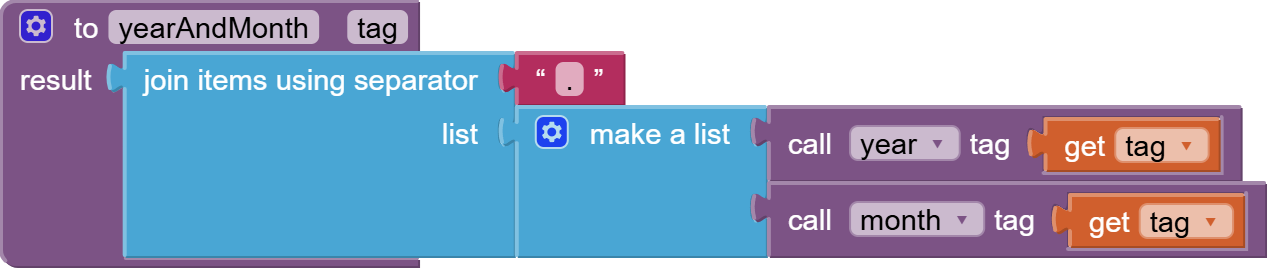
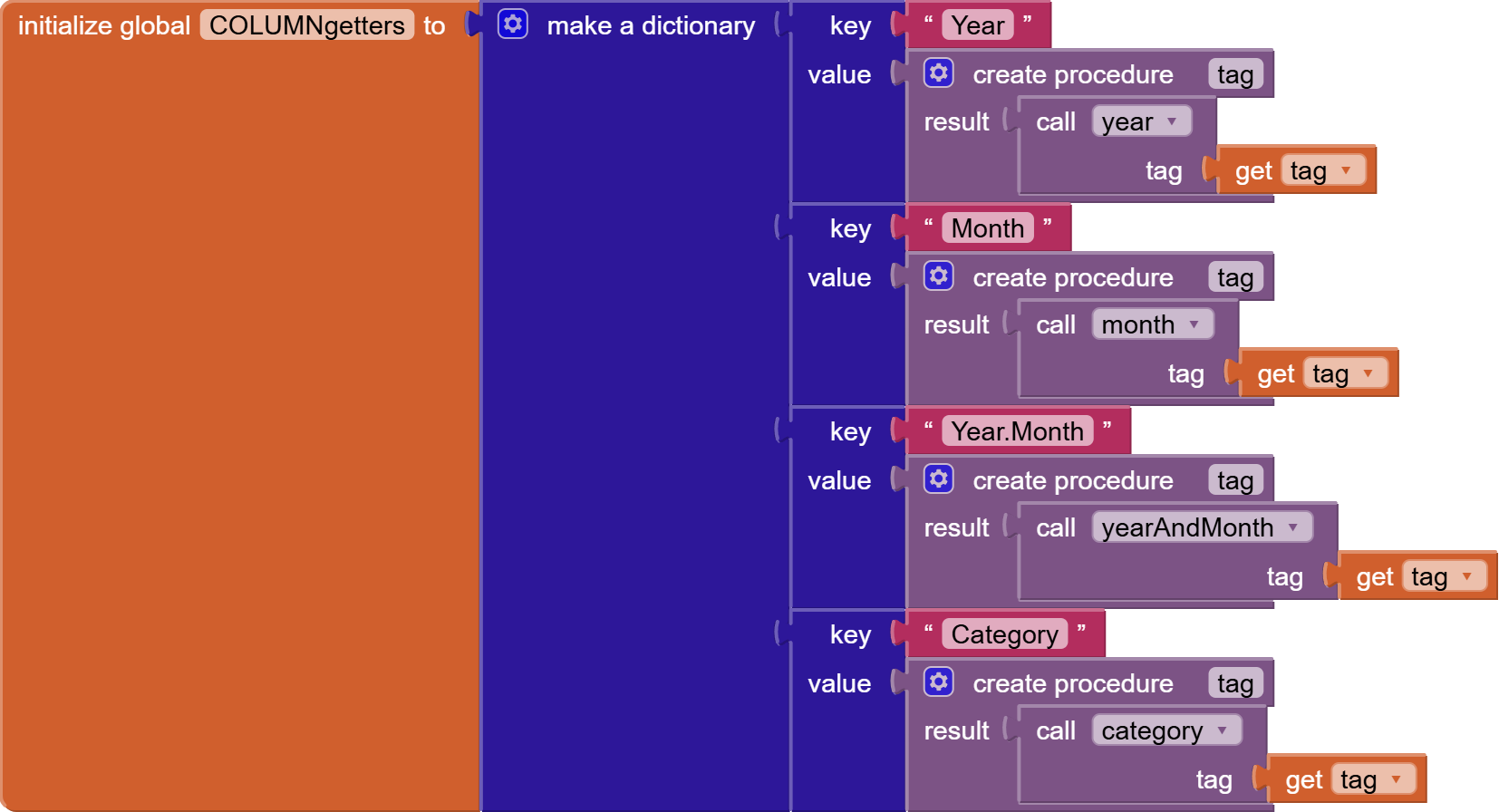
This is where the column names meet the code to extract their values from TinyDB tags:
This dictionary is where the descriptive text names of the columns meet the code to extract that column value from a tag.
This code would have had to been coded as an if/then/elseif ladder before nb204.
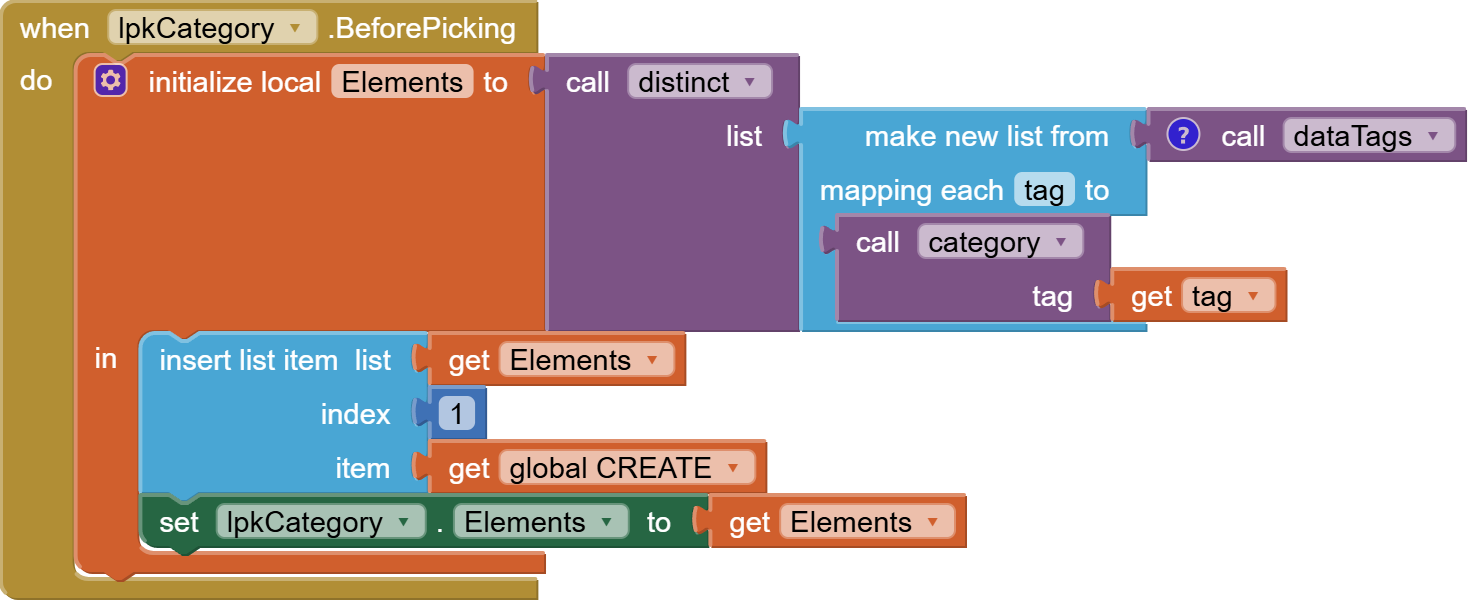
Now the keys of this dictionary are available to be loaded into List Picker Elements to help the user configure his filters.
This is the filter dictionary we will be loading up with filters:

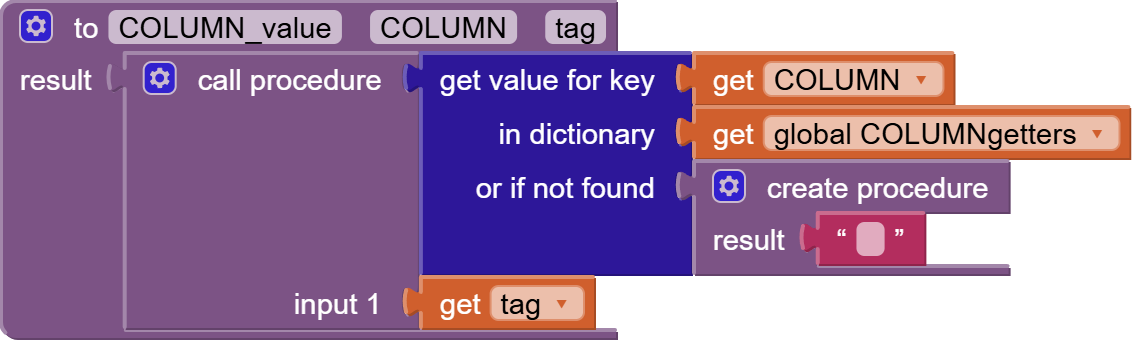
Using the new nb204 anonymous procedure blocks, we can look up and invoke the procedure to extract any requested column from a tag:
This procedure takes a column name ("Year",...) and a TinyDB tag and looks up the code to extract that column from the tag, then invokes it to return that column value in that tag.
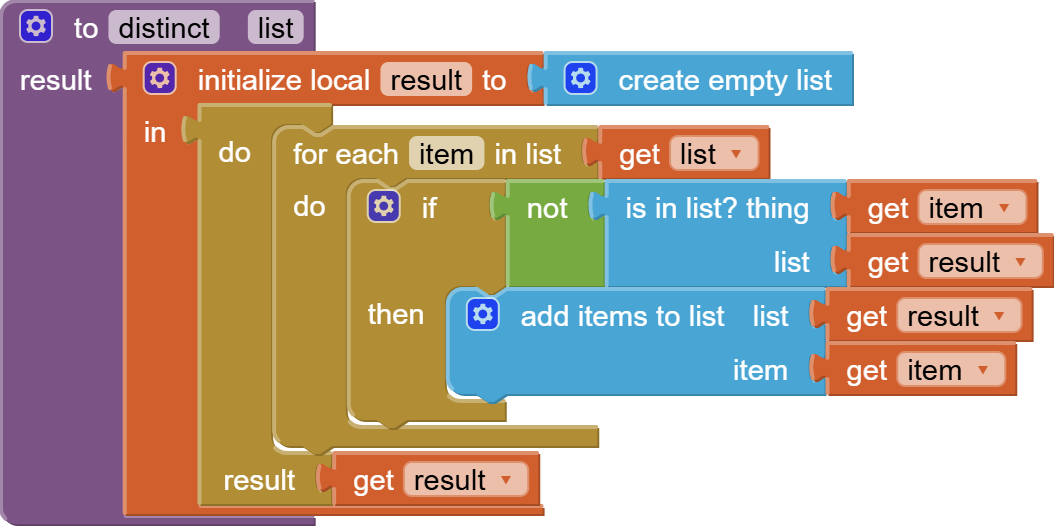
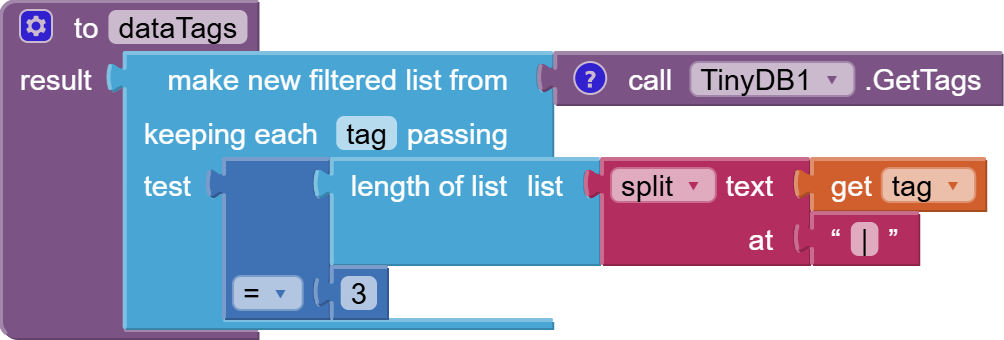
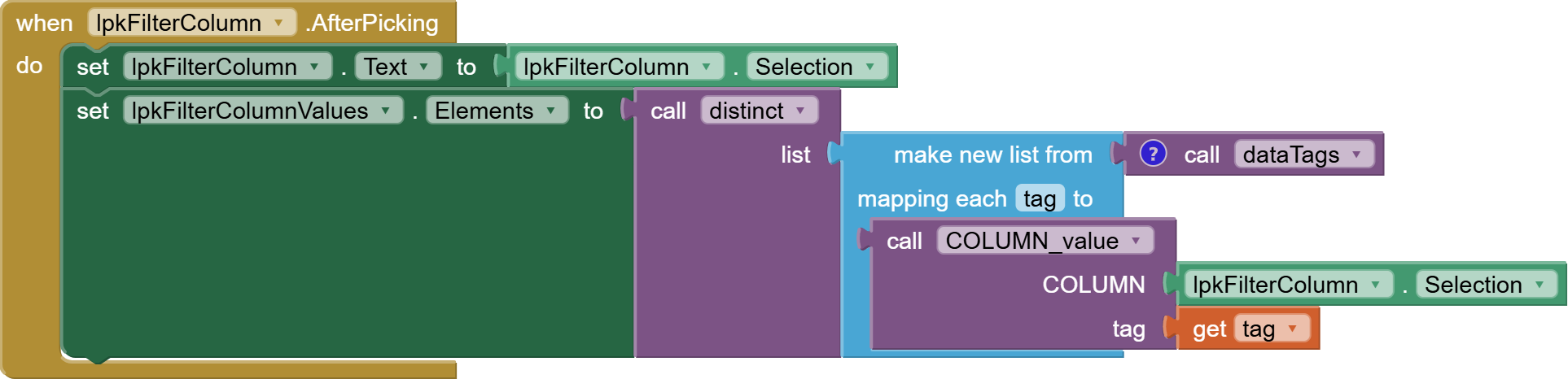
After a filter column is chosen, we use that column choice to extract all distinct values of that column from our TinyDB tags, and present them in the adjacent List Picker:
When a filter column value is chosen, we stage it for the add/remove button:
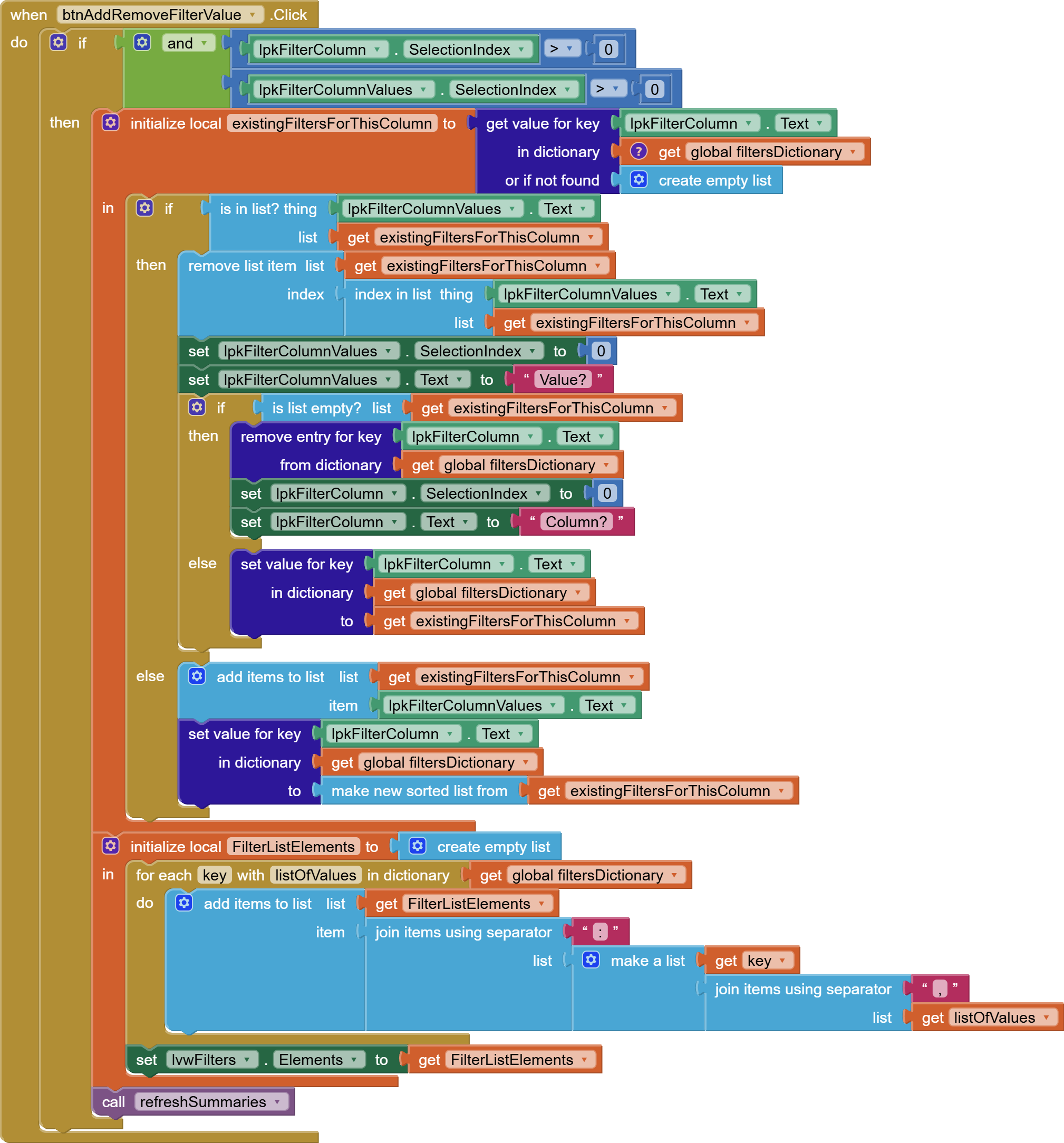
The Button to add and remove filter values needs both List Picker Selections, and reverses what it finds for this combination of column and value in the filters dictionary.
When the last filter value for a column is removed, that column name is removed from the filter dictionary.
The filter dictionary by itself is not enough.
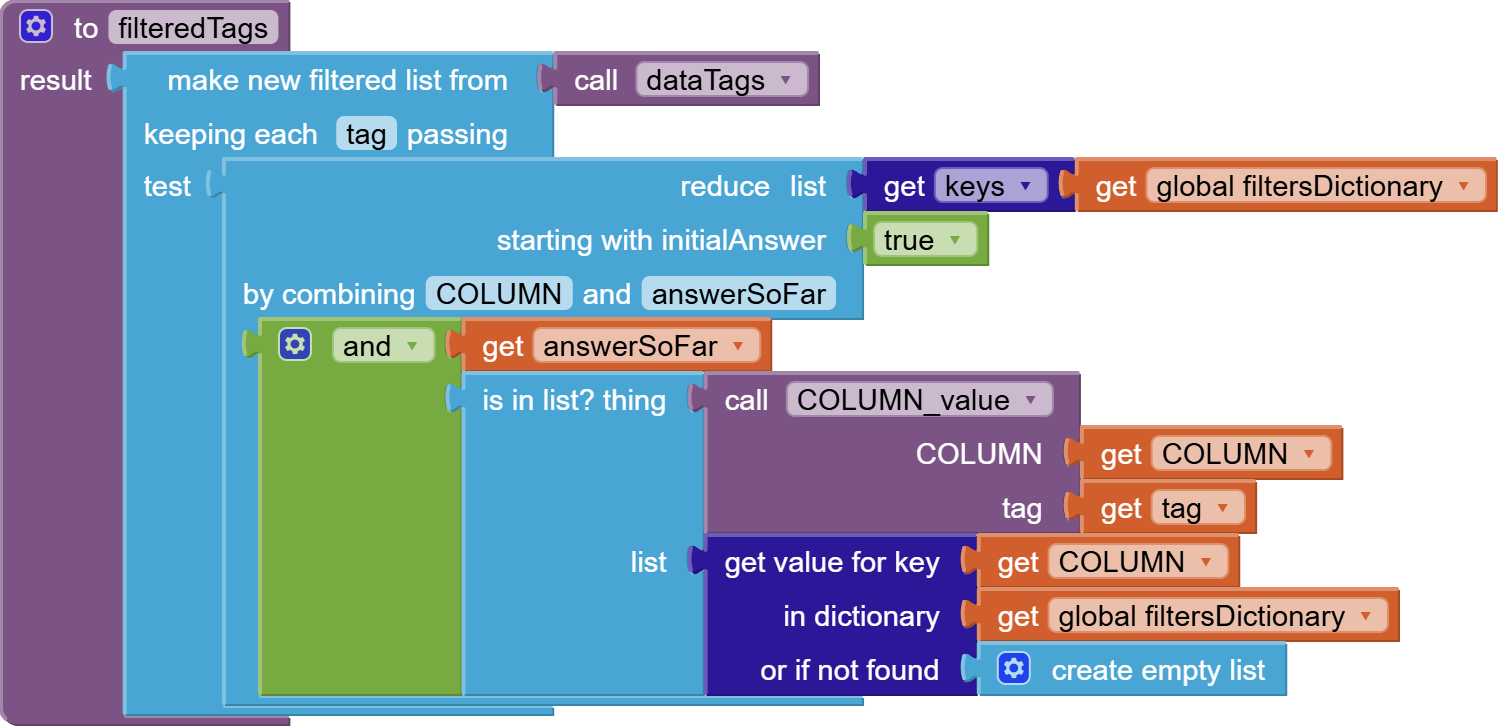
We need a procedure to walk the list of TinyDB tags and return only the ones that pass all filters in the dictionary:
This procedures examines each tag, and applies each test in the filterDictionary, applying an Is In List test for that tag's column values against acceptable filter values.
The reduce list block and the Make New Filtered List block are from nb191's advanced list blocks collection.
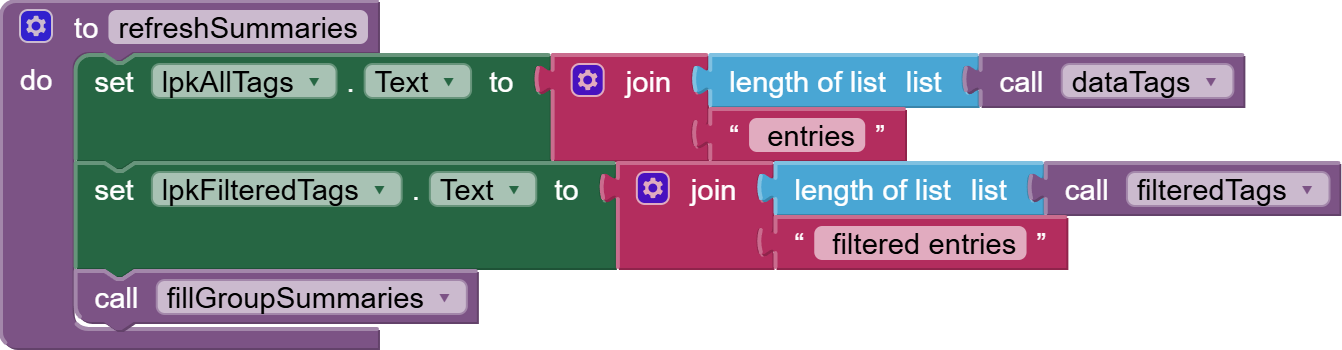
Here's the procedure to refresh the summaries so far:
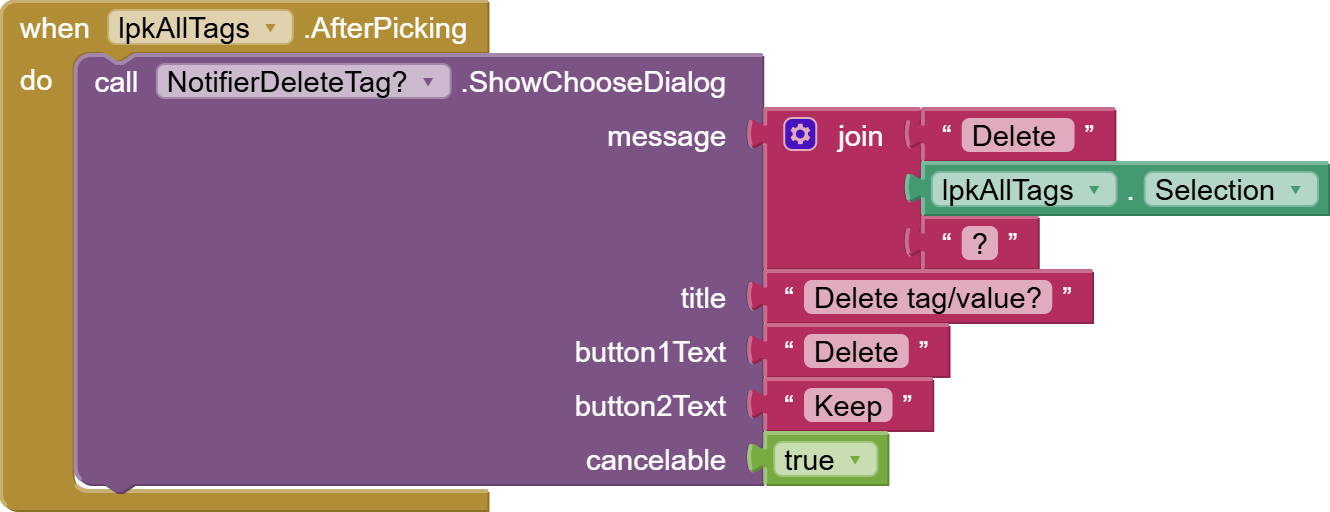
Summary List Picker handling in next post: