
You probably need to share a copy of your aia project.
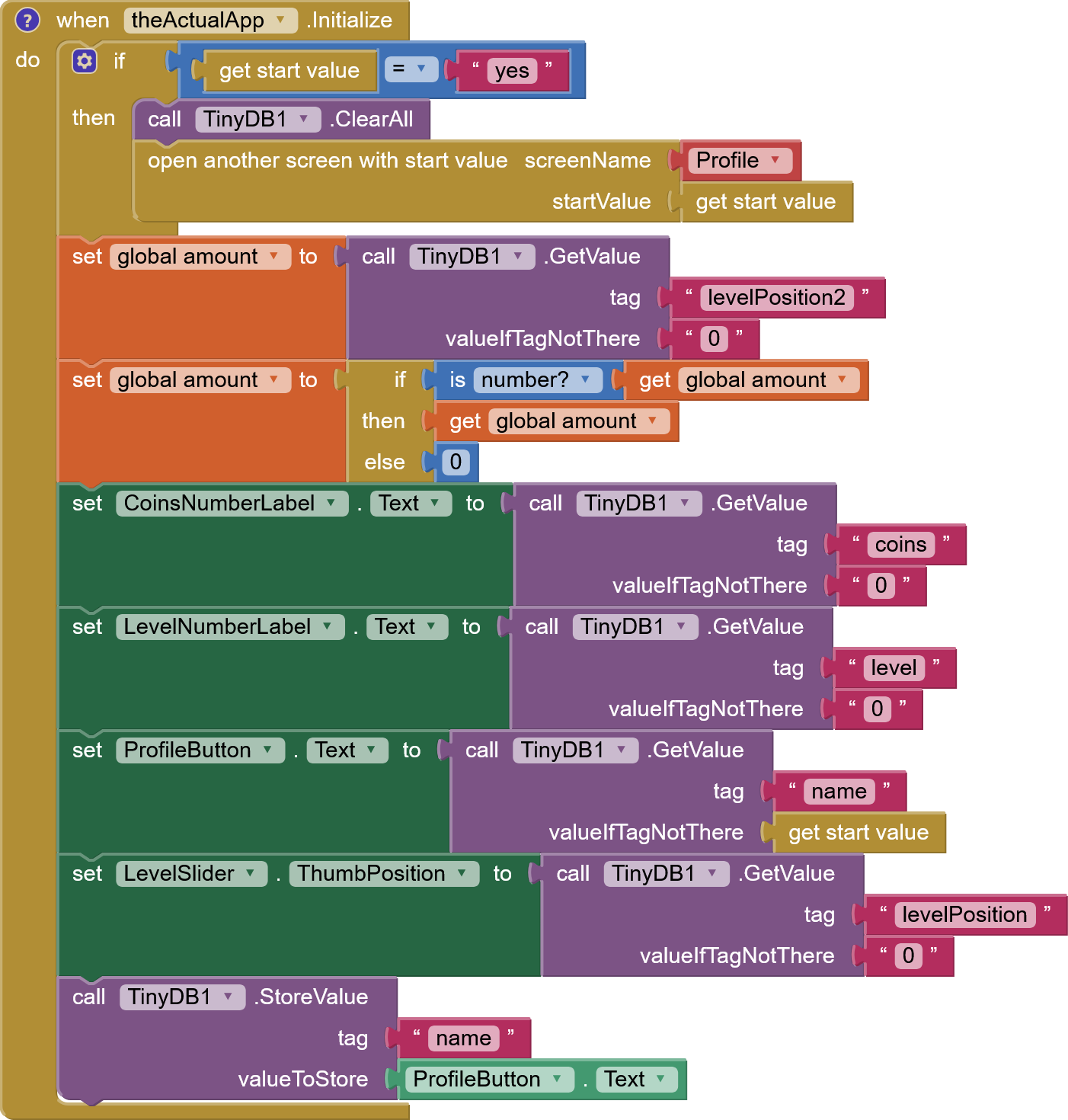
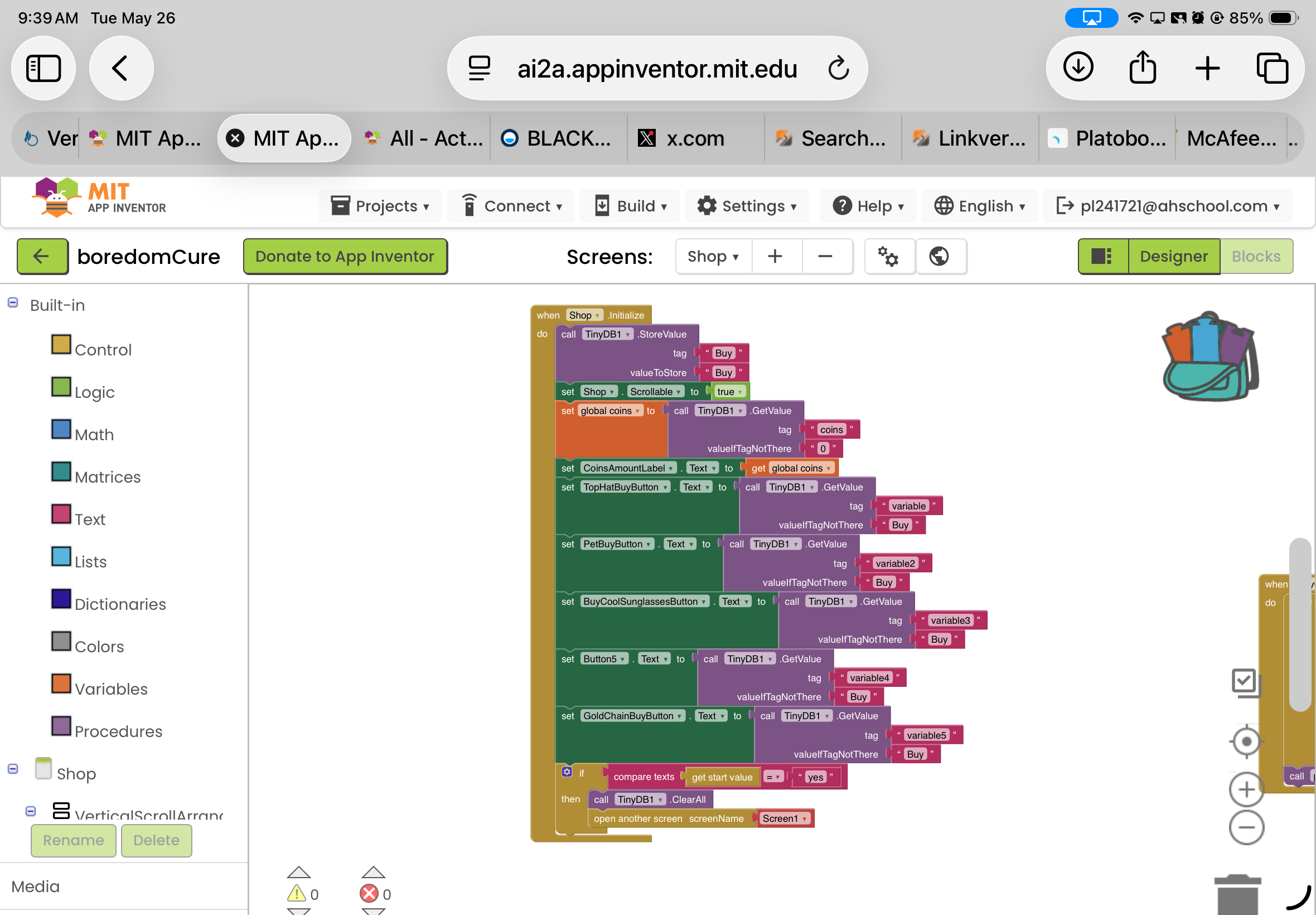
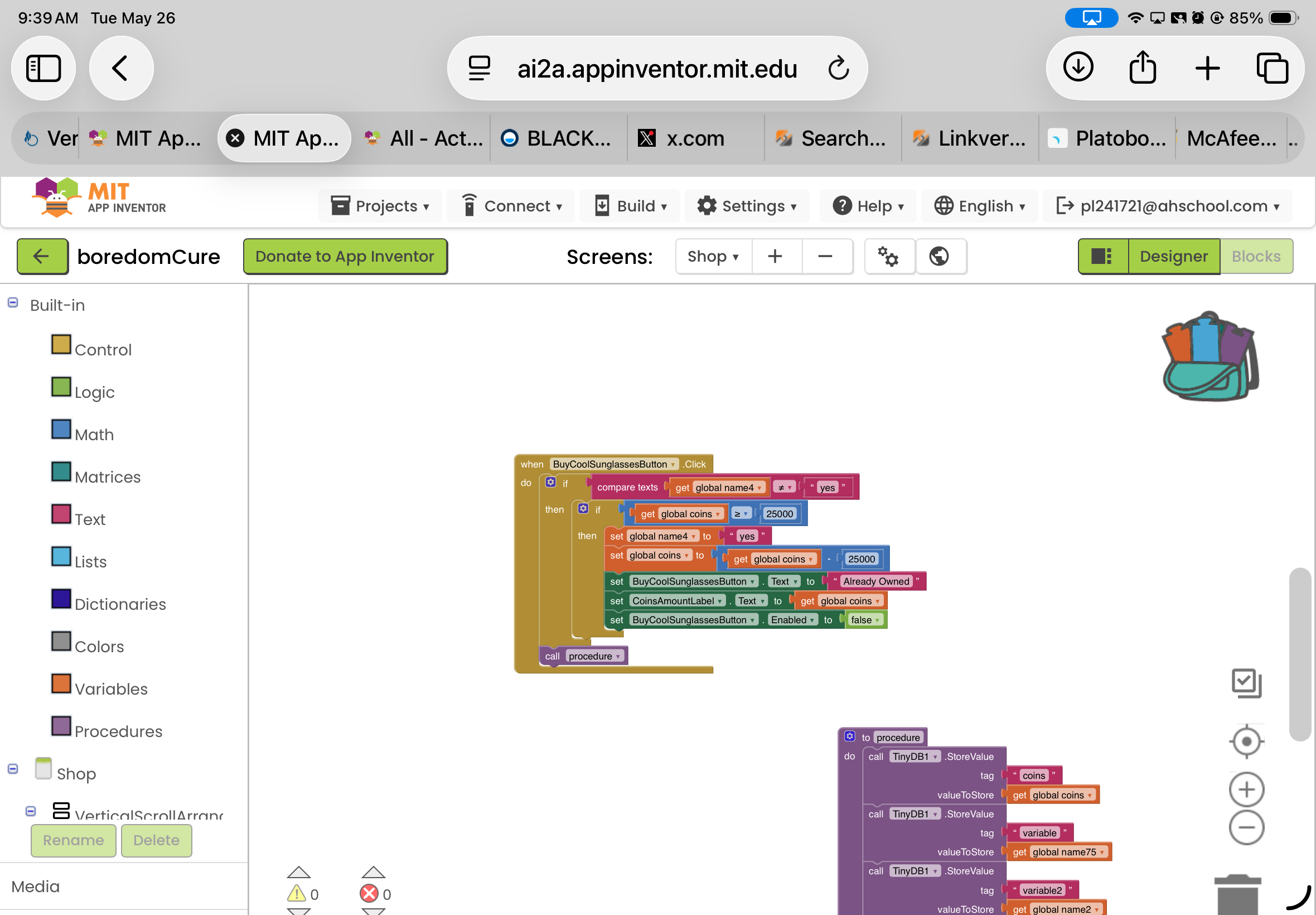
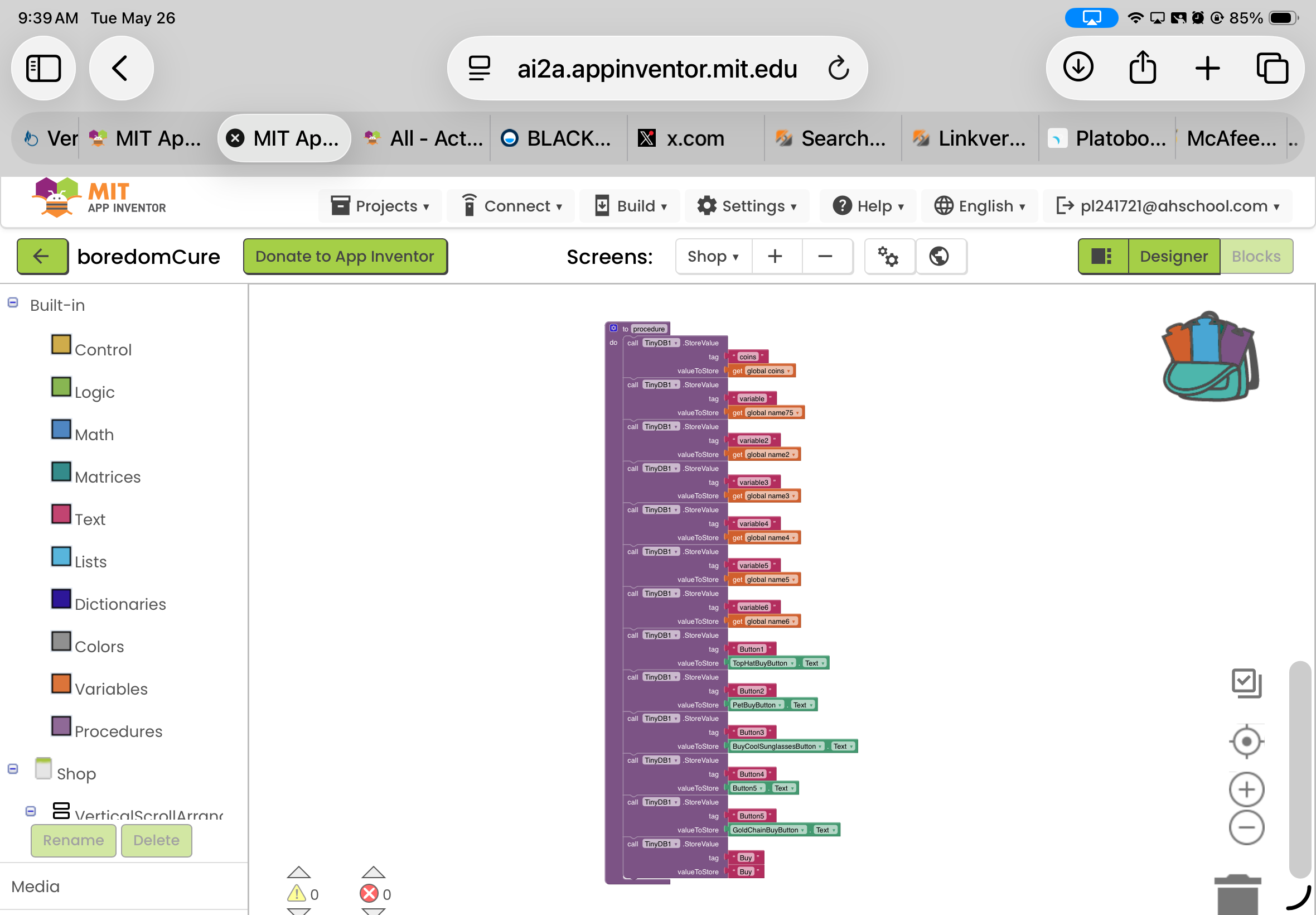
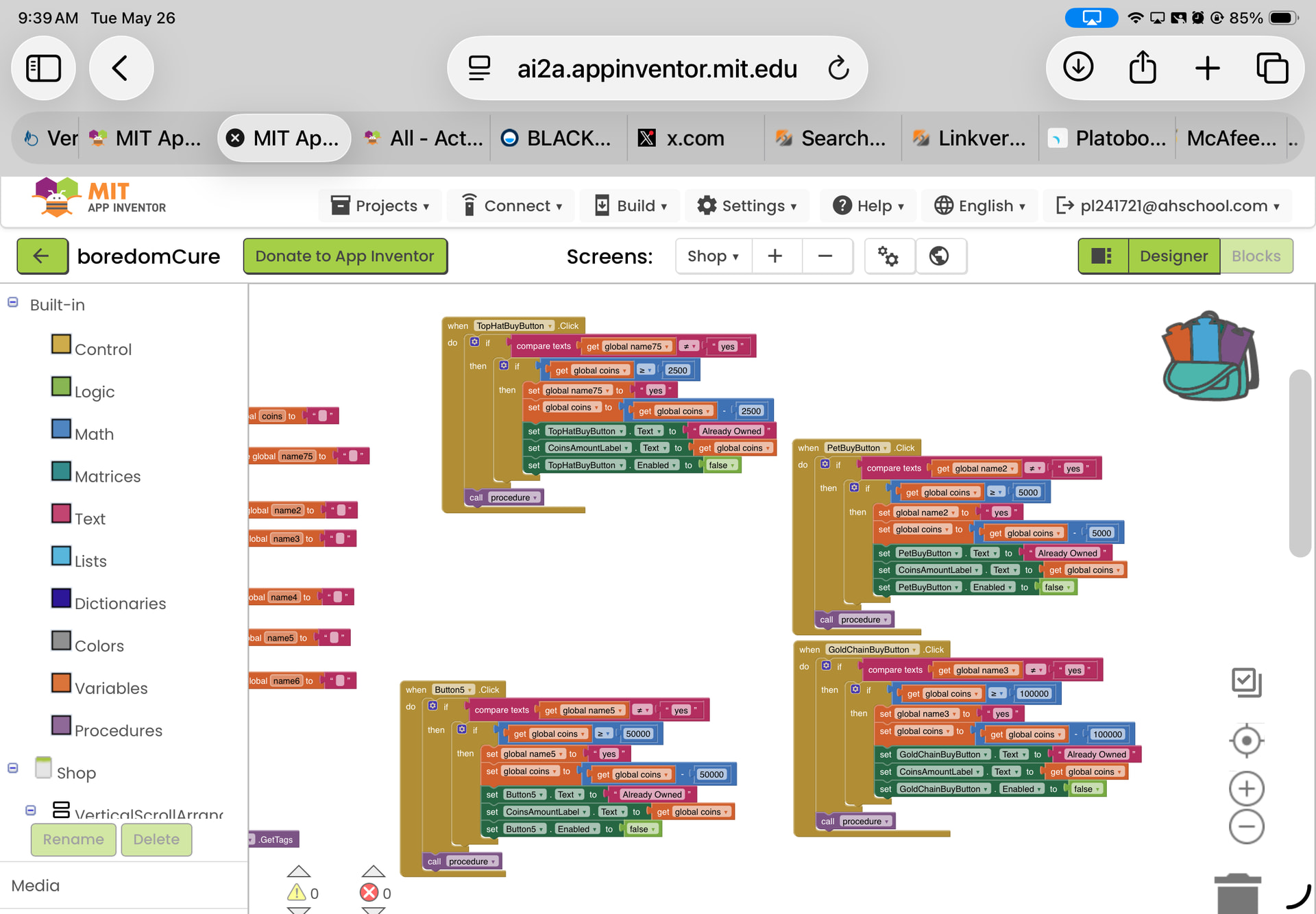
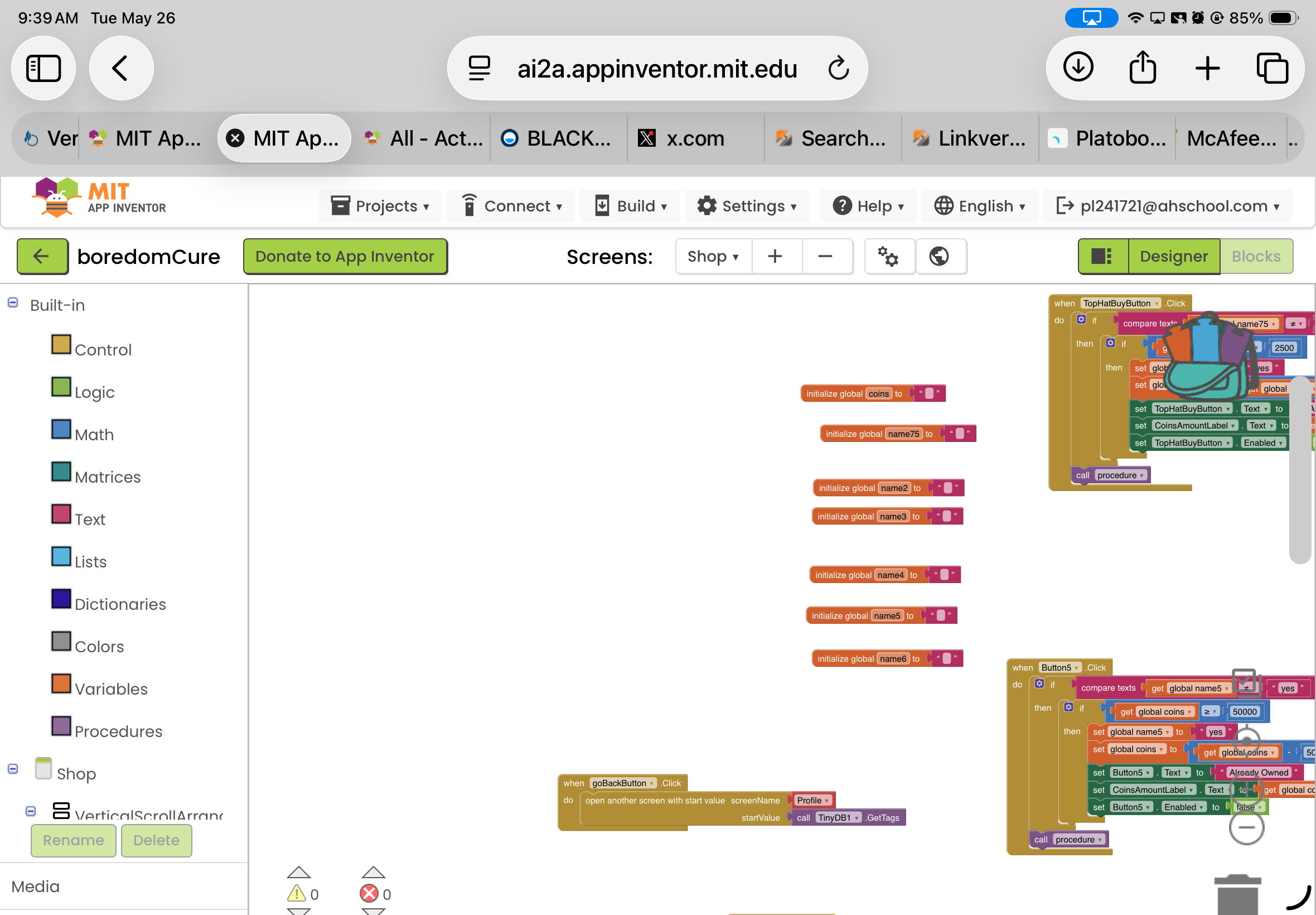
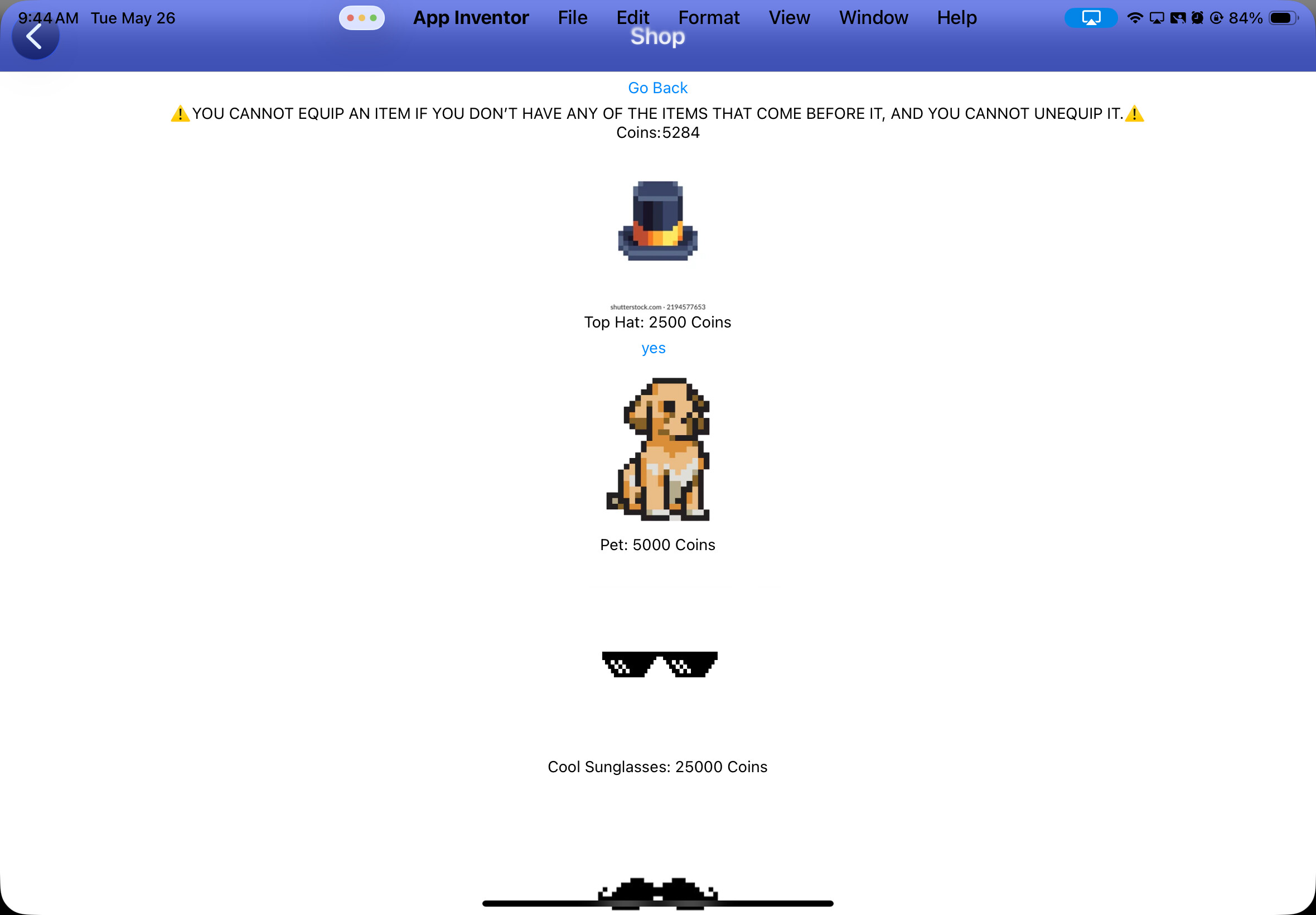
In the meantime, pick one button, and track its text value and where this is stored through the workflow of your app. You should find where the text value of the button is not being set , or set to "yes" (particularly just before you exit the shop screen, or before you re-enter it).
Please read Chapters 19 through 22 of
You could have done this with lists, tables, and a ListView combining item names, prices, and image.
In general, if you need to add more blocks for each item, you are doing it wrong.
Also, there are Screen event blocks that can catch returning from another screen, to refresh all those unnecessary global variables.
i already did it tho
boredomCure.aia (1.3 MB)
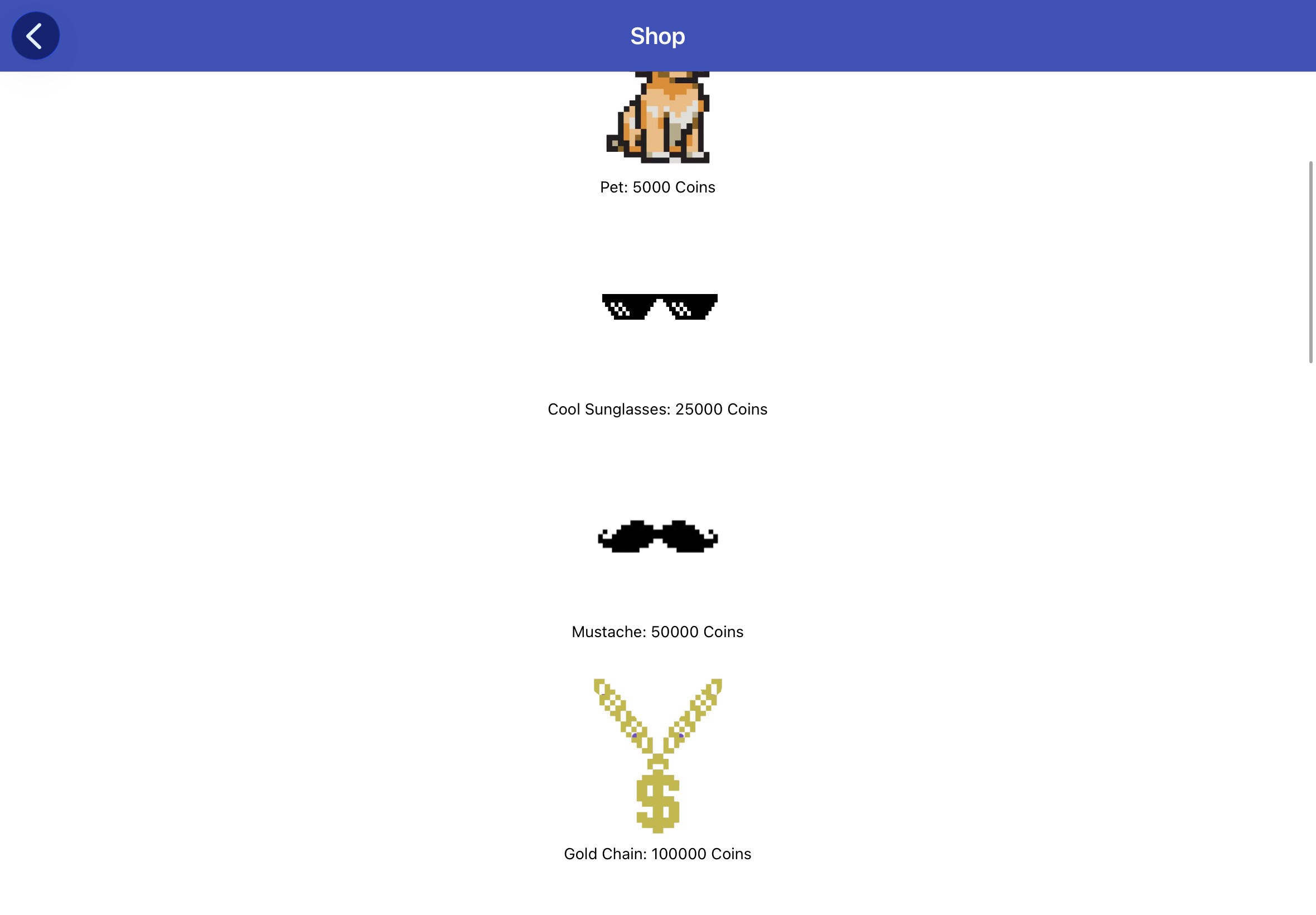
i figured out one glitch, now i just need to fix the other buttons not working? Anyone figured it out yet?
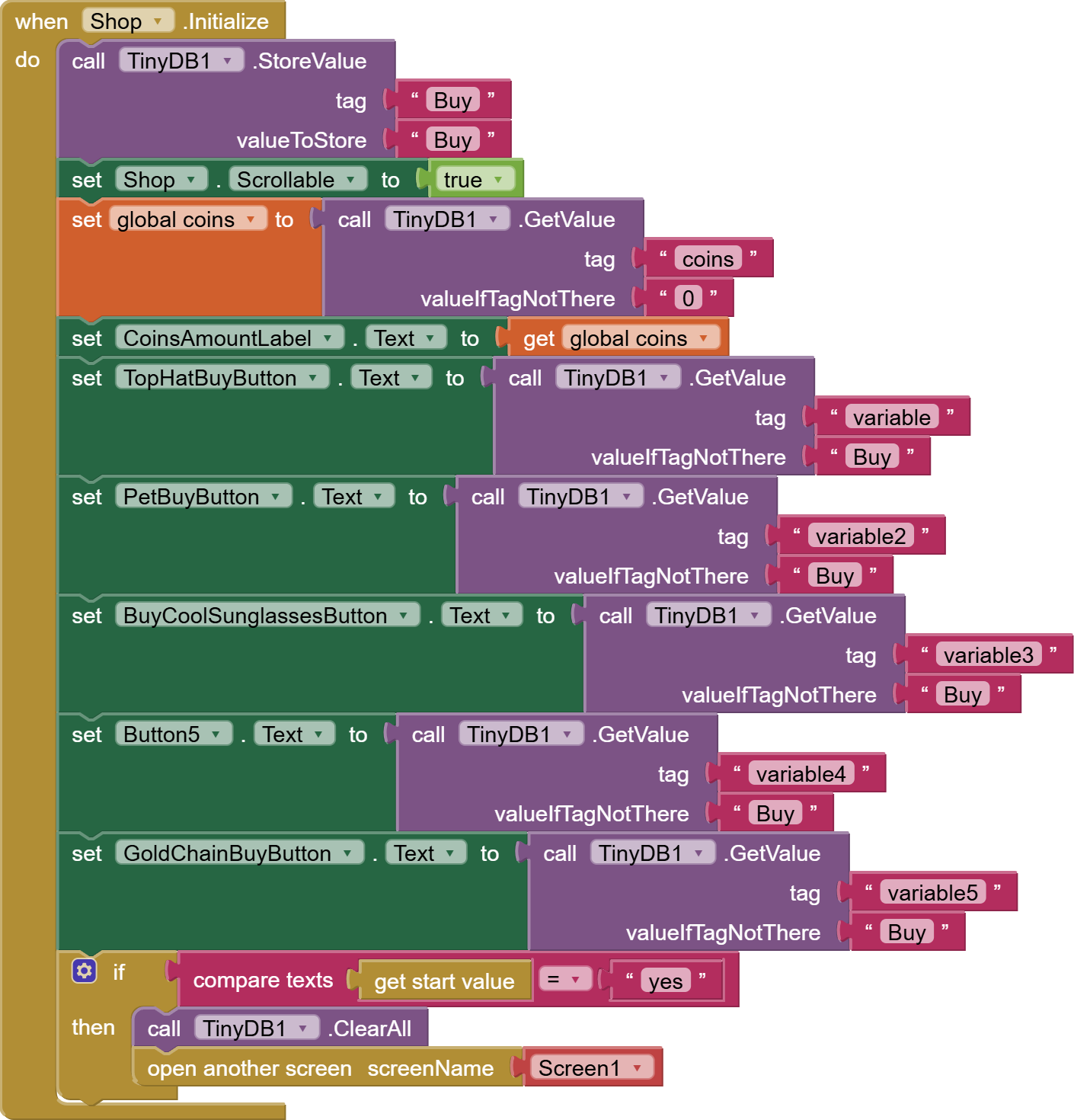
Your coding exceeds my ability to keep track of tags, variables, components, and procedures.
I might as well drop back down to machine language, before even assembly language was invented.
I is said that Adam and Eve's first job was to name the animals in the Garden of Eden.
The least you could do is to name your data.
More reading for you:
yk, there are ways to be more polite, and i have adhd, so labeling is too finicky for me
no thank you
You are fetching the variable1 - variable5 values from the database, not the button1 - button5 values in your initialize block.
yeah ik, and i fixed it, but idk why the pet buy button doesnt work
I finally figured out how to avoid labeling the data in the app.
Put it in lists, tables, and dictionaries.
For longer term storage, put it into a data base.
btw, is this code good?
Code Not Working on App Screen, Need Help Fixing, Even my Teacher is Confused at the Bug
Heres the aia file:
boredomCureNEW.aia (1.3 MB)