I used to have two places to save projects, in code.appinventor.mit.edu and https://ai2a.appinventor.mit.edu (before the update)
I had seperate files and stuff in each domain, with the same google account.
Now, code.appinventor.mit.edu is gone, nothing seemed to be migrated or merged to ai2. So, only the projects saved in ai2 (the ones that were already there) are in ai2, all the projects in code.app are gone. I had a big project needed SERIOUSLY!!
So I hope you made backups of your important projects by downloading them to your laptop?
Unfortunately, I didn’t…
code2.appinventor.mit.edu/
Did you login with the same account (Gmail)?
Yes, the last time I logged in was like 10 months ago.
That doesn't matter.
Is there any APK built with your code2 account. If so, you/we can identify your package name and Gmail (account).
Yes, I have the apk. It was built from code.appinventor domain though.
What should I do?
Upload it to Google Drive and post the (public) link or send it to me via PM.
I sent you pm.
Your package name is:
appinventor.ai_jonathanshiu.A_Night_In_PHCPS.
So your email is jonathanshiu(@....). That looks fine.
So your projects should be there.
@jis
I do wish it was there. But these are all my old files from before the update. Anything from code.appinventor domain is not there.
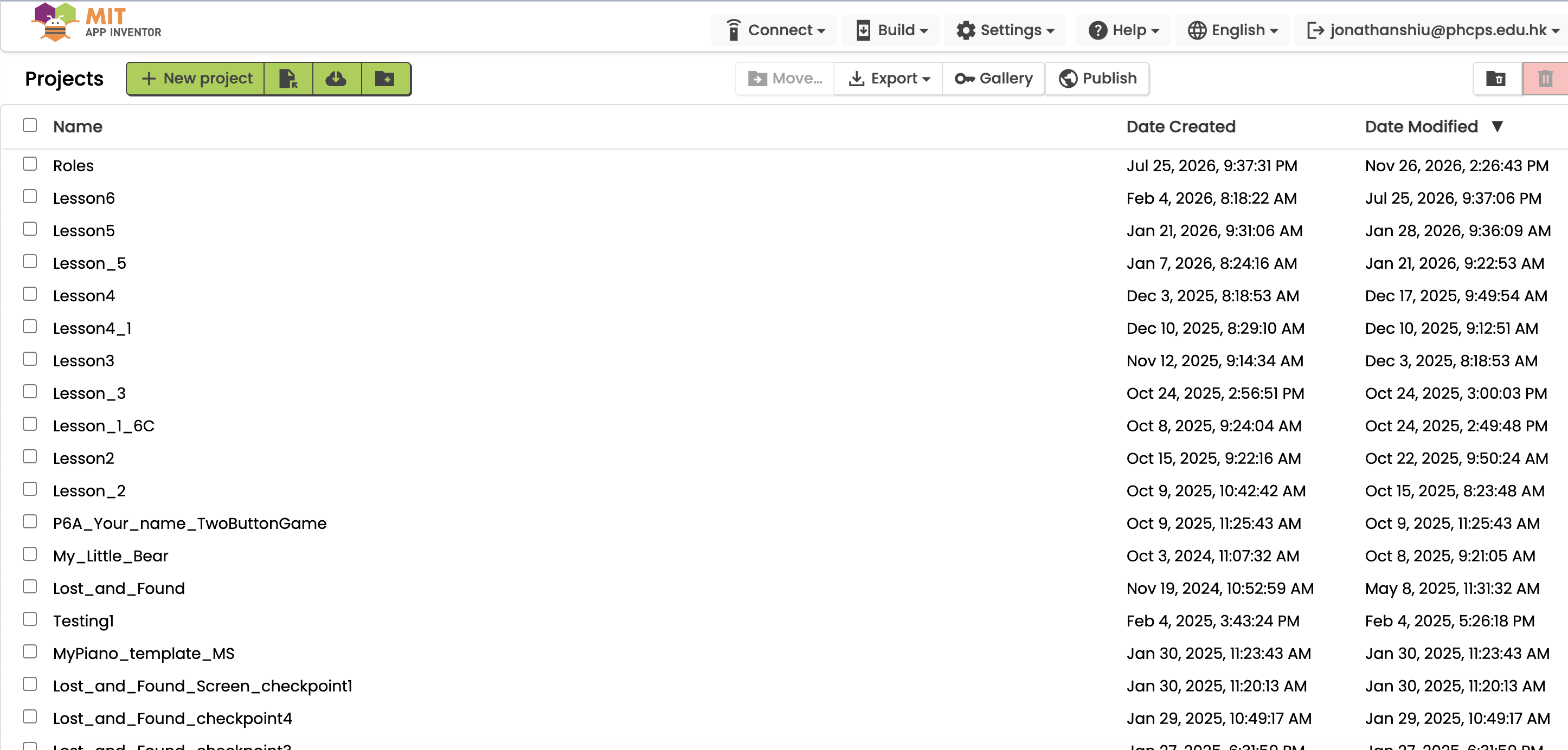
My email account used for both domains is : jonathanshiu@phcps.edu.hk
Hmm, the package name doesn't reveal which account was used to create the app. Perhaps this project was actually created using the main account after all.
But it has to be built in code.appinventor link, because of the size limit. And, I lowkey worked on it almost everyday for more than four months, so it cannot be on the ai.appinventor platform, that’s my work account for teaching.
Your APK is 11MB in size, so no problem to build it on both servers. The limit is 30MB on the main and 50MB on code2 server.
Since your APK was built with targetSdkVersion = 35, it must have been built sometime between late August 2025 and late August 2026.
Yes, around November 2025 to January 2026.
I didn’t know how to optimize so the file size used to be way bigger, but then I tuned down every picture and sound file at the end. That’s why I used code.appinventor link.
Don’t know if it’s relevant, but I actually started a bit of it in ai2 then moved to code.appinventor, don’t remember if I copied and pasted stuff or export/import the aia there.
The project name should be:
A_Night_In_PHCPS ->
A_Night_In_PHCPS.aia
Was your “code account” migrated to the new infrastructure ( as you refer to a migration/update ) and this happened after this migration?
What is the content of the browser’s address bar after you login to code2 server?
I believe there’s no migration at all. I just didn’t log in for a long time. And everything in ai2 project page is just the same as before.
code2 server? I clicked log in and it brings me back to this every time. code.appinventor.mit.edu is shutdown
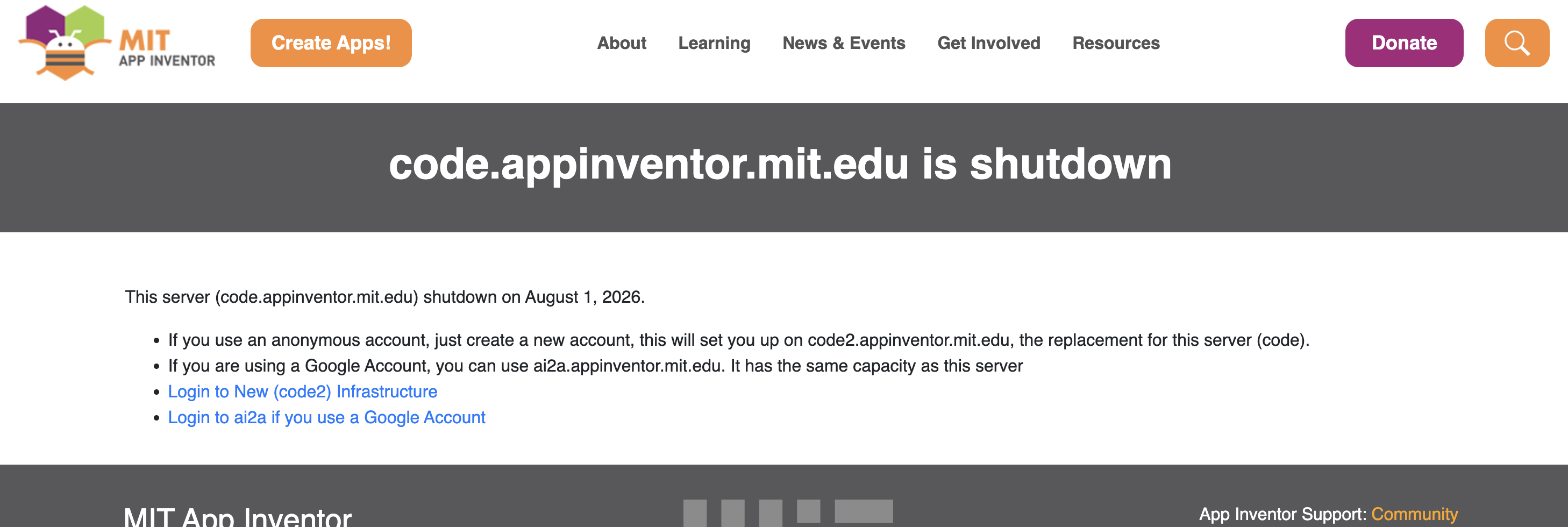
And if I click Login to New (code2) infrastructure, I’ll get this.
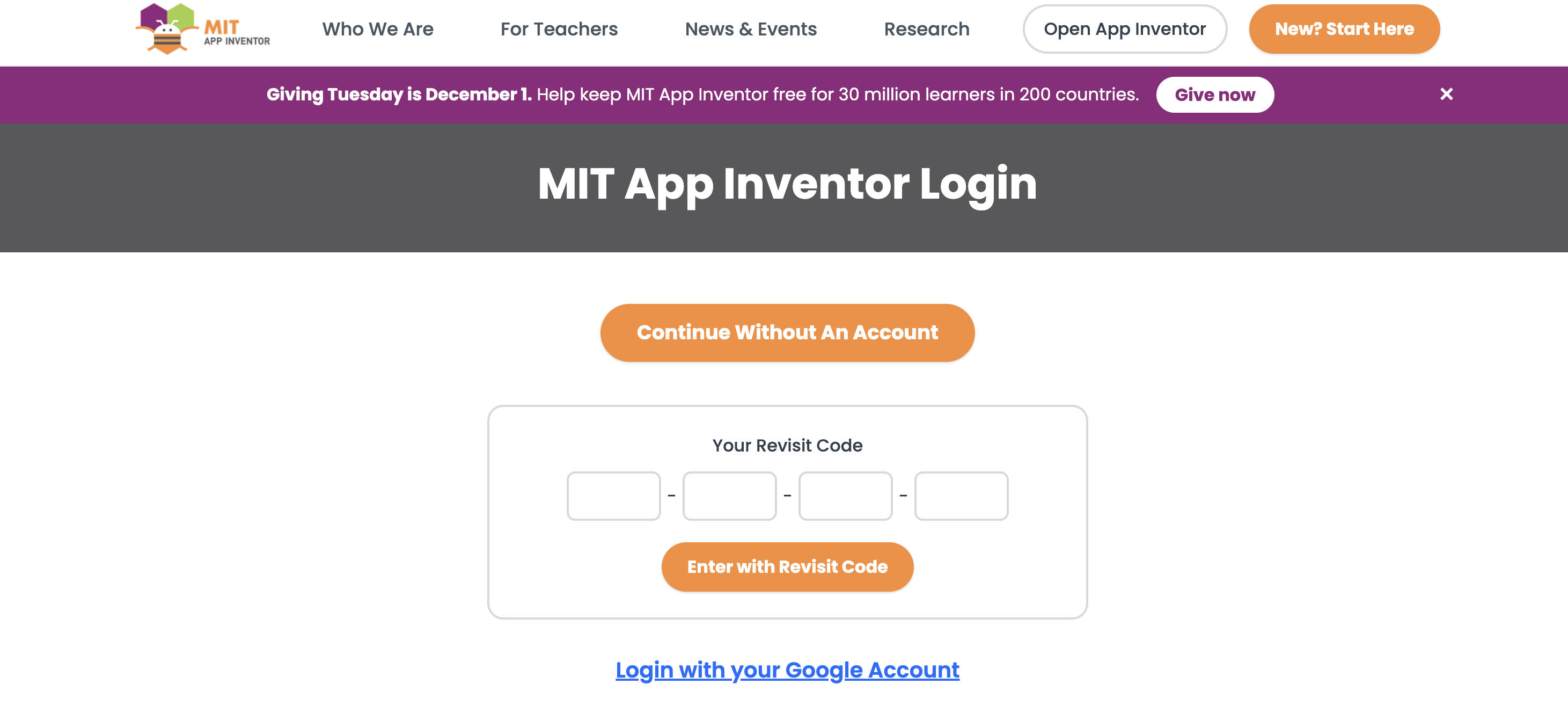
And then it’s just a loop
No, after clicking https://code.appinventor.mit.edu/ you are redirected to the code2 server:
https://code2.appinventor.mit.edu/