Hello everyone,
I have created an app in MIT App Inventor that uses a combination of HTML and JavaScript inside a WebViewer.
The visual interface of my app is in Persian (Farsi).
The issue is that when I press the Register or Login button, nothing happens.
All my procedures seem to be complete and correct, but I’m not sure if the problem comes from:
Sending data from App Inventor to the HTML/JavaScript file, or Something wrong inside my App Inventor procedures.
DoctorPatientApp.aia (30.4 KB)
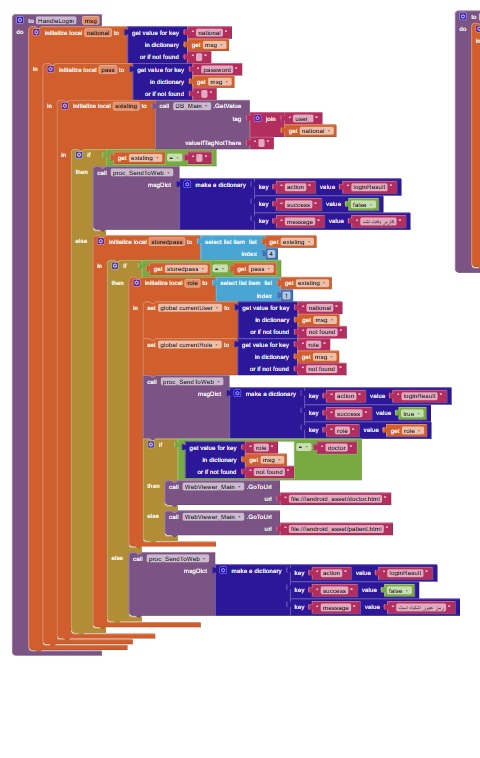
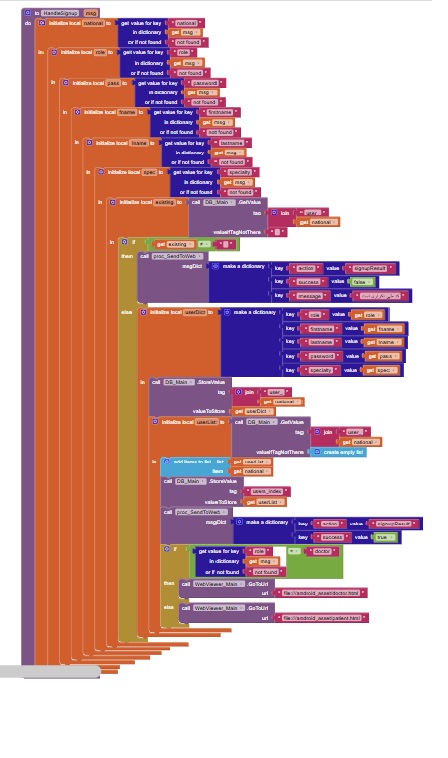
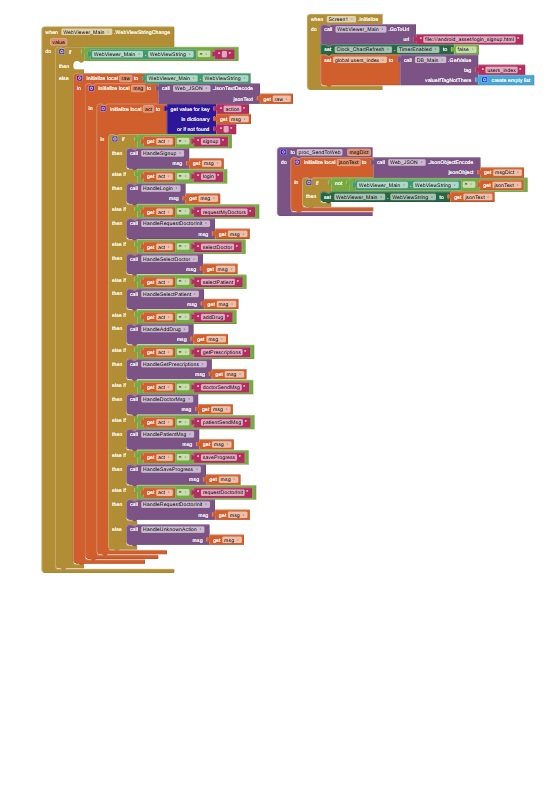
Not possible to read any of your block images, too blurry.
In the blocks editor, right click on some white space and Download Blocks as Image (or you can do this on individual blocks). The will be readable on the community.
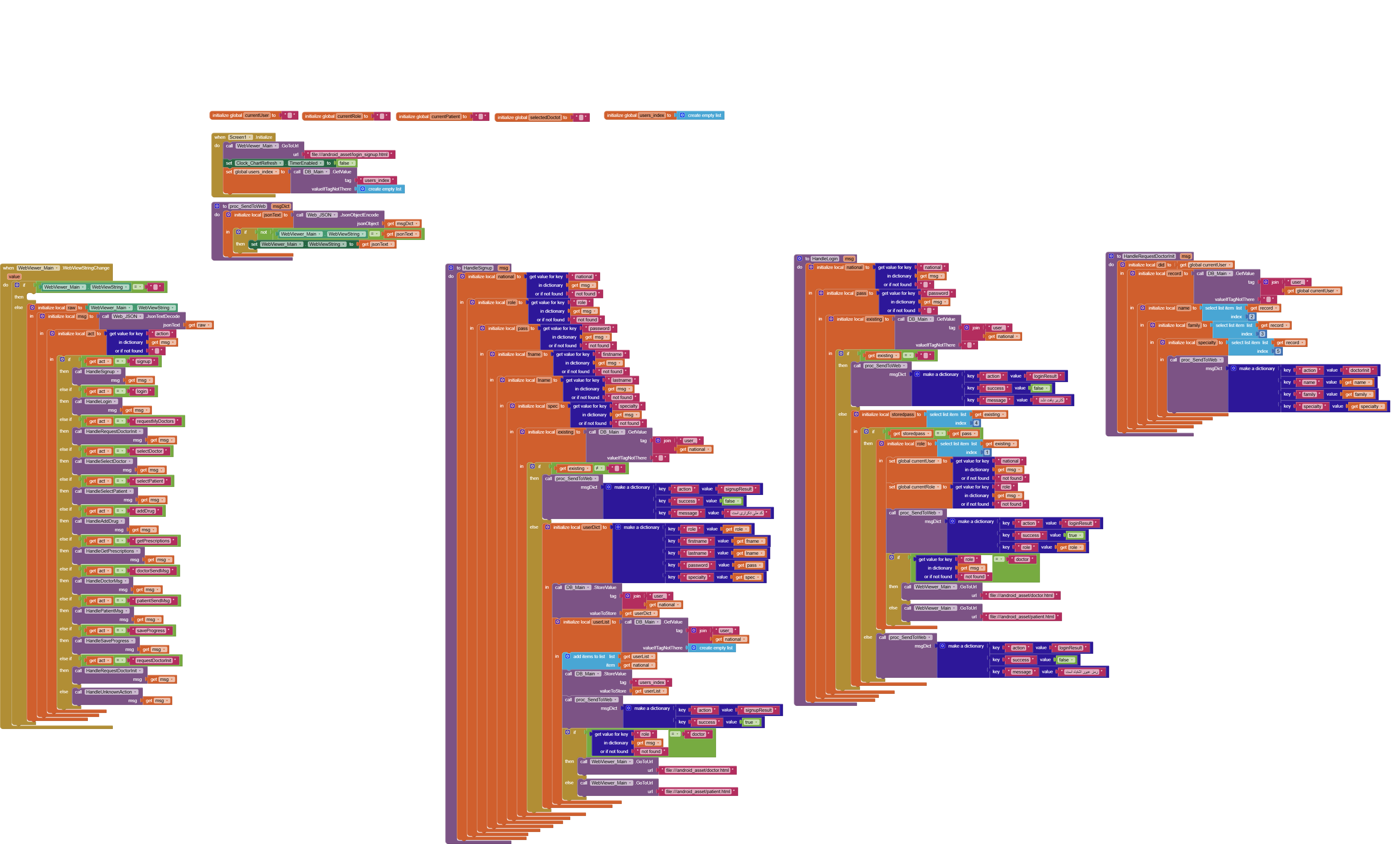
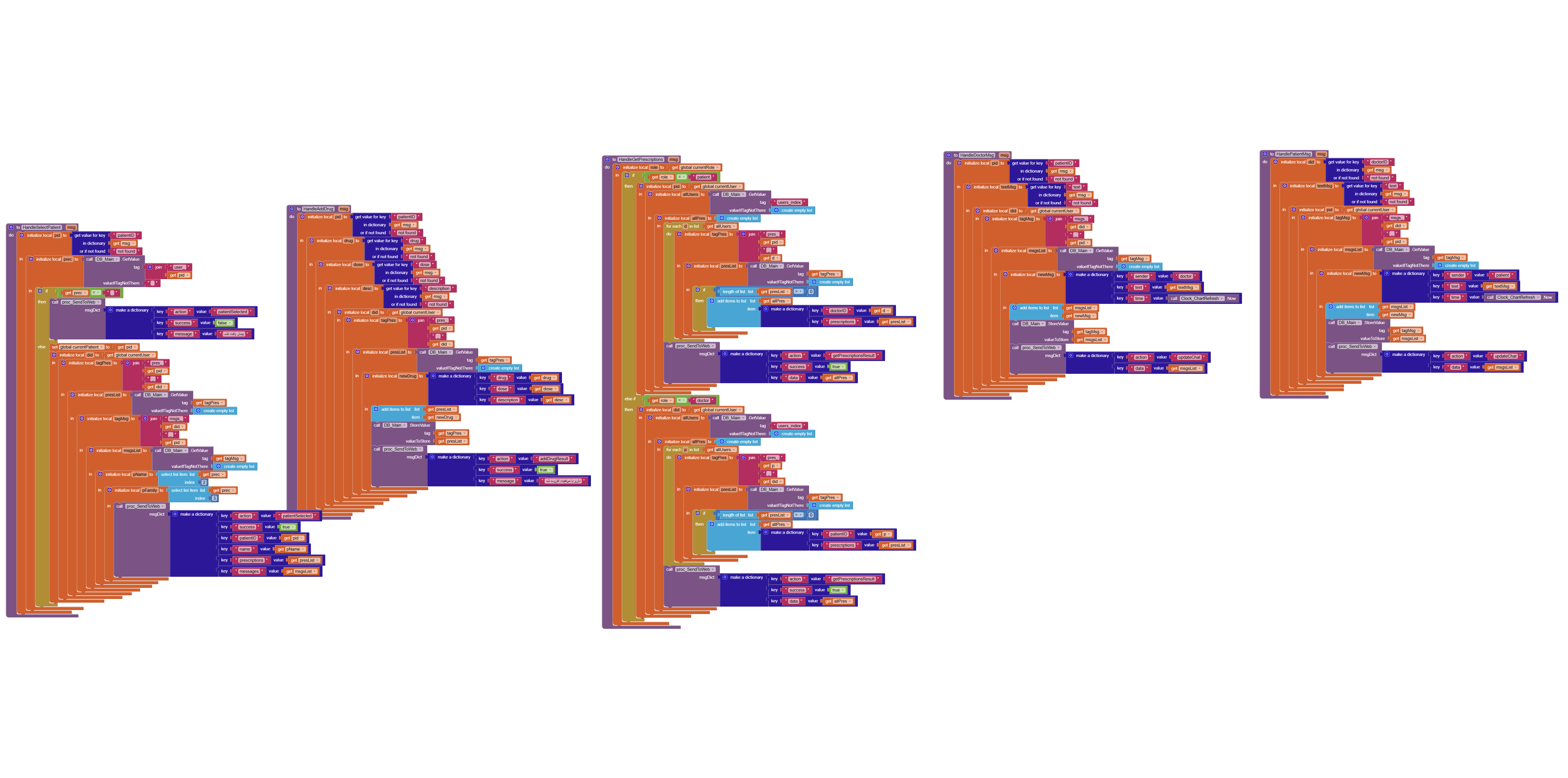
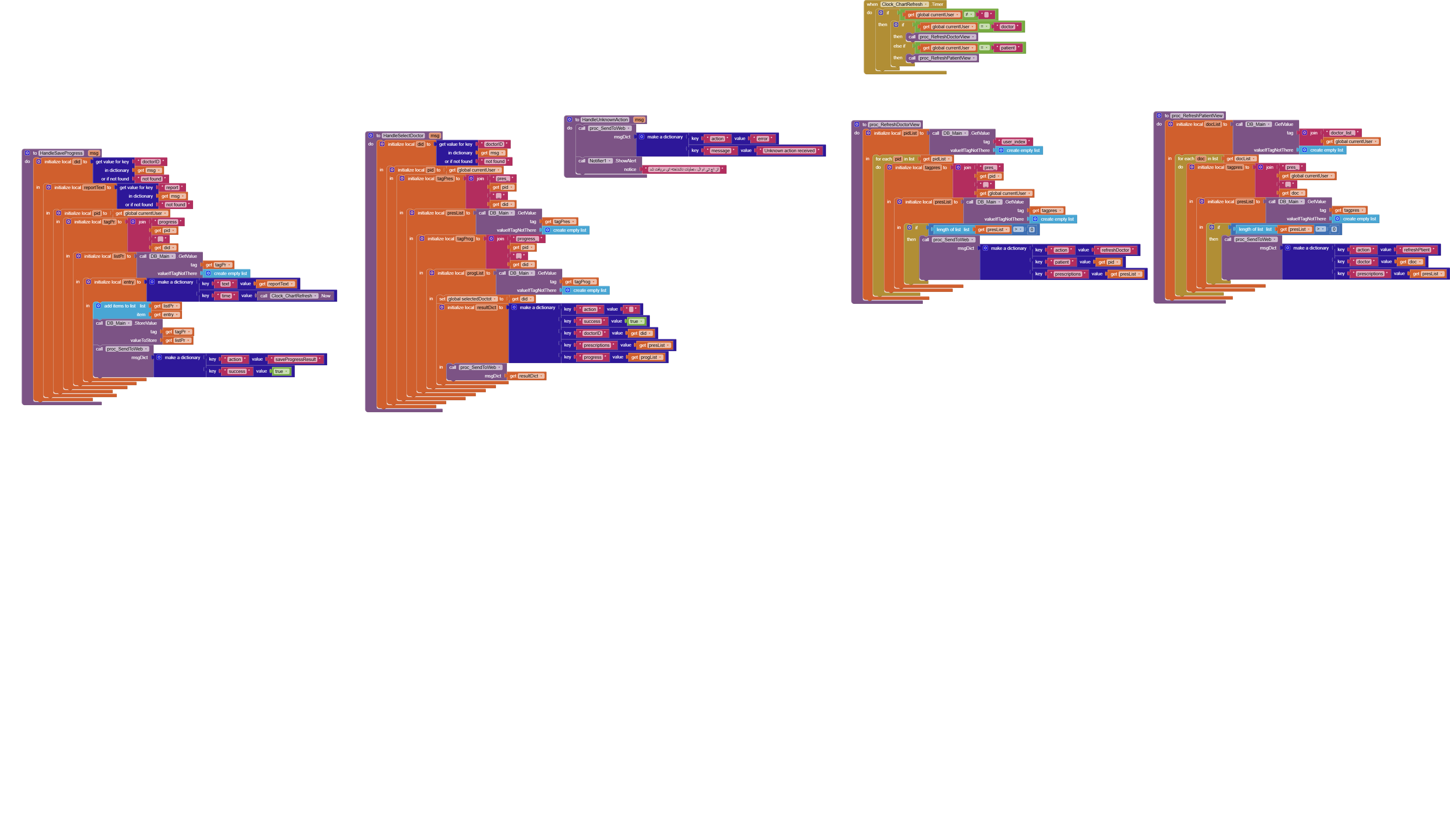
Can't read images 2 & 3 they won't resize in browser.
From your first image, wherever you call an html file from assets use this format:
http://locahost/myfile.html
replacing myfile with the name of your html file
You have to debug your project
Start with the WebviewstringChanged event
Display for example the webviewstring or the msg or act in a label
For easier debugging use temporarily global variables to be able to use the companion app and Do it to debug your blocks, see also tip 4 here App Inventor: How to Learn | Pura Vida Apps
see also Live Development, Testing, and Debugging Tools
Also remember to use the mutator...
http://www.appinventor.mit.edu/explore/ai2/support/concepts/mutators
Taifun