Mp3 player no extension

This MP3 player has been tested on Android 11, 14 and 16.

It doesn't use extensions to access folders; it uses the tools available in Mit App Inventor 2 and a few tricks...;

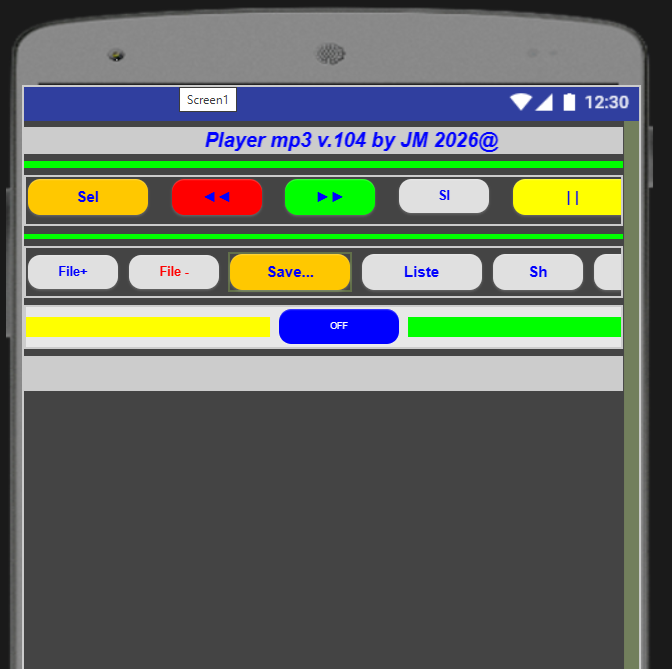
Button functions:

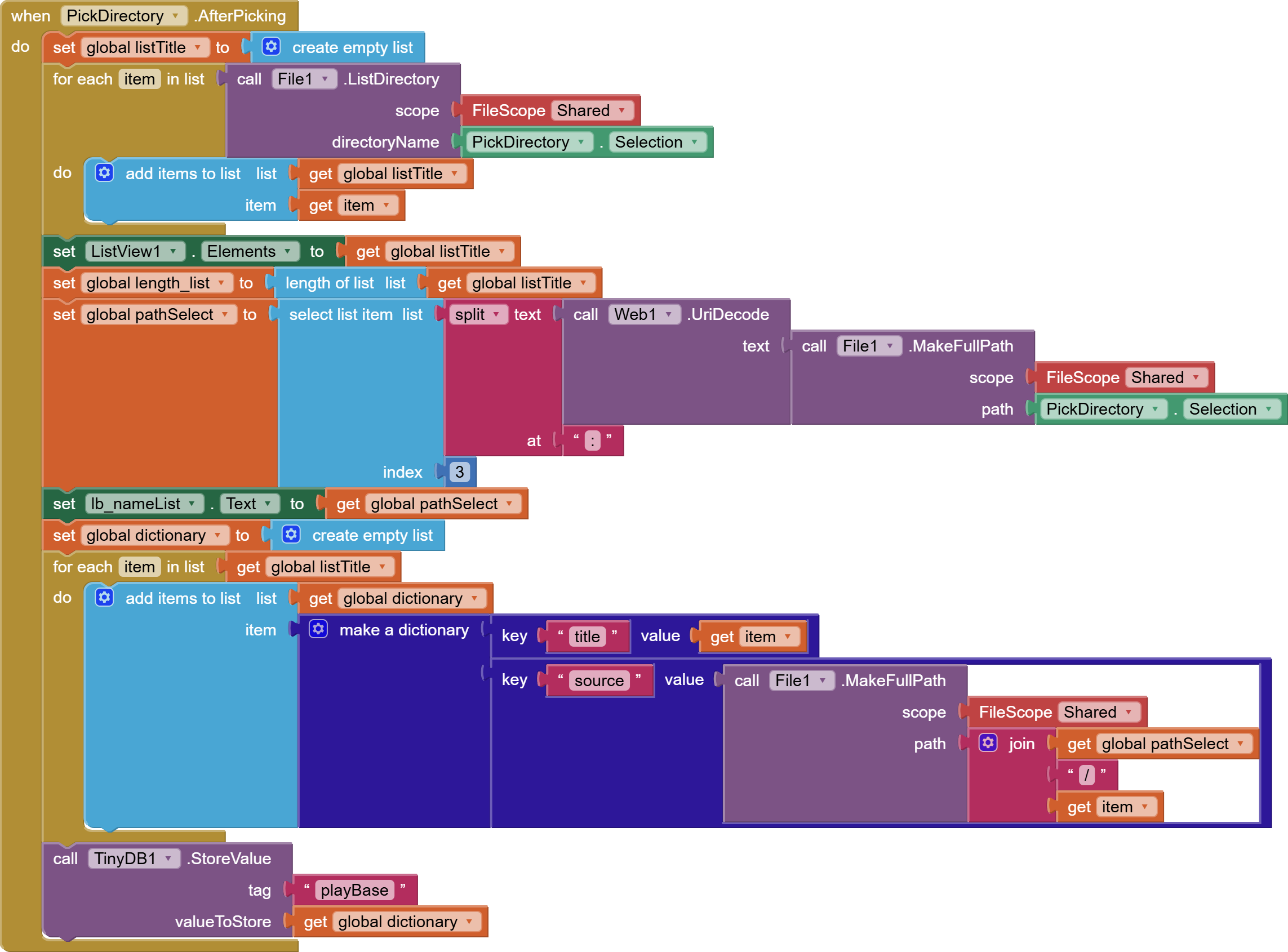
  • SEL - select the folder containing the music you want to play. It must be located above Downloads, of course, due to security restrictions. Playback starts from the selected song until the end of the list;
    -◄◄ AND ►► - play previous/next song;

  • SI - enable textToSpeech for the currently playing title, which can be disabled;

  • || - pause/play button

  • X - close the app;

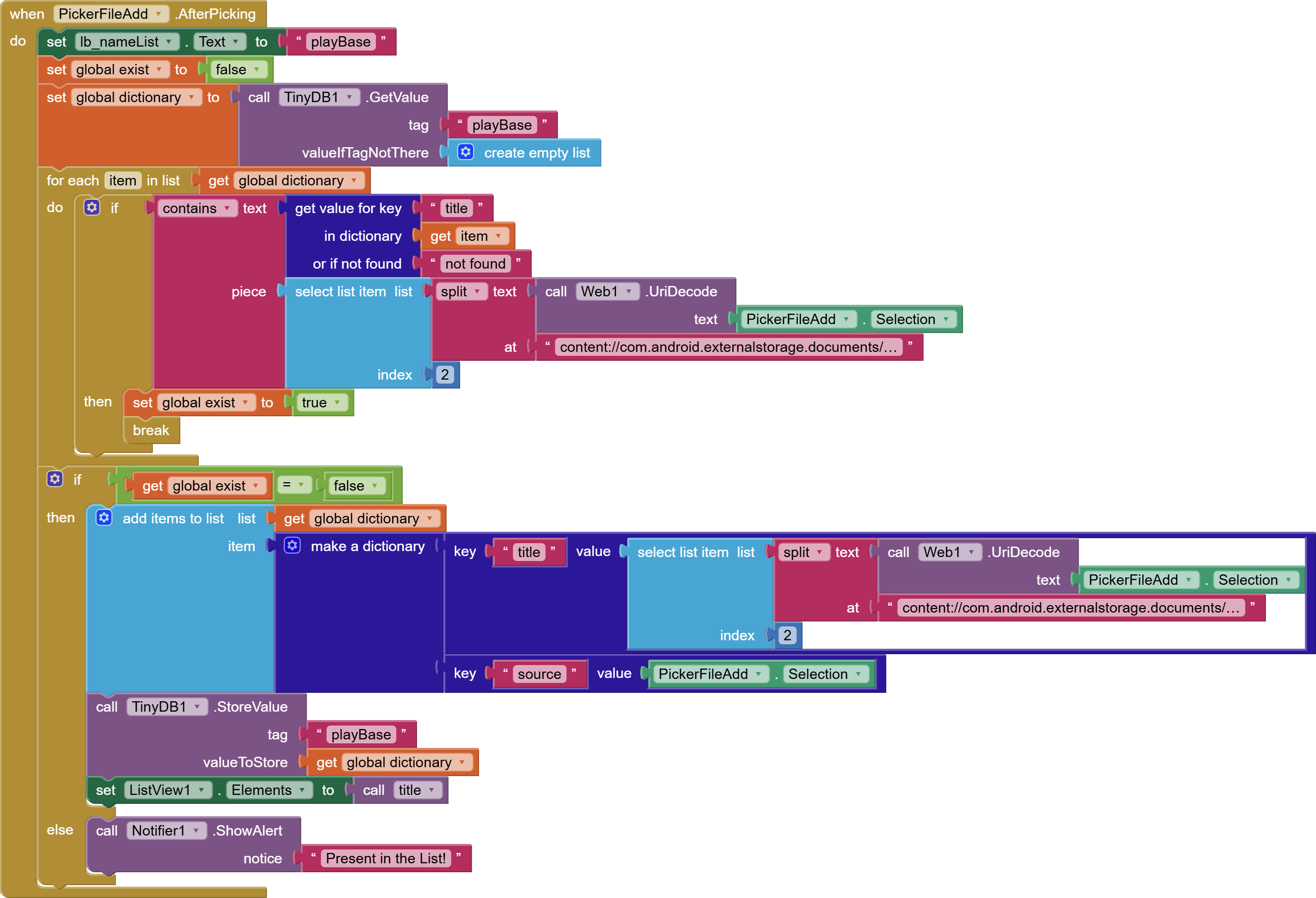
  • file+ - add files to the selected list or create a new one;

  • file- - delete files from the list;

  • Save... to save the list permanently with a name of your choice;

  • Lists - access saved lists and select to play;

  • SH starts random playback (shuffle) of the selected list;

  • Del - deletes the saved list;
    I added the joeDevMedia extension solely for managing the headphones (play, pause, next, prev) by enabling media session;
    Since this is audio playback, it shouldn't stop when the screen is off, but it should still disable battery saving.
    Have fun!
    JM

    Jukebox_104.aia (2.2 MB)

1 Like

Working here on Android 17. UI could do with some work, perhaps adding a song duration/progress too ?

1 Like

----update 2.119.JS---

Clarifications: This app is my interpretation. The routines I created are a free creation that don't always follow the rules of programming, so it shouldn't be considered professional, considering that I do it as a hobby and not for work. I hope it's useful to someone looking for solutions.

Summary of new features:

  • Plays all audio formats (mp3, wav, flac, ogg, m4a, pcm, aac);
  • Display music timeline (Javascript);
  • Language recognition of song title (90%);
  • TTS title in its original language (it/en);
  • DJ presentation in the detected language (90%) with non-repetition check;
  • Select folder - no SDCARD;
  • Single files also OK SDCARD.
  • Bluetooth support for Joedevmedia extension;

Button functions:

  • Folder + - selects the folder (not the extended SD card memory) containing the music you want to play; playback is sequential;
  • ◄◄ and ►► - plays the previous/next song;
  • || - pause/play button
  • Exit - closes the app;
  • Last* - if green, there's a previous playlist that can be reset with a long click or by pressing Func;
  • File+ - adds files (even from SD card) to the last list; if the button is green, there's a pre-existing list that can be reset with a long click and the color changes to gray;
  • File- - deletes a single file from the list;
  • Func - groups together list functions and other options (select, Save as, delete, New, speak title, announce song, time signal);
  • Shuffle starts random playback (shuffle) of the selected list until all files are played. If you select a song from the list, it switches to normal mode;
  • progress bar for the current file, display only, no manual fast forward. When the screen is off, the time displayed until the next file is not accurate, due to the battery saving mode that deactivates all timers;

Since this is audio playback, it shouldn't stop when the screen is off, but you should still disable battery saving mode.
Have fun!
GM

Jukebox_2_119_JS.aia (2.6 MB)

----update 2.120.JS---

----update 3.121---final

  • Song title language detection with English word and trigram search;

  • Automatic scrolling during shuffle playback to display the song at the top of the list;

  • Add to favorites list, +❤️- with addition/removal;

  • Remove favorites, even from the File(-) menu, updating the archive containing them;

  • :heart:/List/R button - 3 functions: click 1 = favorites; click 2 = last list; long click = reset to basic list;

  • | |/:red_square: button, pause/play, long click = stop;

  • Ch button, to change the TTS spoken title language, update English words and trigrams;

  • Next/Previous button correction.

  • Previous/Next stops shuffle when pressed; does not stop shuffle when pressed with Bluetooth;
    . A time signal every 30 minutes (can be disabled) announces the time.

    Jukebox_3_121.aia (2.3 MB)