If you want a “quick” fix, I got it working. You have to add android:exported="true" to the AndroidManifest.xml like said here: Android 12 changes - #2 by Anke
I did this the following way:
Build and download your APK to your PC.
Download and open the program APK editor studio: APK Editor for PC and Mac – APK Editor Studio
In APK editor open your APK file.
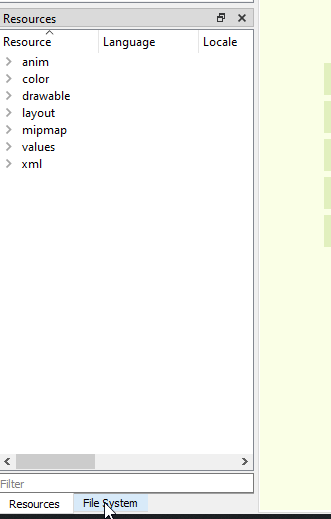
In the left screen select the tab “File System”.
Click on “AndroidManifest.xml”
In my case, add
android:exported="true"to the line
<activity android:launchMode="singleTask" android:name=".Screen1">
so you get:
<activity android:launchMode="singleTask" android:exported="true" android:name=".Screen1">
In the top-bar click “save-APK”.
Now try it out if it works.

Thit works for me, hope it helps.