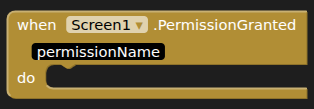
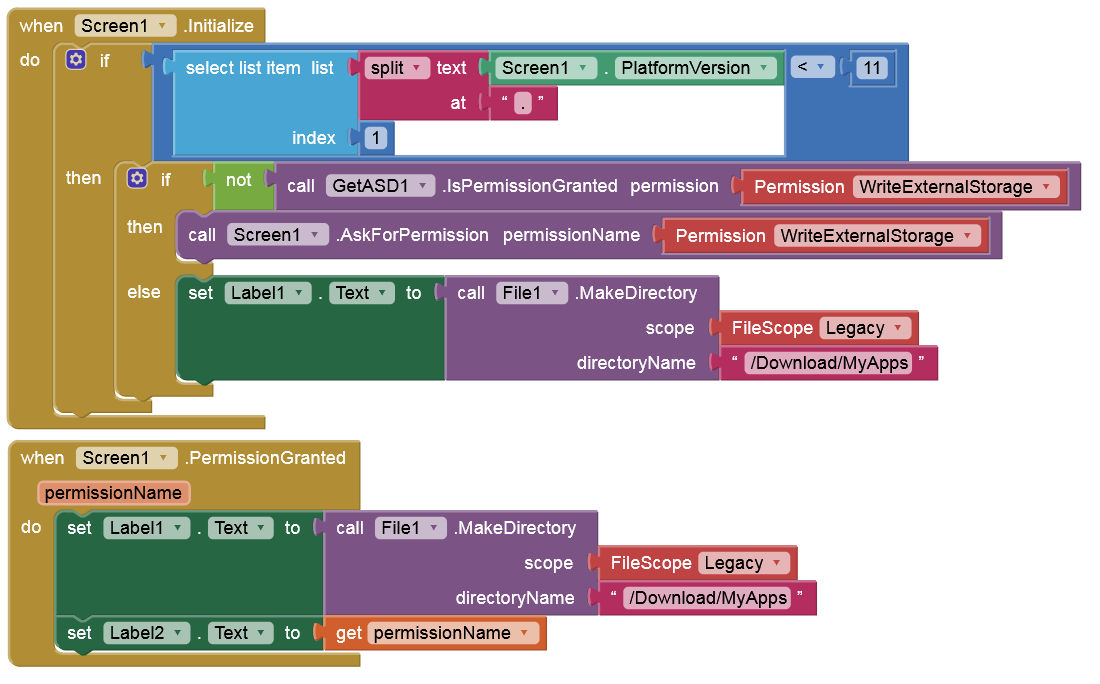
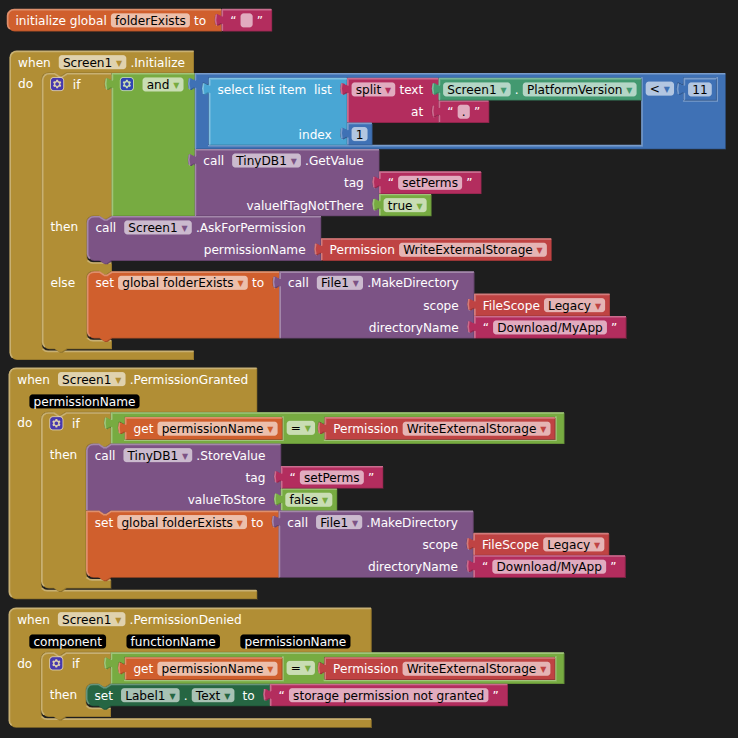
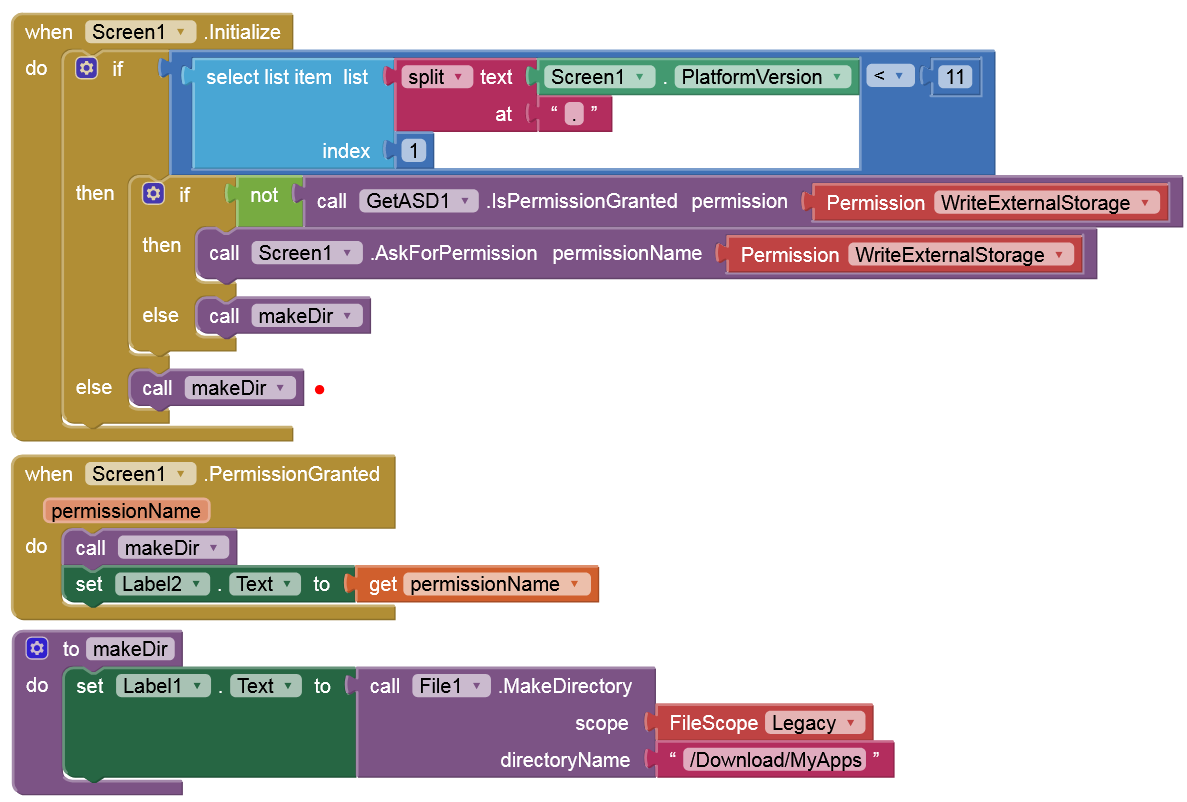
I have a command to use File1.MakeDirectory (See attached)

I have used his code before, and it has always worked.
Now, a strange thing happens:
- I run the app for the first time.
- Android requests permission for this app to make changes.
- I grant permission for this app.
- The MakeDirectory fails. No error message, it simply does not make the directory.
- I run the app a second time.
- Android does not ask permission (it already has permission from the first run).
- The MakeDirectory works and creates the folder.
I suspect that Android asks permission when it sees this line, and when I grant permission, it executes this line before it has time to register that permission has been granted. This would explain why it fails the first time, does not request permission the second time, but then the line works on the second run of the app.
Is my understanding correct? If so (or if not), could anyone suggest a work-around (perhaps an earlier trigger and then later execution?), so that the app can create the directory the first time it runs.
Thanks
Ken