Manage and request the activation of the device's GPS or location services via Google Play Services.
Displays the native Google Play Services system dialog that asks the user to enable location with a single tap (without having to manually send them to the phone's Settings screen).
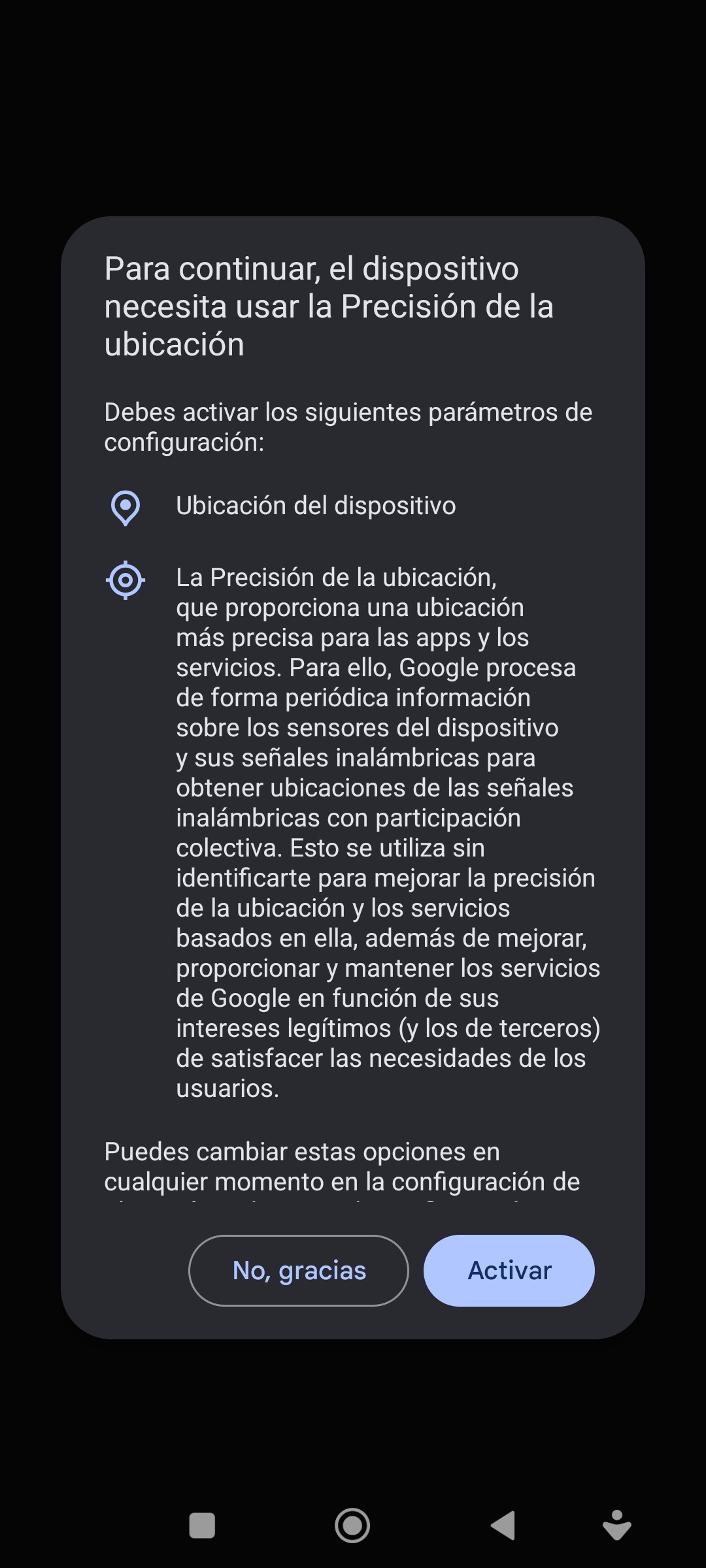
IsLocationEnabled
Check if the device's location or GPS is currently enabled.

OpenLocationSystemDialog
Displays the pop-up dialog to enable GPS.

HasLocationPermission
Check if the application has been granted location permissions.

- ACCESS_FINE_LOCATION
- ACCESS_COARSE_LOCATION
StartLocationUpdates
Start listening for real-time location updates.

Priority:
-
100 (Priority.PRIORITY_HIGH_ACCURACY):High precision. It primarily uses GPS. It is ideal for navigation or mapping applications where exact location is critical. It consumes the most battery power. -
102 (Priority.PRIORITY_BALANCED_POWER_ACCURACY):Balanced accuracy. Uses Wi-Fi and mobile networks (cell towers). Offers an accuracy of approximately 100 meters with moderate battery consumption. -
104 (Priority.PRIORITY_LOW_POWER):Low power consumption. It relies primarily on cellular towers. Accuracy is at the city or neighborhood level, and it consumes very little battery power. -
105 (Priority.PRIORITY_PASSIVE):Passive. It does not actively request locations; it only receives locations requested by other applications on the device. It does not result in additional battery consumption..
StopLocationUpdates
Stops listening for location updates.

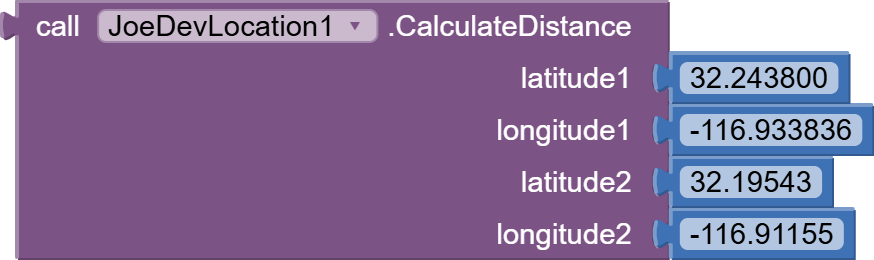
CalculateDistance
Calculate the direct distance in meters between two geographic points (Lat1, Lng1) y (Lat2, Lng2).
GetAddressFromCoordinates
Obtains the physical address and postal code from a latitude and longitude.

GetCoordinatesFromAddress
Obtains latitude and longitude from an address string.

Latitude
Returns the last latitude obtained.

Longitude
Returns the last length obtained.

Altitude
Returns the current altitude in meters.

Speed
Returns the current speed in meters per second.

Accuracy
Returns the estimated horizontal accuracy of the location in meters. Lower values indicate better accuracy.

More info:
Location accuracy is a numerical value (in meters) indicating the radius of uncertainty around the calculated geographic point.
If Accuracy = 5.0, it means your actual location is within a circle with a 5-meter radius around the reported coordinates.
If Accuracy = 100.0, your actual location could be up to 100 meters away from the reported coordinates.
-
This variable is updated along with
latitude,longitude,altitude, andspeedwhenever a new location is received.- Combine it with LocationChanged to display accuracy in real time.
-
Note:
The Accuracy value is only updated while StartLocationUpdates is active. If you have never started location updates, it will return 0.0.
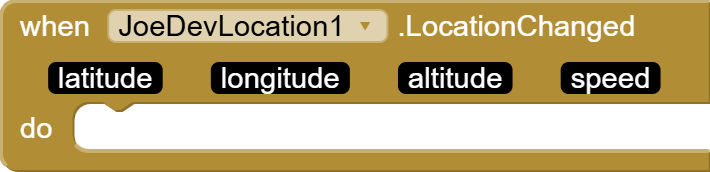
LocationChanged
It triggers when the location changes in real time.
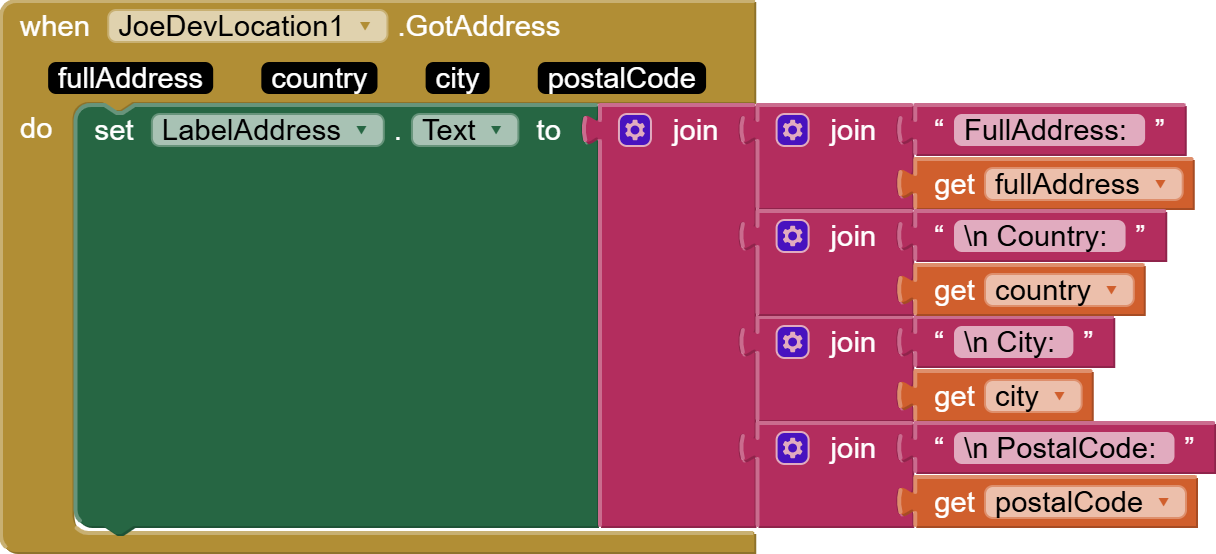
GotAddress
It triggers when a formatted address, country, city, and postal code are successfully obtained.

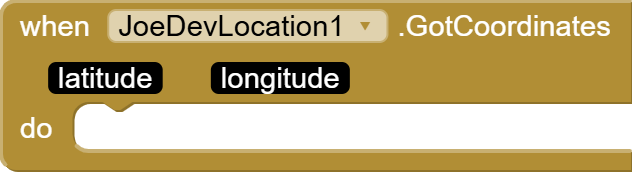
GotCoordinates
It triggers when coordinates are obtained from an address.
LocationEnabled
It activates when location services are correctly enabled or are already turned on.

LocationDenied
It activates when the user rejects or cancels the request to enable location services.

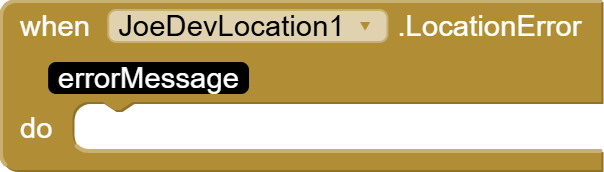
LocationError
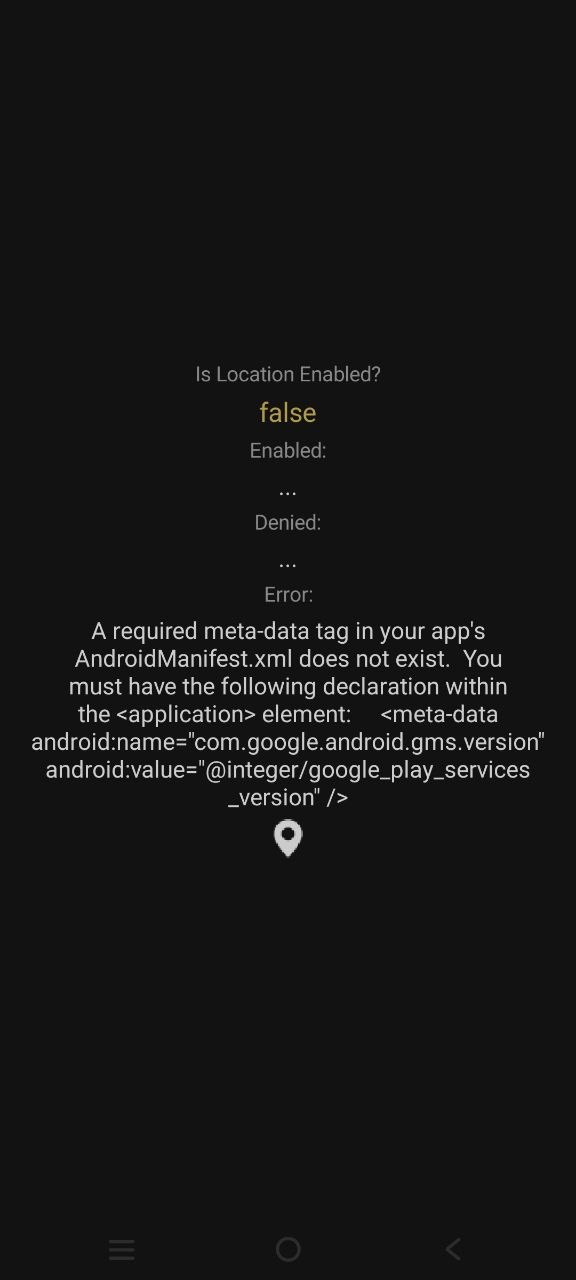
It is triggered when an error occurs while requesting location settings or checking Google Play services.
v1.2 September 23, 2026.
Location.aia (340.3 KB)
joejsanz.joedevlocation.aix (334.6 KB)
JDK: 17
Minimum API Level: 14
Bundled Dependency: com.google.android.gms:play-services-location:21.0.1
Manifest: Auto-Injected Permissions: ACCESS_FINE_LOCATION, ACCESS_COARSE_LOCATION
Updated On: 2026-09-23T07:00:00Z
Built using: FAST-CLI v7.1.1-premium
Support free development
- This extension is and will remain free. If you have found it useful and wish to support my work so I can continue creating and updating components like this one, any voluntary contribution is greatly appreciated:

Thanks.