LoadSVG Visualize static and animated SVGs in an Arrangement.
Initialize the container where the SVG will be displayed.
Load an SVG from different sources. type: String, FilePath, Asset, Url. svg: content or path depending on the type.
Pause SVG animations.
Resume SVG animations.
Clean up the SVG from the container.
It is executed when an error occurs.
v1.0 March 28, 2026.
SVG files were not loading from Assets when the APK was installed. Solved .
LoadSVG.aia (73.3 KB)
joejsanz.joedevloadsvg.aix (20.0 KB)
JDK: 11Minimum API Level: 21Updated On: 2026-03-28T07:00:00Z
Built using: FAST-CLI v5.7.1-premium
Thanks.
6 Likes
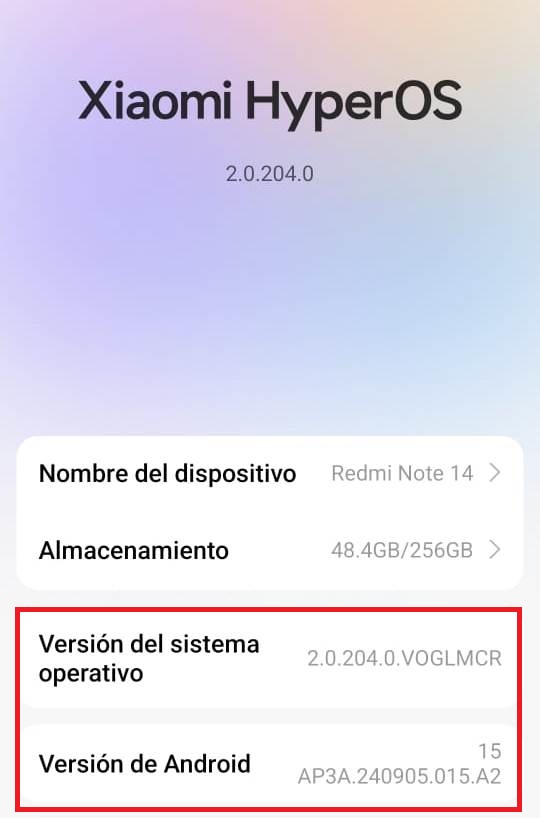
Hello friend, greetings friend, I inform you that the extension does not run on the latest version or update of Android.
Peter
March 15, 2026, 2:31pm
3
Cristian_Geovani_Car:
does not run
What happens when you try to use the extension?
The SVG image is not displayed, but the application continues to work without problems.
Peter
March 15, 2026, 2:36pm
5
I just tried the sample aia with Android 16. On my phone and tablet the project works. Have you another phone handy to try the sample project?
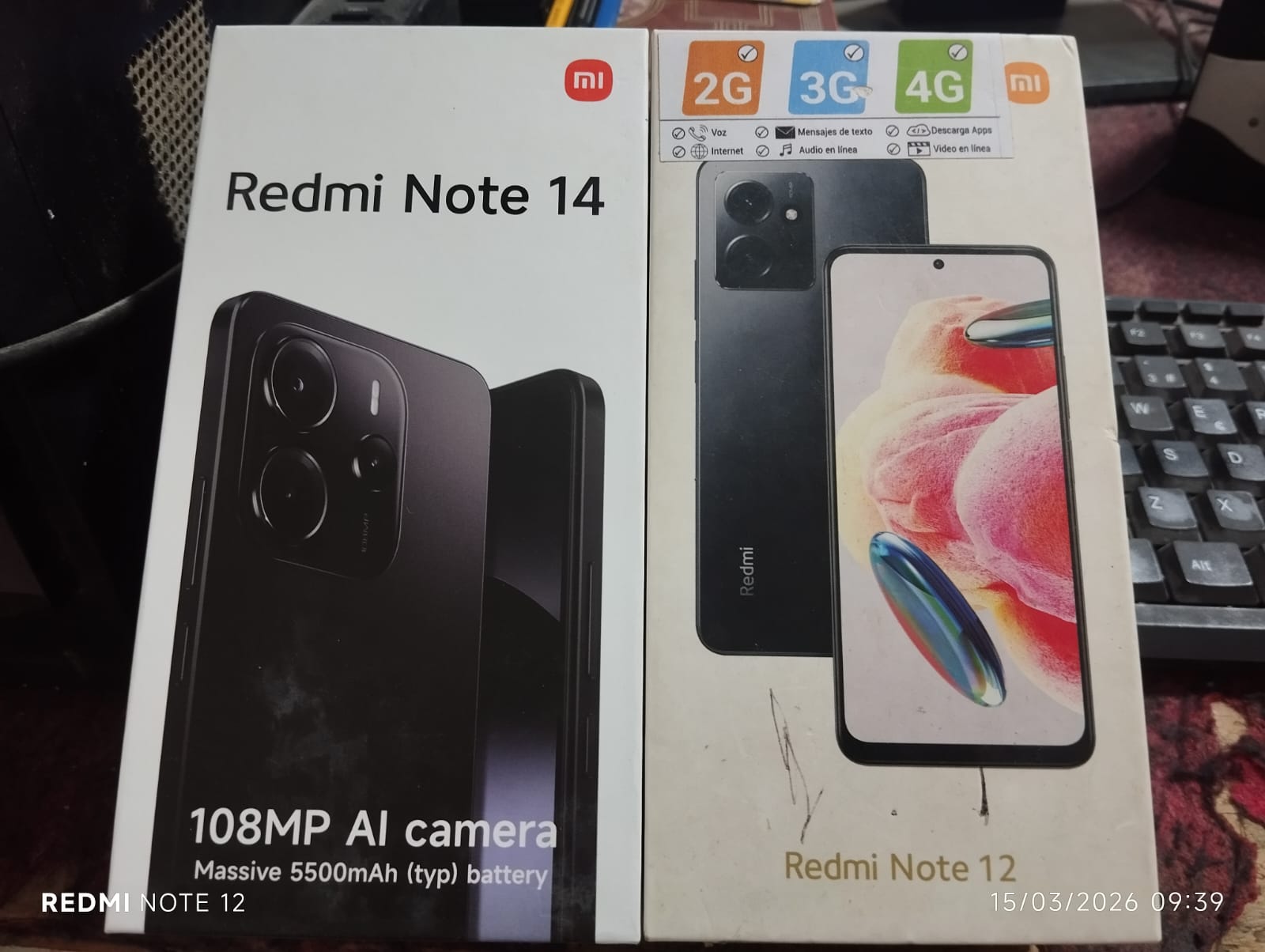
Yes sir, I have two phones on hand, one older and one newer.
Can you share the SVG you're using?
1 Like
Hey friend, I downloaded the SVG files from this website.
1 Like
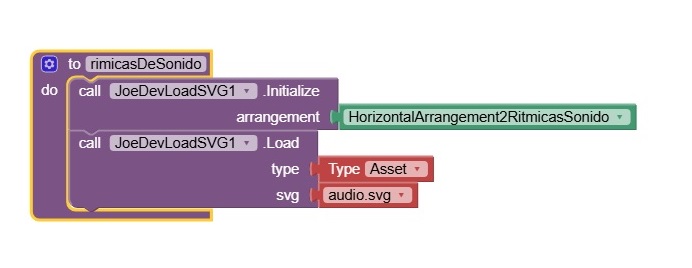
Hello friend, greetings. I want to inform you that the extension does not run once the application is installed on the phone. Here is the function that calls the extension. In the emulator, the extension responds to the call
TIMAI2
March 22, 2026, 4:30pm
10
I see (don't see!) the same.
svg displays OK in Companion app, but does not show in compiled app.
1 Like
You're right, they weren't loading the SVGs from Assets with the application installed.
1 Like







 ok
ok