Hey,
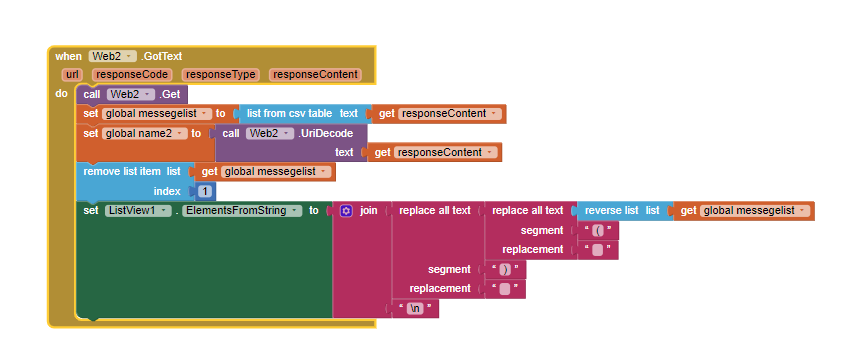
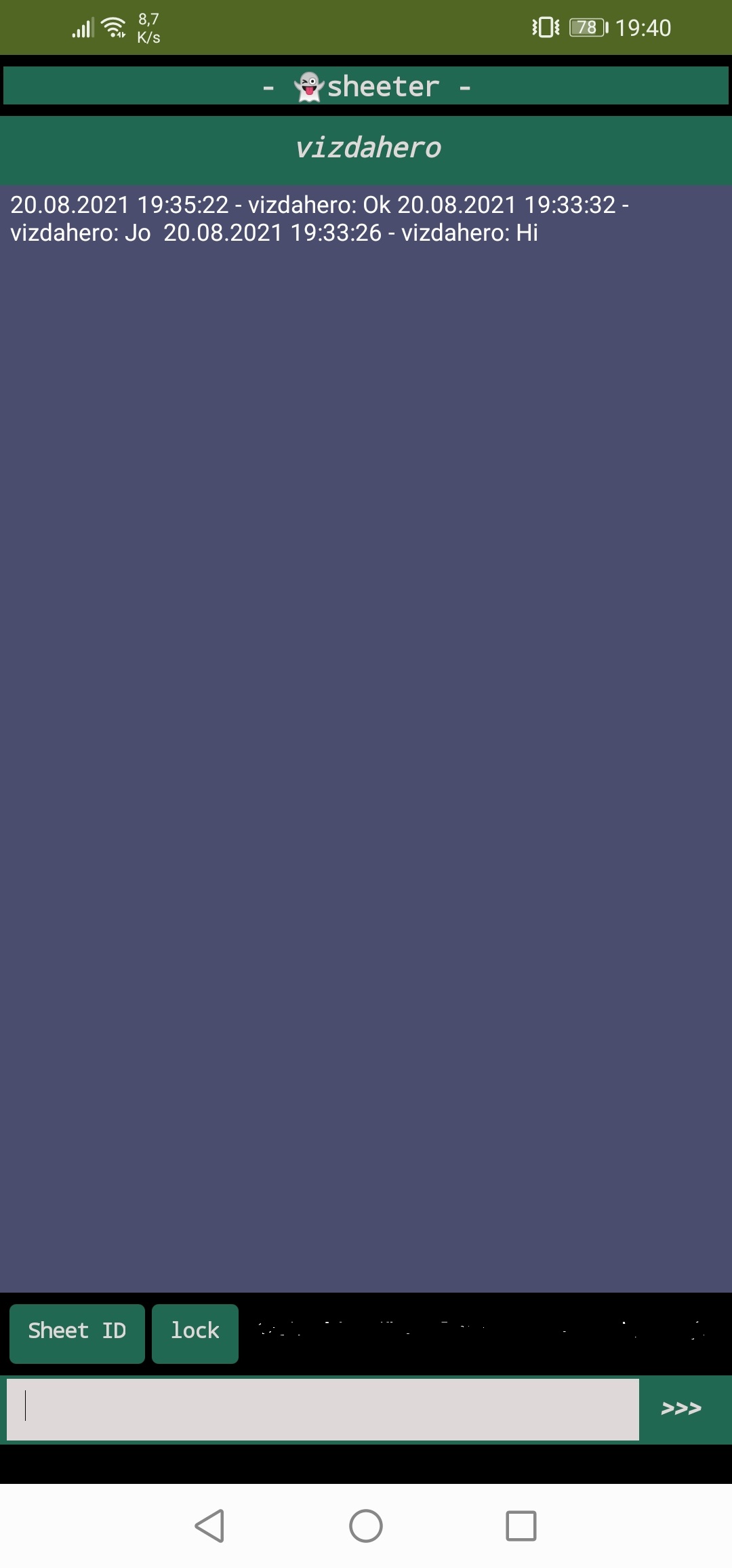
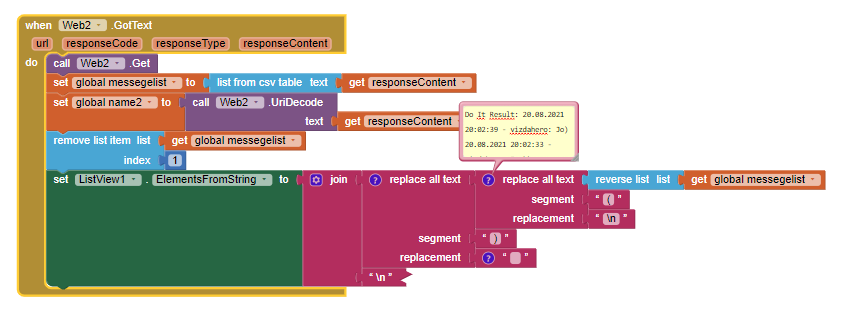
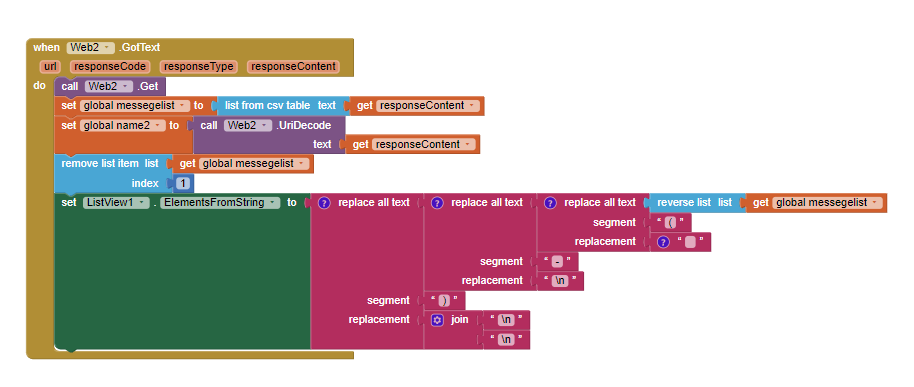
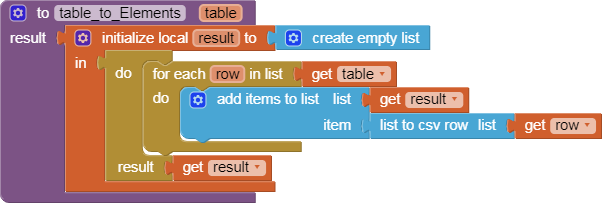
How can I select a new requested message at the top and not at the bottom of the next entry?
or is there some other way to do this?
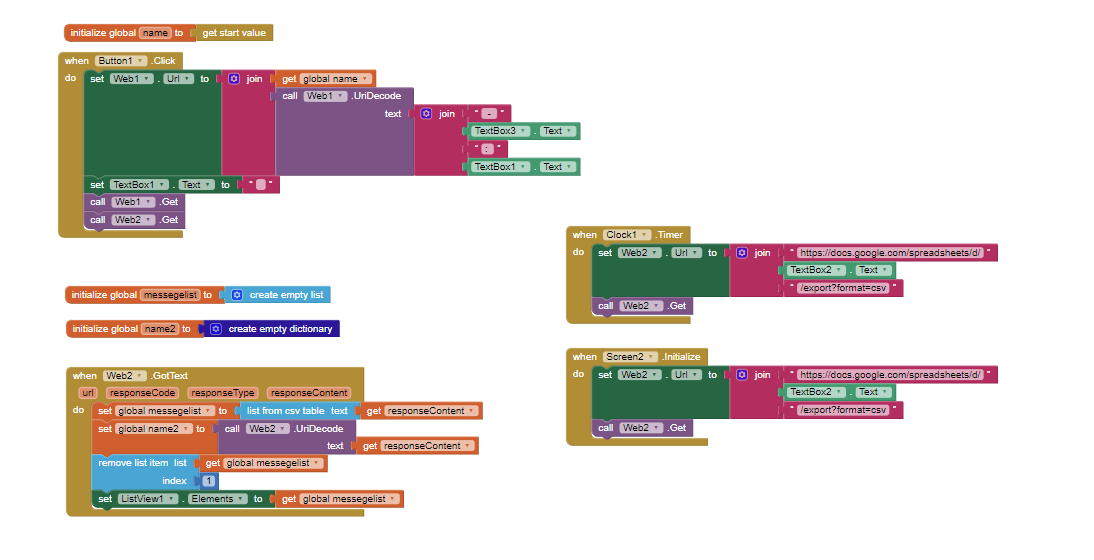
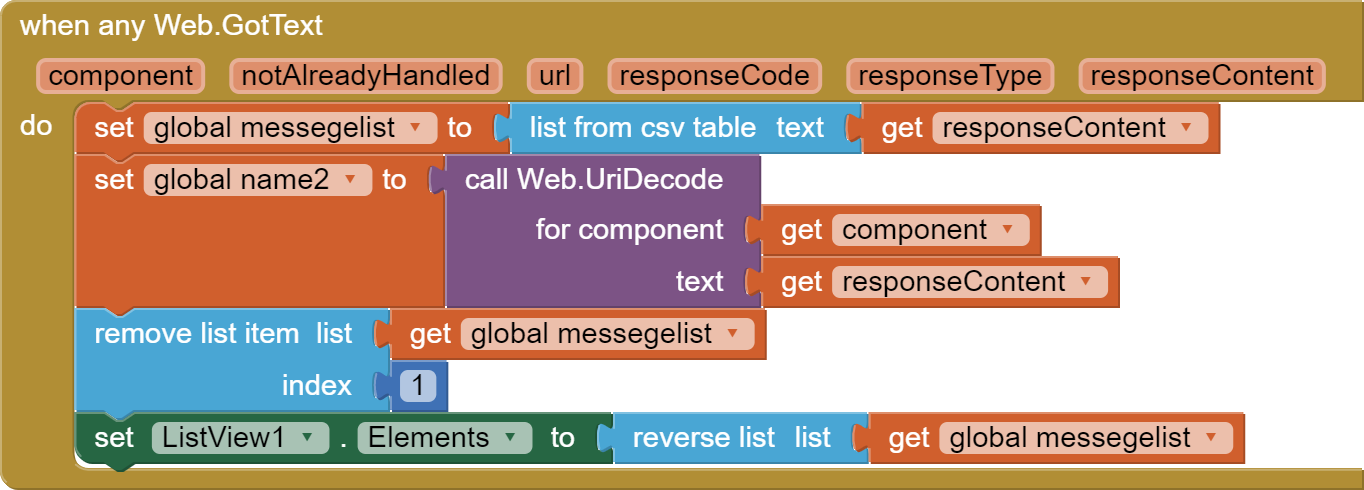
the clocktimer won't let me scroll as it keeps scrolling up automatically, I tried to integrate read when I click send message, but then only every second message is updated.
hey @Taifun no offense but it is really difficult to follow the whole thing, with bad english and as a beginner
especially since I realized that the build I had made would probably be better in a different form ...
thanks !
I suggested that method so frequenfly here in the community that it is hard to count ...
for example here
and if you have language problems, why don't you post in your native language?
generally you should do some tutorials to learn the basics...
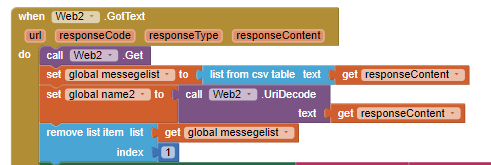
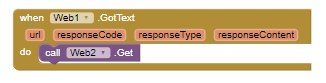
btw it seems to be, your Web2.Get call does not make much sense there...
A very good way to learn App Inventor is to read the free Inventor's Manual here in the AI2 free online eBook App Inventor 2 Book: Create Your Own Android Apps ... the links are at the bottom of the Web page. The book 'teaches' users how to program with AI2 blocks.
There is a free programming course here Course In A Box and the aia files for the projects in the book are here: App Inventor 2 Book: Create Your Own Android Apps
How to do a lot of basic things with App Inventor are described here: How do you...? .
i don't write in my main language because i want to learn and i'm the guy who has to do something to learn, im a bad reader - im sorry if i waste your time!
i tried a lot and that was the only way to read it straight away and leave out the timer
this little thing allow me to elimante the clocktimer, i get instant messege if a other one write in the messenger or i write on the sheet (when i use clocktimer fire 500ms im not able to scroll in list)

 Taifun.