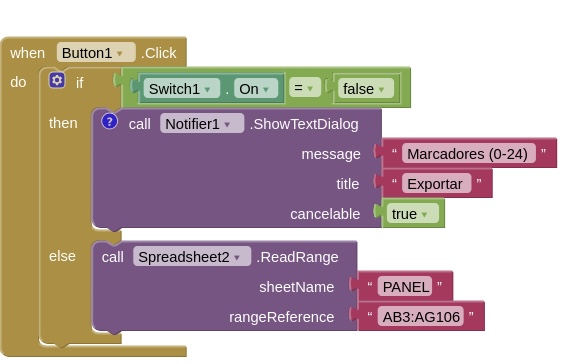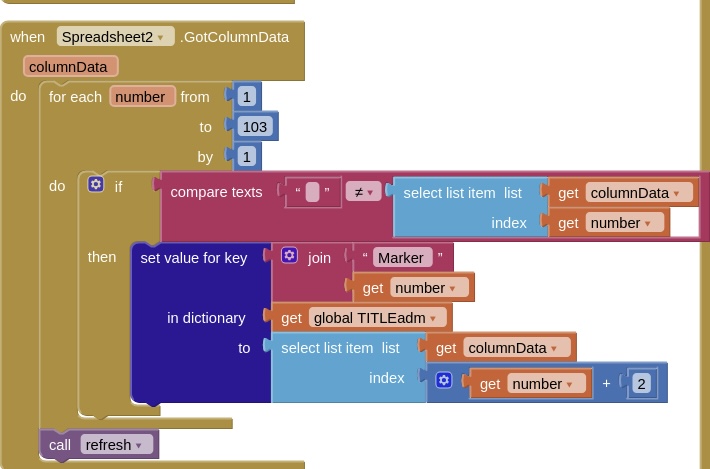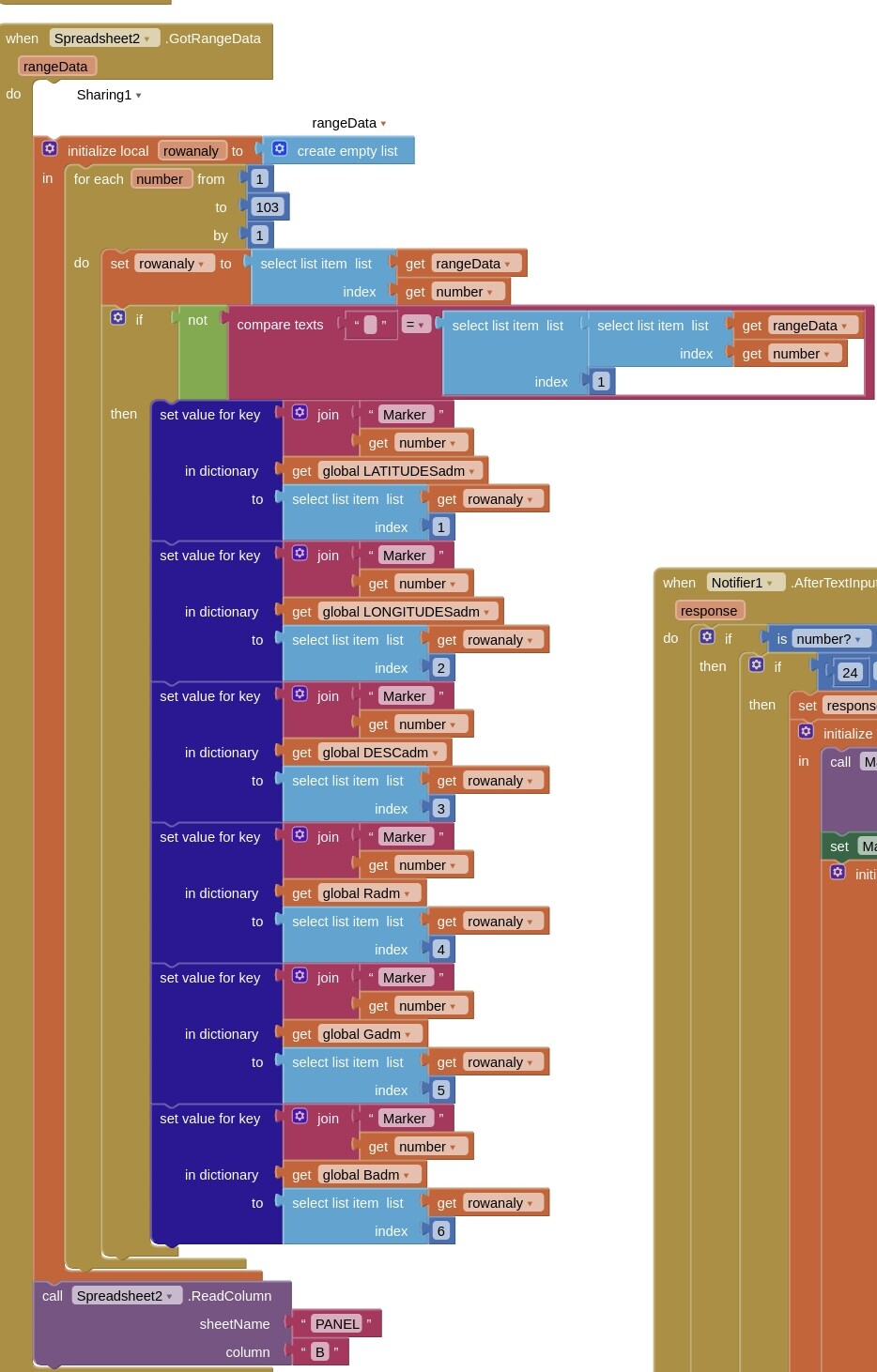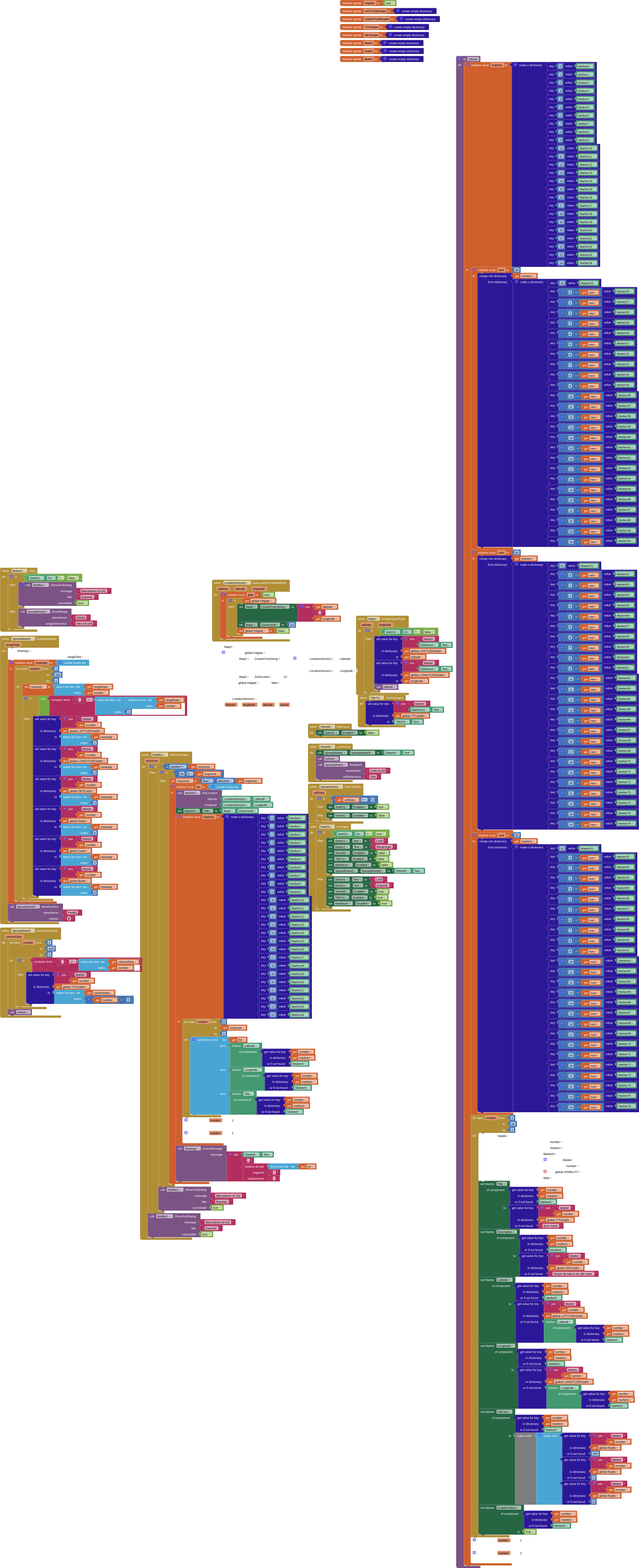
Focus on the leftmost blocks. These are supposed to read sheet PANEL, but is instead reading sheet CHECKST which is the first sheet.
The sheet should look like this
Focus on the leftmost blocks. These are supposed to read sheet PANEL, but is instead reading sheet CHECKST which is the first sheet.
The sheet should look like this
Your second issue with using the spreadsheet component...
Something going on with either:
Test with a new, different, example spreadsheet. Same behaviour ?
Download those blocks and post them here
Please download and post each of those event block(s)/procedures here ...
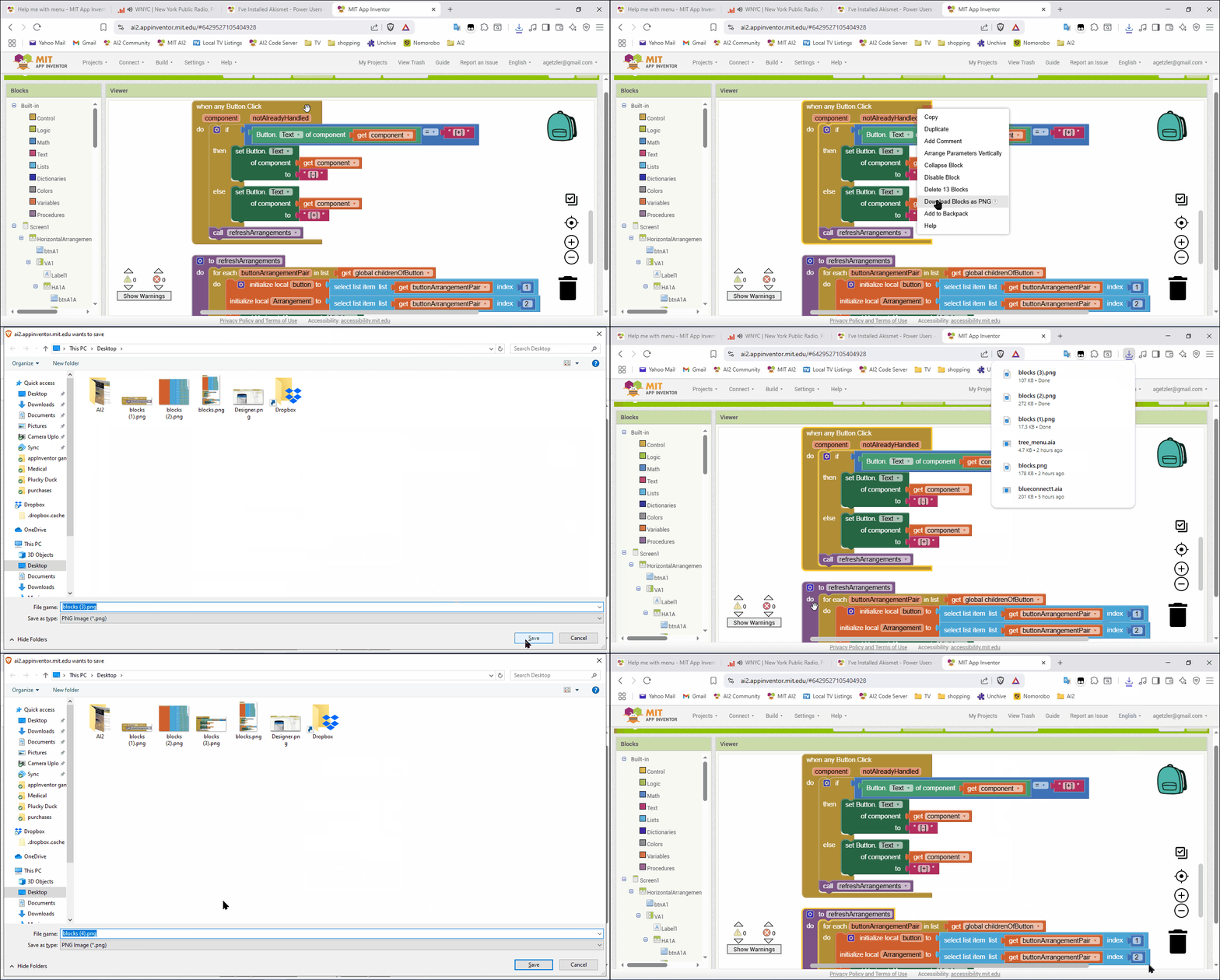
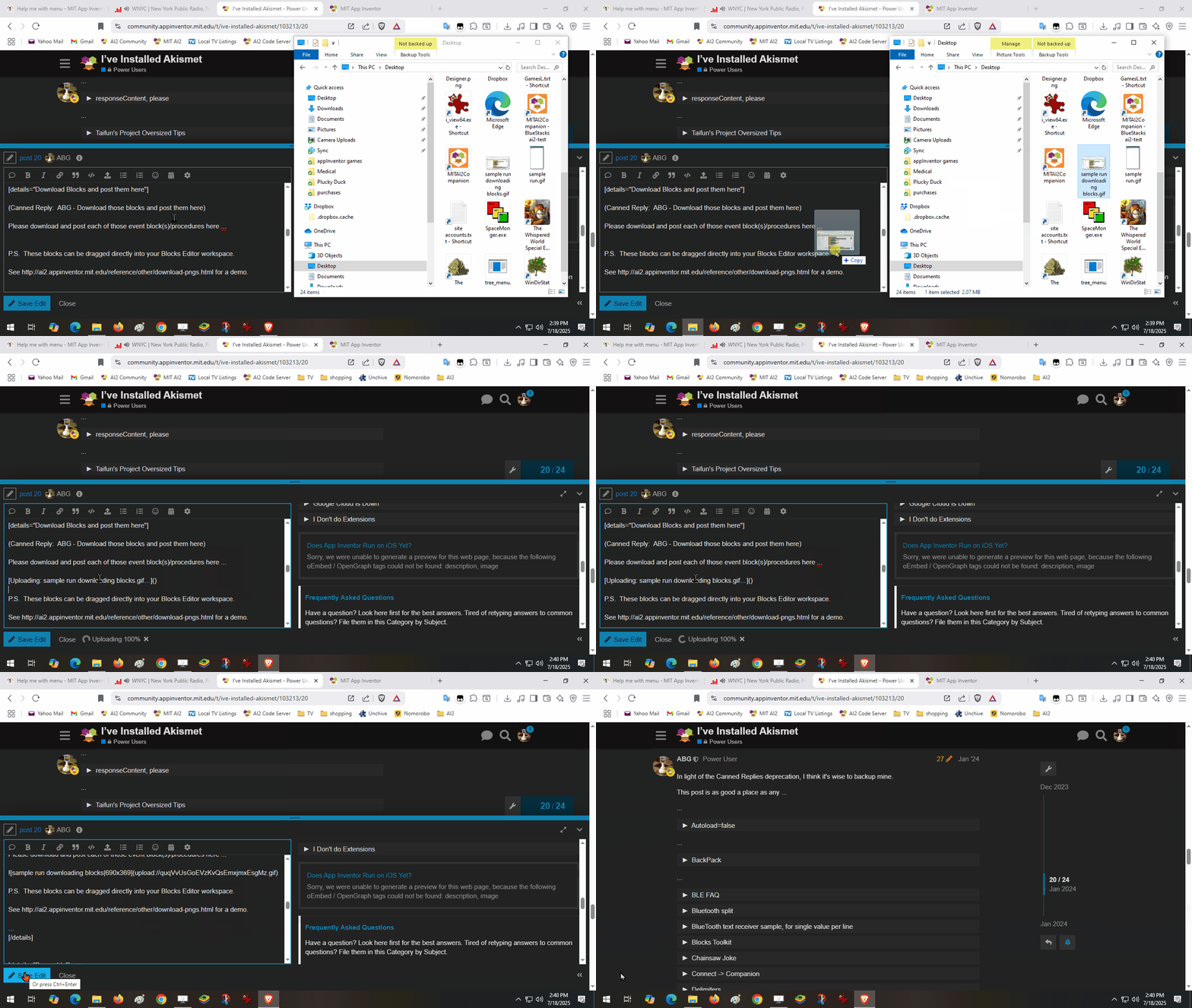
P.S. These blocks can be dragged directly into your Blocks Editor workspace.
See Download Block Images for a demo.
.
Writing to PANEL usually works, it is only ever an issue here specifically. Could it be the google sheets API bot config?
I can’t currently access the website because the disk i usually use to boot into my pc is currently busy somewhere else, so I have cropped the blocks from the previous image.
Unless you meant something else?
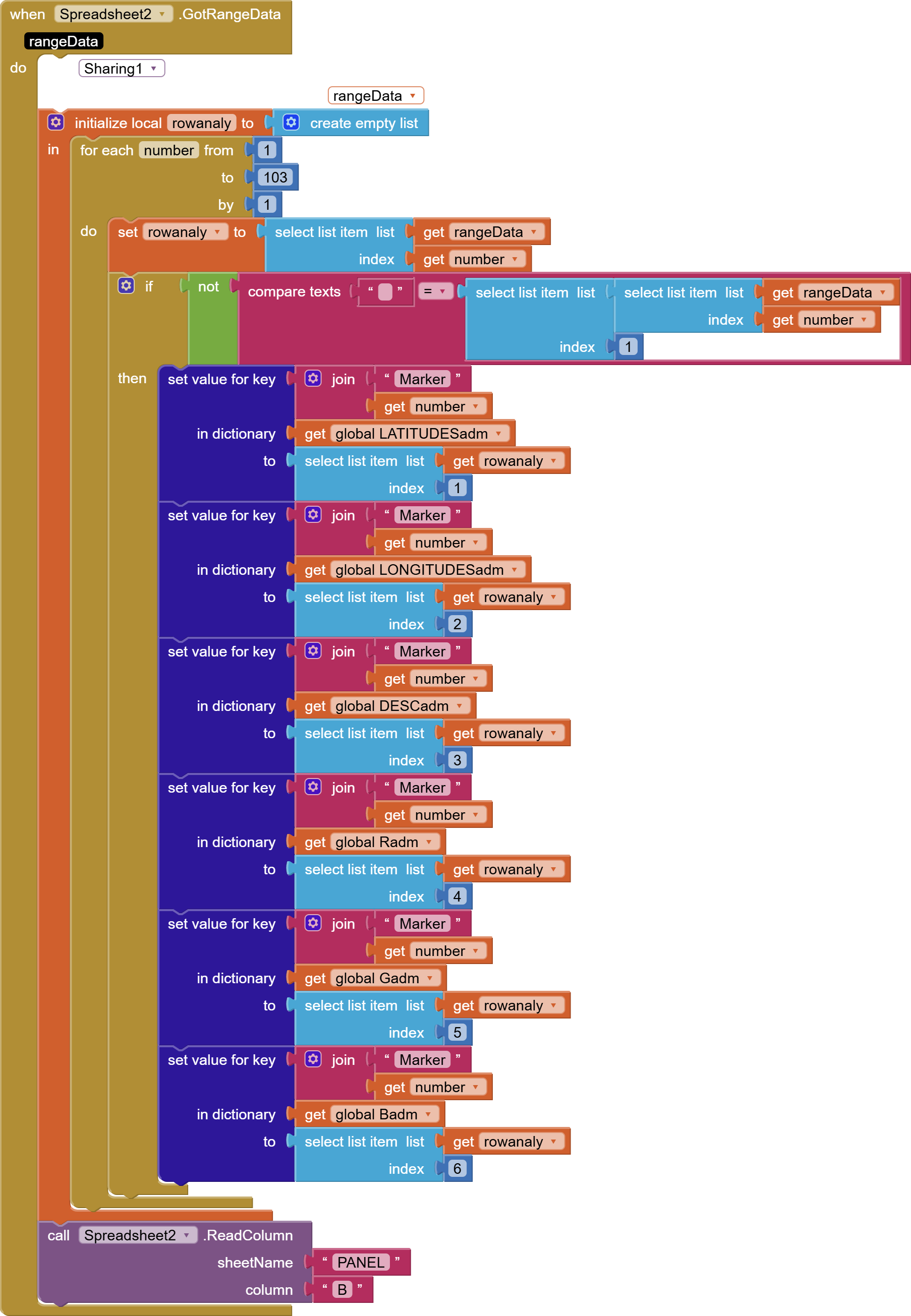
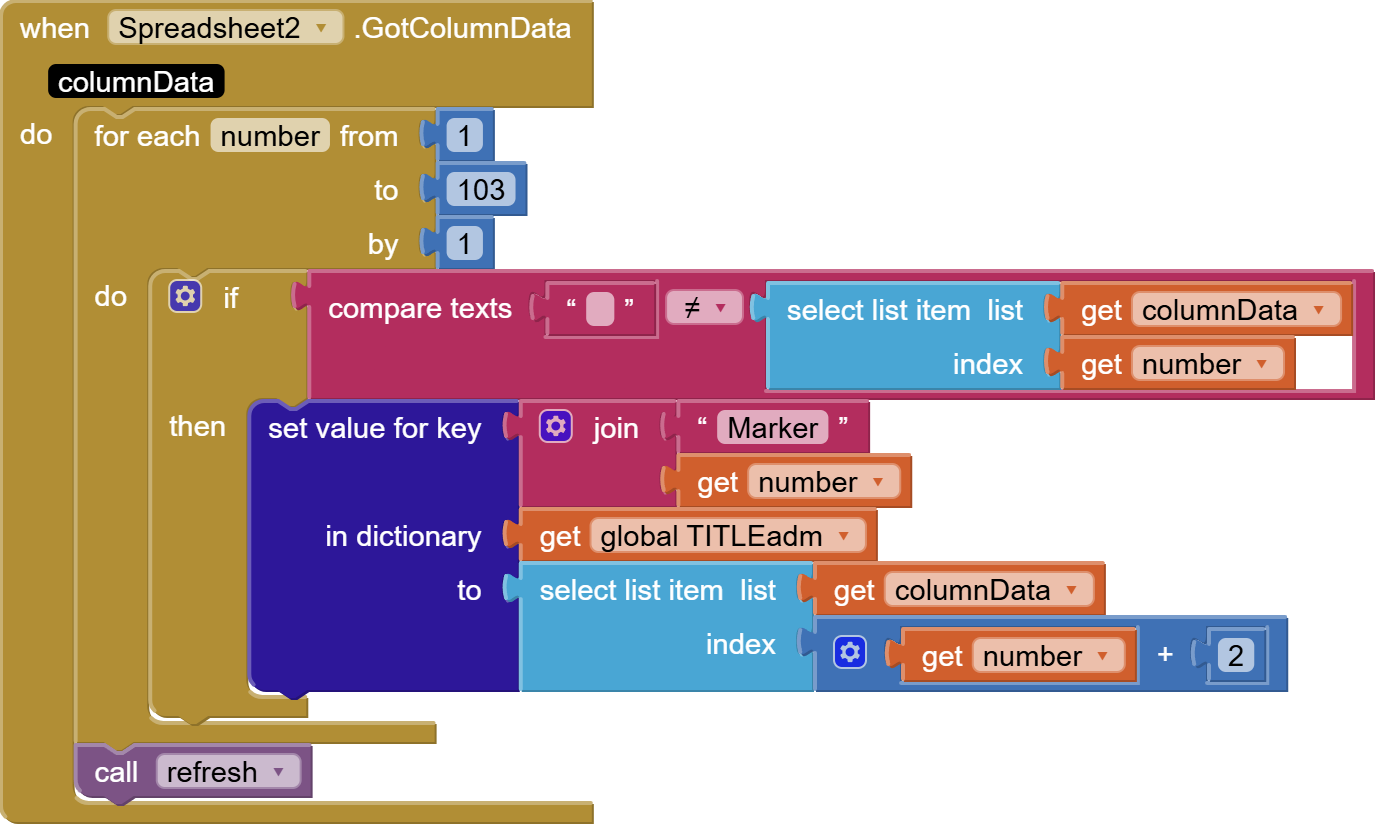
I’m wary of your using fixed row counts (103) in traversing your results, regardless of actual size.
That’s all I can see from your blocks.
An aia file would be needed for deeper analysis.
The row count cannot exceed 103 because the marker count in the refresh procedure only goes up to 103.
I’ll get a .aia shortly
Edit: now that I look at it, I forgot to change 76 - 103 to match the markers… It shouldn’t change anything unless I have more than 76 locations
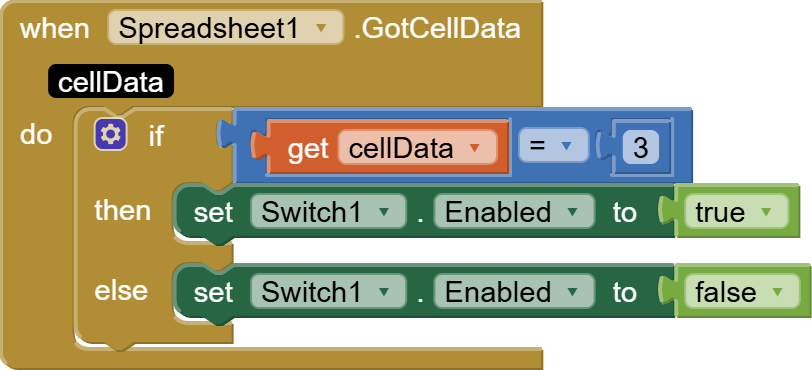
These blocks concern me …
Could you post a read-only link to the spreadsheet, so we could see your sheet collection?
I am disappointed these sheet events don't tell which sheet was read.
Your sheet component names could be more informative as to their functions.
By the way, you don’t need to spell out each Marker in the Designer.
You can generate and fill them using generic blocks, working from your data storage.
Spreadsheet1 and Spreadsheet2 do exactly the same, and I forgot to delete one of them and then theh got mixed.
The spreadsheet contains accurate locations of every user that has opened the app, here’s a copy, with every coordinate removed: https://docs.google.com/spreadsheets/d/1jqC_yzWN0cRjGWXt8e90-Y5ApTZYeG5g4oBDmENkWiM/edit?usp=drivesdk
The sheet is not readable.
should work now
What is each sheet’s purpose, and how do you juggle them between your two spreadsheet components?
CHECKST : checks D48 = 3
CHECKSNT : checks D48 = 3
LOGIN: Google forms output for registration, not impornant for the app
TESTINI: test sheet to see if google sheets is working properly. When the app starts, a random numberb is sent to that sheet
PANEL: Every information relevant to the game is here
Other: One sheet per team, not very organized.
Spreadsheet1 and Spreadsheet2 are identical, they serve the same purpose, having the same credentials and sheetID. I guess there I used Spreadsheet1 when LIVE is off and Spreadsheet2 when LIVE is on
Tell me more about the magic D48
Checks if the sheetID provided is valid
It might help you to keep track of which sheet you are on if you use multiple spreadsheet components, each named after the one and only sheet it uses.
That should give you extra events you can devote to single purpose actions.