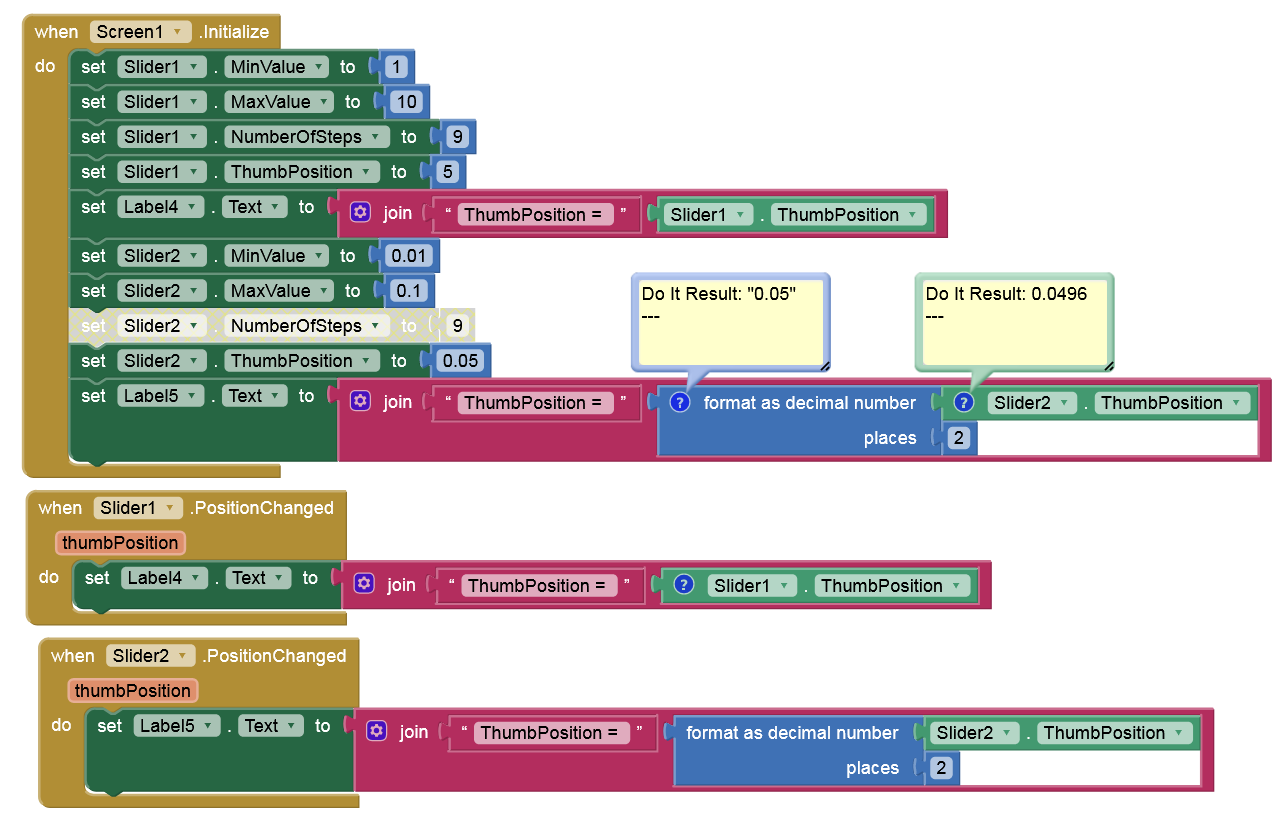
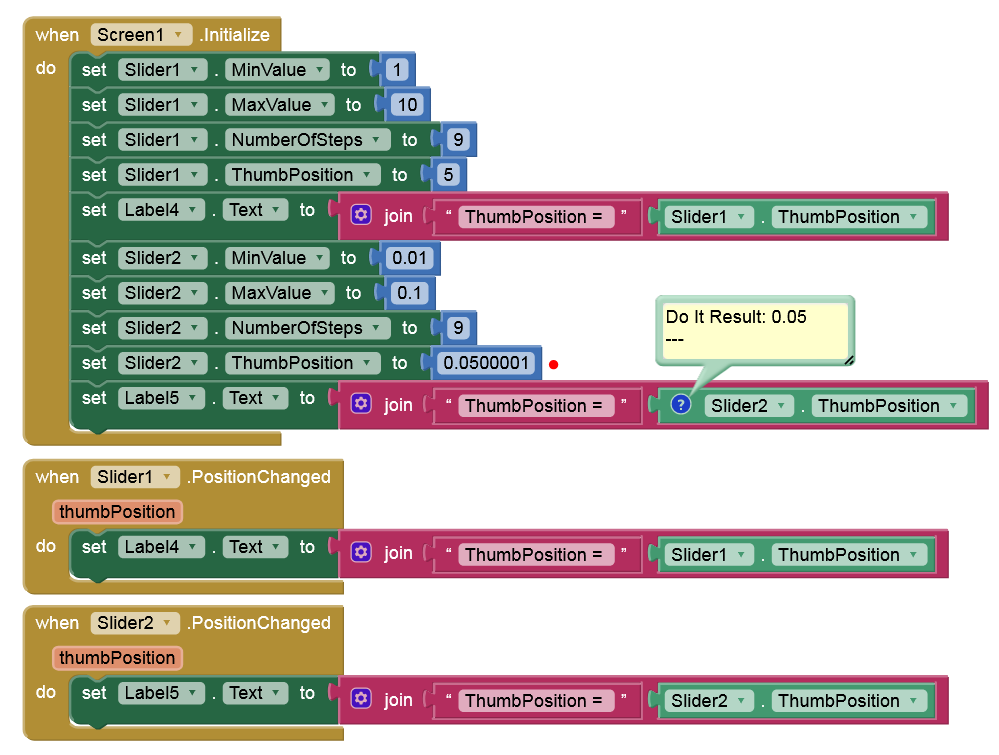
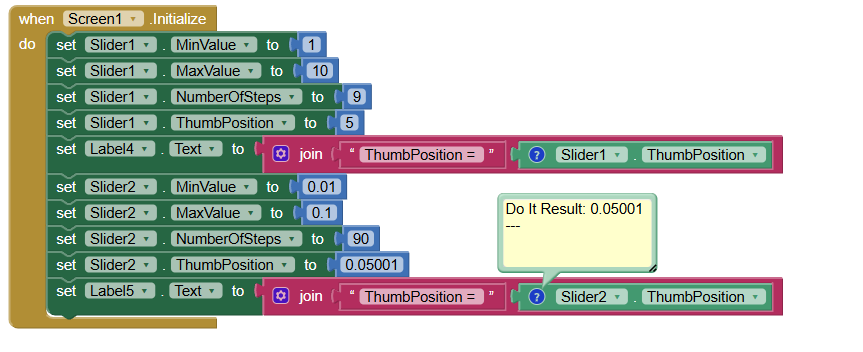
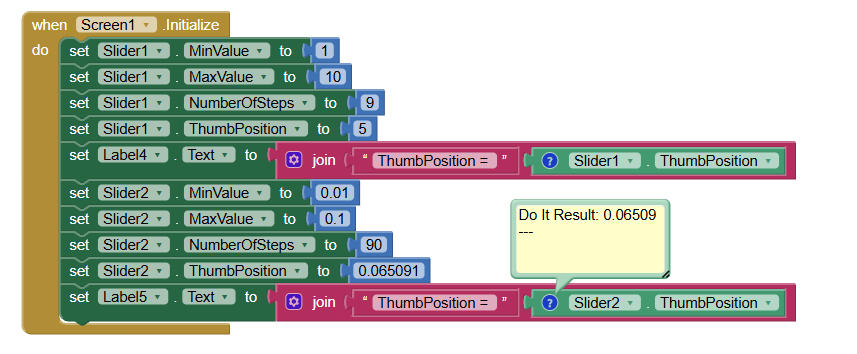
Hello, I cam across an odd behaviour that you may know or want to consider for a future fix. This comes when attempting to set a decimal Thumbposition to a slider. I have seen a few similar topics on the forum but not quite what I experimented. For my app, I found a quick workaround but in case you want to look at it, I created a small AIA that replicates the issue with 2 sliders. Slider1 with integer values works fine (sets to 5) but Slider2 with decimal values does not (sets to 0.04 instead of 0.05). I believe this is not what should happen according to the help documentation. Hope that helps and thank you for all what you do.
I think this is a floating point error, 0.05 is stored as 0.0496 because you can’t store the exact 0.05 in binary (IEEE limitations), this cannot be eliminated and can only be managed.
Thank you. You are confirming what I thought. In my app, I used the same type of workaround as Anke suggested (I force the proper rounding up). Will this be added to the future bug fix list or it just can not be fixed ?
In my opinion, this needs to be managed by the programmer. The Android SeekBar widget accepts integer values for Min and Max. This was bypassed in the Slider code, allowing decimal numbers to be entered. Maybe that was a mistake!? You should use MinValue = 1, MaxValue = 10, and then divide the result returned from the ThumbsPosition by 10. This is exactly what developers who use the SeekBar widget do. Here you will get good accuracy without guessing. Despite this, I will think about improving the code.