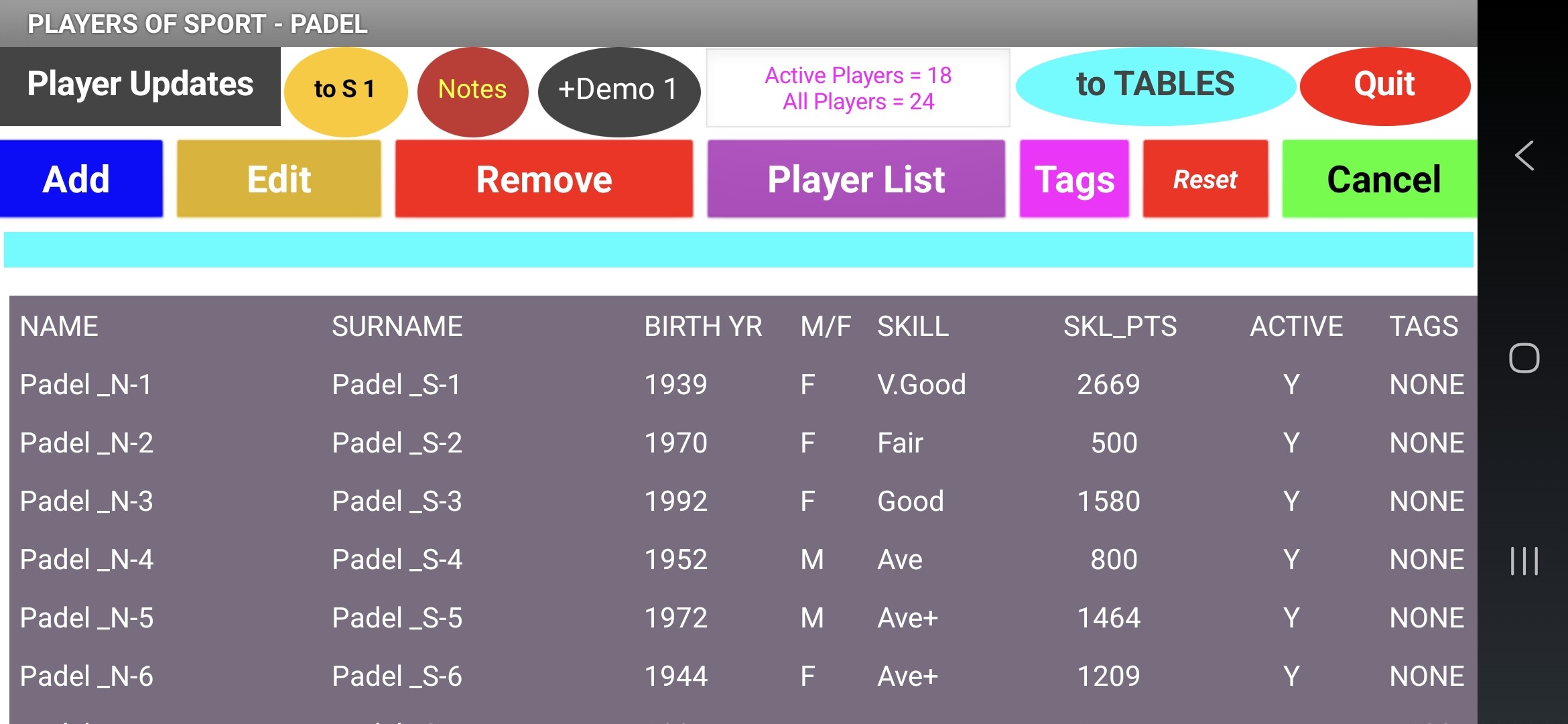
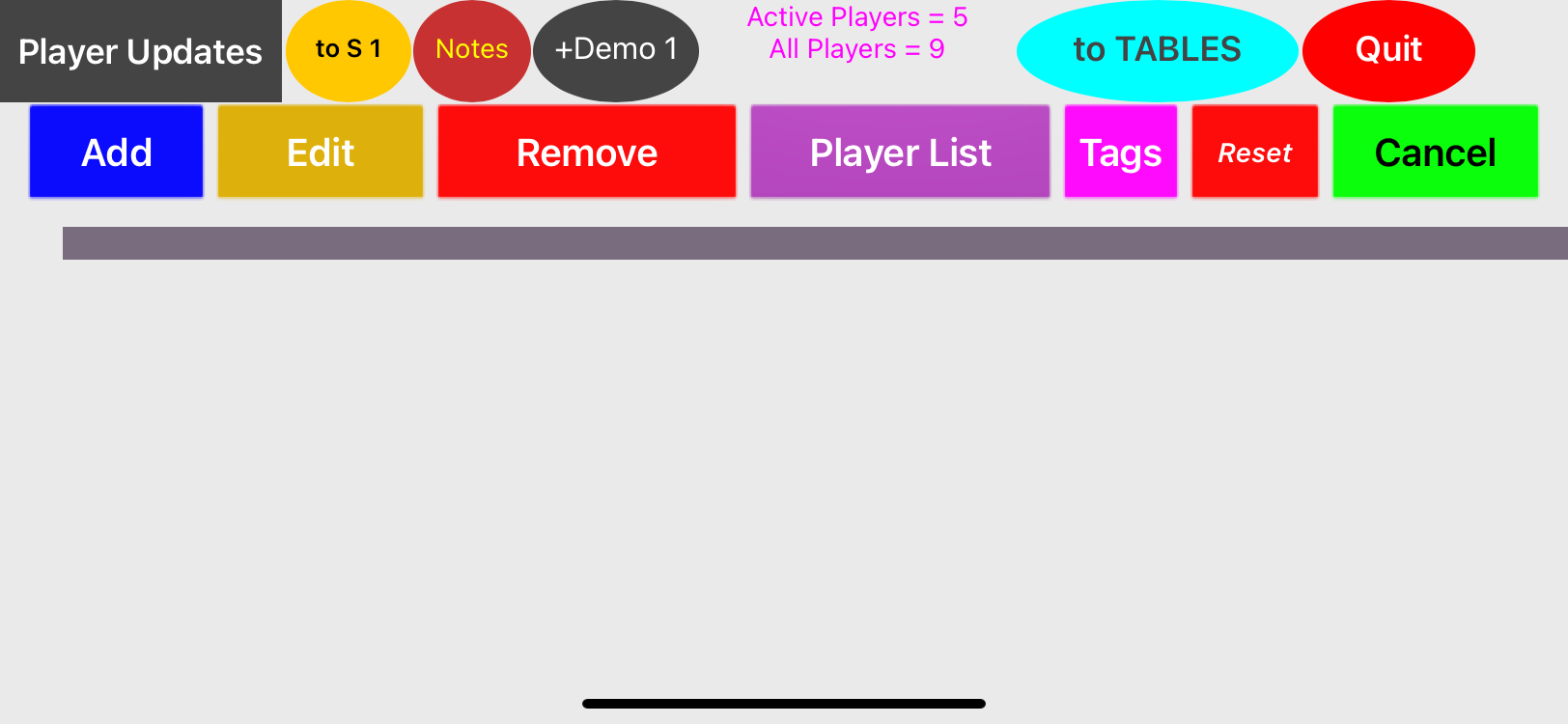
If you want to send me the project privately I can dig into it a bit more deeply, but the general challenge we have is that by default ListView tries to make itself as large as its parent, and in automatic mode an arrangement tries to make itself as small as its children. In iOS, the relationships are all expressed as a system of equations known as a constraint layout. Unfortunately, one solution to the system of equations is to set everything to be 0 in size, making it disappear. We're still working to tweak the rules to try and make the iOS layouts behave similarly to the Android versions.
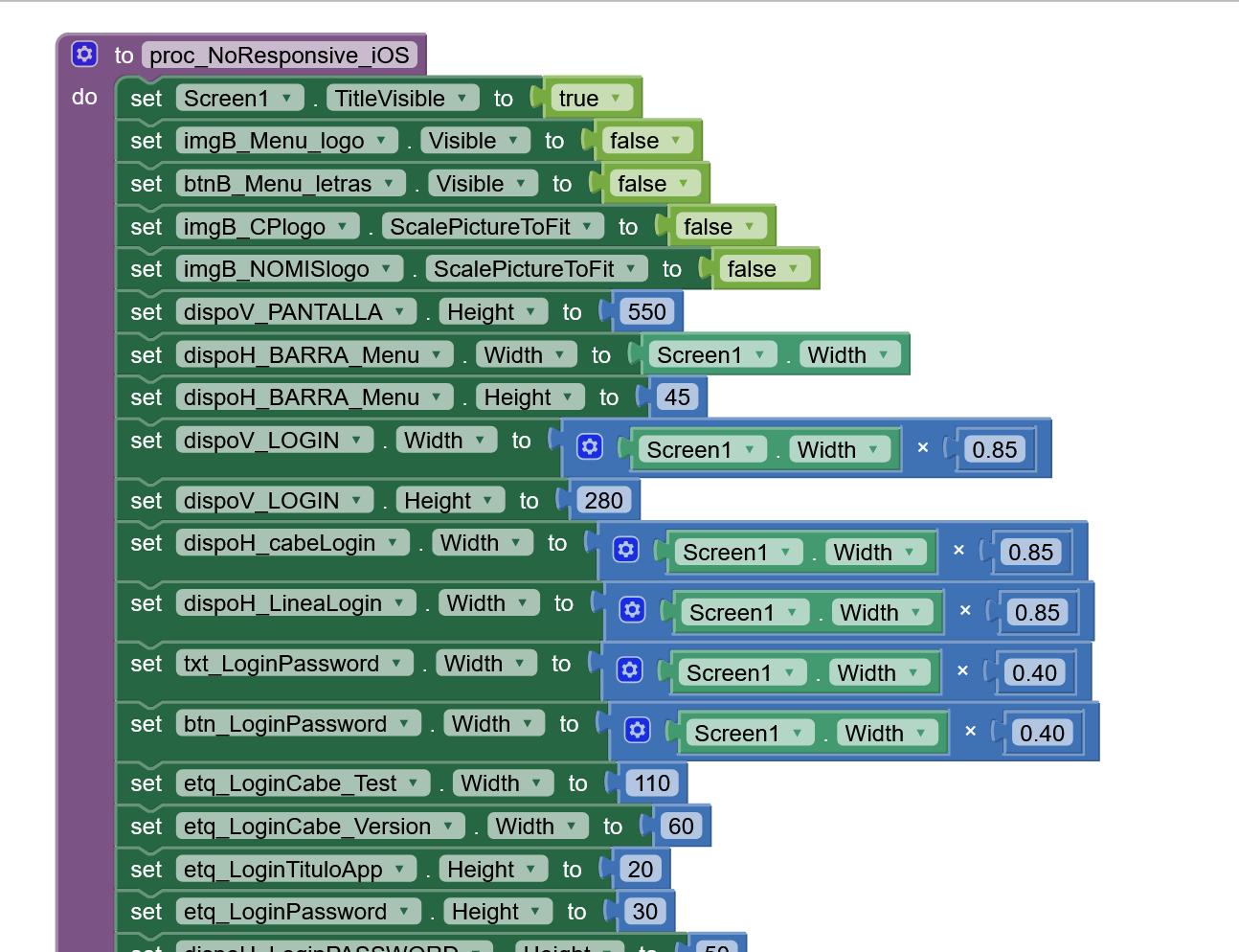
As a workaround you can put for the iOS devices the high for the elements with problems as a fix number.
Edit: And maintaining the same AIA app for Android and iOS
I have a bit complex app (android and iphone) with more +10.000 blocks, 4 virtual screens and 3 screens and for me this workaround runs well to wait a MIT solution. You must to do several tests until the right dimmensions for the Ipohne are well.
A thank you. I think I've created a solution to this particular problem for my apps and used all your comments as the prompts.
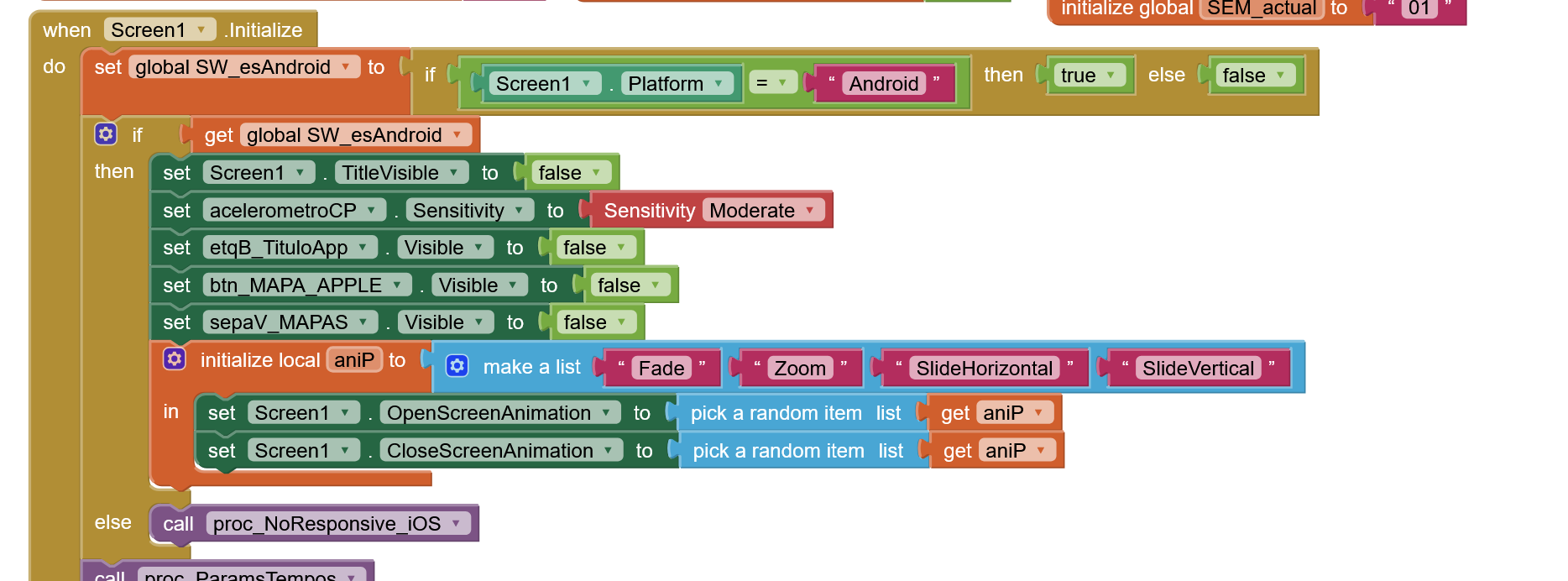
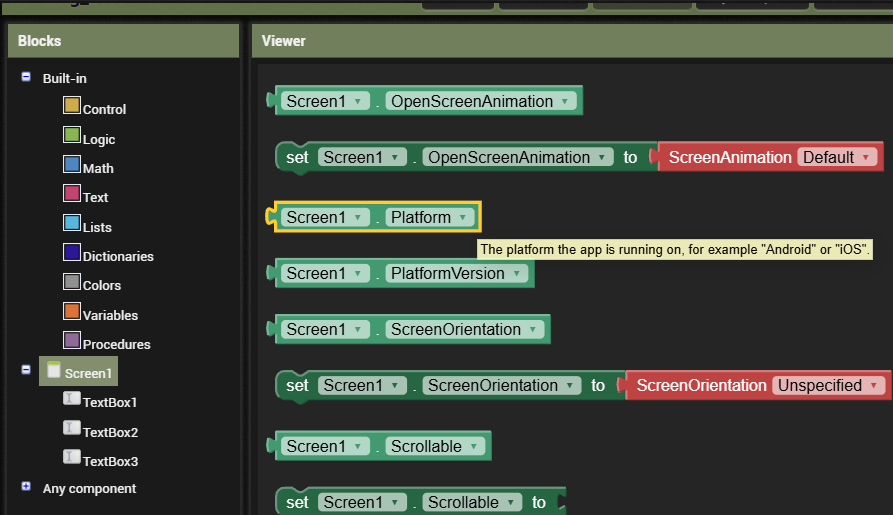
What was critical was the info about the using the PLATFORM block/component (@Ferran_SIMON) and its whereabouts (@ABG) - that's what opened the door, so to speak. I hadn't picked up on this essential matter when reading the App Inventor for IOS section and related material.
Using the 'Platform' property allowed me to introduce some logic to specify various settings between Android & IOS for a whole range of dimensions (specific width, width percent, height, font size and similar).
It may not be elegant coding but the result is good.