by the way how can i test the aia file you gave just now?
Asked in firebase block but tried using web part. Hmmmmmm
test this..
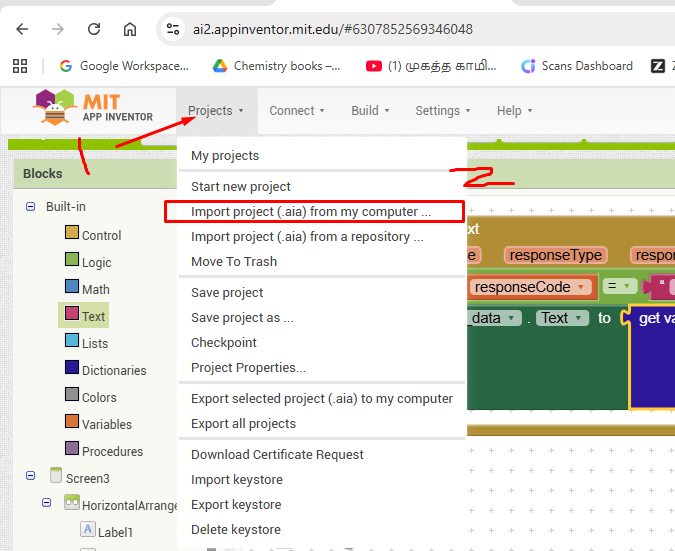
select the path in which you downloaded the aia. Once upload you will see the aia in your project, connect and test
Sorry, i forget to upload the aia @Leow_Weifuh
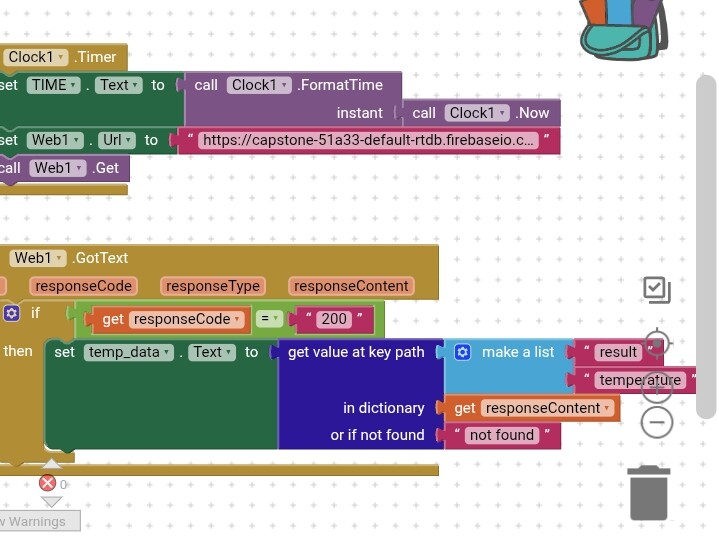
Capstone_G29.aia (107.5 KB)
2 Likes
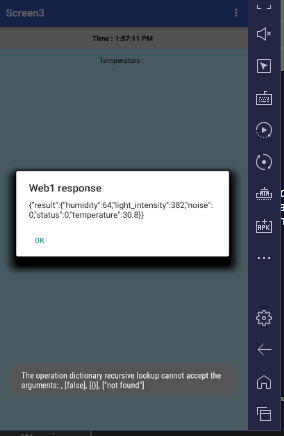
You get good JSON results, you just need to parse them right with dictionary blocks.
Your Clock was too aggressive.
It swamped the testing environment with error messages.
Use a Button instead.
can you help me change the block i am not good in this. I search from AI
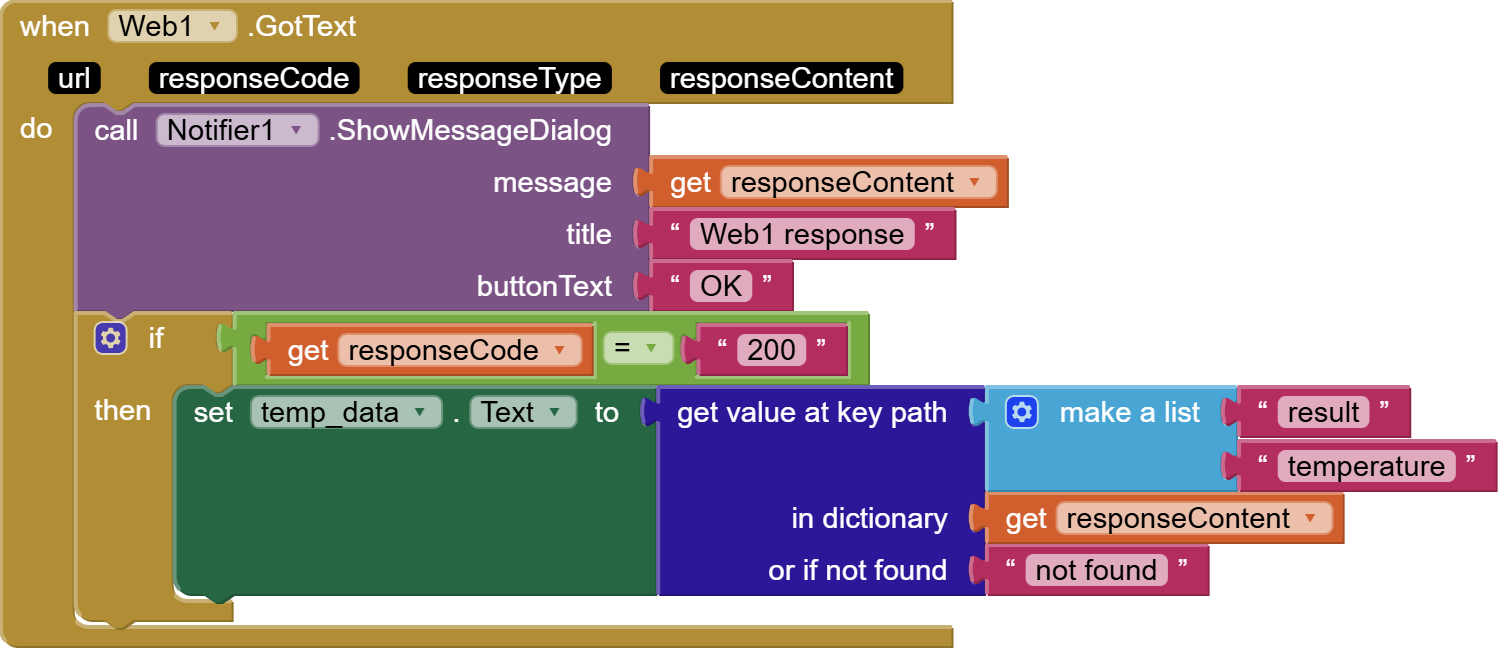
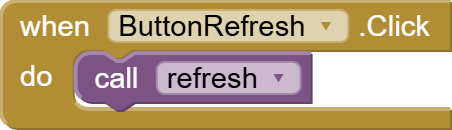
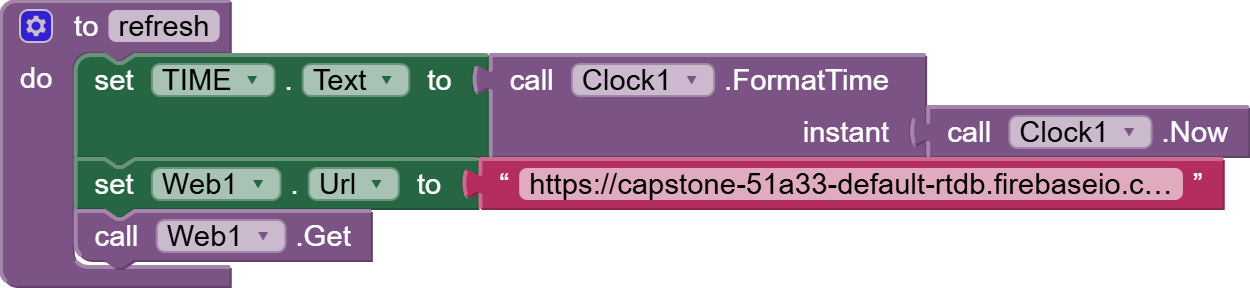
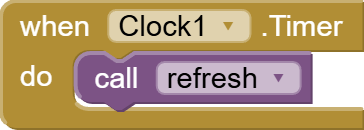
Capstone_G29 (1).aia (107.9 KB)
The aia might not be cleanly loadable, but the blocks are draggable.
(I did this on a test server)
Once you are happy with extracting the readings from the response content, you can disable the Notifier diagnostic call.
1 Like
i try the fbaia but also can't. I think maybe computer problem. But this AIA you sent just now works. Thank you very much!!! Just another last question if i want to do for humidity and other components just duplicate the block and change the dictionaries?
If you have youtube channel please tell me hahaha willing to subscribe and learn more about mit app
thank you very much
If you read the JSON from the Response Content, you will see that the other readings are siblings of the temperature, living under the same parent key ("result"). So use the same key path root, just change the twig at the end.
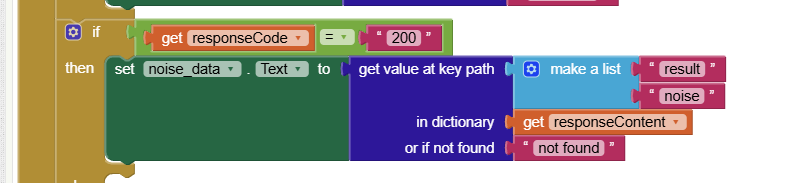
if i want to make the noise data show noise detected when 1 and no noise when 0, how should i change the block?
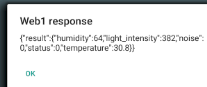
We can see the 0 in the noise part of the JSON.
Pull in a local variable noise inside the response code IF, to grab just the noise from the value at key path block.
You can use the noise variable then in a Label, or also in another if/then test to see if it is 0 or 1, and respond appropriately.