If you want to use the canvas as a crop box, with Taifun's Image extension. The following work is just to demonstrate the functionality.
I have broken down the process to three aia projects to make it easier to understand what is going on.
The canvas is a fixed size, in these demos of 300x300 (important! - this relates to a magic number (276) in the blocks for the size of the image to be displayed). It is not possible to drag the entire frame, the user has to resize using the corners.
- The frame
This aia creates a resizeable frame on the canvas. There is a button to allow for a dark or light frame for better visibility on an image.
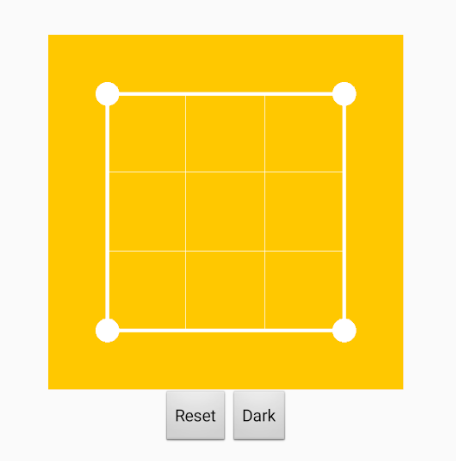
imageCropper1_Frame.aia (9.6 KB)
- The frame and the images
This aia creates the resizeable frame and allows user to load images to the canvas, in the correct aspect
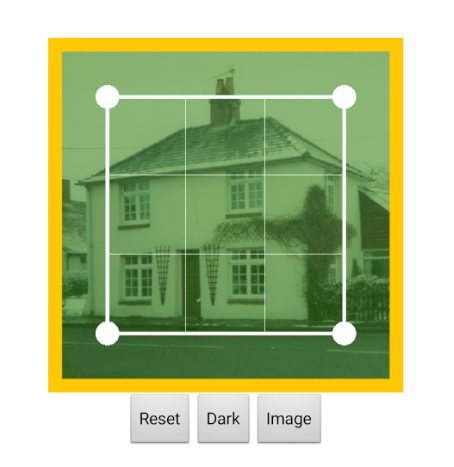
imageCropper1_Frame_Images.aia (599.2 KB)
- The frame the images and the crop
This aia creates the resizeable frame, allows loading of images and allows the user to crop the image to the size of the frame. The original image, which comes from the assets, is copied to the ASD, and this is the file that is modified. The output is shown on the canvas.
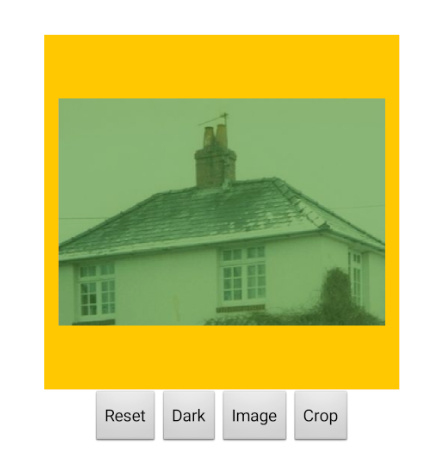
imageCropper1_Frame_Images_Crop.aia (602.8 KB)
I am working up an extension free version as well, but this is even more complicated due to the pixel manipulation required on the canvas (and it takes a while to process the image)
Credits to @Taifun for the Image and File extensions used in this demo.