The trash options are not available. How do I delete a project as I would like to rename a later version to the version I'm trying to delete so I can upload the new version to the play store. I've tried opening the project and selecting delete project from the menu but its refusing to go. I've also tried logging out and back in again. Any help would be greatly appreciated.

It is true that when you remove items from trash they do not appear to be removed. Refreshing AI2 in the browser usually fixes this.
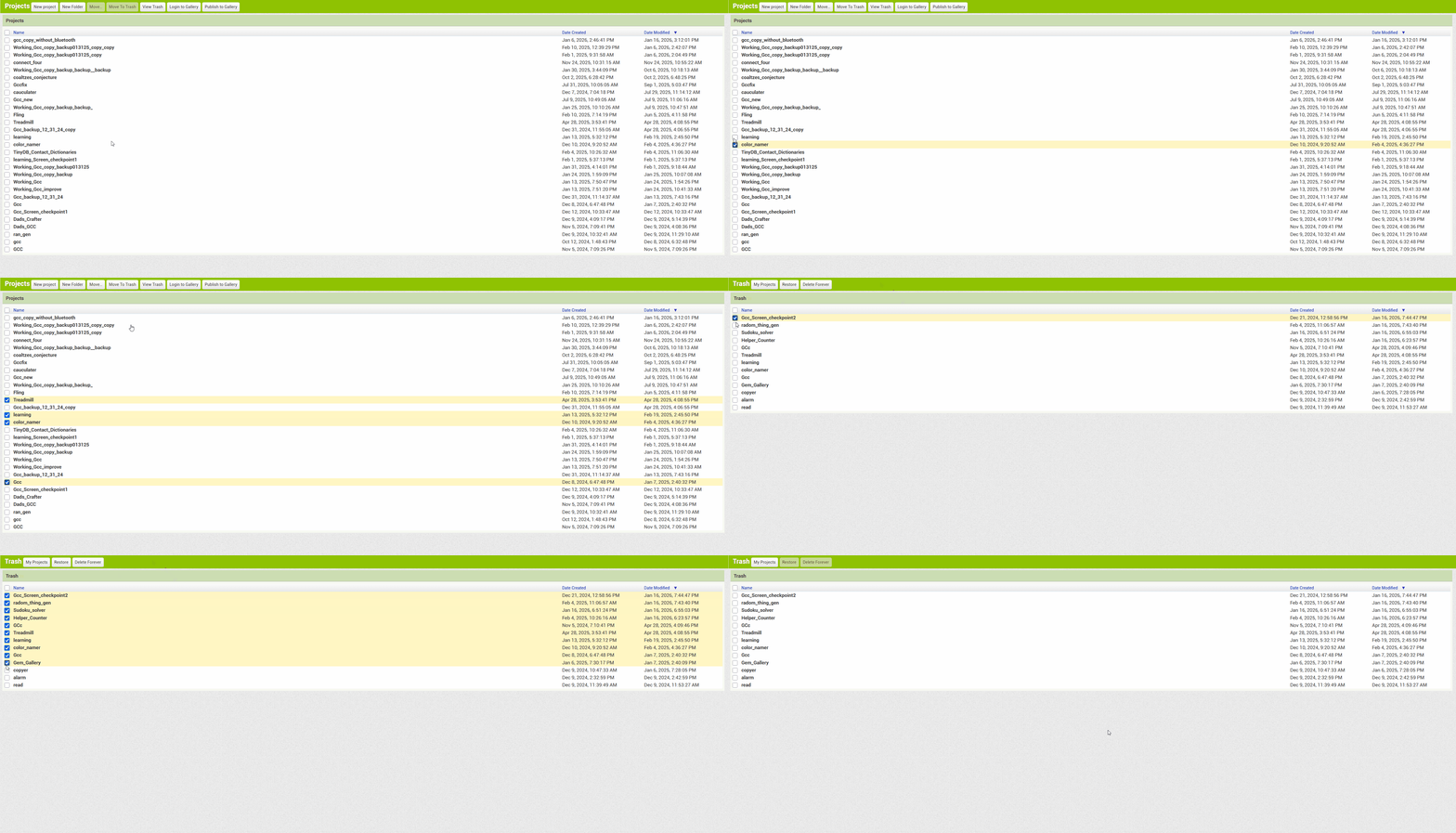
then just refresh, like TIMAI2 said.
Select projects, click move to dustbin, go to trash, permanently delete all, refresh the page. You will see all will be removed (deleted one and trash items)
Make sure autoload is set to false