
I have a question how do I make it so that the remove button can remove a certain name from the listview?
you have to find name in the list, get index, then remove item from list and refresh listview

you may try this:

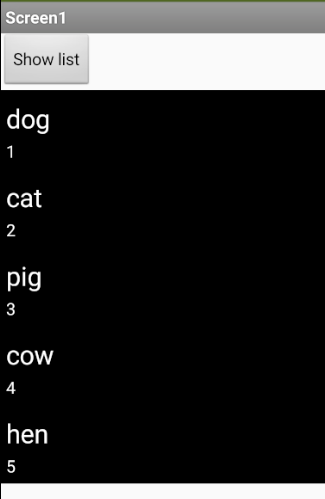
How do you make it so that you can set a different index to each item. I also want the app to input the index in the listview like as a number.
I also want the app to get the input from a certain textbox then remove that item. For example a textbox is number only and the input is 3, is it possible to make the app remove the item with the index 3 if you press a certain button?
replace it with Textbox1.Text block in the index socket

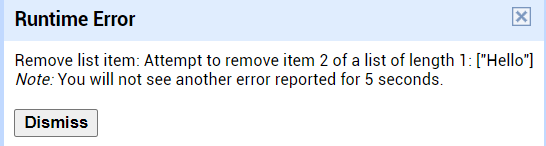
This will result in an error. You cannot remove a list item from a component.
2 Likes
oops i think it will be Listview1.Elements block, right?

Yeah. I almost couldn't recall that I needed elements block 
1 Like
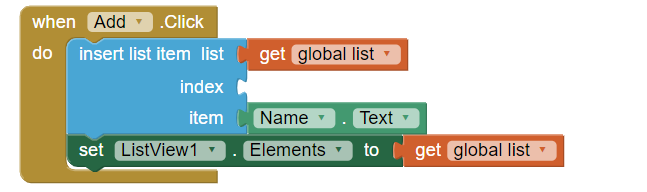
How do you make it so that each item will have a different index?
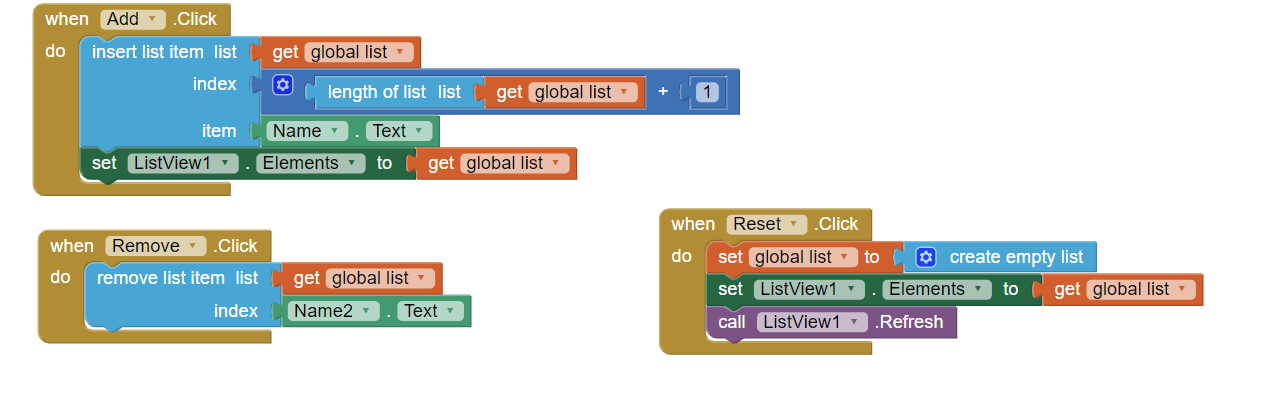
You could use math blocks and set index to get lenght of global list + 1 if you want to insert it at the end of list.

Usually when we add a new item in listview and we want to add it at the end of list we use
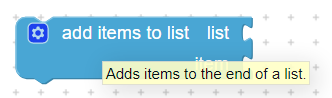
else if we want new items to be in the beginning of the list we use index 1 or another number if we want a specific index
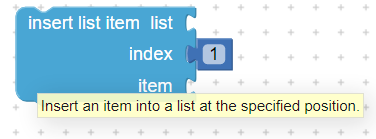
Finally you have to use call ListView.Refresh to see changes

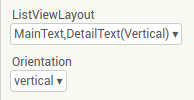

Nevermind I figured it out
1 Like
This topic was automatically closed 7 days after the last reply. New replies are no longer allowed.