Demo Video:
Hi Everyone!
I was bored from using basic bluetooth RC car controller apps and thought that i am using my smart phone as a controller to control my car which has a touch screen and much more processing power, there should be a controller to use these features. So i made my own custom bluetooth RC Car controller app which has some pretty cool and advanced features. I also published my app on apkPure, you can install my app to test it.
FEATURES:
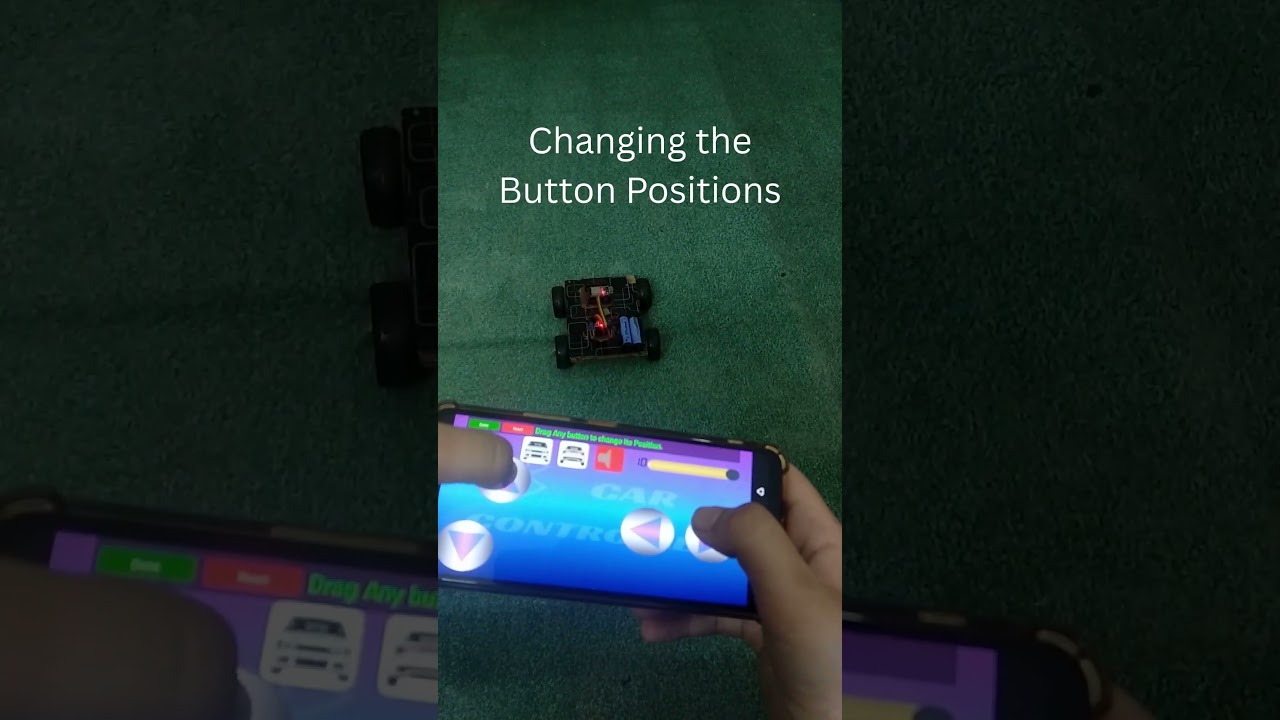
 Draggable Interface
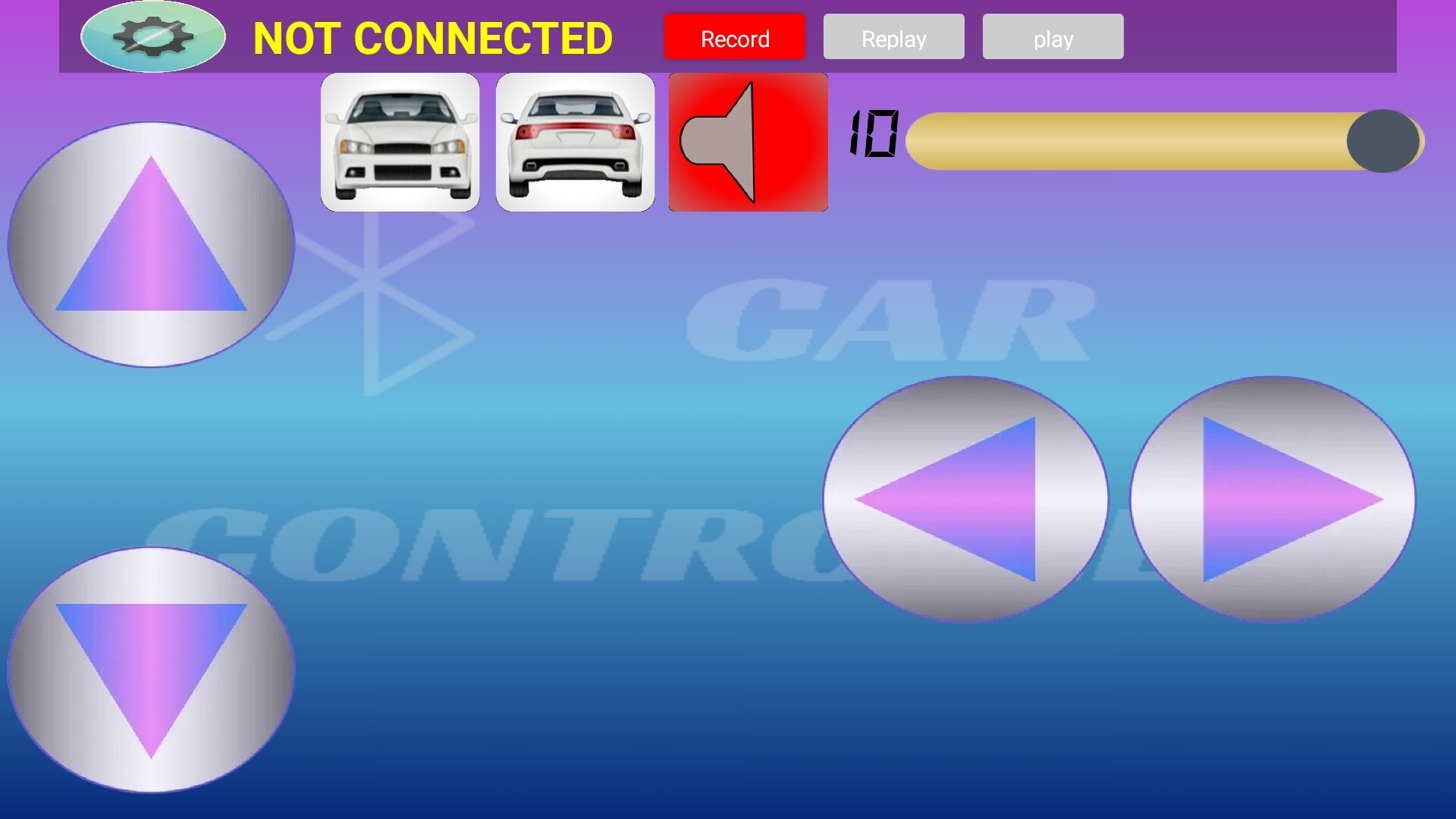
You can design your own controller by dragging buttons to your custom place and save their positions!
Buttons state recording:
You can record your driving in real time and play it! The app can record when and which button is pressed and can play the same button at same intervals! This is the most excited feature that i made in this app.
Portrait Mode:
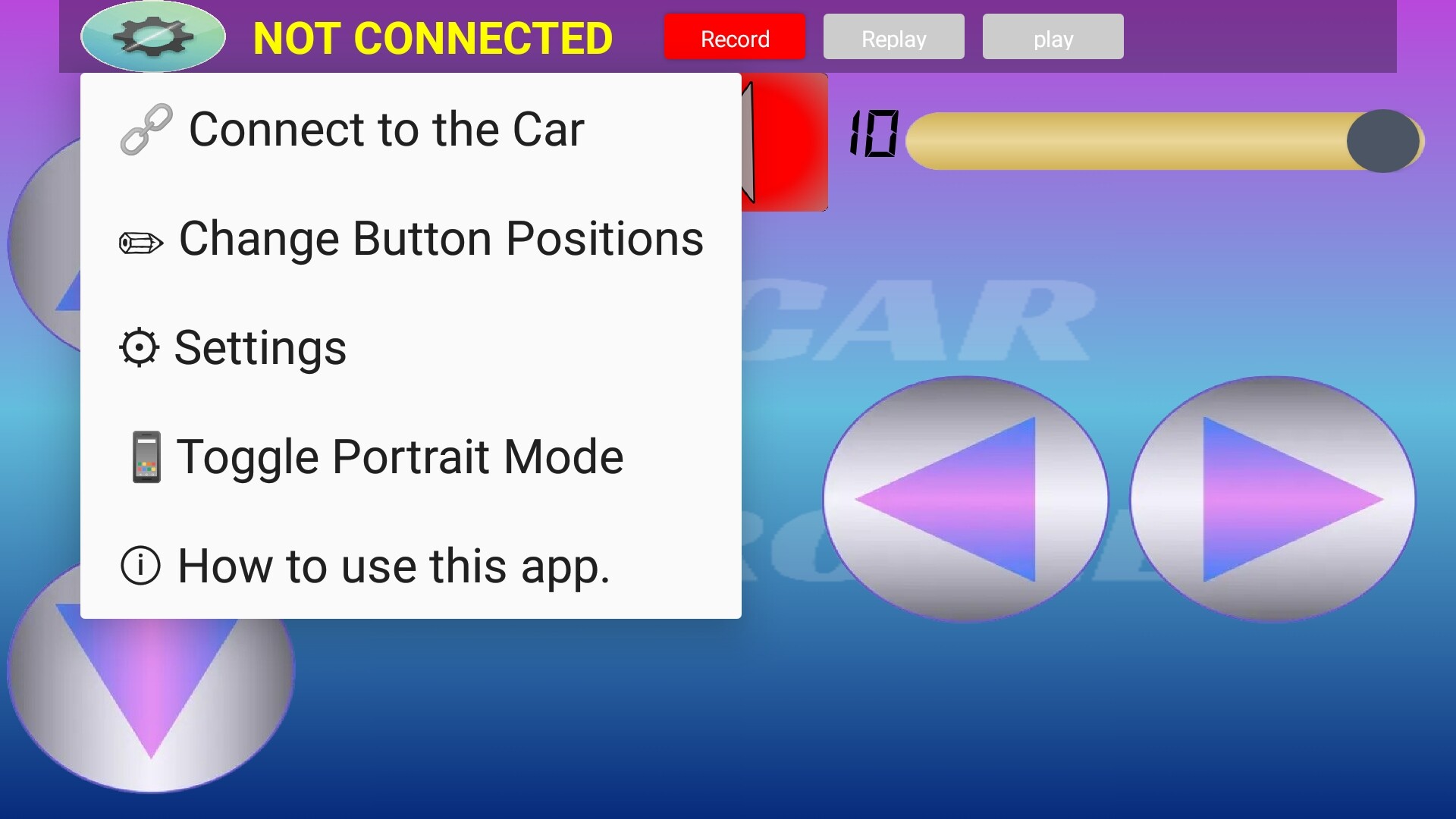
You can use the app in any orientation you like. You can enable/disable portrait mode!
Smart Light automation:
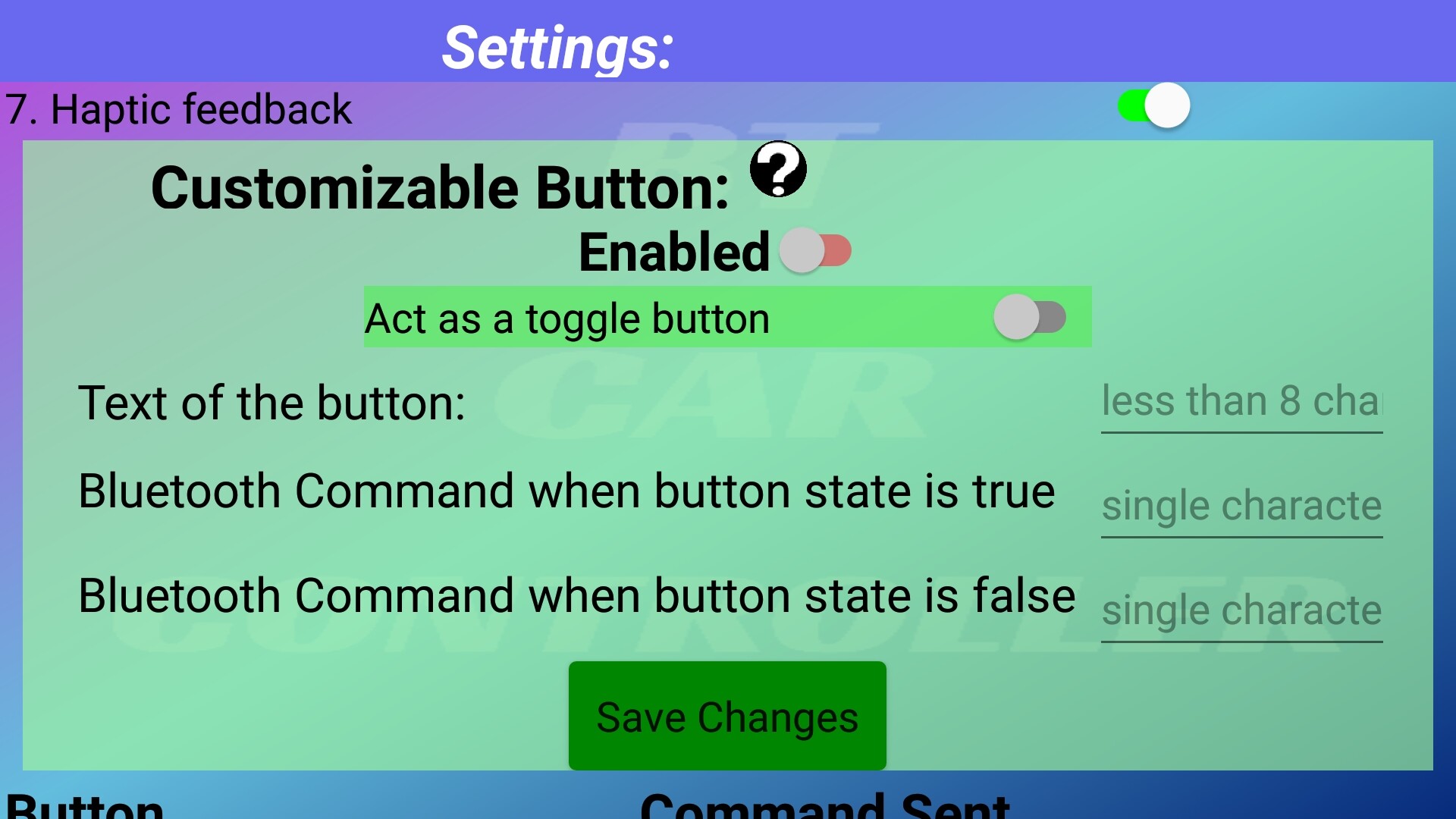
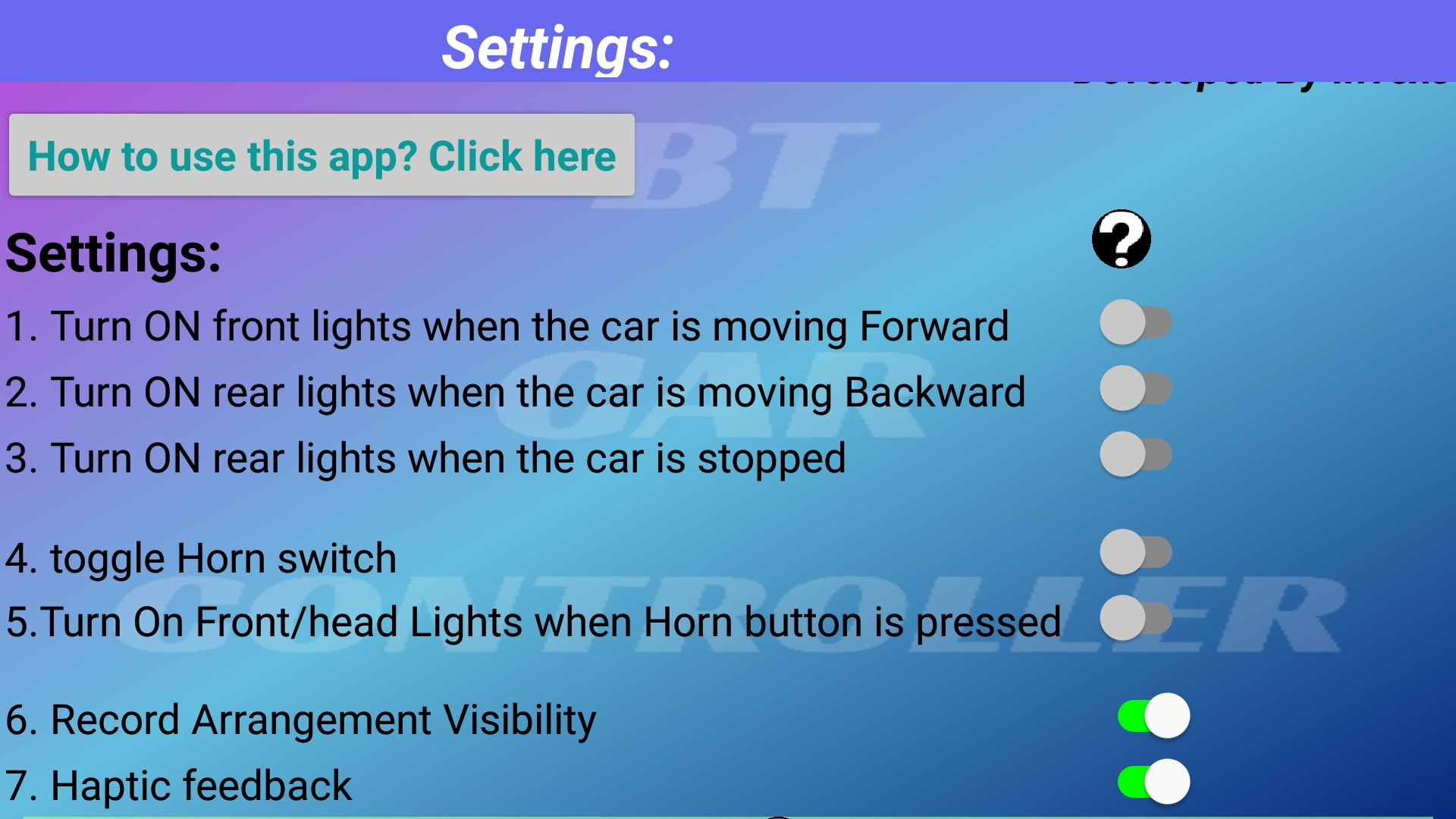
The app can automatically turn ON the headlights when the car is moving forward or when the car is honking, automatically turn ON the rear lights when the car is stopped or reversing.
DOWNLOAD:
You can download my application on apkPure at this link:
https://apkpure.com/p/appinventor.ai_abdgto251.BT_Car_Controller4
I also made a simple tutorial on instrutables that has pinout diagram and arduino code for the bluetooth car. You can view the tutorial at this link:
https://www.instructables.com/Custom-Bluetooth-RC-Car-Controller-Android-App-to-
If you liked my idea, You can support me by giving this app a good review!
This is my first ever app that i published. I tried my best to make sure that app doesn’t crash on any device and i handled all the bluetooth permission which are required on newer androids. If anyone installs my app, test it and gave it a review, i will be very happy to see it and reply!
Let me know what are your reviews for this app or if you have any questions! Thanks for reading my post!