I recently developed an Android app using App Inventor, and it is published on the Google Play Store and running well.
I have been trying to transition my app to iOS instead of starting from scratch with an Apple-specific development platform like XCode.
I have scrapped all of the Extensions (except for BLE) out of my project since they are not compatible with iOS builds as described by several posts that I have read here. However, @ewpatton’s post here suggests that the BLE Extension is built in to the App Inventor Companion on iOS and should not be an issue. I use the BLE Extension to communicate with an ESP32 in my project, and everything works perfectly well in the Android version of my app. I have not changed the ESP32 program at all.
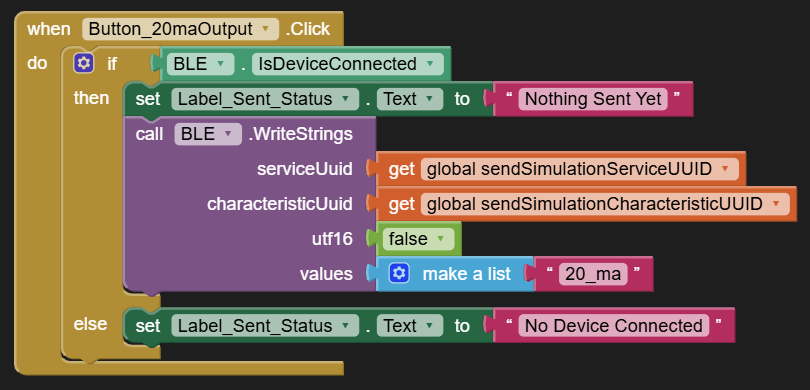
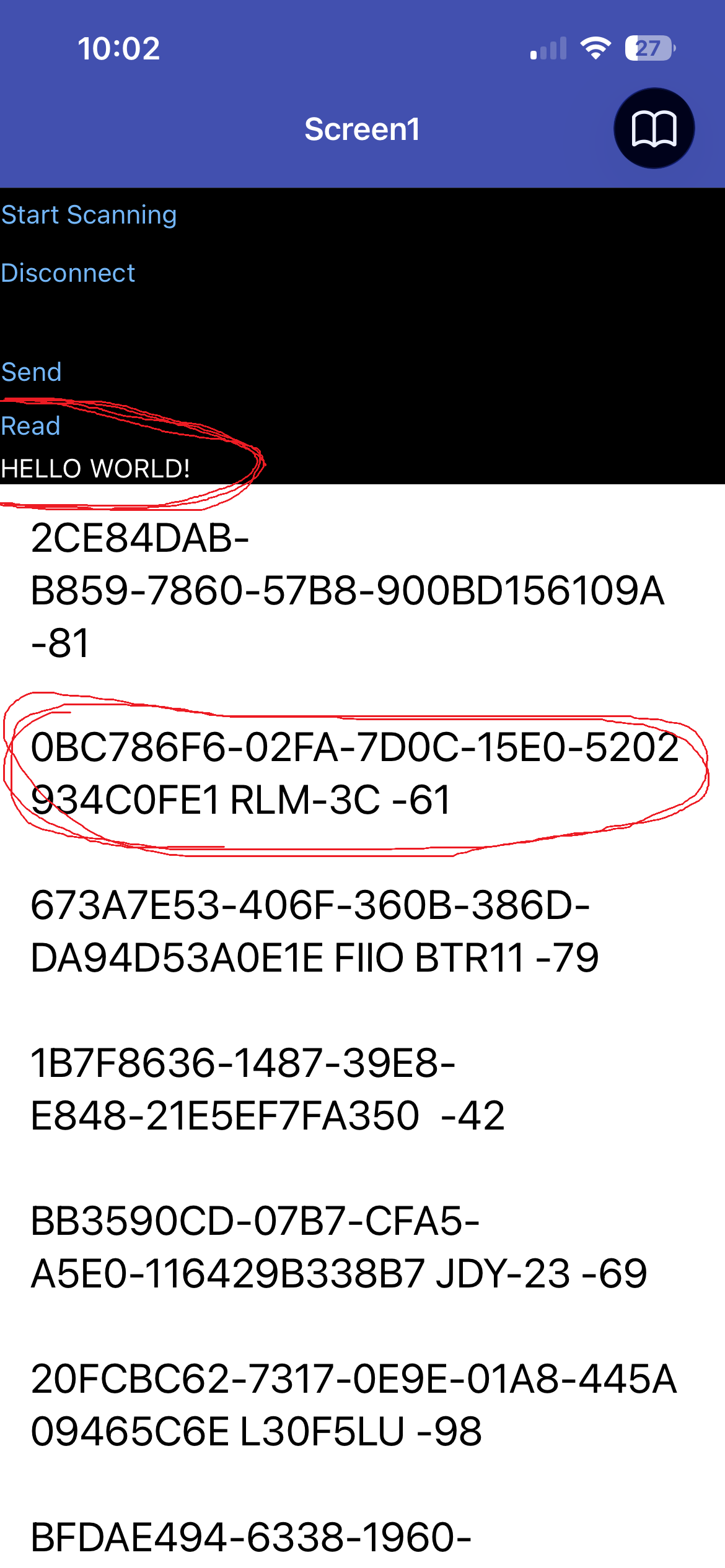
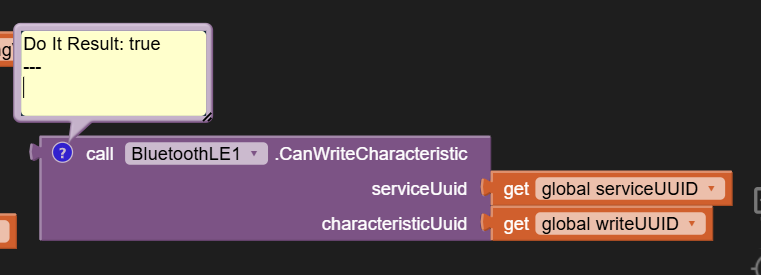
I am using the TestFlight version of the App Inventor Companion on iOS (iPhone 13) to test my app during development. I am able to connect to the ESP32 and read strings perfectly fine; however, my biggest trouble has come from writing strings to the ESP32. None of the BLE.WriteStrings blocks in my project work. Here is an example block that does not work:
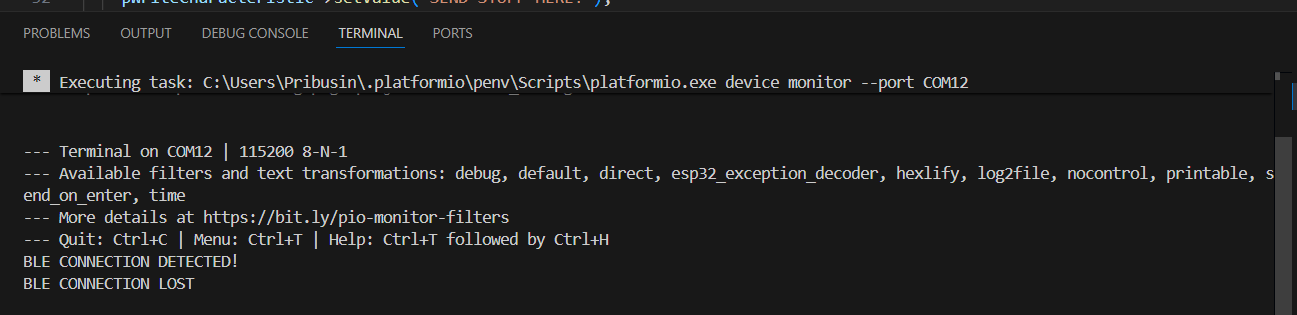
My ESP32 does a Serial Print whenever it receives data over BLE; nothing is coming through after running these blocks. The StringsWritten block also never gets called in my app. This just simply appears to silently fail.
Here is my app project file if you need a closer look. I apologize in advance for it being a little messy.
Are there any opinions on this issue? This is the last major obstacle for the iOS version of my app. I find it puzzling that I am able to connect and read over BLE perfectly fine. I tried the BLE.WriteBytes block as well, but nothing appeared to send with that either.
I will attach my PlatformIO project here as well in case that is useful for whoever is looking in to this issue. This is the program that runs on my ESP32 that interacts with this App. I am using the
#include <BLEDevice.h>
#include <BLEUtils.h>
#include <BLEServer.h>
libraries in this code (standard ESP32 BLE libraries). I would not think that these would be causing issues with iOS, but I am open to suggestions. If anybody needs me to highlight a specific section of the Program or App, I would be more than happy to clear things up. I know these projects like the back of my hand basically.
Any kind of update would be appreciated even if you have not taken a look at this problem yet.
Attached is a test app I use with a BBC micro:bit to test the iOS read/write capabilities. The micro:bit is running a simple firmware that echos back the string it receives via the WriteStrings block. Check to see if you can create a similar firmware for the ESP32 and confirm it works for you. Note that I am testing this with the version of the companion in TestFlight, but I don't believe there are any pending BLE changes in that version versus what you would get in the App Store.
Not sure it is of any help, but you could recompile your esp32 sketch setting tools→core debug level→debug and comparing the logs connecting to android and ios
P.S.
you can also try the WriteBytes and WriteBytesWithResponse instead of WriteStrings
I tried your test project, but I got the same results. Connecting and reading work fine, but I am still unable to write. It may actually be an issue with my ESP32 BLE library. I will work on this some more tomorrow and update you with any results.
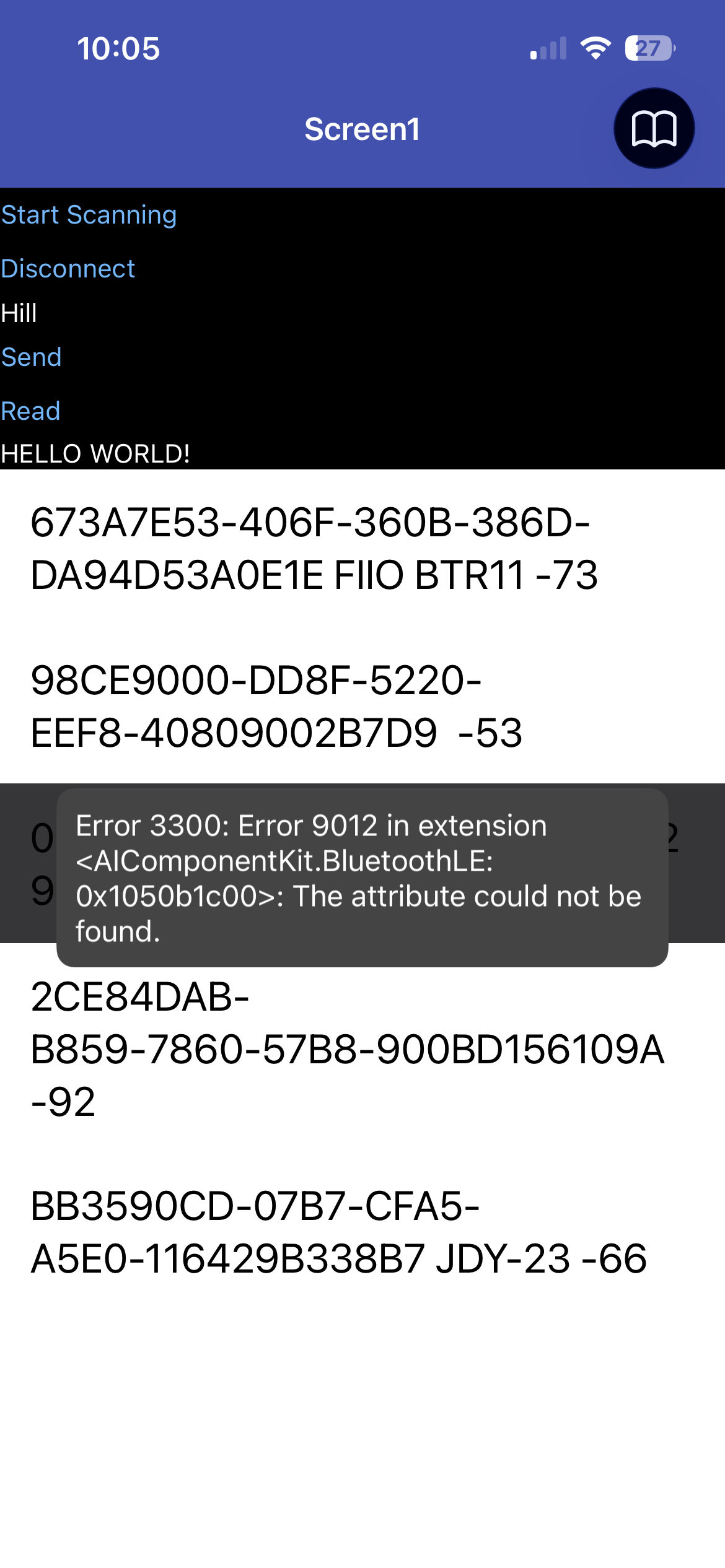
RegisterForStrings throws an error code (Attribute Not Found), but WriteStrings does not throw anything. I simply do not see anything coming through my ESP32 after the write. I did not try WriteBytes yet. I will be able to give you screenshots and more specific details when I am back at my setup tomorrow.
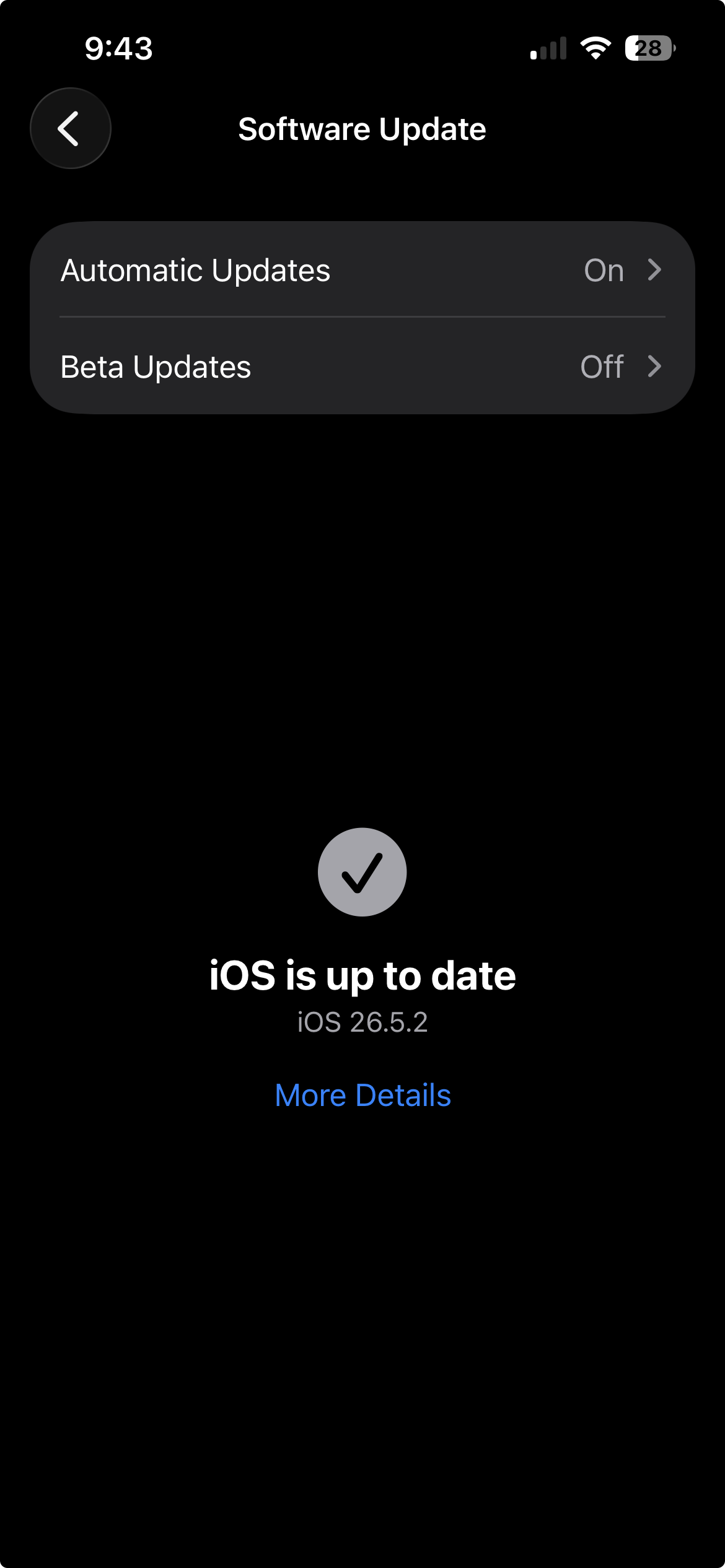
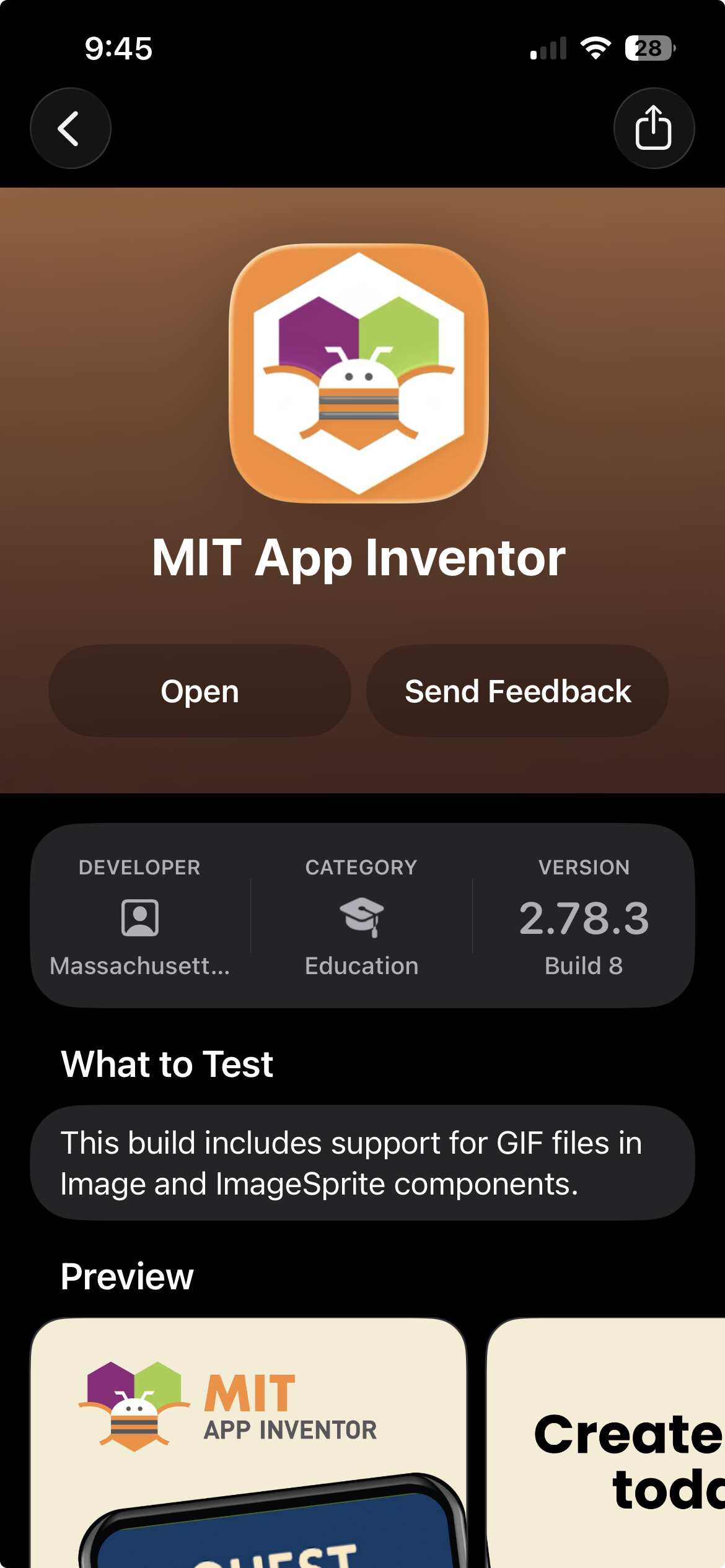
I am back at my computer and setup for the day. I am running iOS Version 26.5.2 on my iPhone 13. I am also running the TestFlight version of the App Inventor Companion which is currently Version 2.78.3 (Build 8).
So I'm looking at the arduino-esp32 BLE library and it looks like PROPERTY_WRITE is the equivalent of our WriteWithResponse blocks, so you can either try changing that to PROPERTY_WRITE_NR (write no response) and keep the same blocks or swap the blocks for WriteStringsWithResponse and see if that makes a difference.
That was indeed the issue. As soon as I switched to PROPERTY_WRITE_NR in my ESP32 code, the BLE.WriteStrings data came right through! I will simply enable both PROPERTY_WRITE and PROPERTY_WRITE_NR in my program to maintain compatibility across Android/Apple.
Thank you for your time and help in this matter. This is a huge relief for me!
I will let you know if I have any more issues as I continue development, but this was the biggest hurdle. Perhaps this should get tagged somewhere to help any other people who may be having the same issue?
For your information, the BluetoothLE.WriteStringsWithResponse block does not appear to be implemented for iOS. I am getting the “Unrecognized Method *irritants(WriteStringsWithResponse)” error when I use the block. My App is able to do everything that it needs to do with the regular WriteStrings block, but I thought that this was an interesting observation considering that you suggested the WithResponse block as a potential solution to my problem.