Is this the correct way to check if a process has already been setup for foreground and if not set it up?
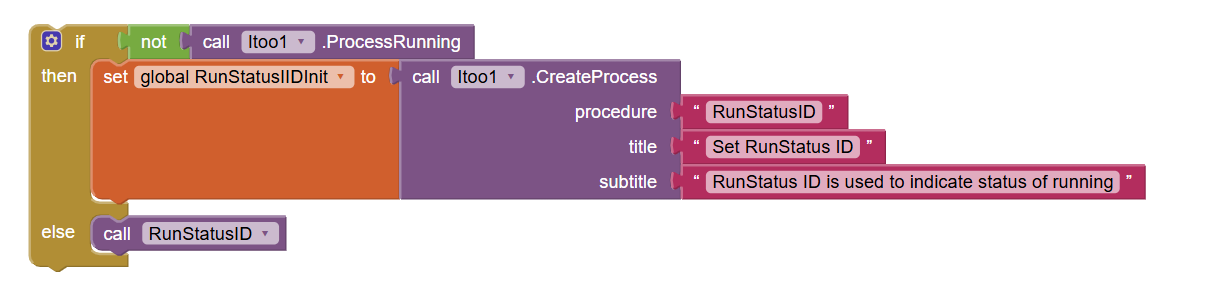
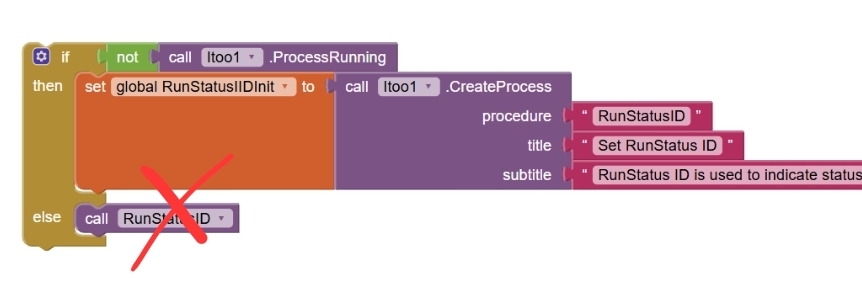
This procedure "RunStatusID" is called every time the procedure this was in is looped through. Does that mean every time through the loop I need to run the createProcess?
I do not understand what you are talking about
What is that loop?
What about showing us a screenshot of your relevant blocks, especially the RunStatusID method?
Taifun
So the "Run" button starts it
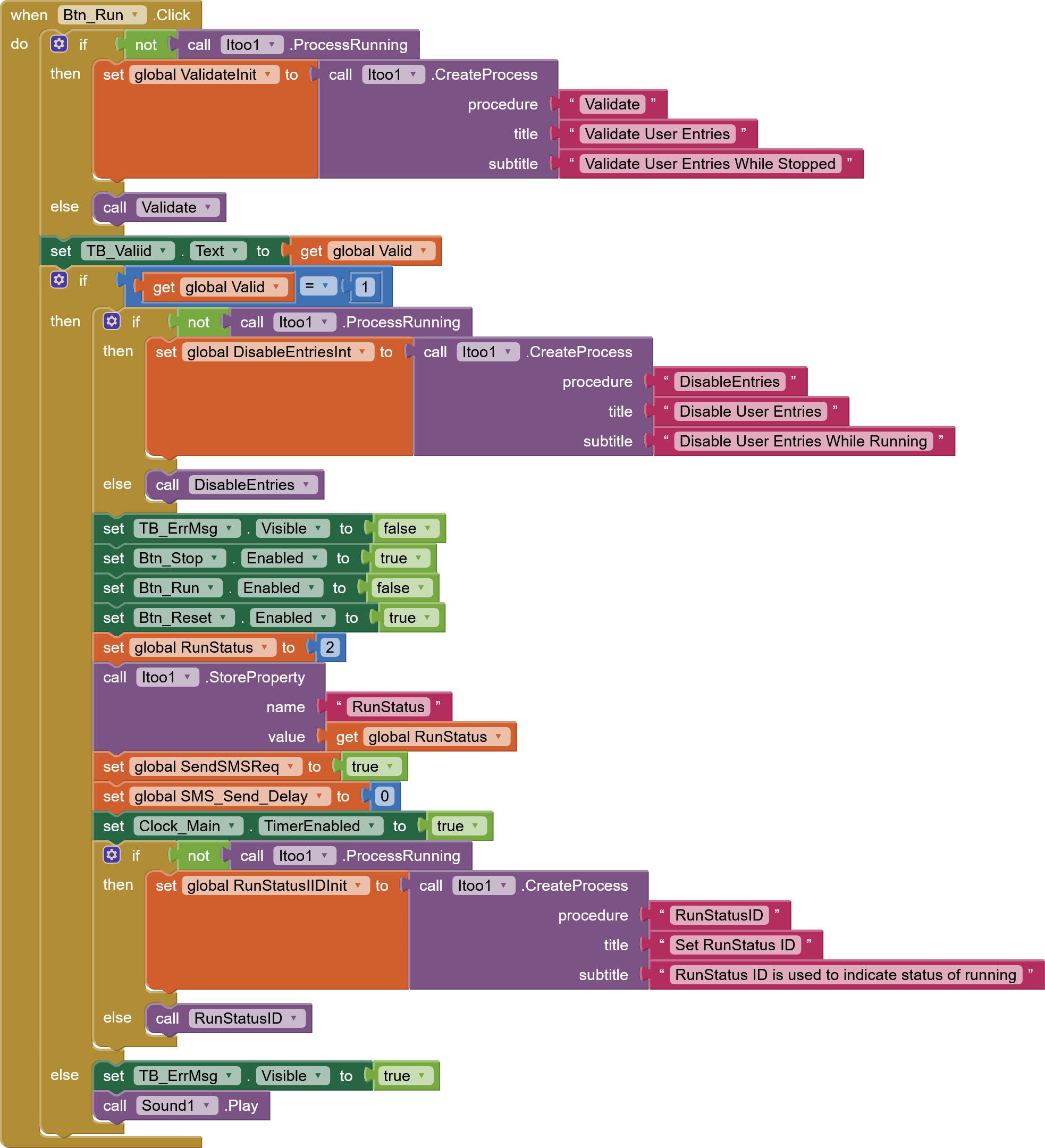
The clock timer is set to run foor 5 seconds
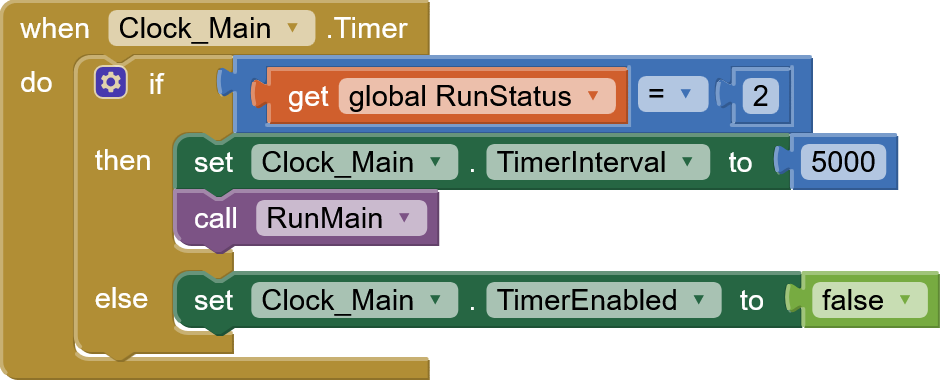
The "Run procedure"
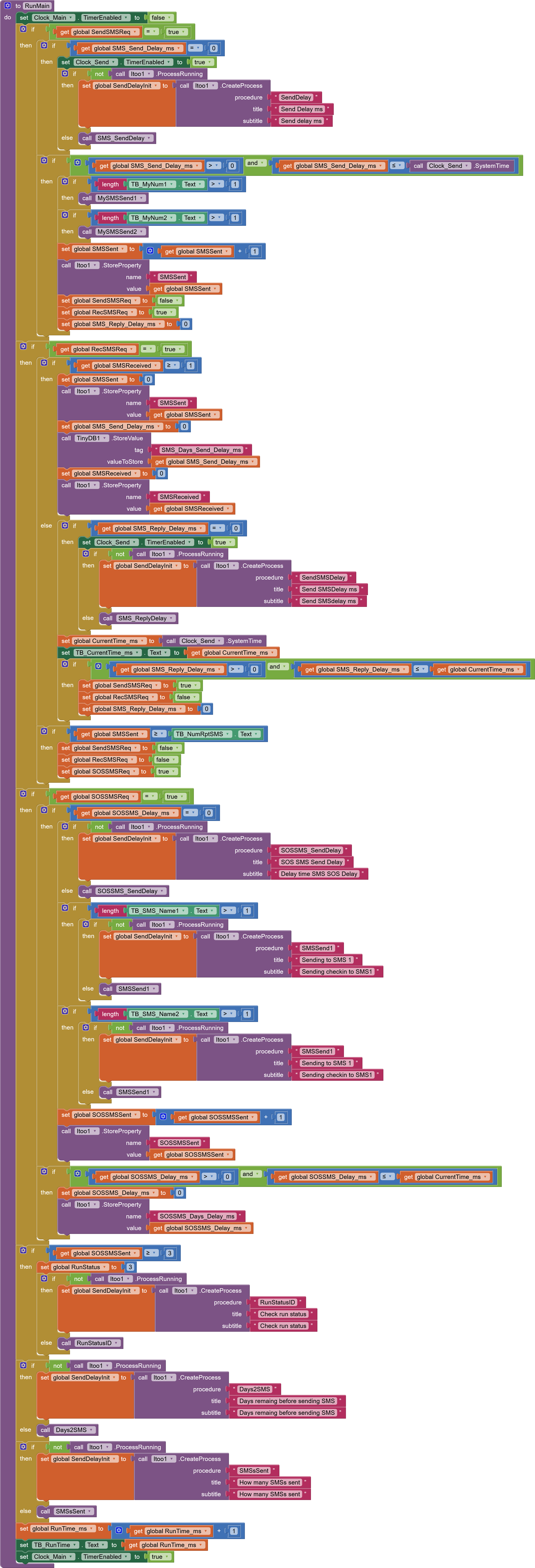
The status ID procedure
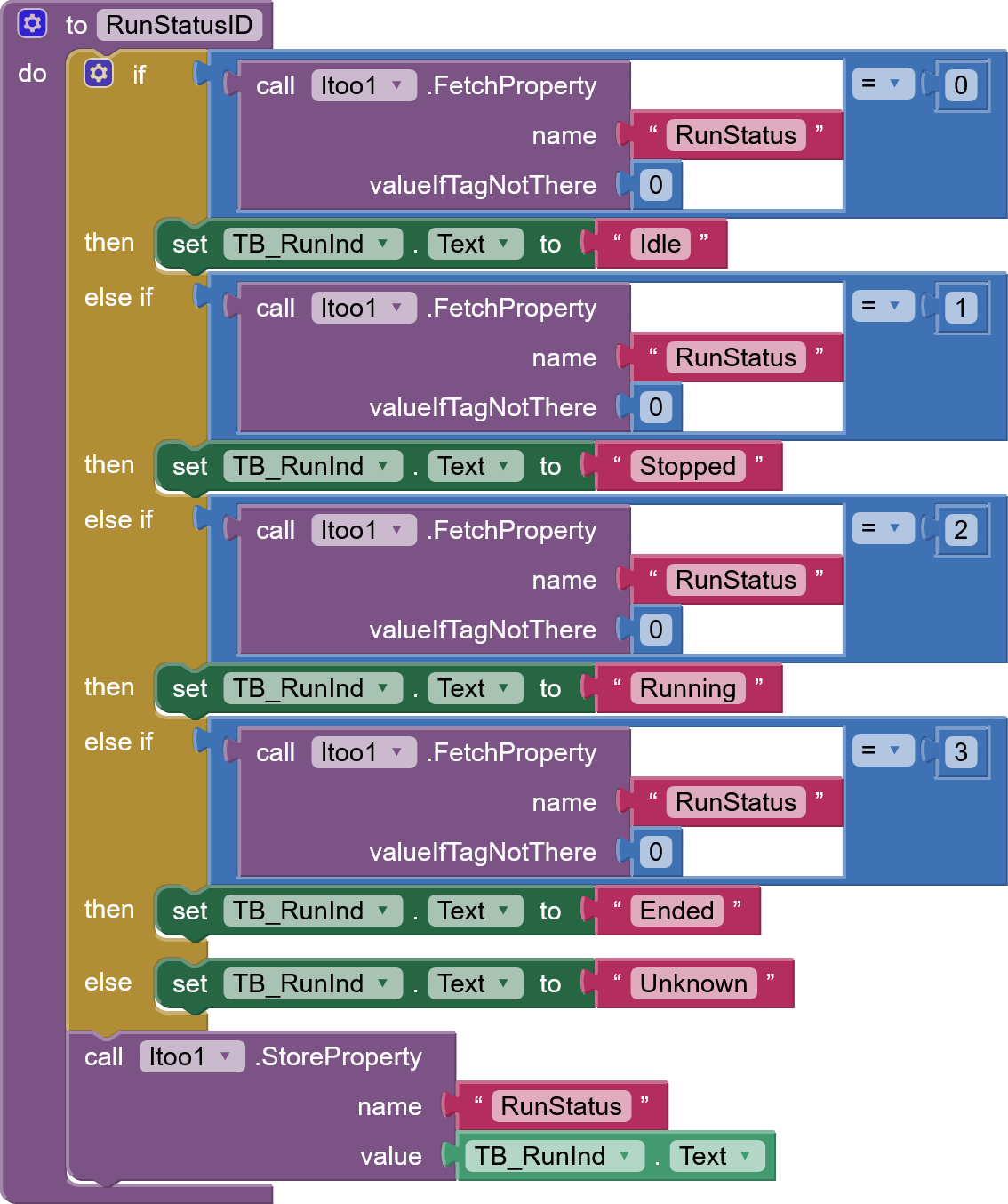
I agree in advnce that this needs some tidying up. If I can get the "Call proceedure" working in the "Run" loop would be very helpfull
Let's start again from the beginning... please explain what you are trying to do.
It looks like you are trying to send some sms and try to have some delay in between. You do not need some background processing for that. Just use a clock and send the sms one by one in the Timer event
Also for background processing the important part are the background procedures, in your case Validate, DisableEntries and RunStatusID... you forgot to provide a screenshot of those
Also you never call these procedures directly
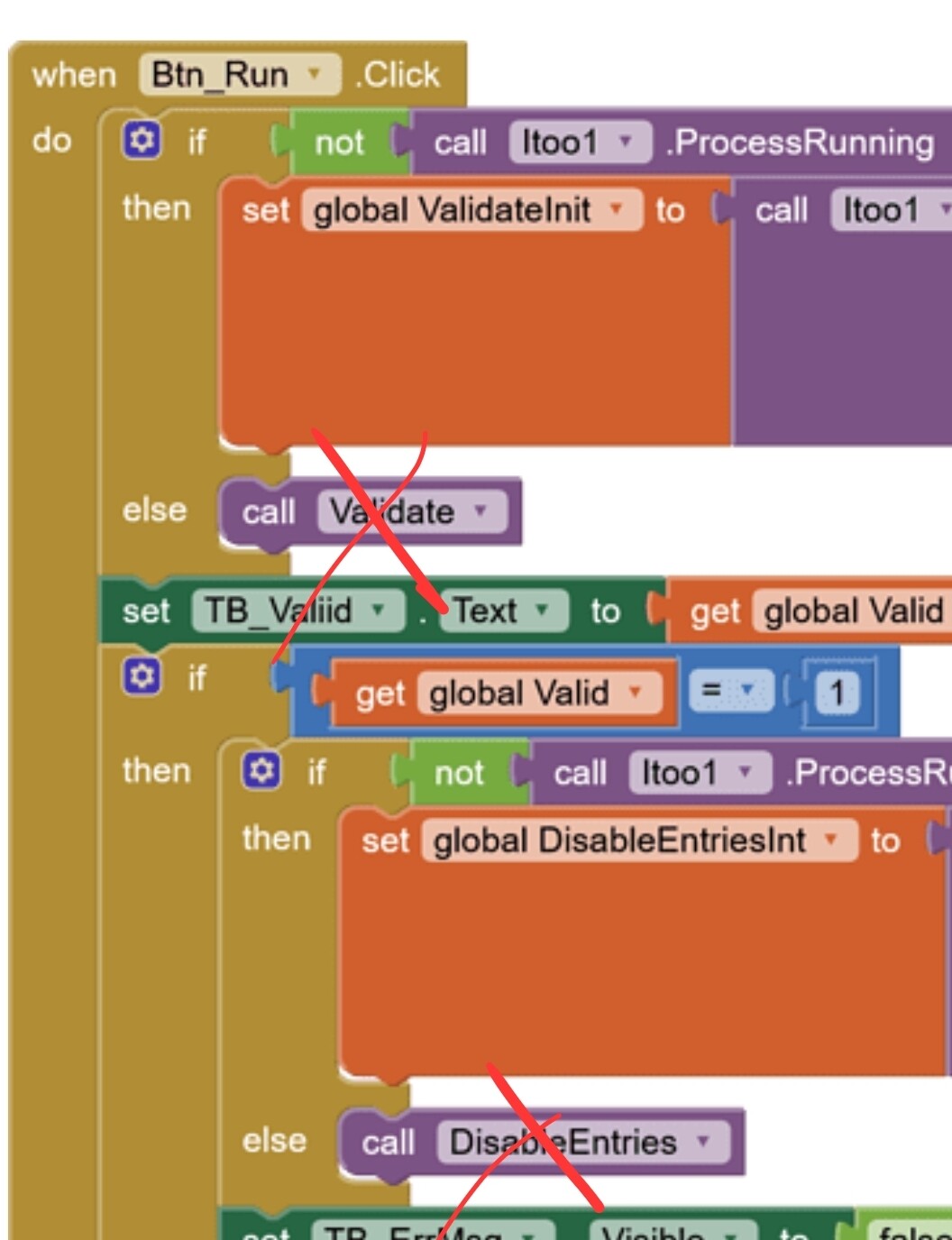
Read again the first post of this thread. Try simple examples first to learn how to work with itoo.
Taifun
You still have not explained how to handle a call to a procedure thats in a looped procedure
It looks like you did not understand "background processing" and itoo. You do not register events again and again. You do that only once. And
Your RunMain blocks do not really make sense.
To get specific help,
Unfortunately you did not explain what you are trying to do... the only advice I can give is
Taifun
OK,
How about you explain a procedure that loops that needs to call another procedure every time it goes through to update status how you would do it.
Once I know how to deal with one i will know how to do the remaining ones.
use a clock timer event
and in the background register the Clock1.Timer event and call your procedure in that event handler
remember to not use user interface components in the background
Taifun
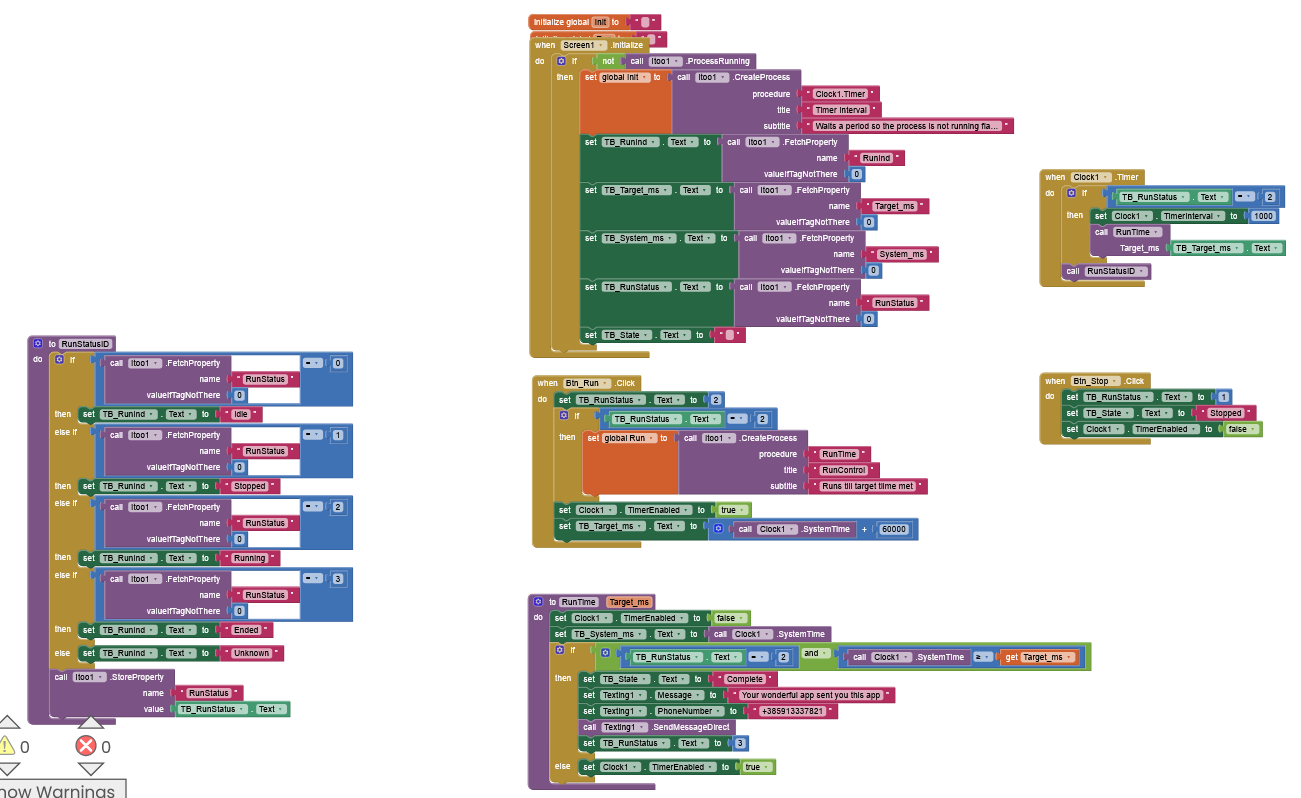
What you are doing does not need itoo
Remove the itoo extension, what you were doing is nonsense.
You never created a process, your blocks run in the foreground
And you are trying to create a delay... which is not the way to go, because you block the user interface...
I already suggested what you have to do
Here are example blocks to do this
Taifun
PS: I move this discussion into its own thread, what you are doing is not itoo related
well turns out I do need iToo. So once the app loses focus it does not send the SMS even when the time is up. It only sends when the app has the focus
Yes, you need itoo if you want to do something in the background
Taifun
no clue how to do this correctly
Follow the suggestions in this thread and if you got stuck, post a screenshot of your relevant blocks
Taifun
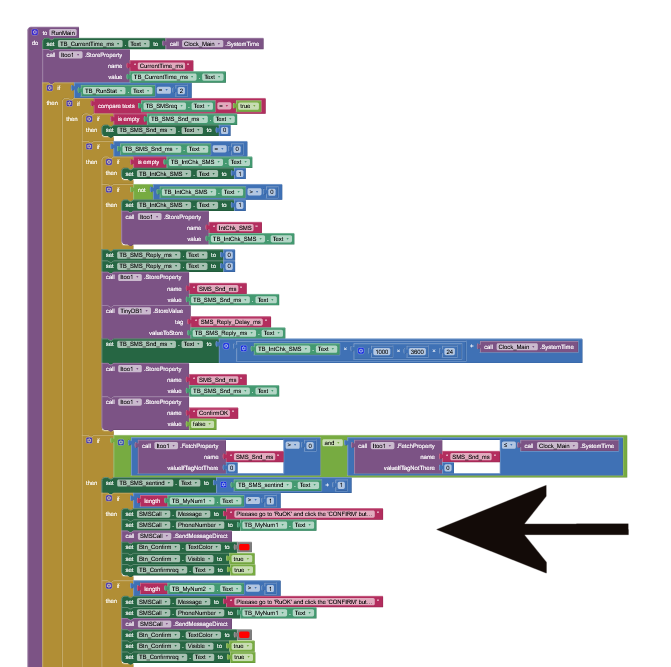
Can you please post high-resolution blocks? Or atleast a clear portion of the blocks involved.
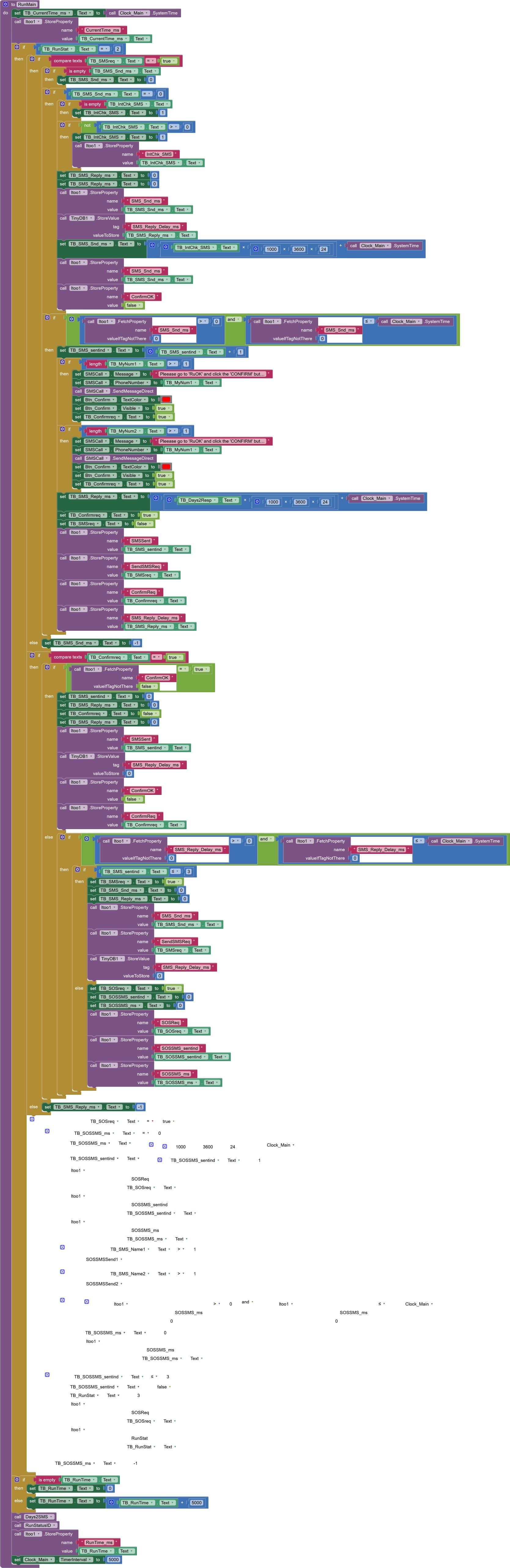
Did you know you could just right click on the block and save it as an image?