BELALFINALPROJECT3 (2).aia (338.9 KB)

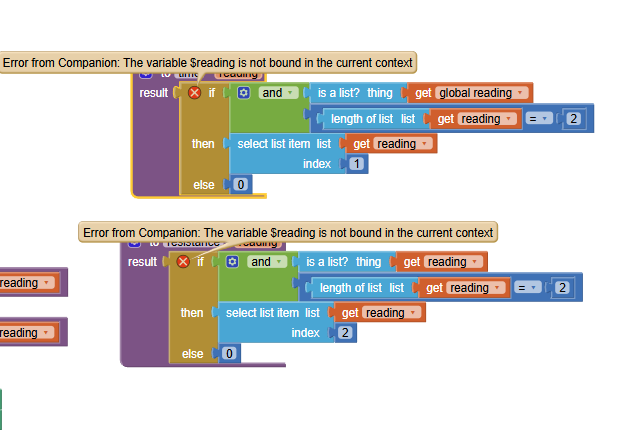
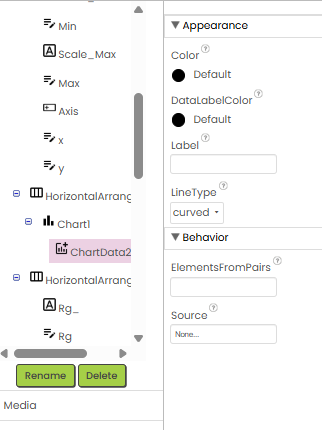
Thanks, the problem now is only in chart entry as now I can call the R4 on Res text box and it is working but on chart not working only reading the volatge values
BELALFINALPROJECT3 (2).aia (338.9 KB)
Your graph went up like your examples but then it went down.
The code to locate the peak Rg did not take into account a descending section.
Revise the section of code that finds the rising section to limit the extraction to just the points with ascending y values.
P.S. Because your y values are locally noisy, you might need to set a minimum threshold to determine ascending and descending.
Also, research smoothing techniques like a Kalman filter.
So, please, is it available in the Chartmaker extension?
how I can apply it
I don't support extensions.
It will be hours before I get to open aia files.
As an alternative to smoothing the data, pick an incremental value epsilon just bigger than the biggest noise wiggle in R readings, and use that to judge if R is increasing as you sweep through the readings list.
Don't fall off the edge of the list.
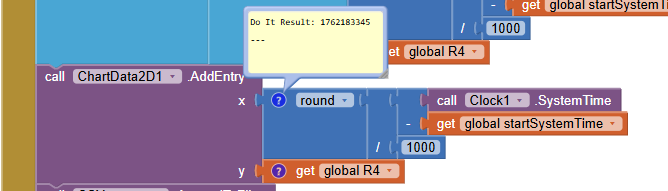
SystemTime is milliseconds from 1970.
That's a really big number.
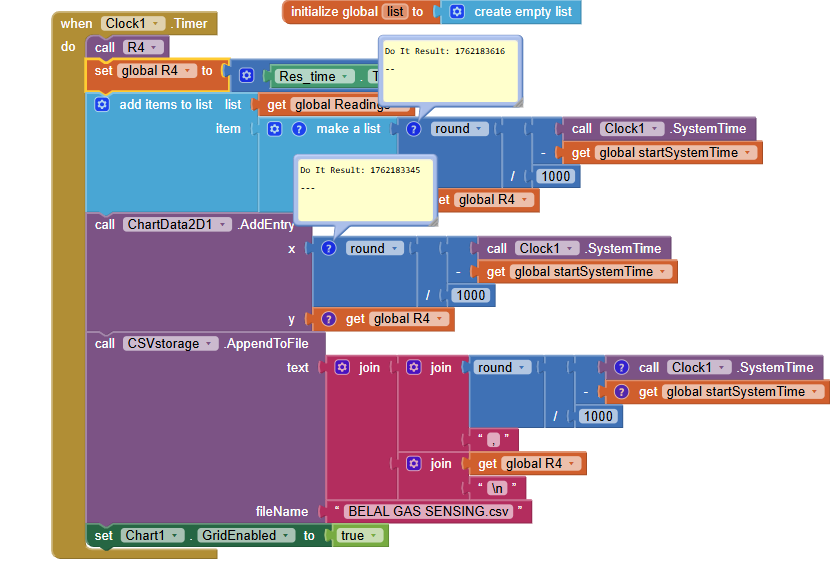
That tells me you never got a chance to set global startSystemTime to the value of Clock1.SystemTime when you started collecting timestamped data.
So it was left at 0.
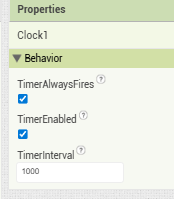
I see in Screen1 you have two Clock Timers.

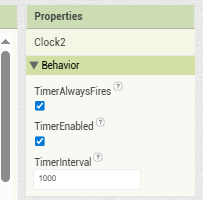
You left them both enabled in the Designer.
It is safer to leave them disabled in the Designer and only enable them after you have done preparatory work like setting the global start Time.
You might have disabled one Clock in your Screen Initialize block, but did you disable the other? And what if you entered the Screen through closing another Screen, bypassing Screen Initialize? Did you disable clocks there too?
Again, leave those Clocks disabled in the Designer.
It's like selling lit fireworks by mail order.
Here is another place you start the data gathering without setting the start time:
In Clock1.Timer in Screen1,
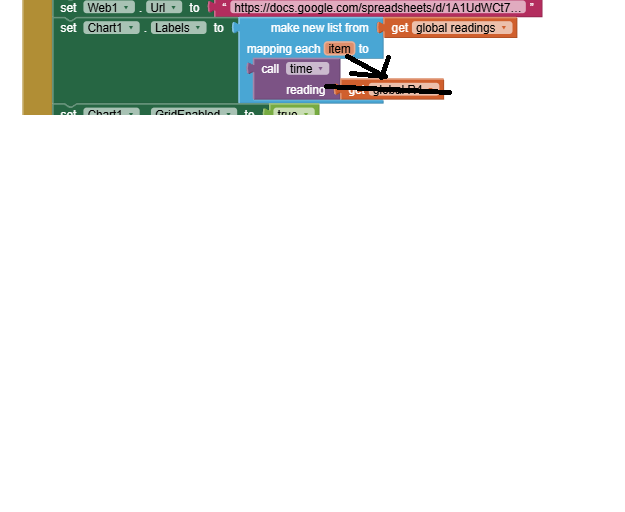
Chart1.Labels needed a list of the times (item 1) from the pairs in global readings.
Instead, you took a number (R4) and tried to extract item 1 from it?
Thanks, it is now reading the R4 but making ups and down 30k to zero and again 30k.
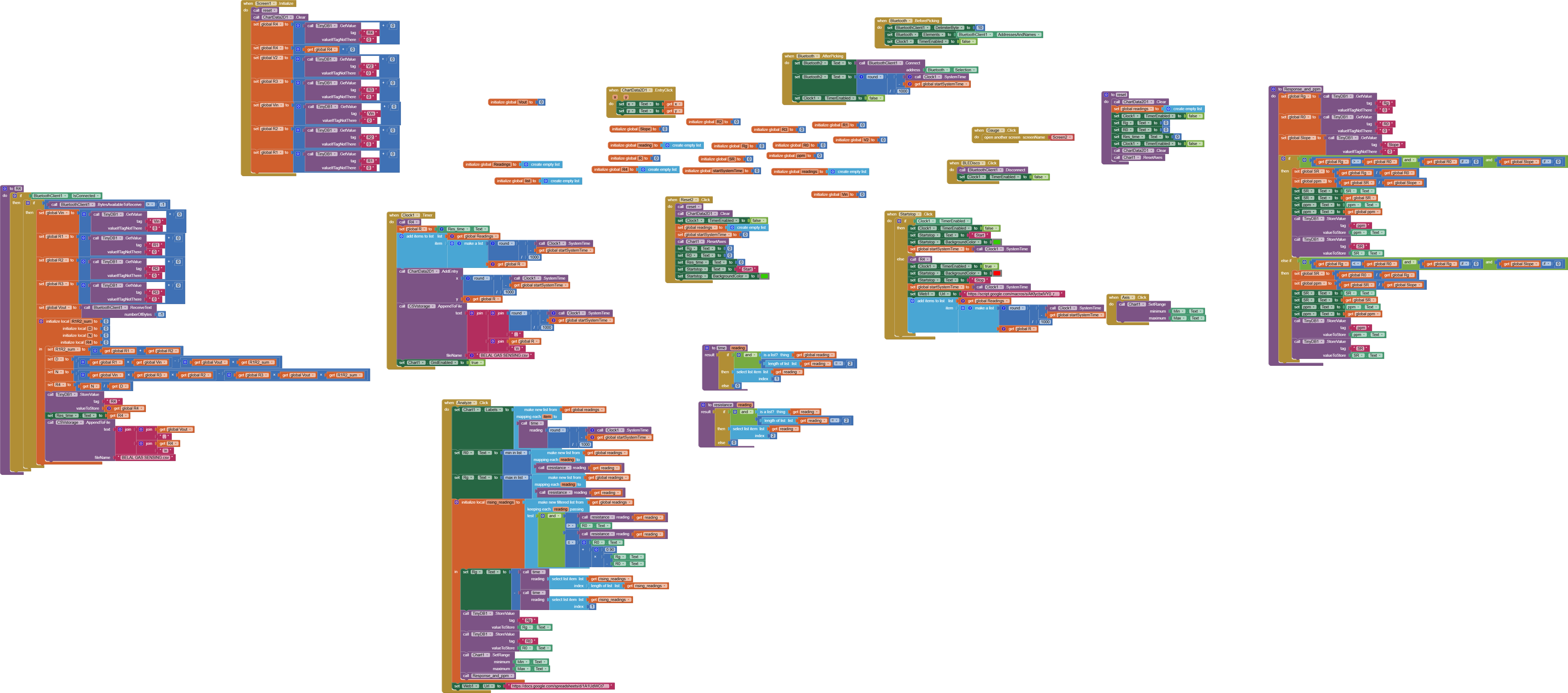
Why are you reading from Bluetooth twice in each clock timer cycle, once in the timer event code and once in the R4 procedure you call in the timer?
Thanks I will check it maybe this is the problem
Thanks, it is now working; I set the interval time to 500 ms.
So there's nothing left to look at?
Actually, tomorrow I will check the real time sensing by testing the sensor toward gases as I need to check the gauge and analyze code of Rgas and R air for baseline, so I will need your help, thank you so much, without your help I couldn't do it
Hello @ABG
Please, the app still has a small error, which is that the timer is still working even after I press reset or even stop. Therefore, please tell me how I can stop the timer and reset it. Also, when the BLE is connected, it is directly enabling the clock timer; however, I set the timer to false.
Gas_sensing_Resistance_Project_Final_copy.aia (340.9 KB)
Try to set TimerEnabled to false
If you are asking for help, I recommend you to make it as easy for others to be able to help you ...
You probably will get more feedback then...
which means in your case post a screenshot of your relevant blocks...
To download the aia file, upload it to App Inventor, open it, do some bug hunting for you, etc... this takes time, and most people will not do that...
Thank you.
Taifun
Trying to push the limits! Snippets, Tutorials and Extensions from Pura Vida Apps by  Taifun.