Step 1: Download the particular extension
Step 2: Extract the compressed folder
Step 3: Open the particular AI2 Project and click on extensions and then on "Import Extension".

Step 4: Click on From My Computer and then on "Choose File".
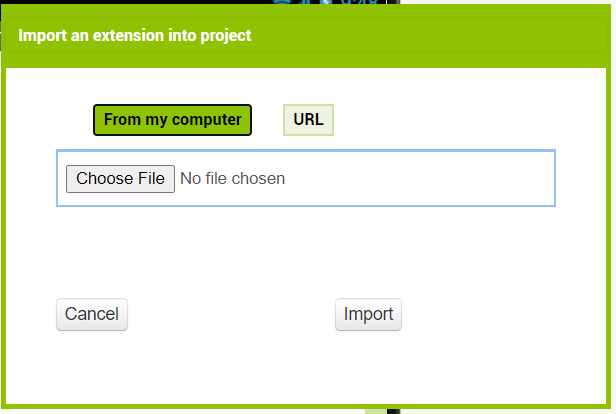
Step 5: Browse for the file on your device and click on "import" when you are done.