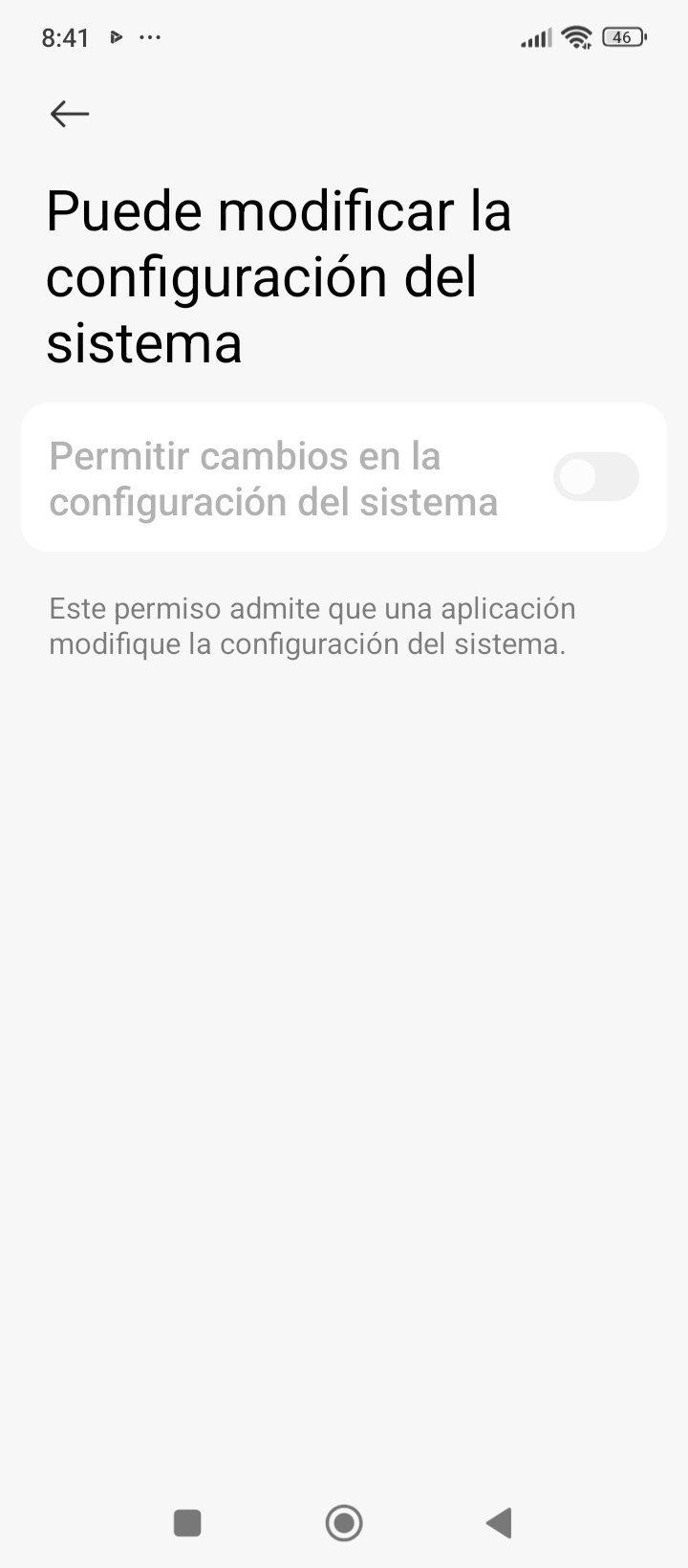
I have an app that needs to be active at all times, and I don't want the phone's screensaver to turn off every so often.
I can disable the screensaver in general through the phone's settings, but that would apply to all apps.
I only want to disable it when my app is active.
Could you share the extension's .html file?
It seems to be outdated for Android. 15
It doesn't work on Android 15.
Anke
July 2, 2026, 5:32pm
6
What does not work? I tested my extension on Android 13 and 16.
This is the first thing that comes up.
Anke
July 2, 2026, 5:52pm
8
Device name (model)?
Anke
July 2, 2026, 6:00pm
9
Did you try with the APK?WRITE_SETTINGS in the Manifest. So this permission cannot be granted with the Companion app.
redmi14c
What I'm looking for is for the screensaver to be blocked only when the app is running.
I was thinking of something like simulating a click every so often to keep the screen on.
Anke
July 2, 2026, 6:30pm
12
How about answering this question? @elmachi130
When installed as an APK, it works—the screen dims.
However, it becomes difficult to find the restore button.
Restoring it should be as simple as tapping anywhere on the screen.
Regards.
Anke
July 2, 2026, 6:55pm
14
Simply swipe up slightly from the bottom edge to restore the brightness.
1 Like
system
July 9, 2026, 6:56pm
15
This topic was automatically closed 7 days after the last reply. New replies are no longer allowed.