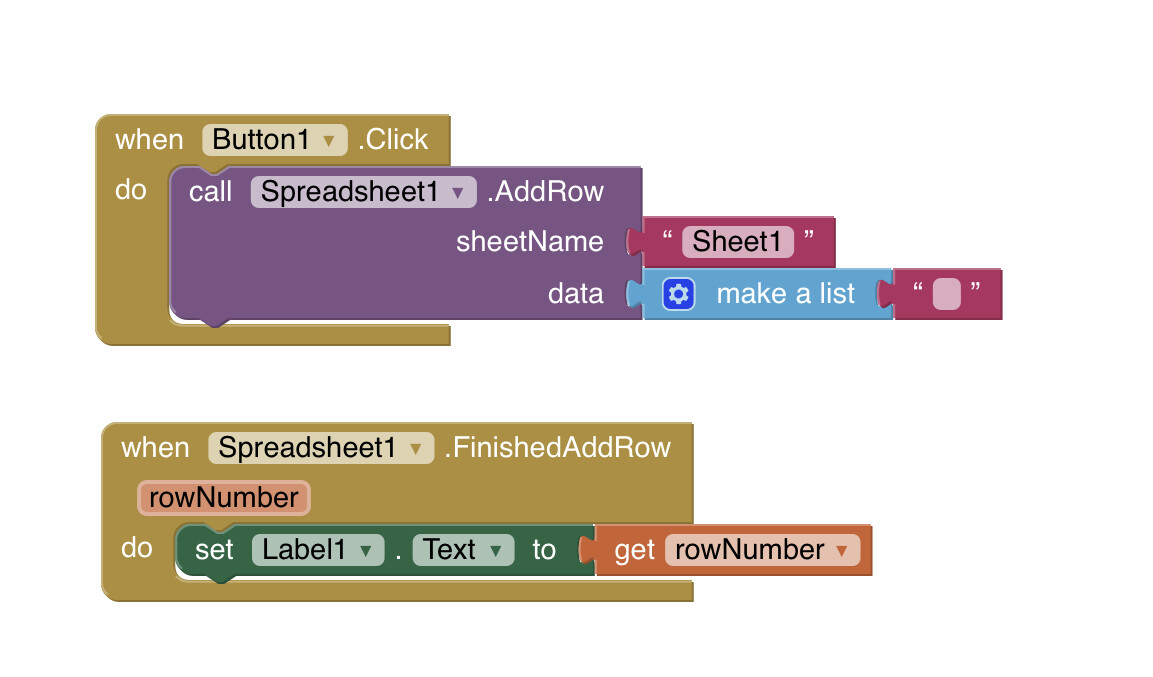
Read everything, including the links here:
The method is slightly different to the one provided....MIT have never updated it.
Read everything, including the links here:
The method is slightly different to the one provided....MIT have never updated it.
Yes, if all blank rows, below the non blank rows have been deleted from the spreadsheet, otherwise, that blank row is already there - pointless.
If you want to INSERT a blank row somewhere in the data, then I believe you will need GAS for that.
yes for this we need Apps Script and its not possible through Spreadsheet component
Does the sheet in question have a column containing a unique key, or are you relying on row IDs to link sheets?
What do you mean by GAS and i wanna add a blank row at the end of the spreadsheet everytime like
if the data in 2 row should be deleted it will delete the row and add a new row at the end of the sheet.
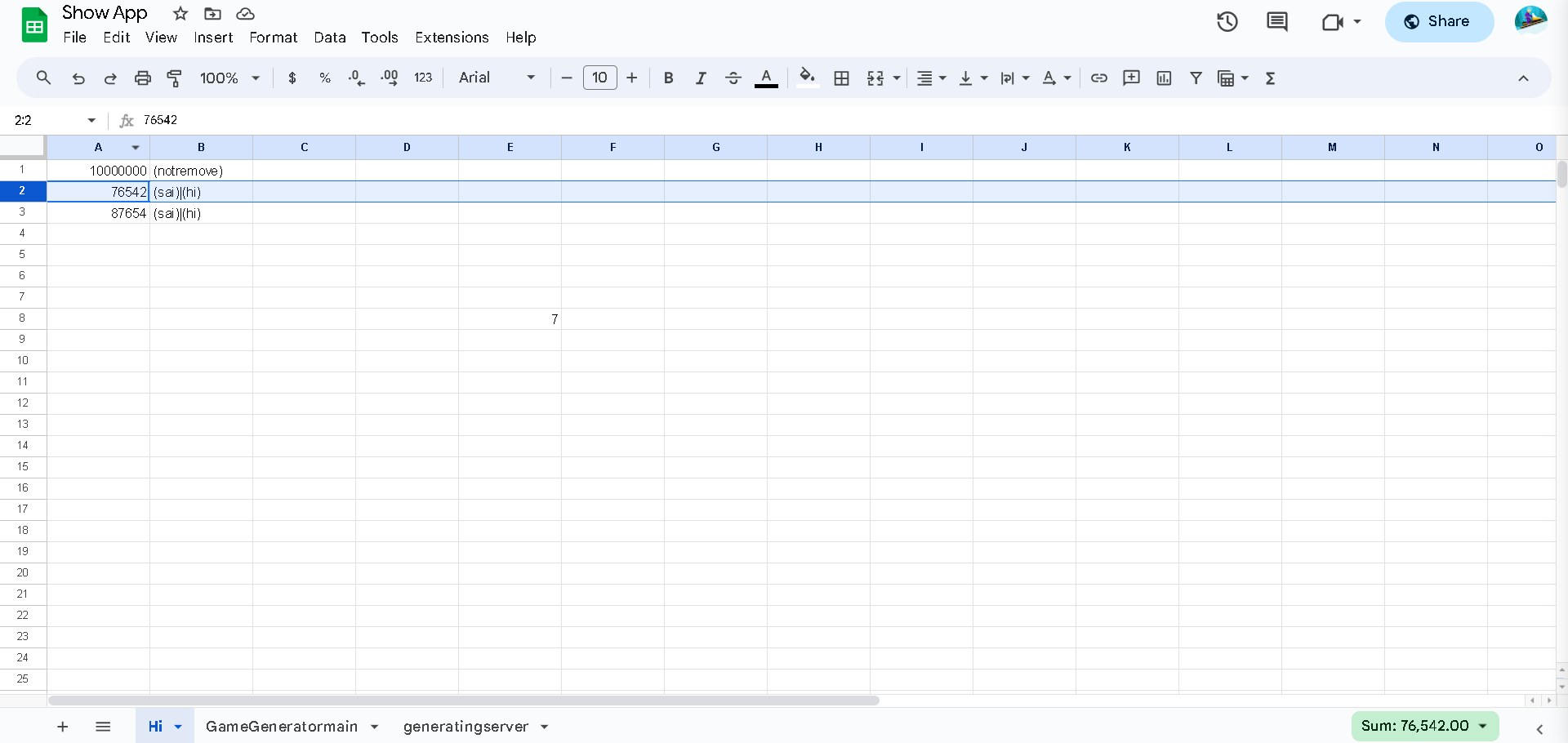
like do you mean in the sheet ? also just to confirm i want the data like do you see the row thats highlighted in the picture i want it in a way where i command the app to delete the specific value or id containing in the column A and it should delete the row and add a new blank row at the end of the sheet
Yes the normal spreadsheet component cant add it blank so we need an app script
but instead of Deleting and Adding the Row, you can make all the values of the row "blank" / "empty",
so the Row will be blank just like an blank row.
which will be completed in single process
from your screenshot, you already have just under 1000 blanks rows at the end of your rows that do have data. What is the point of adding another blank row below your data ?
I dont want any blank rows to be in the middle as it will corrupt the data for the app
and what is this ?
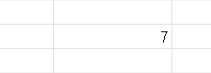
where is it from i think i have adden it by mistake i was adding and testing out the data sorry and thanks for reporting that
Every time you delete a row the number of rows decrease so i wanna keep regenerating it everytime its deleted
Why ?
Everytime you add a row (with data), if there are no spare rows below, google sheets will add a row for you.
Is that true ? let me try
It does work Thank You
After 32 posts, do we now know that your initial requirement, to add a blank row to the end of your data, is now not necessary?
"A good question will usually generate a good answer"
ADDENDUM:
Actually, there is a way to do it... you would need to download all the data from the sheet to the app, insert the "blank row" there (in the app), then overwrite the existing sheet data with this new set containing the blank row.
This topic was automatically closed 7 days after the last reply. New replies are no longer allowed.