I read this. App Inventor Tutorials and Examples: Inject | Pura Vida Apps
There is this block.
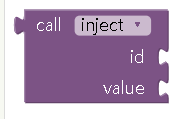
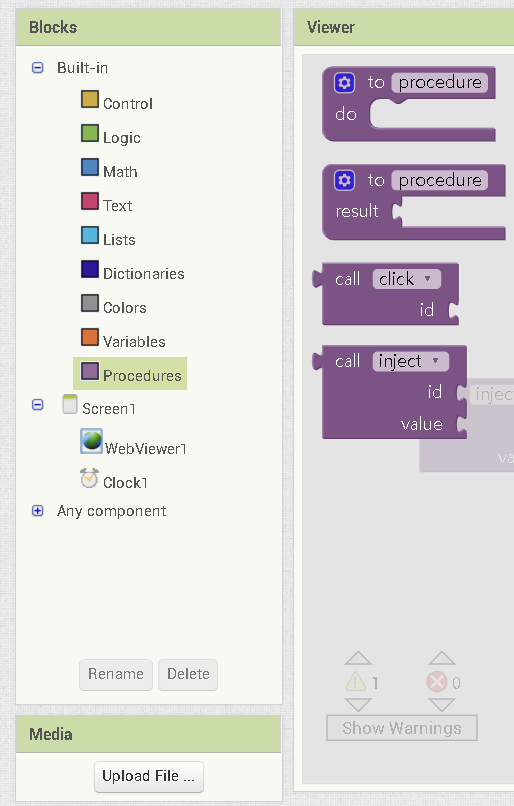
But in my project the block is not appear.
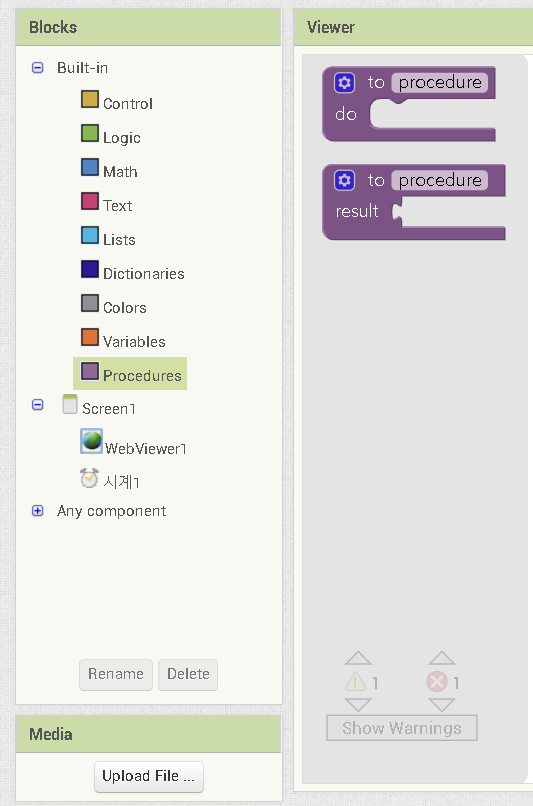
How can i do?
I read this. App Inventor Tutorials and Examples: Inject | Pura Vida Apps
There is this block.
You have to make it by dragging out the second block onto your blocks editor, name it "inject" and add the variable "id" to it using the mutator.
http://ai2.appinventor.mit.edu/reference/blocks/procedures.html
oh~~!!
thank you
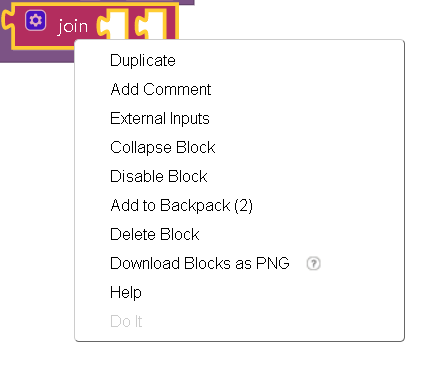
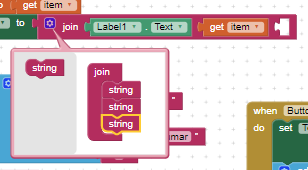
Than how can make join block to change like this?

Right click on the block and select inline input
thank you so much