Basically, I had made a website of music and now for quick access I use mit app inventor's webview.
Now I want the app to work in Background, now it is working tough but I am unable to control song like switching songs, play/pause...
So I want like from outside the app, I can easily control the songs just like sportify.
The crome and other browser support notification so I can change the songs even the website is not open.
So how can I enable the notification for webview?
Are you using a background (foreground) service extension or other method to run your app in "the background". If so show your relevant blocks.
Have you attempted controlling the website from your app without sending it to the background ?
Nope I am not using any custom or etc, I am just using the default or basic web viewer.
Therefore I don't use blocks.
The app is automatically continue playing song when I close it. Until the app is removed from the background or recent or the device like phone screen turn off in sleep mode. Like not power off.
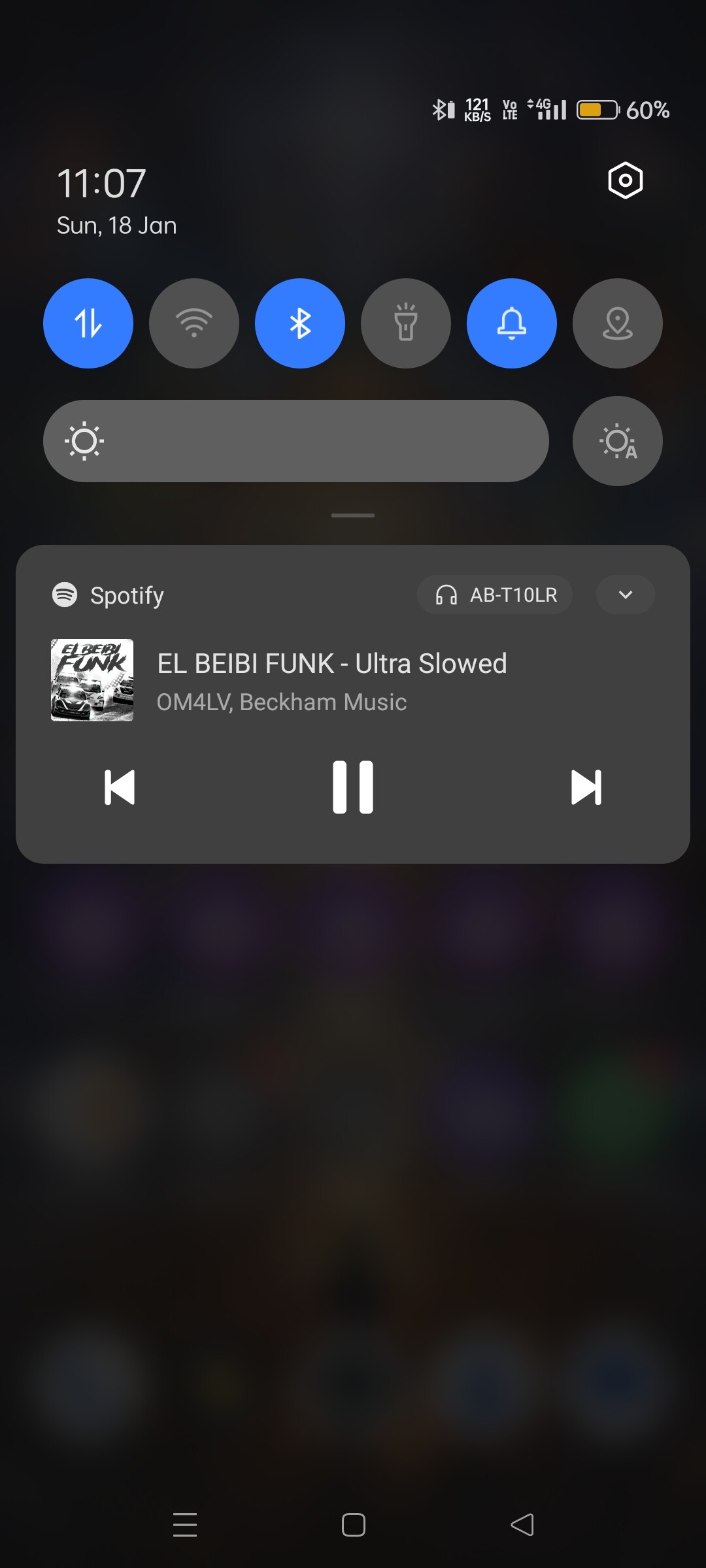
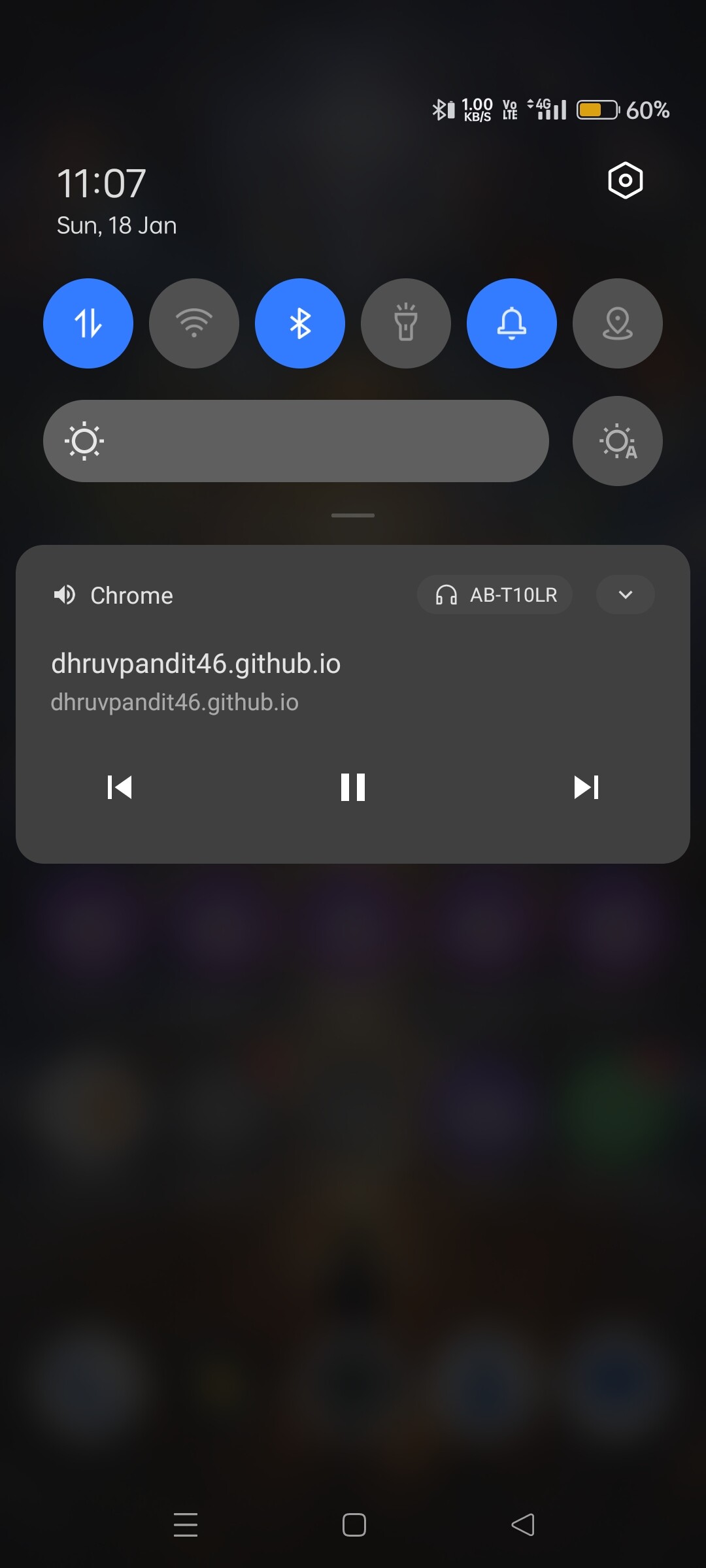
So I want this type of notification from the app so that I can control songs from outside of the app.
So should I have to choose other way like make new music app from starting using blocks in mit app inventor or there is a solution for enable notification for the app which is basically using webviewer?
Perhaps something like this ?
Nope it won't work because I am using webviewer, I don't have any component in the app.
The webviewer is just calling website into the app interface.
So could you provide some extension like this:-
“ForegroundService.aix”
“BackgroundAudio.aix”
“MediaNotification.aix”
So it might help the app to make notification bar in device notification and allow to run in background and not to kiill the session of website means it will prevent from stopping the song.
If you have any other idea share it.
Maybe you need to read this entire topic (and any associated topics linked there):
Either play songs from your website on chrome, it will show the notification on panel or play music in app (not webview). For any other help you can dm me.

 Are you really helping me because I already know this. And now I am using ("PWA") for software playing.
I know that I can use already existing app like sportify the famous one but I want to make mine and that why....
So if you help me in achieving my goal or aim that might be more cool.
But thanks for advice..!
Yep I go through the whole thing but it will not work because they are saying it will be last long upto few minutes which is already done by the app like its default...
Means the song app as per the default setting it is surviving in background upto few minutes like 4 to 6 min...
So do you know any extension that create notification bar in notification section??
In which case you did not go through it properly to understand how you make a background/foreground service.
This example may give you some ideas: