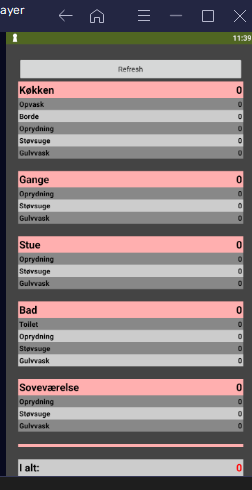
Help to find error

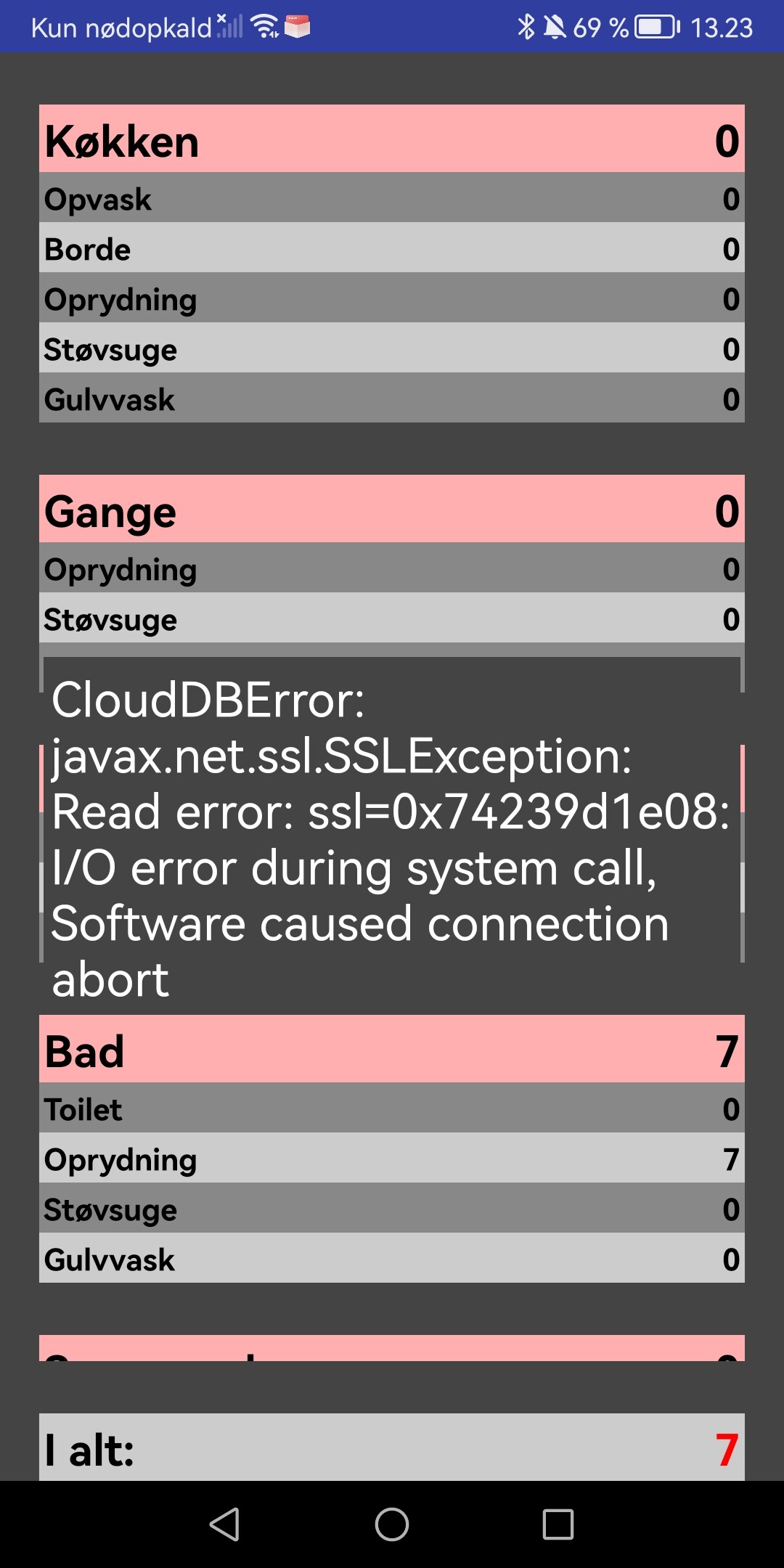
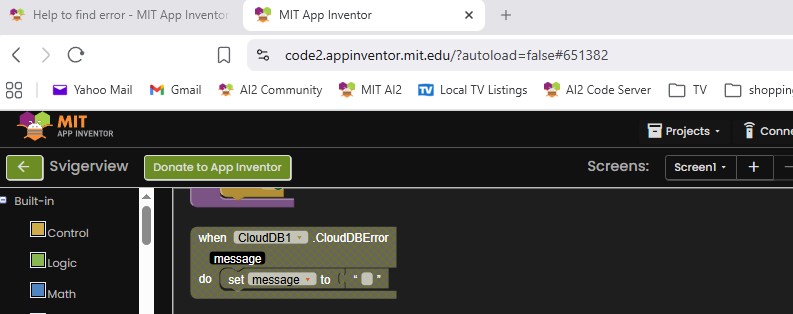
Hello anybody who can help to find this error?
There is 2 apps, Svigeradmin is used to give points, and svigerview is only to show the given points.
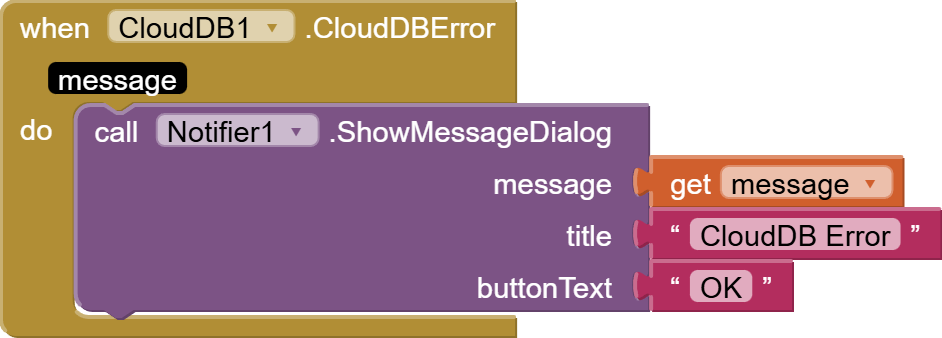
Its running thru CloudDB, but i get the failure on the picture. The easiest way for me is to put the .aia files inhere.

Hope you can help.

Svigerview.aia (9.7 KB)
Svigeradmin.aia (21.3 KB)

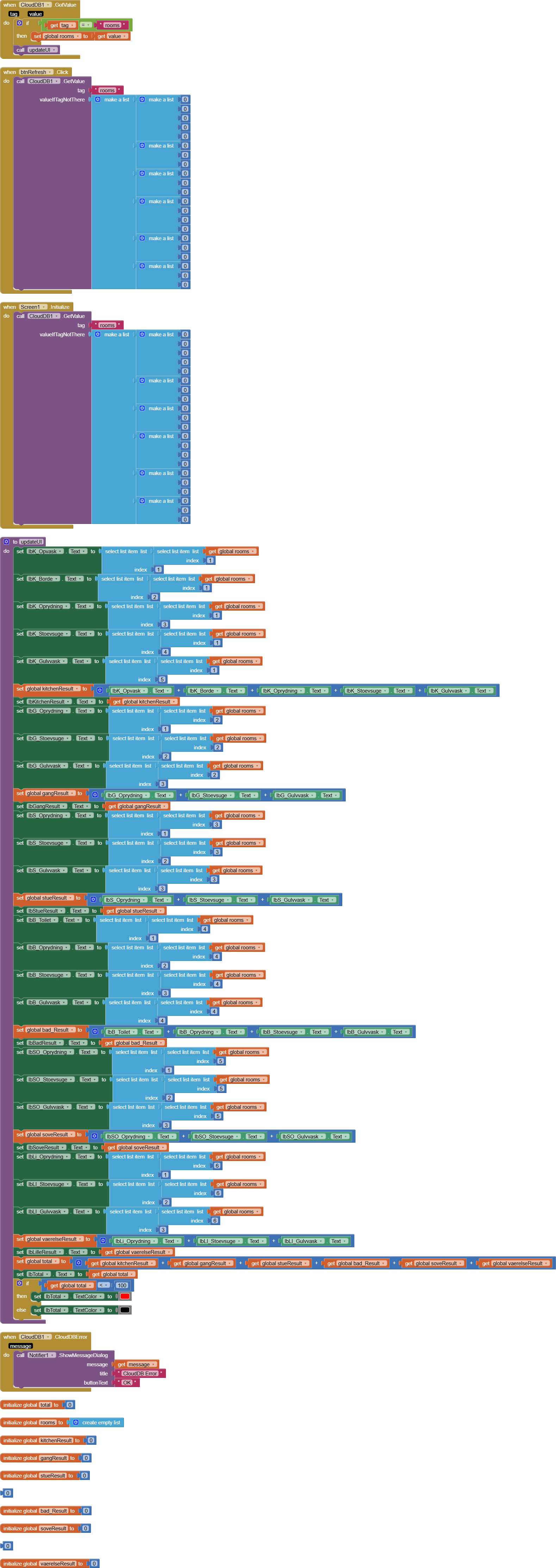
In Svigeradmin, you are doing double index lookup in the wrong direction.

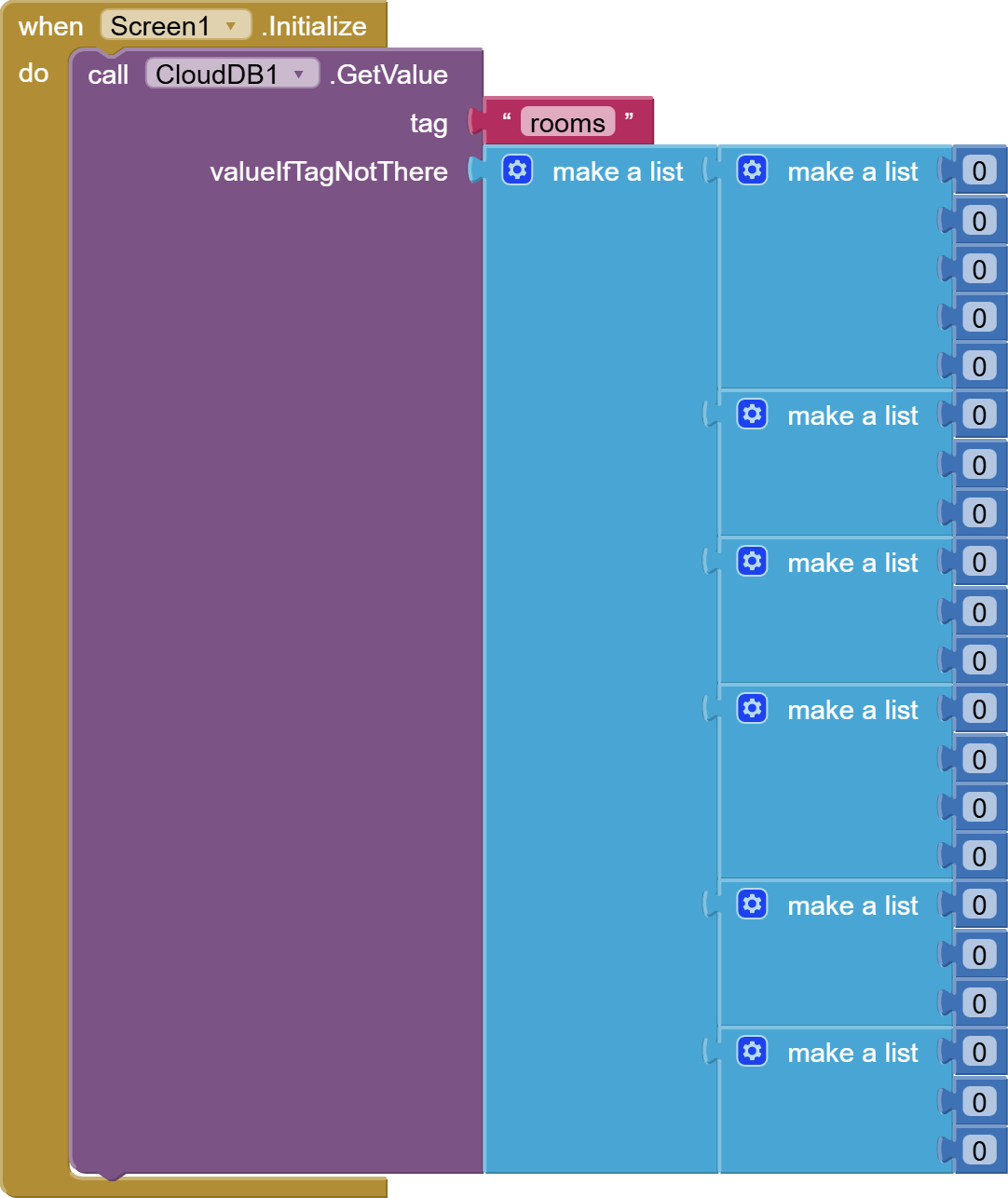
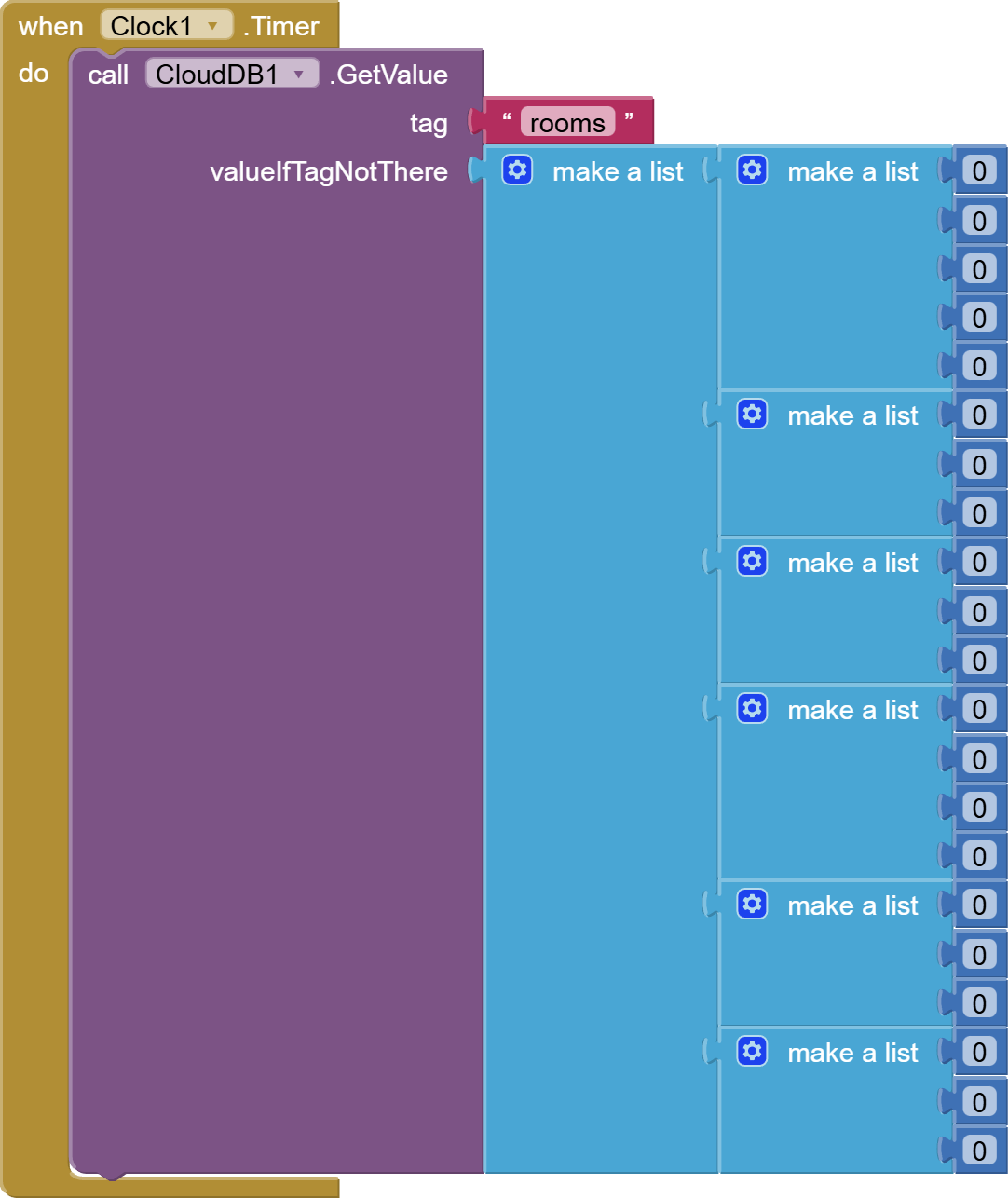
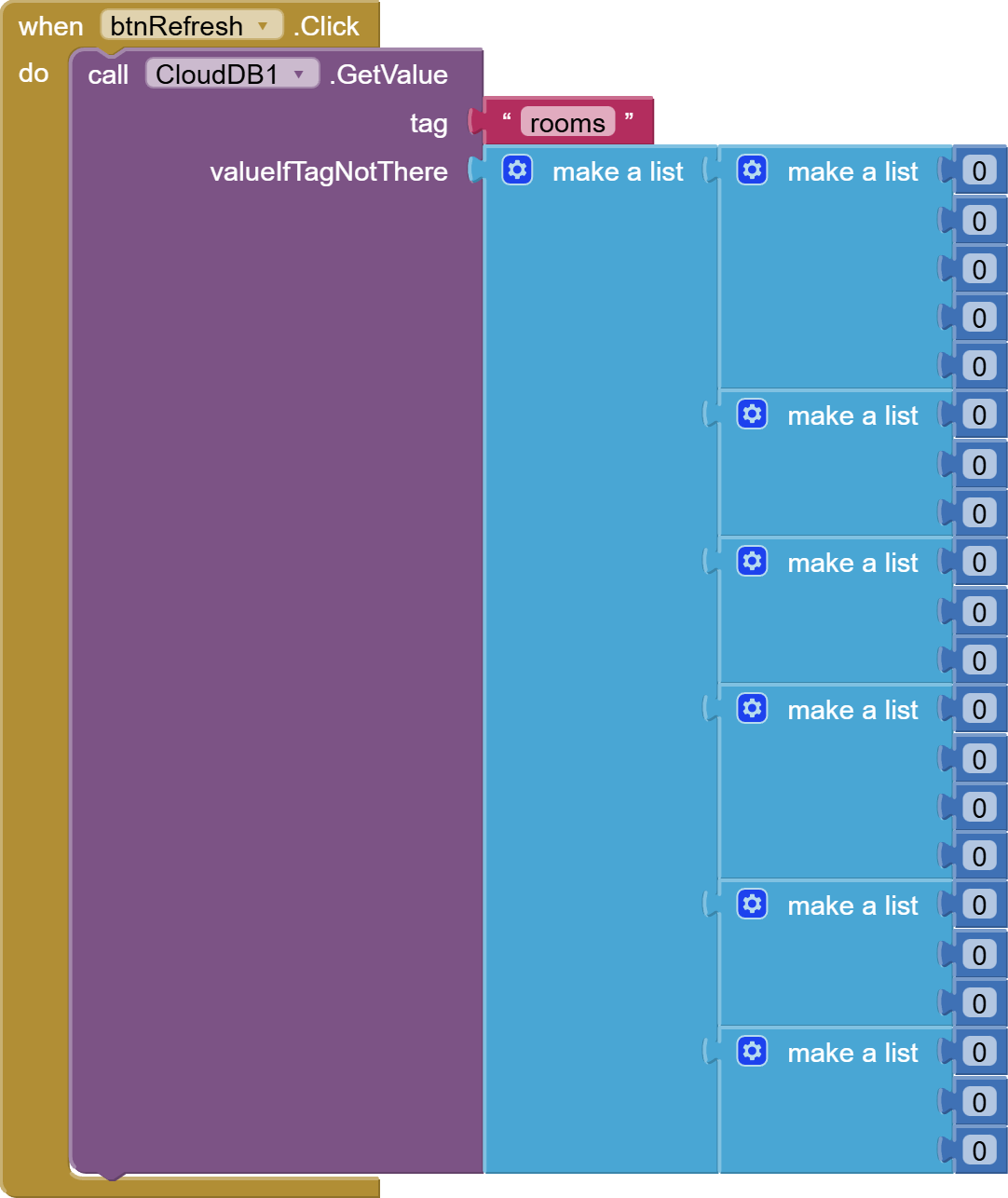
Here you are initializing rooms as a six row table, with each row containing 3-5 items.

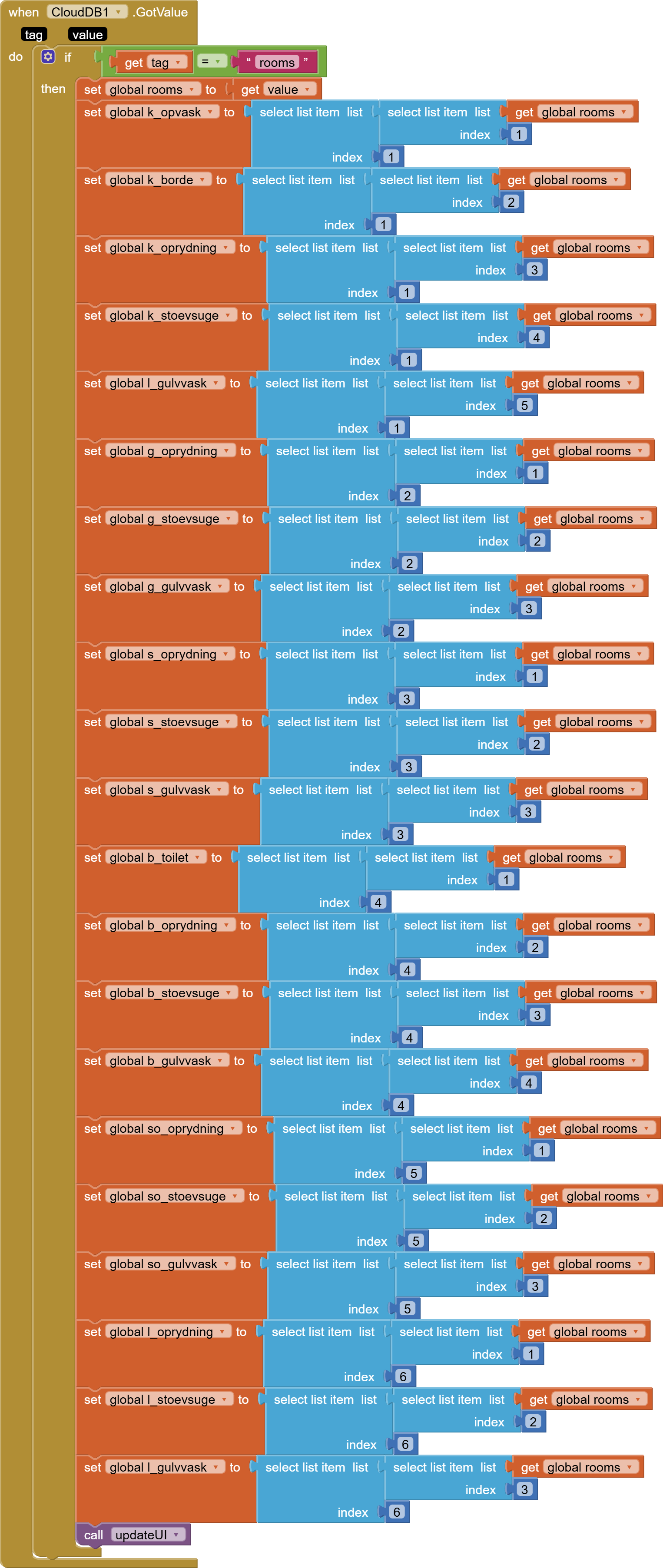
Here you are trying to access individual items by row and column, but you got column and rows reversed.


You have to work from right to left when doing 2 dimensional selects.
Select the row number on the right, then feed that to the block that selects the column from that row.

If you haven't done so yet, I recommend you read up on JSON and dictionaries, to manage all the named values you keep.

I forget to tell the error is from the svigerview

You copied the same code between both apps, making the same mistake.

Doing nested select items is like trying to climb a ladder two steps at a time.

Since you like to name everything, you could make 6 local variables, each named for one row of the table, and loaded from a select of that row number from the table.

Then it becomes clearer to select items from each of the 6 row variables.

I dont understand how you Else will put it together.

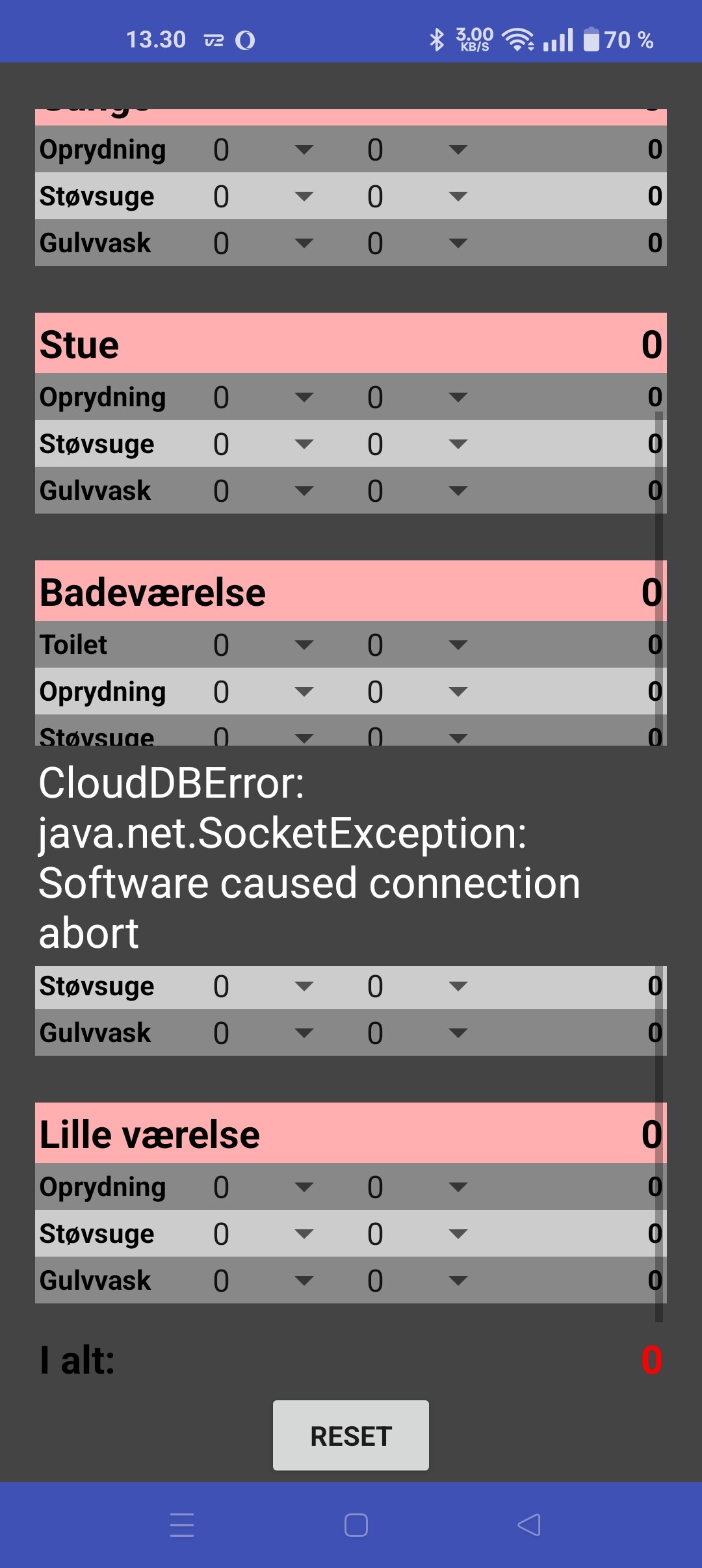
Now i got it to work, but how do i remove these errors?

(Canned Reply: ABG- Export & Upload .aia)
Export your .aia file and upload it here.
export_and_upload_aia

The .Aia files are here. Again:

Svigerview.aia (890.8 KB)
Svigeradmin.aia (903.3 KB)

above error is in admin aia or view aia?

CloudDb was calling for help, and you stuffed a rag into its mouth?

image

I suggest replacing this Clock Timer with a Refresh button.

CloudDB does not take kindly to being pestered.

Here is a version without the Clock Timer, replaced by a Refresh button:
image


Svigerview (1).aia (891.1 KB)

How does the button refresh it automatically? There should not be anything for the user to push on, she need it to be like that. Without anything.

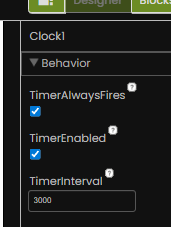
Change your clock interval to something more suitable, does "she" really need an update every 3 seconds ? Perhpas consider storing data locally on the device for immediate use, and update at a longer interval ?

Or consider using Firebase realtime database which is designed to handle a quick turnaround.
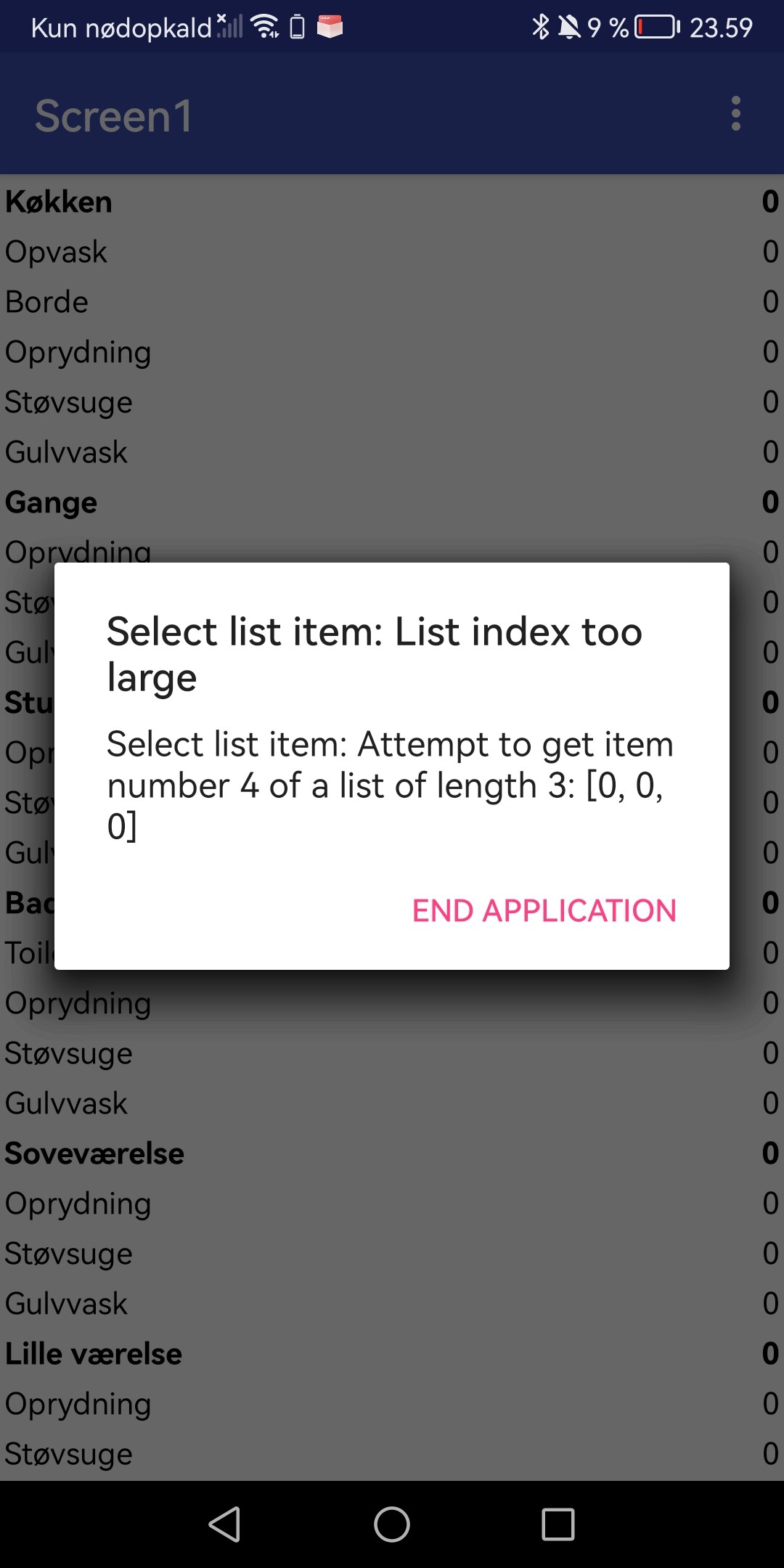
No no it does not need to be 3 sec. I could set it for 10-20-30 sec.

I just need to remove so the errors not appear.

How can i use firebase? In that i made for now?