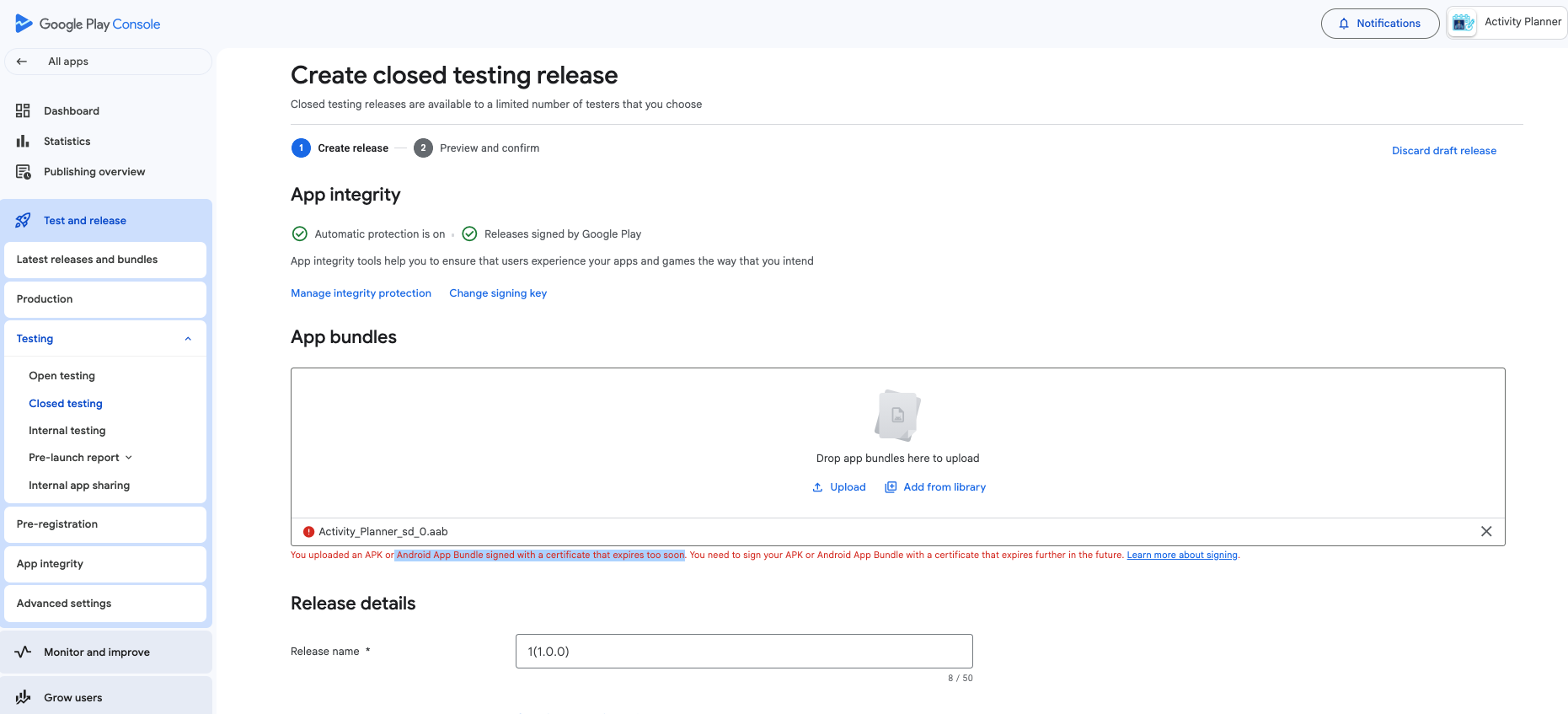
Error: "You uploaded an APK or Android App Bundle signed with a certificate that expires too soon. You need to sign your APK or Android App Bundle with a certificate that expires further in the future"
Need expert advice to resolve same...
Thankyou 

Error: "You uploaded an APK or Android App Bundle signed with a certificate that expires too soon. You need to sign your APK or Android App Bundle with a certificate that expires further in the future"
Need expert advice to resolve same...
Thankyou
AAB built / signed with (main server, code server, ...)?
Post a screenshot.
I don't know about code server but I've create app using app inventor and try to upload on play store
Backup your old (current) keystore.
Delete the current keystore.
Build a new AAB (App Inventor will now automatically create a new keystore and sign the AAB with it).
Uload it to the Google Play Developer Console.
Note: These steps apply to a new app (not an update).
Thankyou Anke
Let us know if it was successful.