Hi everyone, 
I'm excited to share a new AdMob extension with the community called TCBAdMob (The Coding Bus AdMob Extension).
I built this extension to make integrating Google AdMob as smooth and complete as possible in MIT App Inventor. It brings together all the modern ad formats—including Anchored Adaptive Banners, App Open Ads, and Rewarded Interstitials—into a single component.
I will also be publishing the complete source code on GitHub very soon for anyone who wants to learn, contribute, or build upon it!
 Video Tutorial
Here is a full step-by-step video tutorial on how to set up the extension and implement each ad format:
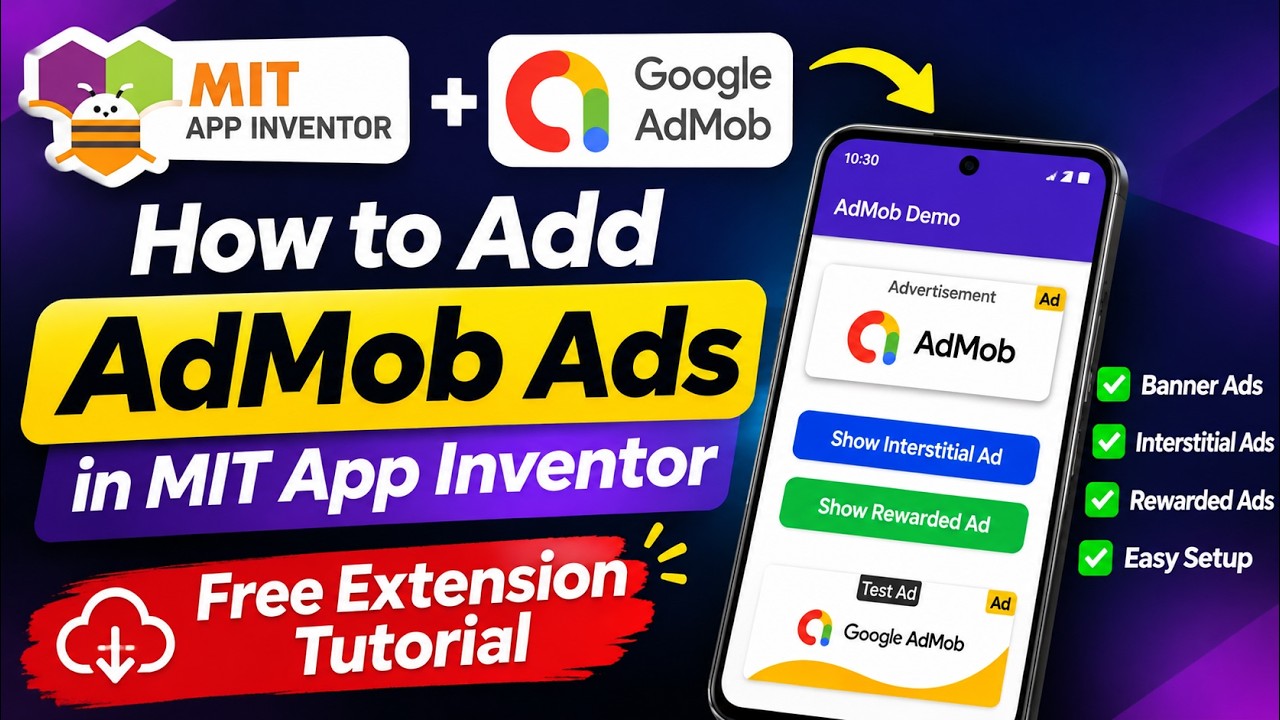
 Watch the Tutorial on YouTube
 What's Included?
- Adaptive Banners: Automatically matches your device width for better fill rates and visual appeal.
- Standard & Large Banners: Standard (320×50), Large Banner (320×100), and Full Banner (468×60).
- Medium Rectangle (MREC): 300×250 inline banner format.
- Interstitial Ads: Full-screen static and video ads.
- Rewarded Video Ads: Video ads that trigger a reward callback once the user finishes watching.
- Rewarded Interstitial Ads: Modern Google hybrid format offering rewards without forcing long video watches.
- App Open Ads: High-performing ads shown when opening or resuming the app.
- Smart Fallback & Auto-Retry: Automatically falls back to test units or retries when inventory returns NO_FILL so your layouts stay clean.
- Auto-Rotation Engine: Optional timer to rotate fullscreen ads at custom intervals without needing extra Clock blocks.
 Component Properties
| Property | Type | Default Value | Description |
|---|---|---|---|
AppId |
Text | ca-app-pub-3940256099942544~3347511713 |
Your Google AdMob App ID (defaults to Google's official test ID). |
AdUnitId |
Text | ca-app-pub-3940256099942544/6300978111 |
Banner Ad Unit ID (defaults to test banner ID). |
BannerSize |
Text | ADAPTIVE |
Format: ADAPTIVE, BANNER, MEDIUM_RECTANGLE, LARGE_BANNER, FULL_BANNER, or RANDOM. |
InterstitialAdUnitId |
Text | "" |
Ad Unit ID for Interstitial ads. |
RewardedVideoAdUnitId |
Text | "" |
Ad Unit ID for Rewarded Video ads. |
RewardedInterstitialAdUnitId |
Text | "" |
Ad Unit ID for Rewarded Interstitial ads. |
AppOpenAdUnitId |
Text | "" |
Ad Unit ID for App Open ads. |
TestMode |
Boolean | True |
Set to True while developing to see Google test ads safely. |
FallbackToTestAds |
Boolean | True |
Automatically loads a test ad if a live ad returns NO_FILL during development. |
ShowDebugToasts |
Boolean | False |
Shows handy on-screen toast messages when debugging ad events. |
AdContainer |
Component | (None) | The layout container (like a HorizontalArrangement) where the banner sits. |
RandomMode |
Boolean | True |
Allows random selection between loaded fullscreen ad types. |
AutoRetryOnNoFill |
Boolean | False |
Retries loading another ad if Google returns a no-fill response. |
 Methods (Blocks)
Banner Ads
LoadBannerAd()— Loads and displays a banner ad inside your specifiedAdContainer.ShowBannerAd()— Displays the loaded banner in the container.LoadAdaptiveBannerAd()— Helper to request an Anchored Adaptive Banner sized to the screen.LoadMediumRectangleAd()— Helper to load a 300×250 Medium Rectangle banner.LoadRandomBannerAd()— Loads a randomly chosen banner size.DestroyBannerAd()— Cleans up and frees memory when navigating away from a screen.
Interstitial Ads
LoadInterstitialAd()— Preloads a fullscreen interstitial ad in the background.ShowInterstitialAd()— Displays the loaded interstitial ad.IsInterstitialLoaded()-> Boolean — Returns true if the interstitial ad is ready to show.
Rewarded Video Ads
LoadRewardedVideoAd()— Preloads a rewarded video ad.ShowRewardedVideoAd()— Plays the loaded rewarded video.IsRewardedVideoLoaded()-> Boolean — Returns true if the rewarded video is ready.
Rewarded Interstitial Ads
LoadRewardedInterstitialAd()— Preloads a Rewarded Interstitial ad.ShowRewardedInterstitialAd()— Shows the rewarded interstitial ad.IsRewardedInterstitialLoaded()-> Boolean — Returns true if ready.
App Open Ads
LoadAppOpenAd()— Preloads an App Open ad for app launches or resumes.ShowAppOpenAd()— Shows the loaded App Open ad.IsAppOpenAdLoaded()-> Boolean — Returns true if ready.
Utility & Automation
PreloadAllAds()— Preloads all configured fullscreen ad formats together.ShowRandomAd()— Displays any available loaded fullscreen ad at random.StartAutoRandomAds(intervalSeconds)— Starts showing random fullscreen ads automatically at regular intervals (minimum 15 seconds).StopAutoRandomAds()— Stops the automatic timer.CheckVersion()— Prints status and verifies active extension version in Logcat.
 Events
| Event Block | Parameters | Triggered When |
|---|---|---|
AdLoaded |
(none) | Banner ad finishes loading and is visible. |
AdFailedToLoad |
errorCode, errorMessage |
Banner fails to load (e.g. error 3 = NO_FILL). |
AdOpened |
(none) | Banner is clicked and opens an overlay. |
AdClosed |
(none) | Banner overlay is closed. |
AdClicked |
(none) | Banner is clicked. |
InterstitialAdLoaded |
(none) | Interstitial is ready to be shown. |
InterstitialAdFailedToLoad |
errorCode, errorMessage |
Interstitial request fails. |
InterstitialAdOpened |
(none) | Interstitial is displayed on screen. |
InterstitialAdClosed |
(none) | Interstitial is dismissed by user. |
RewardedVideoLoaded |
(none) | Rewarded video is ready. |
RewardedVideoFailedToLoad |
errorCode, errorMessage |
Rewarded video fails to load. |
RewardedVideoOpened |
(none) | Rewarded video opens. |
RewardedVideoStarted |
(none) | Video starts playing. |
RewardedVideoCompleted |
(none) | Video completes playback. |
UserEarnedReward |
rewardType, rewardAmount |
User watched the ad. Grant coins, lives, or perks here! |
RewardedVideoClosed |
(none) | Rewarded video is closed. |
RewardedInterstitialLoaded |
(none) | Rewarded interstitial ready. |
RewardedInterstitialUserEarnedReward |
rewardType, rewardAmount |
User earns reward from rewarded interstitial. |
AppOpenAdLoaded |
(none) | App Open ad is ready to show. |
AppOpenAdFailedToLoad |
errorCode, errorMessage |
App Open ad request fails. |
AppOpenAdOpened |
(none) | App Open ad is displayed. |
AppOpenAdClosed |
(none) | App Open ad is closed. |
RandomAdShown |
adType |
Triggered whenever an auto-random ad is shown. |
 Quick Testing Tip
- Test with a compiled APK: Google Play Services Ad libraries require native binaries that cannot run inside the live AI Companion (
ReplForm). Build and install the.apkon your phone to test. - Keep TestMode = True: While building and testing, leave
TestModeenabled so Google serves test ads safely without risking your AdMob account.
 Download
-
Extension File:
com.thecodingbus.admob.aix(orTCBAdMob.aix)com.thecodingbus.admob.aix (2.0 MB)
-
Source Code: Coming soon to GitHub! :octocat:
-
Compatibility: Android 4.4+ (API 14 to API 34/35/36)
 Credits & Support
- Developer: The Coding Bus
- Website: thecodingbus.info
Feel free to try it out and share your feedback or questions below. Happy building! 