There's no other option but to use an underscore in the spaces.
Although it's probably not the right thing to do.
Regards

There's no other option but to use an underscore in the spaces.
Although it's probably not the right thing to do.
Regards

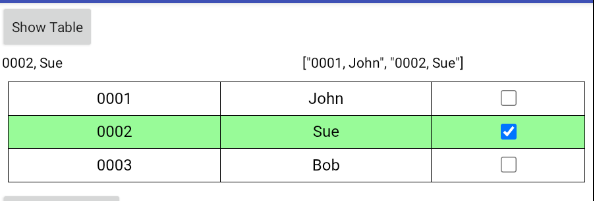
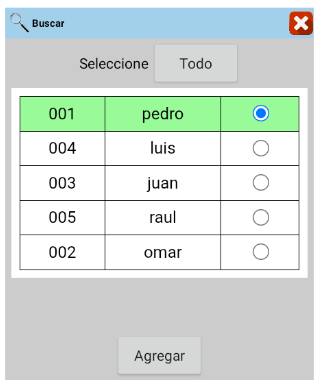
I would like the selection of a bullet point to retrieve the content of columns 1 and 2 and highlight the entire row.
Currently, with these blocks, I have to make two selections—one for the row and one for the bullet point—to get the content of rows 1 and 2.
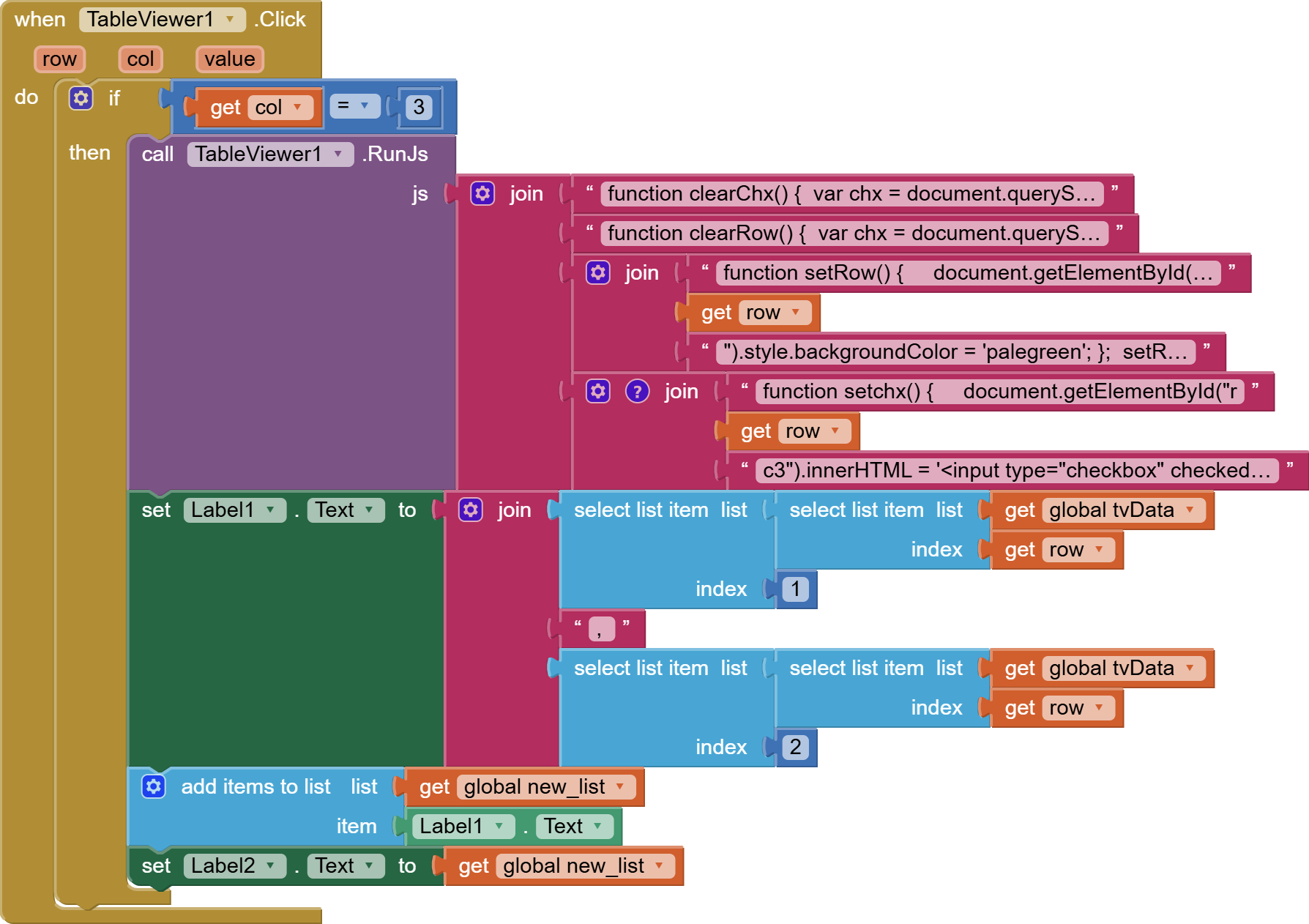
You could try this:
tvchxhighlight.aia (29.0 KB)

//clear all checked checkboxes
function clearChx() {
var chx = document.querySelectorAll('input[type="checkbox"]');
for (let i = 0; i < chx.length; i++) {
document.getElementById("r" + [i+1] + "c3").innerHTML = '<input type="checkbox"/>';
} }
clearChx();
//un-highlight all rows
function clearRow() {
var chx = document.querySelectorAll('input[type="checkbox"]');
for (let i = 0; i < chx.length; i++) {
document.getElementById("tr" + [i+1]).style.backgroundColor = 'transparent';
} }
clearRow();
//highlight checked row
function setRow() {
document.getElementById("tr" + row).style.backgroundColor = 'palegreen';
};
setRow();
//check highlighted row
function setchx() {
document.getElementById("r" + row + "c3").innerHTML = '<input type="checkbox" checked/>';
};
setchx();
There are several other ways to achieve the same.
Perfect.
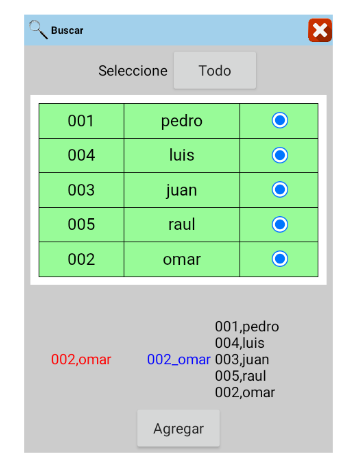
The purpose of this model is to select these rows and move them to another box to generate an order.
These can be:
*Just one row, as in this solved example.
*And also with the selection of 2 or more rows.
The second option, with the selection of 2 or more rows, should look like this.
The Label1 tag will continue to be added while the box is checked, and if it is unchecked, the selected rows will be updated and removed from the list.

I hope that's clear, but thank you in advance. TIMAI2
Once again, you ask for one thing, then expect another...you can probably work out what you need to do from the javascripts I have provided.
My apologies.
It's not because I want to do it in parts, but because I need the blocks this way to apply them in different circumstances.
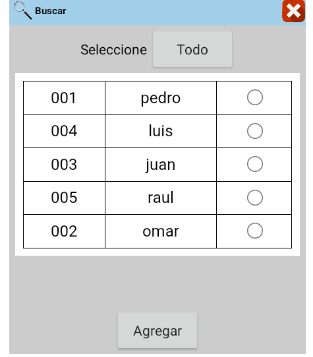
Furthermore, a third option is needed: a checkbox in the header that selects all the boxes. But I will implement that once I understand the second option.
For example, in this case, I don't know whether to add the selected element to a list after the selection.
Or during the selection.
Because after the selection, it adds the values but doesn't update them.
Unless I add a restriction to prevent repetition.
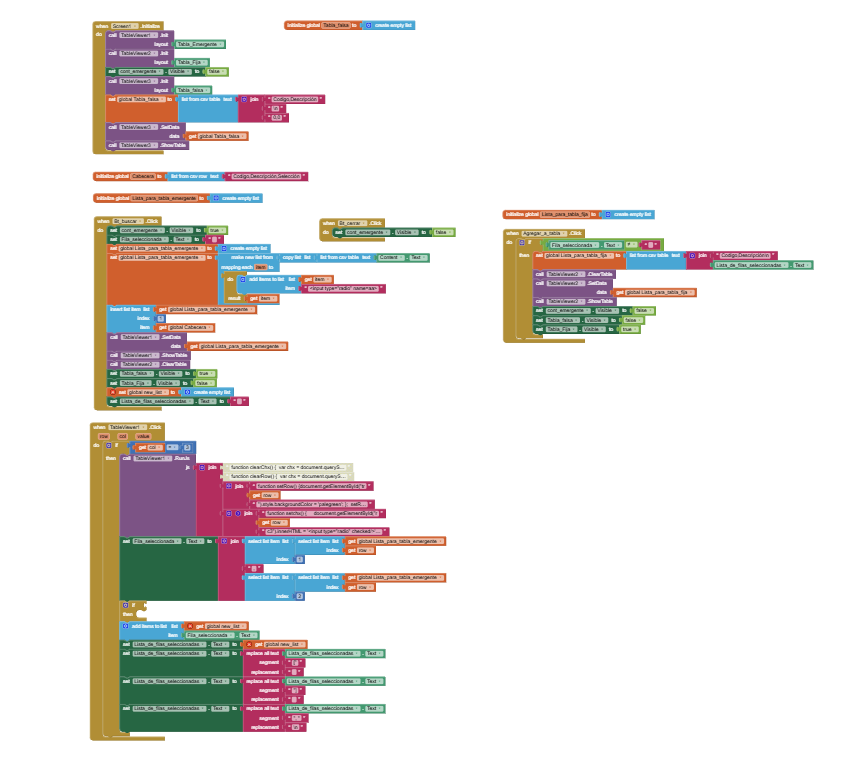
This is my project for selecting multiple rows, but I'm having these issues:
See the third search in the video.
*I need to uncheck the box to clear the color of the selected row and remove it from the list. (The problem is that the same content is added when I check the box.)
*Finally, I need to prevent any selection in the header.
The header should be static.
tvchxhighlight_2.aia (202.3 KB)
It looks good ![]()
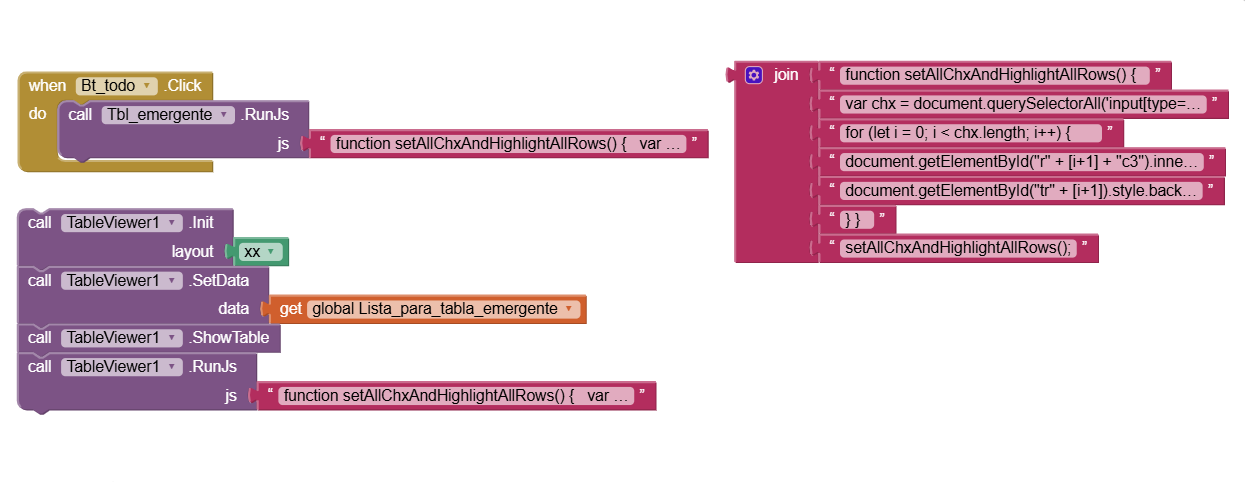
I just need to select everything with the (todo) button.
TIMAI2
You could take a look at it
And if you could help me with the button that selects everything, I would appreciate it.
Regards
tvchxhighlight_2 (1).aia (203.5 KB)
You should have everything you need to figure out what to do.
I can install this text without the pop-up table.

But the idea is for it to appear in the table for a more aesthetically pleasing look.

Maybe this extension instead ?
I'm not yet proficient with Table Viewers and I don't want to start with another one.
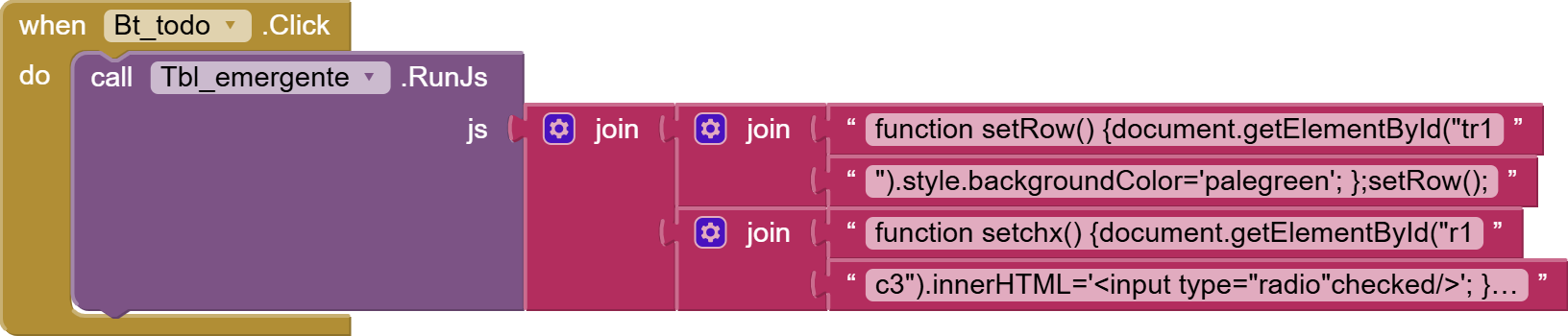
I just want something like RunJS that selects everything.
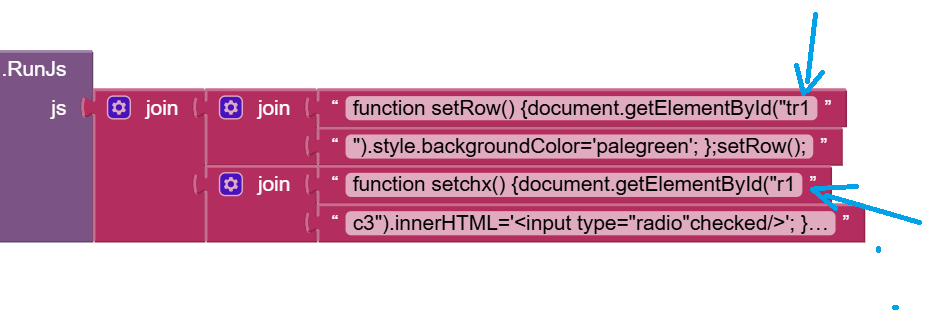
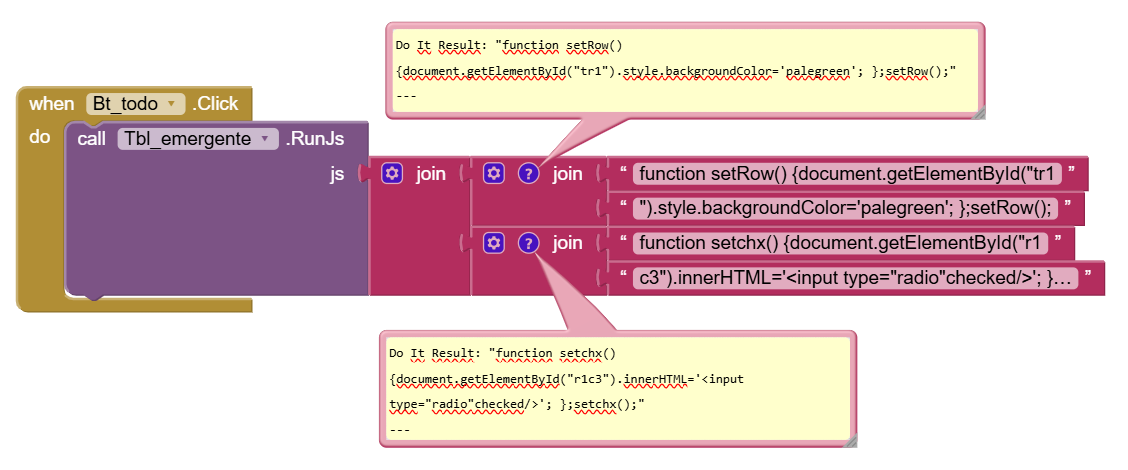
Here, it only selects the first row. I need it to select all of them.
Iterate over all the rows in the table, they all have ids.
Have you looked at the source code block (use Do It in companion app) which will show you all the html/css for the table.
Yes, anything is possible ![]()
Based on this app, could you provide me with an example in
(RunJS)
Is this what you wanted (never sure, you forever keep changing your mind)
function setAllChxAndHighlightAllRows() {
var chx = document.querySelectorAll('input[type="checkbox"]');
for (let i = 0; i < chx.length; i++) {
document.getElementById("r" + [i+1] + "c3").innerHTML = '<input type="checkbox" checked/>';
document.getElementById("tr" + [i+1]).style.backgroundColor = 'palegreen';
} }
setAllChxAndHighlightAllRows();