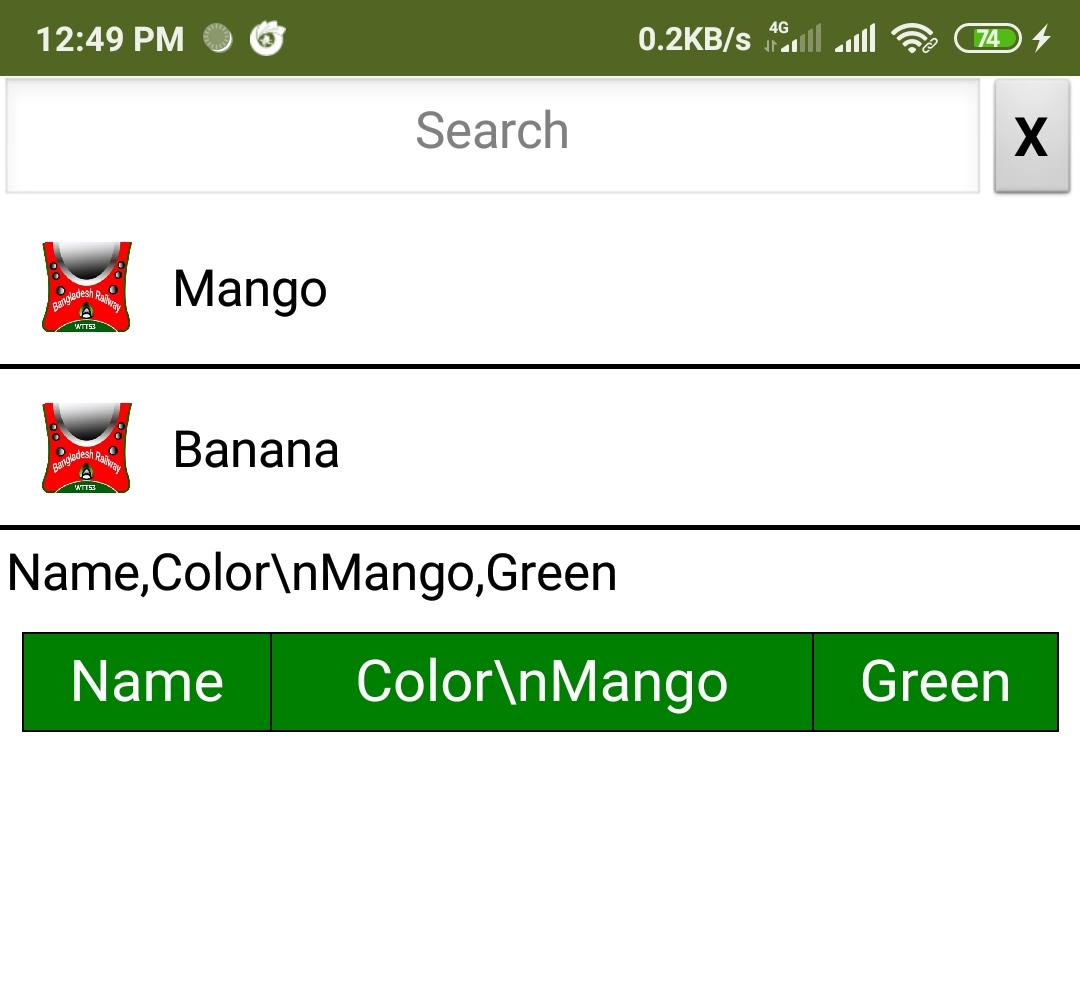
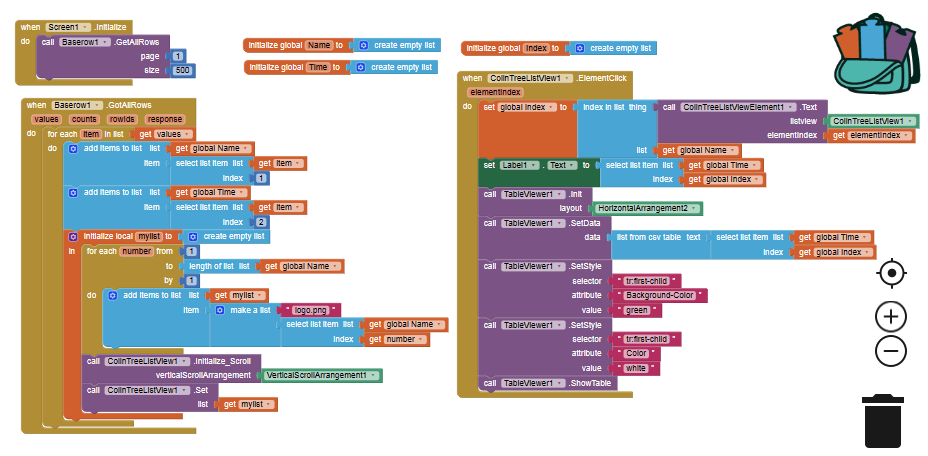
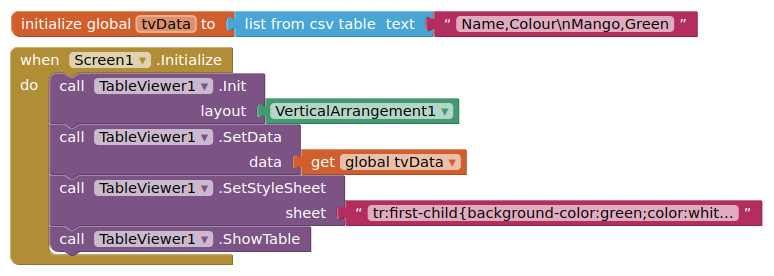
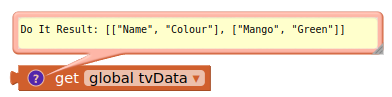
I have checked this issue, and still can not find a solution.
the ScrollTo method seems not working when header is fixed.
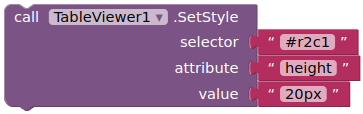
Now one workaround is to use another copy of this extension to make a one-row table on top of the data table. and you may also need more css to adjust the width of each column.
Firstly, thanks for your time.
Q1) Is there another way to fix the first row that doesn't effect the ScrollTo block? (runJs, etc)
Q2)How about show table block?
this maybe because different phone use different webview, which support different javascript.
As @TIMAI2 said, you can try some js to scroll up after showtable.
you can test by yourself using native Webviewer +html+css+js.
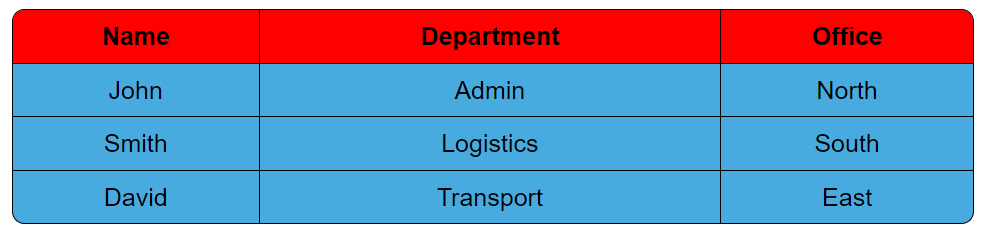
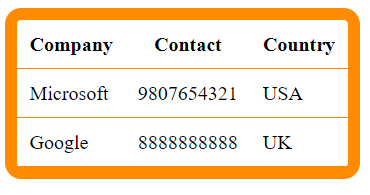
How to do rounded corner with shadows like below image
Note: In below image shadows around table is not displayed, but I want shadows also to display the table as card
Hello,
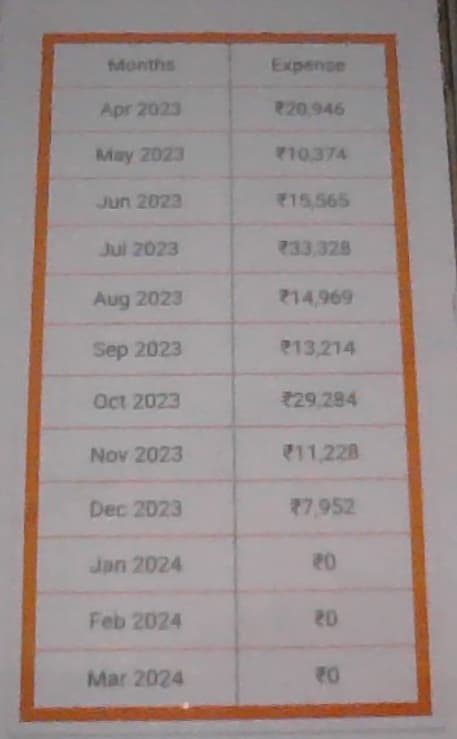
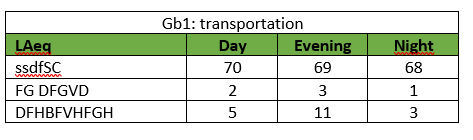
I am using tableviewer for a few weeks now and like the way to make a table. I use it to make reports with results. Until now I can't find a way to make a particular table. See below.
Is it possible to make a table like this? I made this one in Word.
May be it is easy to do but I can't find it. Please help me with this.
Theo
Thank you for working this out for me!
I've implemented your code in my testcode (see aia). TVHighlightRow(4).aia (63.3 KB)
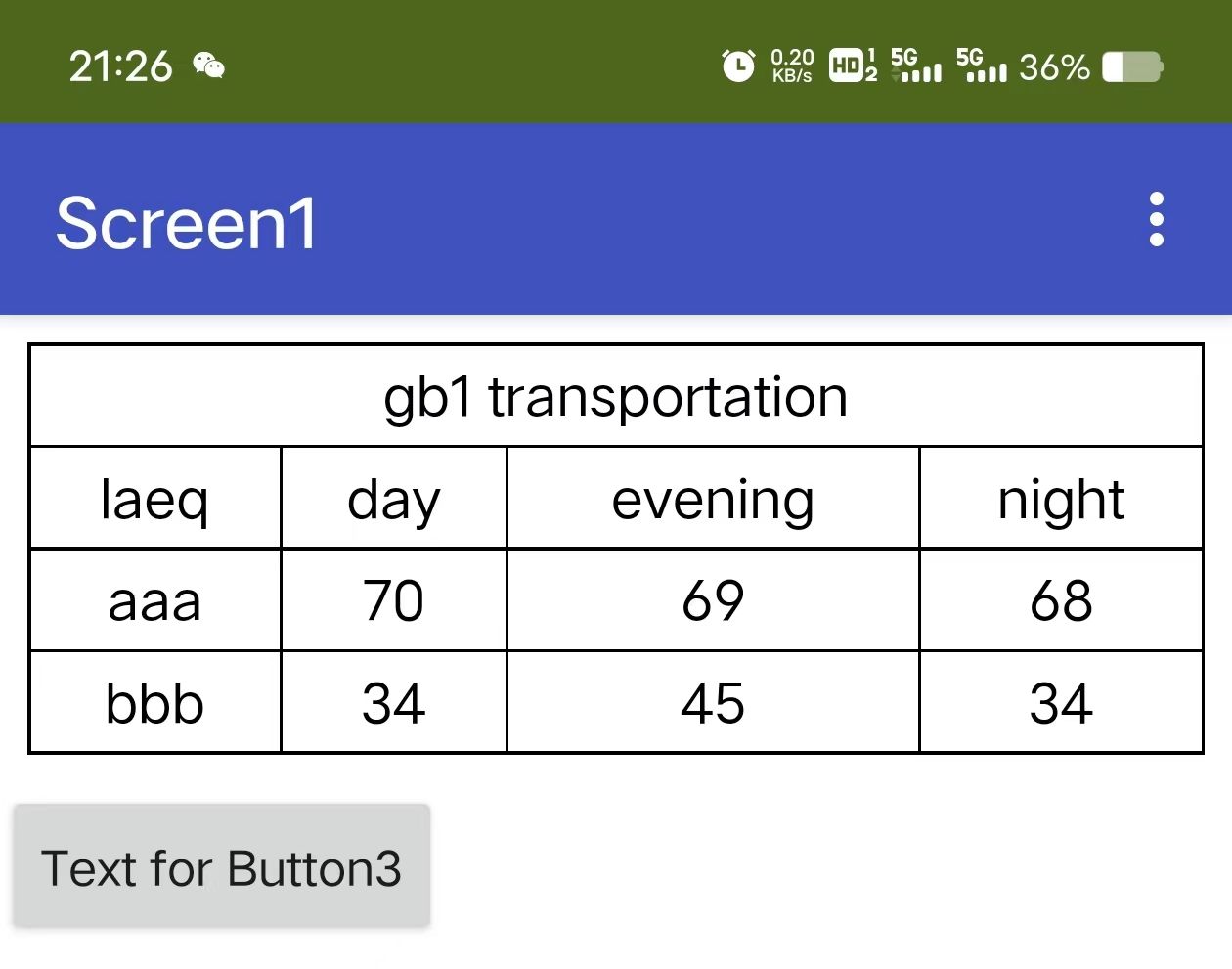
to make a table. The first cell doesn't show without jasonscript. With js there is also no view.
I think that I know what you mean. How do you separate that? By use a different window?
By the way. When I use no jasonscript. The first table row doesn't show also. Or is this only done by js?