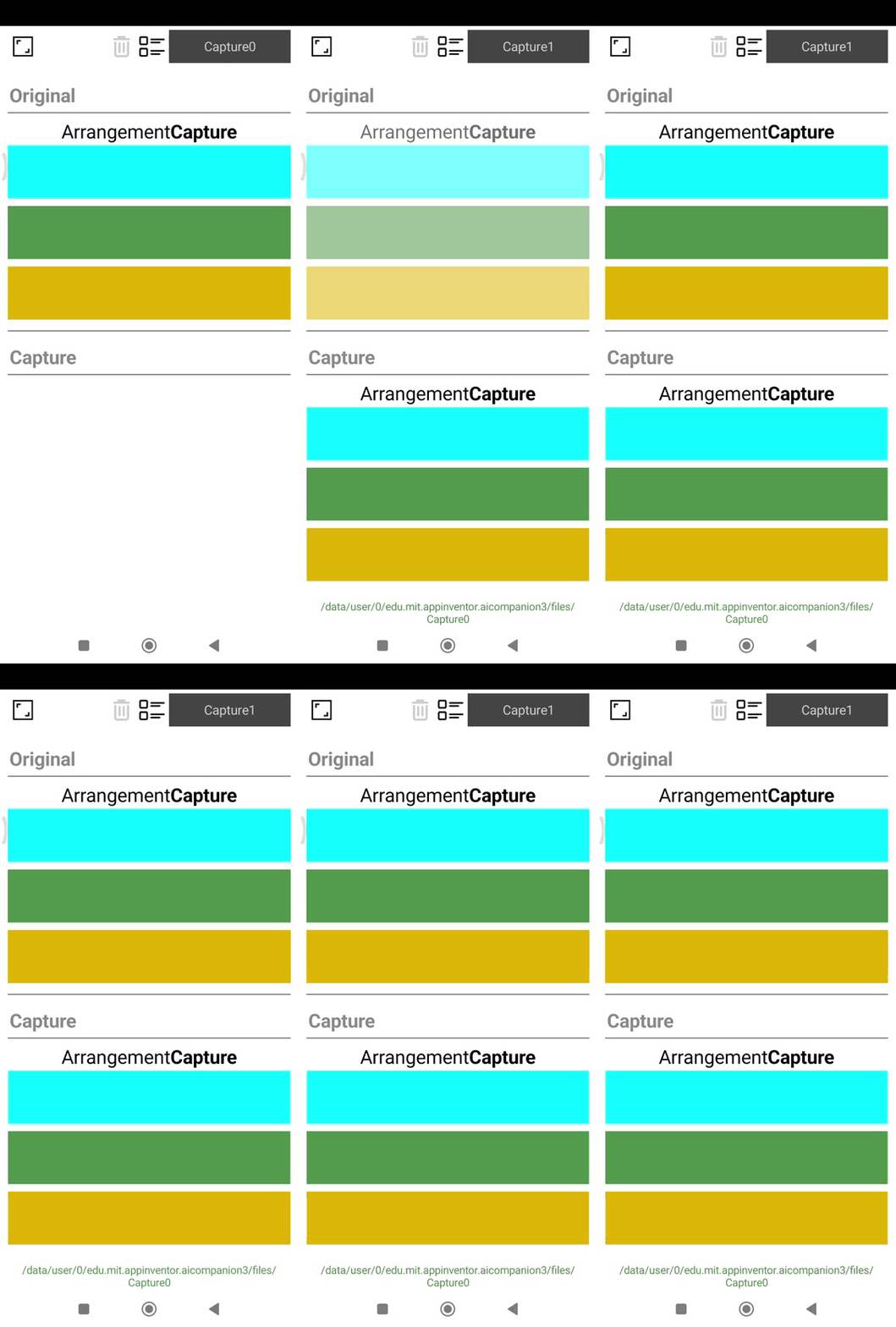
Capture image, rename, delete, flash effect.
SetArrangement
Sets the arrangement to capture.

CaptureArrangement
Captures the image of the specified arrangement and saves it to the specified file.

Formats: png, jpg, webp.
CaptureExists
Checks if a capture exists.

DeleteCapture
Deletes a capture.

ListCaptures
Lists all captures.

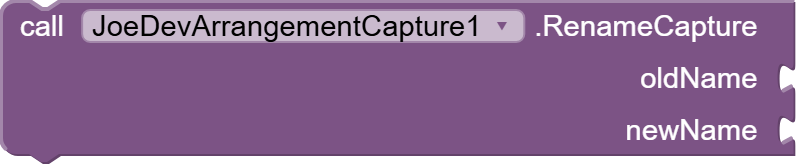
RenameCapture
Renames a capture.
GetArrangementDimensions
Gets the dimensions of the arrangement.

GetFilePath
Gets the file path of a capture.

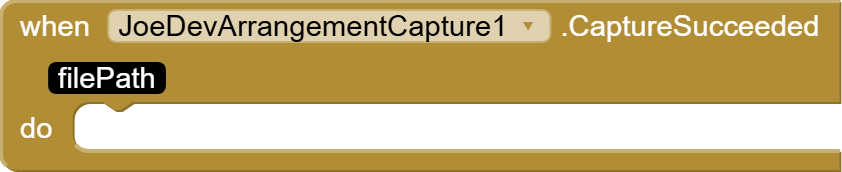
CaptureSucceeded
Fired when the arrangement capture is successful.
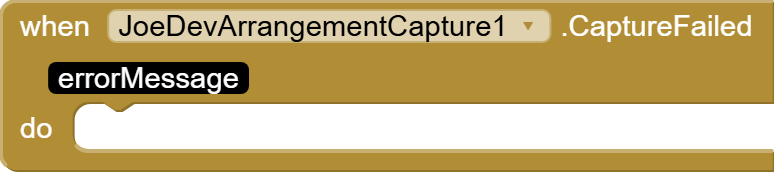
#CaptureFailed
Fired when the arrangement capture fails.
CaptureDeleted
Fired when a capture is deleted.

CaptureRenamed
Triggered when a capture is renamed.

v1.1Free VersionJune 19, 2025.
- A parameter has been added: fileType, to specify the format in which the capture will be saved.
- Now the screenshots will be saved in the Downloads folder.
joejsanz.joedevarrangementcapture.aix (11.3 KB)
v1.2Paid VersionJune 22, 2026.
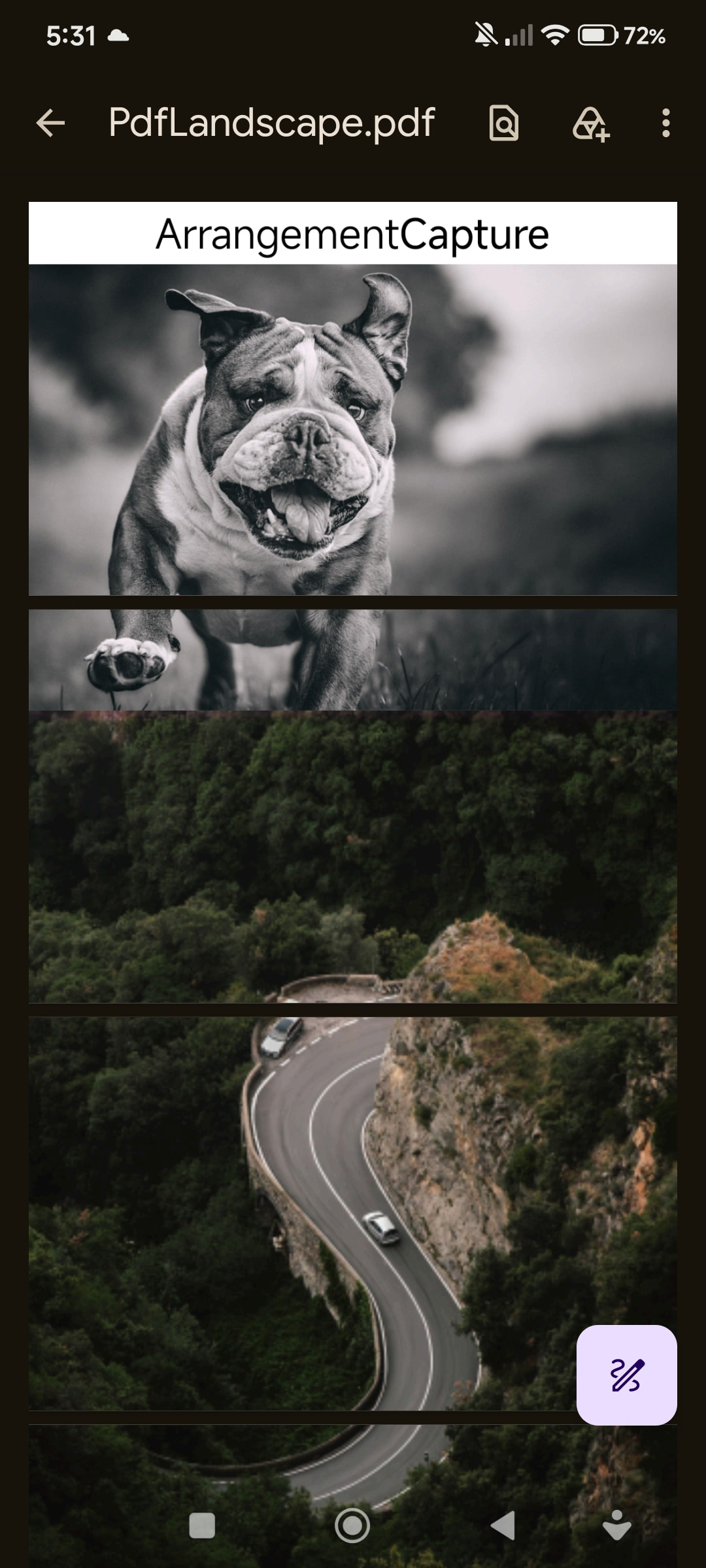
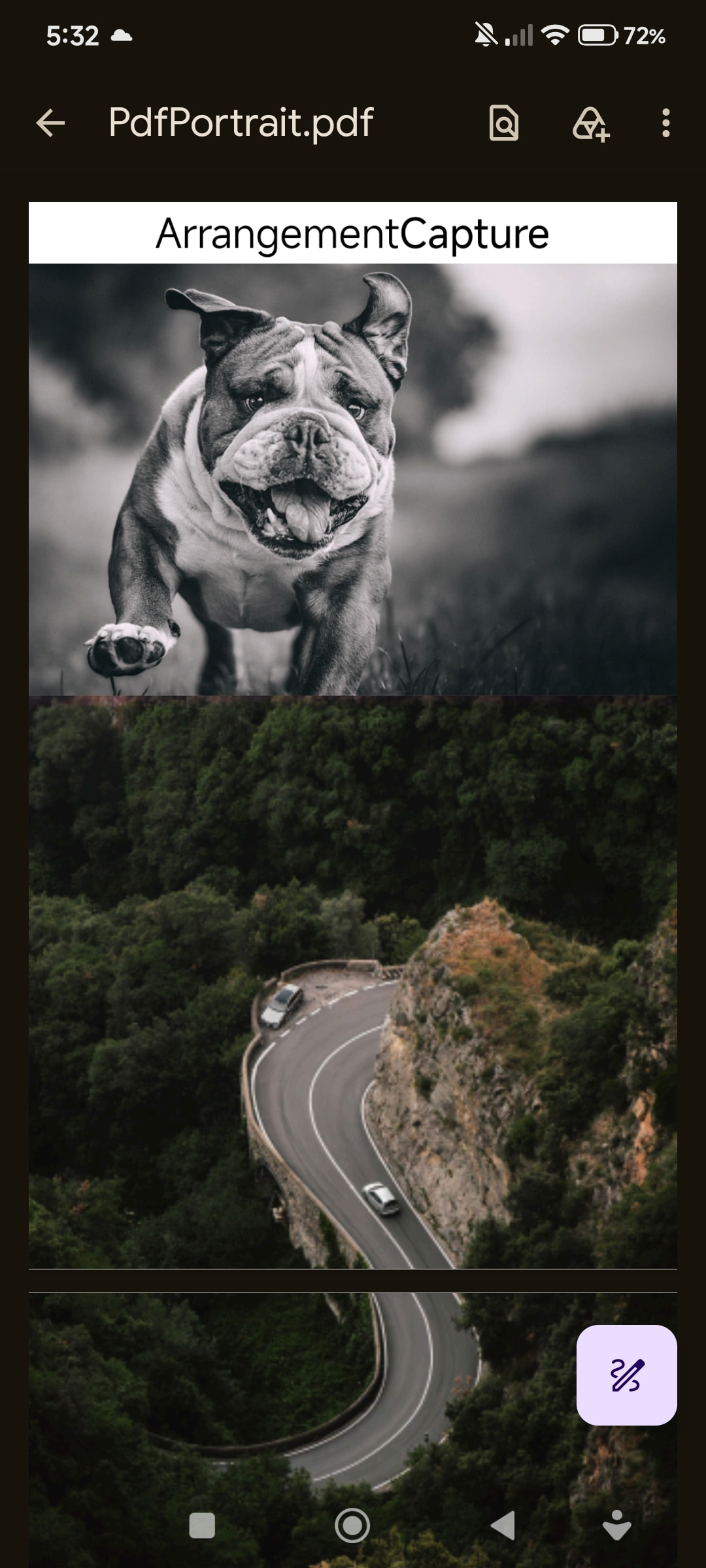
- Added the option to save the capture as a PDF.

- Single page
Exact dimensions of the captured layout
No margins
The image fills the entire page
High quality (same as the original PNG).
You can also capture in a Scroll Arrangement.
Landscape:
Portrait:
FullContentCapture
Enable or disable full content capture for scrolling layouts.

- True = capture all content, False = capture only visible area.
PdfPageSize
Set PDF page size in points (1 point = 1/72 inch).

- Default is Letter (612x792).
PdfPageSizePreset
Set PDF page size using preset names: Letter, A3, A4, A5, Legal, Tabloid, Executive, B5, Postcard, Ledger, Statement.

PdfScale
Set PDF scale factor. Default is 1.0. Higher values make content larger on the page.

-
PdfScale(1.0) Content is displayed at its original size (no additional scaling).
-
PdfScale(1.5): The content is enlarged by 50% in the PDF.
-
PdfScale(0.75): The content is reduced to 75% of its original size.
#PdfOrientation
Set PDF orientation. Use "Portrait" or "Landscape."

PDFSinglePage
Set PDF single page mode. True = single page with all content scaled to fit, False = multiple pages (default).

- If single page is activated, deactivate PdfExactSize.
#PdfExactSize
Set PDF exact size mode. True = PDF page has exact content size (no scaling), False = use configured page size (default).

If true, the PDF will be exactly the same size as the captured content.
-
Example: If your Arrangement is 800x600 pixels, the PDF will be 800x600 pixels.
-
Advantage: There is no loss of quality due to scaling. Each pixel of the content corresponds to 1 point in the PDF.
-
Disadvantage: It can create PDFs of unusual sizes that don't match standard paper sizes (A4, Letter, etc.).
If false, which is the default value, the PDF will use the configured page size, the one you set with PdfPageSize or PdfPageSizePreset.
-
Example: If you set the size to A4 (595x842 pixels), the PDF will always be A4, even if the content is smaller or larger.
-
The content is scaled to fit the page.
If you enable PdfExactSize(true), PdfSinglePage is automatically disabled (because they cannot work together).
#GetCurrentPdfPageSize
Get current PDF page size in points.

- Buy the extension
v1.2.
PayPal
$5 USD
What You Will Get:
- .aix File: The compiled extension ready to import into your project.
- .aia File: With PDF configuration.
Support & Updates Policy
- Bug Fixes: Free lifetime updates for any bug fixes related strictly to the extension's code.
- Support: Technical support is provided only for issues or errors regarding the extension's execution. It does not include personalized UI design or general app-building assistance.
 Important: License Activation
- What we need: During or after the purchase, you must provide the exact email address you use to log in to MIT App Inventor.
- How it works: The extension validates your developer account email through our secure database (Firebase) during design/runtime. If the email does not match, the extension will be restricted.
- Delivery: Once your payment is confirmed and you provide your developer email address, your license will be activated as soon as possible and the
.aixfile will be delivered to you.
Note: The license is valid for one (1) developer email account.
JDK: 11
Minimum API Level: 21
Updated On: 2026-06-22T07:00:00Z
Built using: FAST-CLI v6.5.0-premium
Thanks.