Introducing AppWeb Studio — A Visual HTML Builder for Your WebView Component
We all know how powerful the WebView component is — it's the gateway to canvas games, rich animations, custom UIs, and anything HTML/JS can do inside your app. The catch? To really use it, you usually have to hand-write HTML, CSS, and JavaScript.
AppWeb Studio fixes that. It's a web-based, drag-and-drop builder whose only job is to generate the HTML you load into your WebView. You keep building your app exactly the way you do today — AppWeb Studio just gives you a visual, no-code way to create the web content that lives inside the WebView.
Think of it as a companion, not a replacement. Your project stays yours; AppWeb Studio simply hands you a ready-to-use
index.htmlto drop in.
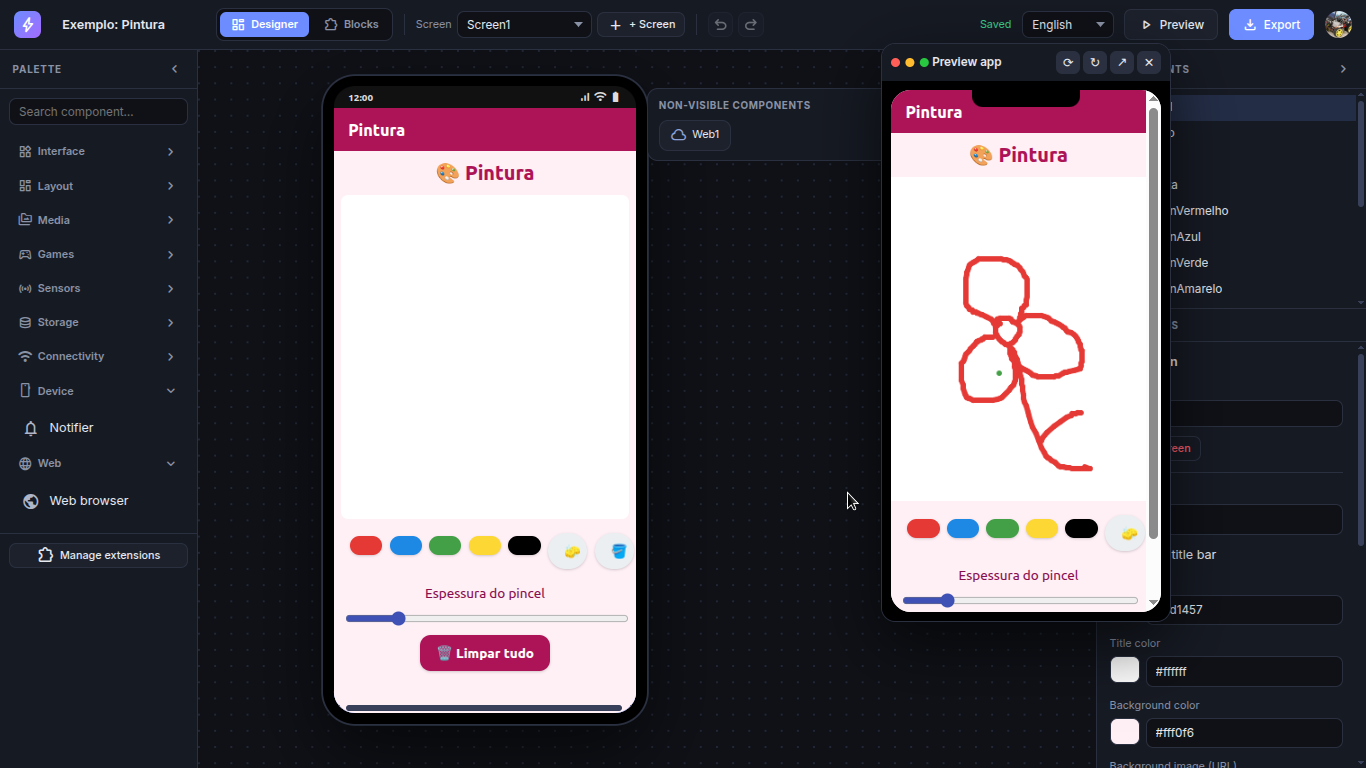
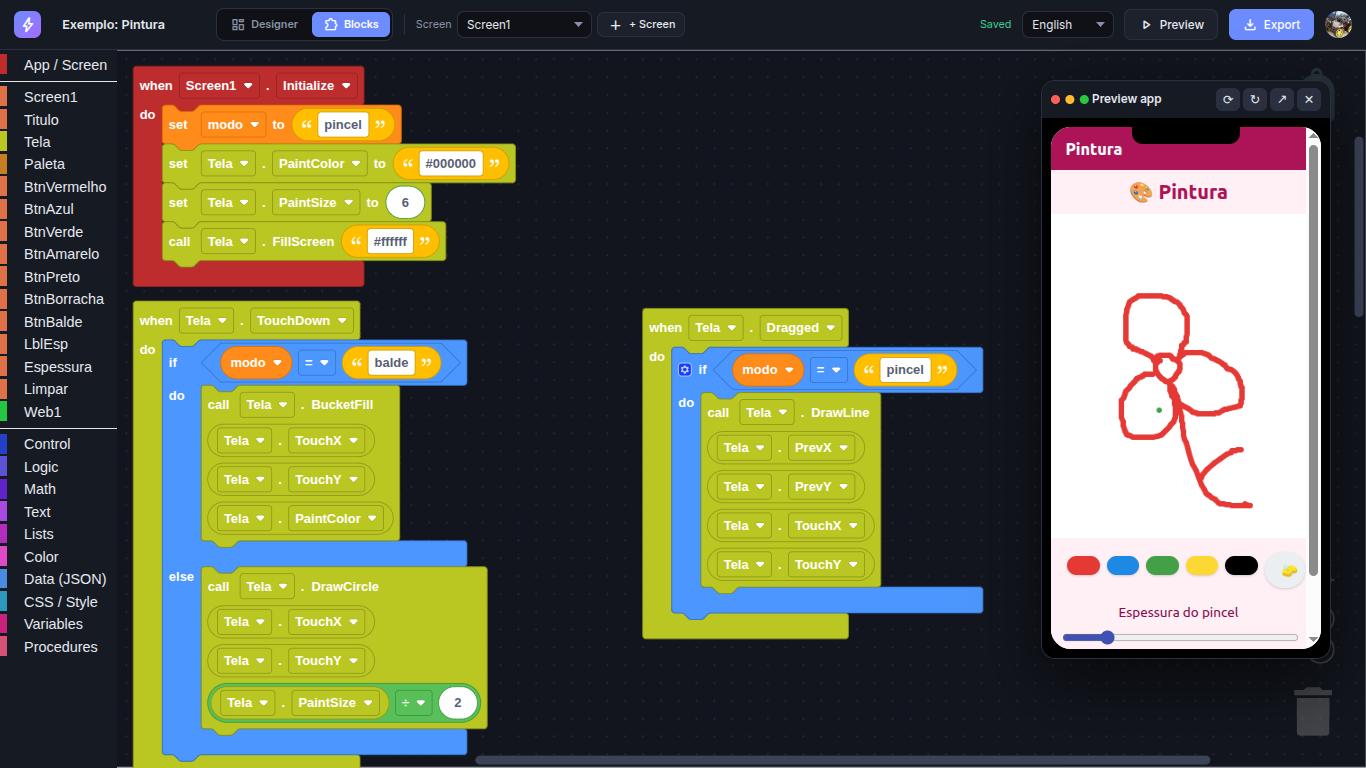
 How it fits your workflow
-
Design & code visually in AppWeb Studio — screens, buttons, canvases, sprites, logic blocks.
-
Export a single, self-contained bundle of HTML + CSS + JavaScript.
-
Load it into your WebView (from assets or a URL) and you're done.
No build pipeline, no frameworks, no syntax errors — just clean web code made for the WebView.
 What you can build
-
Visual block programming — assemble your logic by snapping blocks together.
-
Drag-and-drop layout — position buttons, images, text, and canvases precisely.
-
Games out of the box — sprites, collisions, touch controls, physics, tilemaps, and animations (ready-made examples: a shop, a car game, a platformer, a paint app).
-
Live phone preview — watch it run in a floating device frame with portrait/landscape support before you ever export.
-
Cloud projects — sign in with Google and your work saves automatically across devices.
-
Multi-language studio — English, Portuguese, and Spanish.
 What you get out
A clean, standalone index.html plus assets — standard web code that runs perfectly inside a WebView. You own it completely and can drop it straight into your existing projects.
 What's free
Building is free — create a project, design it, and test it live in the preview at no cost. A Pro plan unlocks exporting your HTML and keeping multiple projects in the cloud.
 Who it's for
Anyone who uses the WebView component and wants a faster, friendlier way to create the rich interactive content that goes inside it — without writing code by hand.
It's not here to replace how you build apps — it's here to make your WebView content effortless. Give it a try! 