Yeah, that was my logic but for some reason it is not responding that way. Try creating a marker based on a map tap, while the map is rotated to some degree. The marker will be off-set by a big gap.
Thanks for your followup
Yeah, that was my logic but for some reason it is not responding that way. Try creating a marker based on a map tap, while the map is rotated to some degree. The marker will be off-set by a big gap.
Thanks for your followup
testingferat.aia (47.3 KB)
Using the mapas.aia you provided in the first post I noted the rotation problem.
To recreate:
P.S.
If I'm not wrong leaflet does not provide native map rotation, which plugin did you use?
P.S.S.
Forgot to add that rotating fingers clockwise rotates the map anticlockwise ( on my phone, android 10 ), not sure this helps
Leaflet doesn't allow map rotation by default. There's a user-created map rotation plugin that works well, but it shifts map elements during the rotation, although it returns them to their original positions at the end, creating an unsightly visual effect, so I don't use it.
To rotate maps, I created my own rotation plugin, which works well when used automatically, for example, when following a route, the map rotates in the direction of travel. However, when rotating with fingers, besides not being compatible with zoom, it creates a slow, counter-clockwise rotation because it requires a negative rotation value; otherwise, it doesn't rotate. I'm still working on it, but there are few solutions. I'm only using this option (rotating with fingers) because some users requested it, and it could be sufficient for a basic function.
Yes, I mean exactly this. Can you not disable this function by creating new Lines and circles?
try this
testingferat.aia (47,6 KB)
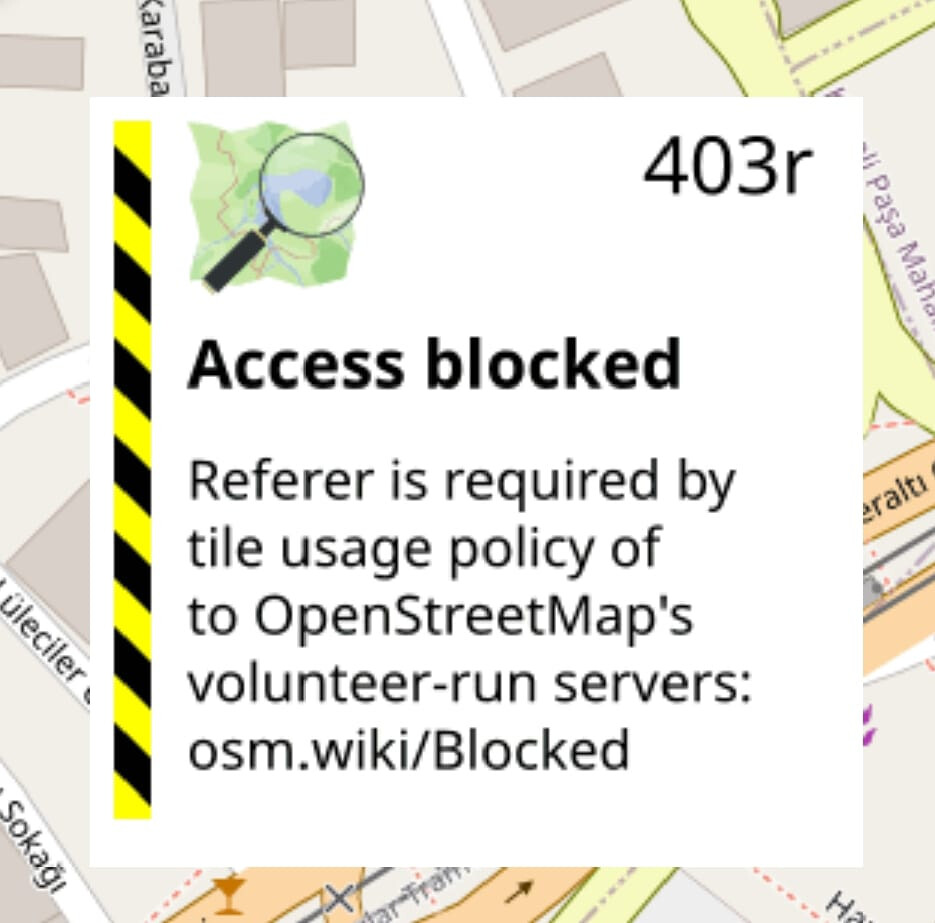
Yes, OSM has started blocking requests from mobile apps. Tomorrow or the day after, I'll upload a new version with many changes that fixes this problem.
yeah, bad news and good news 
New version 1.5, see the first post
It looks like a great job at first glance. I'll probably sit in front of it all night when I get home tonight.
Thanks a lot, Mario. You are super
Modification that was prepared but not compiled, 3D option see first post
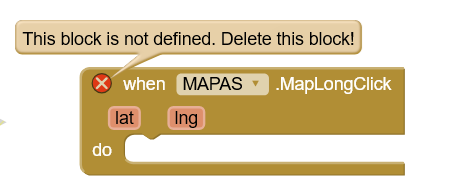
Did you forget this block? It is very important (at least in my Project). Is it possible to have it again?
The long click doesn't work well in Mapalibre; I've replaced it with a double-click, which works fine and is very similar to the long click.
Okay, I'll use then double-clicking instead, but it would be really nice if it actually worked.
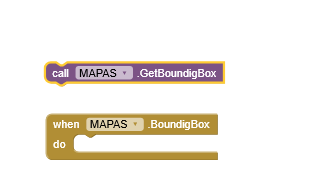
see this events
This includes adjustments to the getBoundingbox Event and the addition of a new "3D Buildings" layer, see the first post.
Great Mario, I am seeing that the aix is getting nice additions. I am checking some of the features and may I say that the 3D effect is a very usefull feature. Just some suggestions:
One thing that was there but now I can’t see the effect is the map rotation. Is it possible to add a method to rotate a map with animation rather then going directly to the mentioned angle. Used to be there in the previous versions of the aix.
Same goes for the move map…if possible one can add a feature that the map panning from point a to point b is done smoothly.
Thanks