sorry, i dont understaind how to group the blocks so that it works 
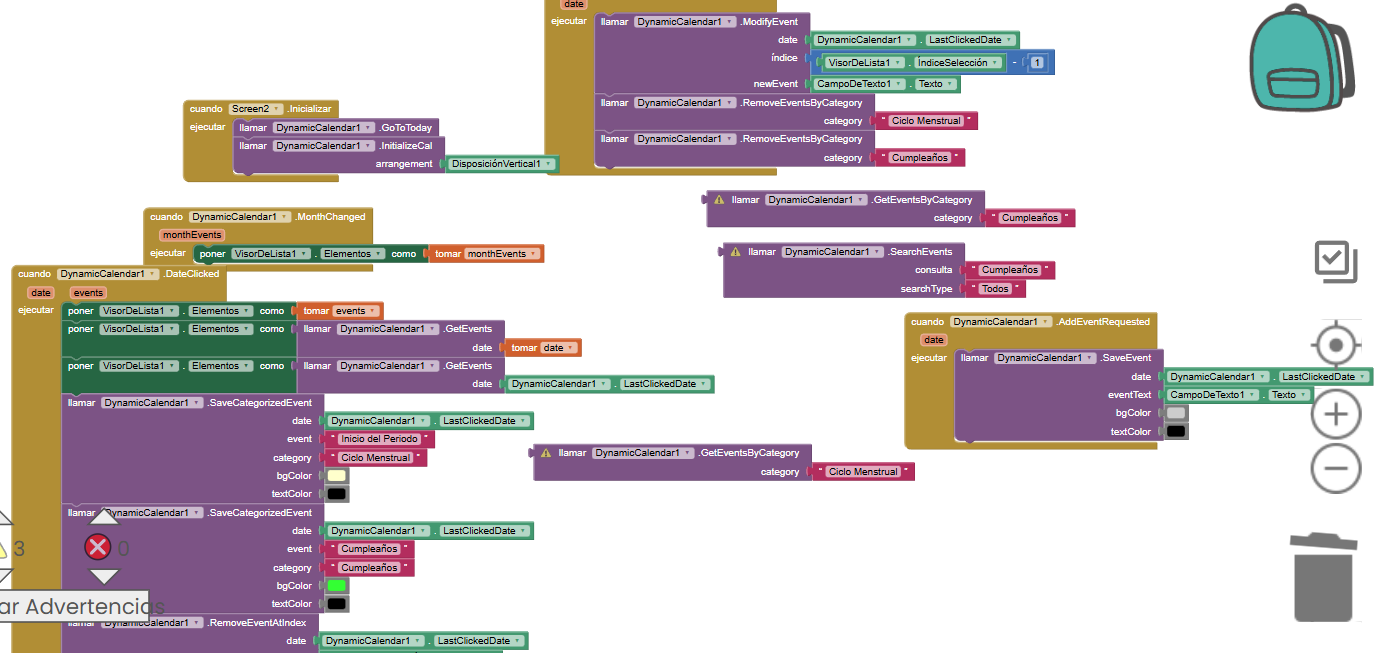
Later will release updated version with an guide. Anyhiw what is aim with this extension? So i can suggest you the logical sequence
Version 5
Update: More blocks are reduced. No need to add blocks for adding events, managing events, deleting events. let the default drawer will do it. The only htings is user need to long press on date to add event for single day or recurrence mode (repeatedly at particulr days interval, weekly,monthly/yearly)
jsr.dynamiccalendar.aix (41.0 KB)
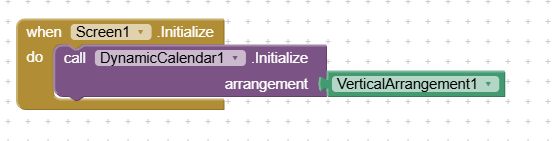
the above block alone is enough to handle teh calender work. I have tested in available devices with me and found working. if you find any difficulty pls let me know with device model, android version.
Modified blocks and designer properties are ,
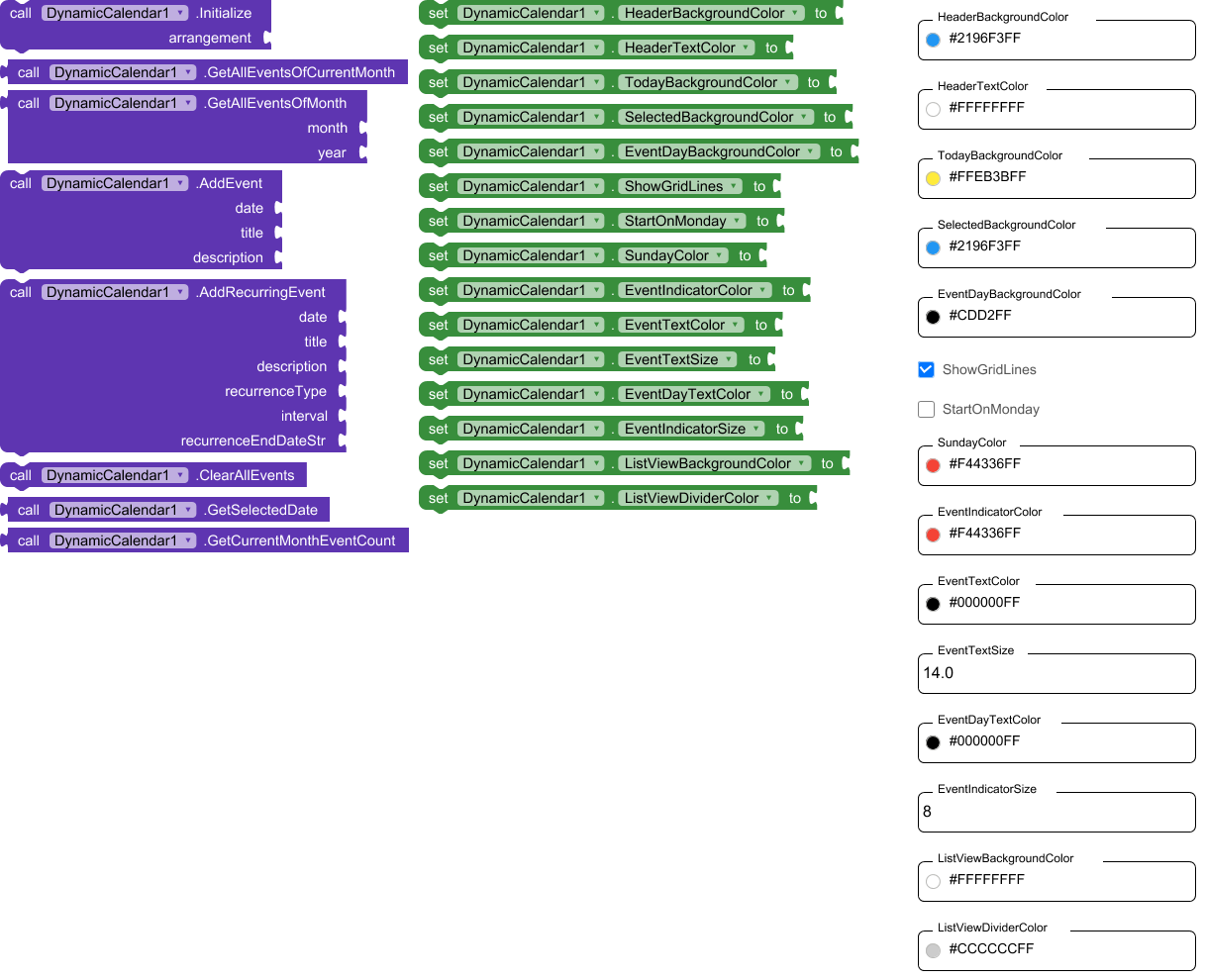
Test and let me know your positive as well as negative feed back to correct me
Thank you.
How to add event?
-Long clickon any date, pop up will open . Just fill it and click save.
How to edit the saved event?
-click on the event another pop up will open with options edit and delete, just follow it.
Hello, I’m beginner in using kodular,…wanna ask, is there any version that compatible for android version 5.1.1?…
I believe it will work, pls check. I do not have such version mobile.
Yes it works, i have already check it and it works… thanks
1 Like