⭕ CircleMenu
Presenting you with my new extension extension component for CircleMenu to add circular menu to your app with a lot of customizations.
ℹ️ CircleMenu
💡 Current Version 2.0
📁 File Size 23 KB
📦 in.akshatt.CircleMenu
📅 Created On 2022-01-18 | Updated On - 2022-09-24
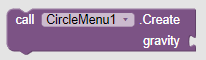
Create - Creates a circular menu.

OpenMenu - Opens the menu.

CloseMenu - Closes the menu.

isMenuOpened - Returns if menu is opened.
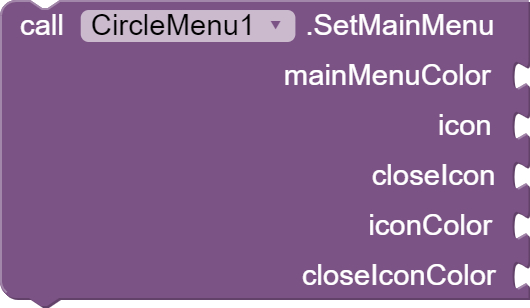
SetMainMenu - Sets up main menu, set the icon color to -1 if you dont want to add any color
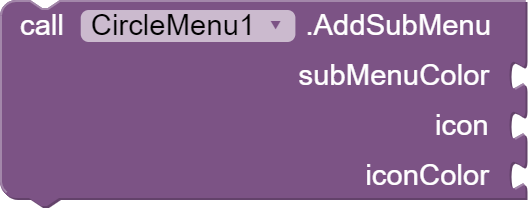
AddSubMenu - Adds a sub menu, set the icon color to -1 if you dont want to add any color.
SetShadowRadius - Sets the shadow radius of menu.
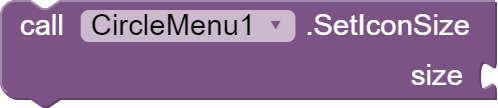
SetIconSize - Sets the size of the menu icons.
Note:- This method may not work properly
Use Hex - For using hex color code.
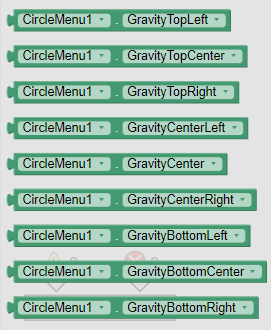
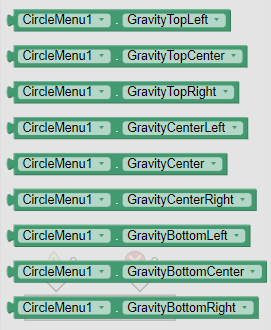
Gravity Properties
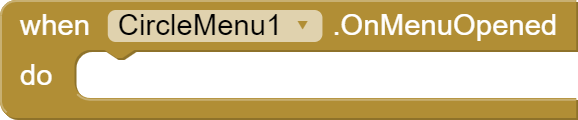
OnMenuOpened - It is called when the menu has been opened
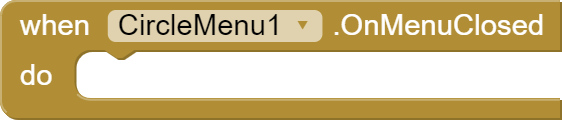
OnMenuClosed - It is called when the menu has been closed
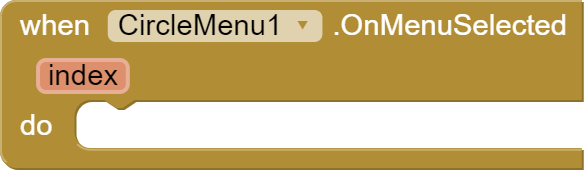
OnMenuSelected - It is called when the menu item has been selected has been opened. Returns
id [int] of the item
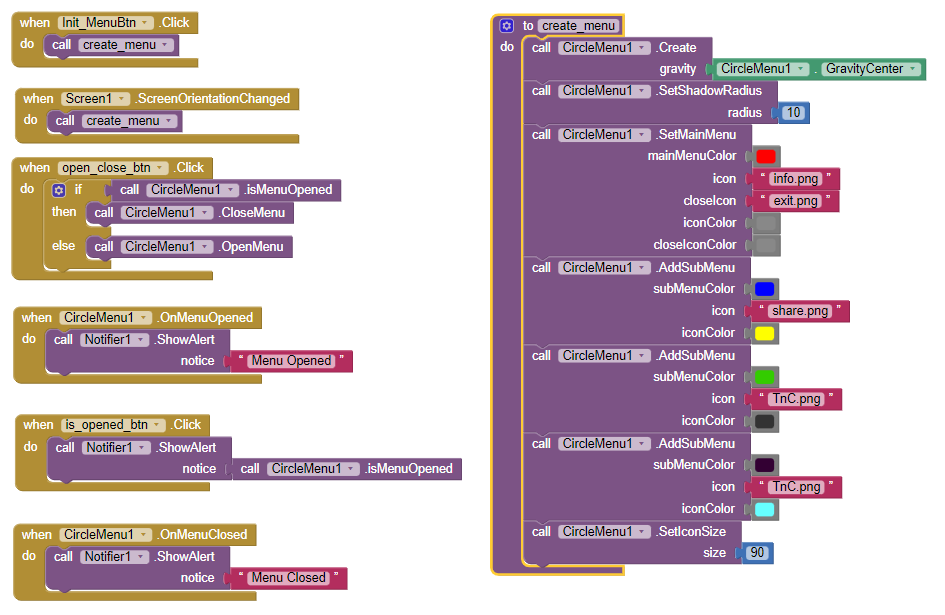
↘️ Usage
Special thanks to @shreyash for his amazing Rush
Download
Liked My Work?
Support me on:
https://ko-fi.com/akshatdeveloper
Special thanks to the library owner:-
Hit  button if you liked the extension.
Fly here for the reviews
18 Likes
Version 1.1 [ Orientation Error Fix ]
After a long time I am here with a new update for this extension.
About Update
This update contains a bug fix which caused error when we changed the screen orientation. So I came up with a solution which I will tell further.
How to fix?
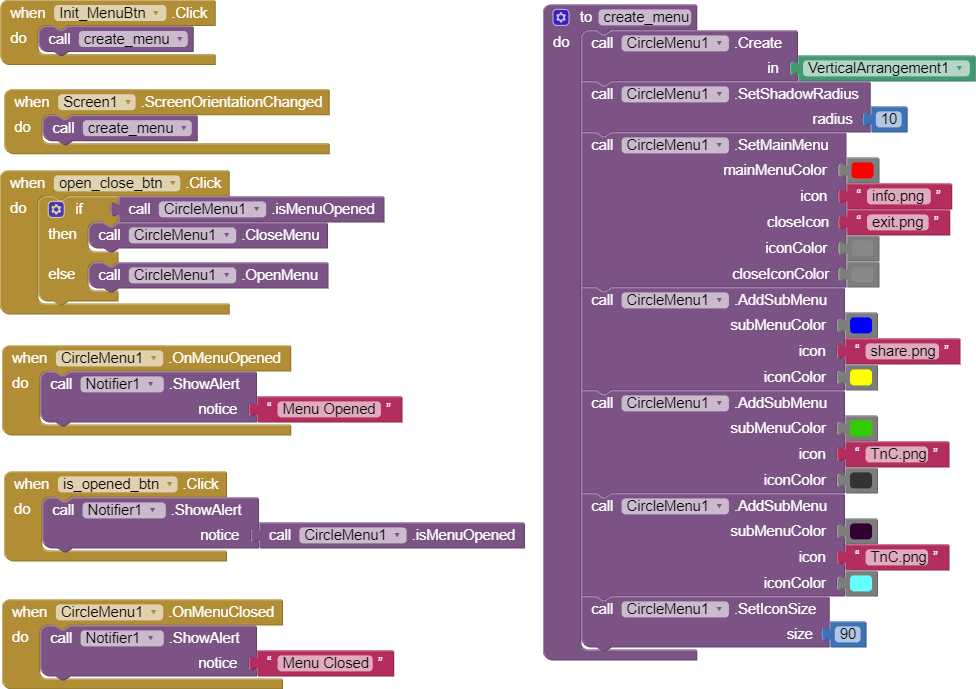
In order to fix the bug you have to update your extension to 1.1 update. After that you need to use procedure block to make circle menu.
Now.. Add the Screen Orientation Changed Event to blocks section and run the procedure from there as shown below:-
Where create_menu is the procedure to create the circular menu.
To buy, DM me 
Update Free For Previous Buyers
1 Like
New Update [2.0]  Added Support For Floating On Screen
For the past few days, I was trying to implement a new feature that shows the circle menu floating on the screen.
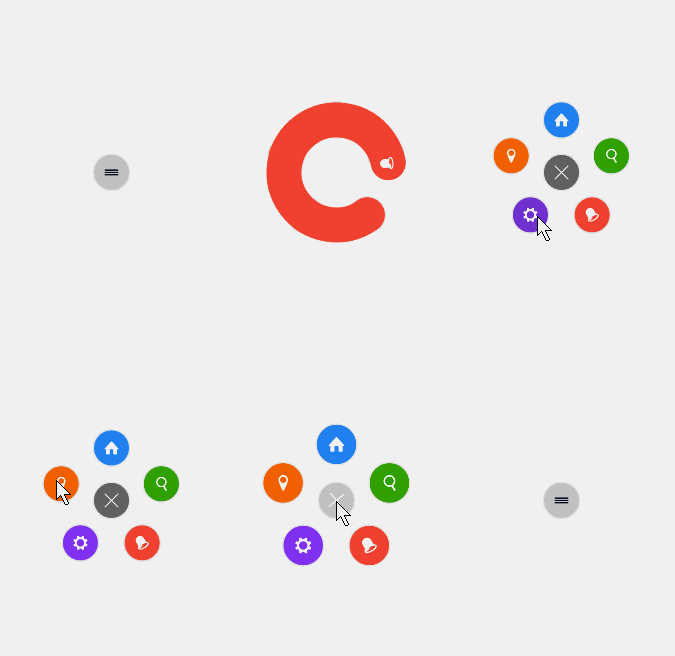
Below is the demo:-
Updated Blocks:-
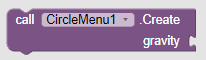
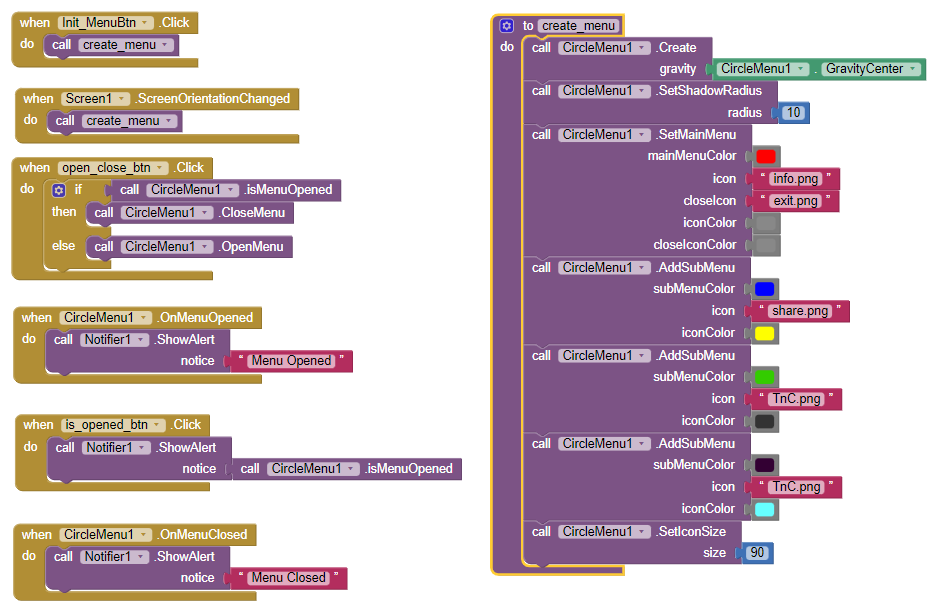
Now You don't need to pass any view component to create the view.
Added blocks to control gravity on screen.
Updated Usage
DM me to buy
Pricing Update
The extension is now free.
See the main post for download link.
1 Like
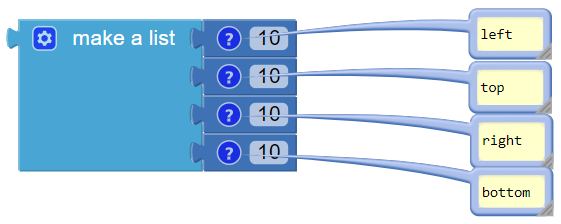
What block to put at "margins"?
If empty, it shows "The arguments , [85] are the wrong number of arguments for Create..." at Companion.
Provide a list of 4 items like this:
1 Like
Great, But Keep your work up to date as SDK requirements. 
This can be a big great if you really improve yourself and your extension.
Have a nice day! Dear., Keep Growing!



 ->
->